Scaling a team is the easy part. Scaling your scheduling is where things fall apart.
Most software works fine at 20 employees. Add locations, roles, shift complexity, and contingent workers, and the cracks show fast. Research shows that friction tends to appear as organizations scale usage or introduce more complex scheduling rules, and teams that struggle often underestimate what it takes to align scheduling with payroll, attendance, and compliance at scale. That’s a costly lesson to learn after you’ve already onboarded a platform.
This guide skips the guesswork. Here’s what’s covered:
- What breaks first when small-team scheduling tools try to scale
- The best employee scheduling software for large teams, ranked and reviewed
- Must-have features for multi-location and high-volume operations
- How to evaluate scalability before you commit
One platform built specifically for this challenge: Nowsta handles scheduling, time tracking, compliance, and payroll for large hourly and contingent workforces in one place. It’s what purpose-built actually looks like at scale.
TL;DR: Quick Comparison of Best Employee Scheduling Software
| Platform | Best For | AI Scheduling | Multi-Location | GPS Clock-In | Payroll Integration | Compliance Automation | Contingent Workforce |
|---|---|---|---|---|---|---|---|
| Nowsta | Hourly, shift-based, and contingent workforces | ✅ Advanced | ✅ Full | ✅ Geofencing | ✅ Native | ✅ Automated | ✅ Full vendor mgmt |
| Shiftboard | Enterprise with complex compliance and union rules | ✅ Advanced | ✅ Full | ⚠️ Limited | ⚠️ Via integration | ✅ Automated | ⚠️ Partial |
| Workforce.com | Scheduling-to-payroll continuity for hourly teams | ✅ Advanced | ✅ Full | ✅ Geofencing | ✅ Native | ✅ Automated | ❌ Limited |
| UKG Pro | Large enterprises with full HCM needs | ✅ Advanced | ✅ Full | ✅ Multiple options | ✅ Native | ✅ Automated | ⚠️ Partial |
| Deputy | Multi-location shift businesses needing compliance | ✅ AI-assisted | ✅ Full | ✅ Geofencing | ⚠️ Via integration | ✅ Automated | ❌ Limited |
| When I Work | Hourly teams needing clean, scalable scheduling | ⚠️ Basic | ✅ Full | ✅ Geofencing | ⚠️ Via integration | ⚠️ Partial | ❌ Limited |
| Connecteam | Deskless and field-based teams | ✅ AI-assisted | ✅ Full | ✅ GPS + geofencing | ⚠️ Via integration | ⚠️ Partial | ❌ Limited |
| Homebase | Small-to-mid hourly businesses, single or few locations | ⚠️ Basic | ⚠️ Per location | ✅ Geofencing | ⚠️ Add-on | ⚠️ Partial | ❌ Limited |
| Parim | Event staffing and security at high volume | ⚠️ Rule-based | ✅ Full | ✅ Mobile | ⚠️ Reporting only | ⚠️ Partial | ⚠️ Partial |
| 7shifts | Multi-location restaurant and hospitality groups | ✅ AI-assisted | ✅ Full | ✅ POS-integrated | ⚠️ Via integration | ✅ Automated | ❌ Limited |
What Breaks First When Tools Try to Scale
There’s a predictable pattern with small-team scheduling tools. They work beautifully at 15 to 30 employees. Clean interface, fast setup, managers figure it out in a day. Then the team hits 100 workers across three locations, and the same platform that felt effortless starts costing hours every week in manual fixes, coverage gaps, and payroll corrections nobody saw coming.
The failure isn’t sudden. It’s a slow accumulation of friction that builds until it breaks.
Here’s where it typically breaks first, and in roughly this order.
Visibility Collapses Across Locations
A single-location employee scheduling app gives managers one screen, one team, one set of shifts. Add a second or third location, and that model falls apart fast. Suddenly, managers can’t see work schedules across sites without jumping between views, and no one has a clean picture of total coverage, real-time attendance, or which location is approaching overtime first.
The result: decisions get made in isolation. One site runs over on employee hours while another is understaffed. Neither manager knows until after the shift ends. This is where manual scheduling quietly starts costing serious money.
Availability Tracking Becomes a Full-Time Job
At a small scale, a manager can hold employee availability in their head or in a shared spreadsheet. At a large scale, that’s impossible. Time off requests come in from multiple channels. Availability changes don’t sync to the schedule automatically. Managers end up cross-referencing three different sources before they can create schedules for next week.
The better workforce scheduling software platforms handle availability tracking natively, so approved time off requests automatically block those windows and prevent accidental assigned shifts for unavailable workers. Small-team tools usually don’t.
Compliance Exposure Multiplies
A single overtime violation is a manageable problem. Dozens of them across multiple locations, compounding across pay periods, create legal and financial exposure that small-team tools were never designed to catch.
Labor regulations don’t scale proportionally with team size, they compound. Break rules, daily hour limits, minor labor protections, and predictive scheduling laws all need to be enforced at the shift management level, not reviewed after the fact. Tools built for small teams typically rely on managers to catch these manually. At 200-plus workers, that’s not a system. It’s a liability.
The Scheduling Process Breaks Down
Small-team tools are often built around a drag-and-drop scheduler that works fast for simple rosters. They were never designed to automatically assign shifts across multiple roles, skill sets, locations, and compliance constraints simultaneously. At scale, managers spend more time building and rebuilding schedules than running operations.
Scheduling errors compound at a large headcount. A missed certification requirement, a scheduled shift assigned to a worker already at their weekly hour limit, a coverage gap that nobody flagged, all of these become increasingly likely when the scheduling tool requires manual oversight at every step.
Payroll Integration Falls Apart
When manual data entry is the bridge between your employee scheduling app and payroll, small errors become expensive ones at scale. Employee hours from multiple locations need to reconcile across different pay rates, roles, and overtime rules. Without a direct integration between scheduling, time tracking, and accounting software, someone is manually reconciling timesheets every pay cycle. And at high volume, that someone is spending hours they don’t have.
Integrated time tracking that feeds directly into payroll isn’t a nice-to-have at a large scale. It’s the difference between a payroll process that works and one that breaks on a rotating basis.
The “Grow Into It” Myth
Most teams discover these failure points after they’ve already rolled out a platform, trained their managers, and onboarded their workers. Switching platforms mid-growth is painful and expensive. The smarter move is selecting employee scheduling software that’s already built for the scale you’re heading toward, not just the scale you’re at right now.
Read more: How large organizations successfully transition off spreadsheets
The Best Scheduling Software for Large Teams, Ranked
Scaling from 20 employees to 200-plus doesn’t just mean more people to schedule. It means more locations to coordinate, more compliance exposure, more shift complexity, and significantly less margin for error. The platforms below are ranked specifically on how well they hold up at that scale, not just how well they perform in a demo.
1. Nowsta
Best for: Large hourly, shift-based, and contingent workforces across events, catering, hospitality, QSR, and staffing
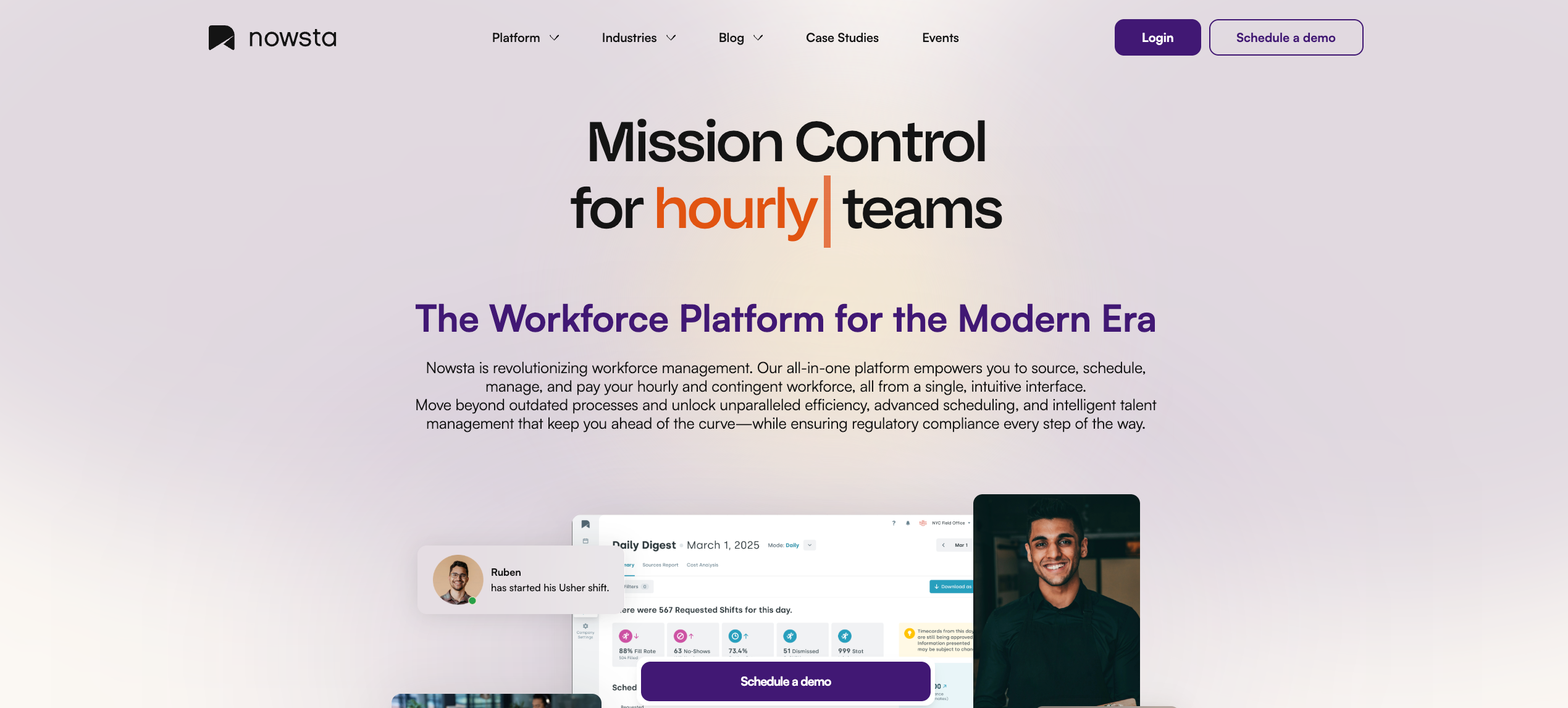
When you’re coordinating hundreds of hourly workers across multiple locations and event types, a basic scheduling tool isn’t going to cut it. Nowsta is built for exactly that operating environment: high-volume, high-variability, and zero tolerance for scheduling gaps that cost real money in real time.
Where most platforms top out at scheduling, Nowsta connects the entire operational chain. Scheduling feeds directly into time and attendance, which feeds into payroll, which feeds into compliance, all in one interface. Managers at large operations stop switching between systems and start actually managing.
Key features it offers for large teams:
- AI-powered scheduling at volume: Build complex, multi-location schedules in minutes using demand forecasting, skill-based rules, and reusable templates. Open shifts broadcast automatically to best-fit workers, cutting fill time by 30%
- Real-time visibility across the entire operation: See who’s clocked in, who’s approaching overtime, and which shifts are at risk, across every location, simultaneously
- GPS-verified time and attendance with geofencing that prevents time theft and buddy punching across distributed teams
- Unified employee management of full-time and contingent staff: Schedule direct hires and agency workers in the same system, with vendor performance tracking, automated invoicing, and a curated talent marketplace
- Customizable notifications that scale with your team size. Teams using Nowsta’s tailored notification settings see 35% higher engagement rates, a meaningful number when you’re managing hundreds of workers
- Real-time budget alerts that flag overspending before it compounds across multiple shifts or locations
- Payroll integration that syncs clocked hours directly into existing payroll systems, cutting processing time by 90% regardless of team size
- Automated compliance monitoring that enforces break rules, overtime thresholds, and labor regulations across every shift, without manual oversight
- Instant Pay access to boost shift coverage and retention at scale, where turnover pressure is highest
The result: 80% less time scheduling, 28% fewer no-shows, and 15% lower labor costs. For operations managing large contingent headcount specifically, Nowsta’s vendor management platform gives procurement teams complete visibility into agency spend, performance, and invoicing in one place.
Customer Spotlight
OTH Company needed to staff large-scale events nationwide, with hundreds of workers, multiple vendors, and complex shift structures across different markets. With Nowsta, they scaled their operation nationally without losing control of scheduling, compliance, or costs.
Read the full story
See how Nowsta works for your team size
2. Shiftboard
Best for: Large enterprises in healthcare, manufacturing, and industrial operations with complex compliance requirements
Shiftboard is an enterprise-grade scheduling platform built for organizations where scheduling complexity is the norm, think rotating shift patterns, union agreements, fatigue rules, and regulatory compliance that varies by role, location, and jurisdiction.
What it offers:
- Auto-scheduling that generates schedules matching specific operations, crews, shift pattern structures, union agreements, fatigue rules, and internal policies, with auto-blocking of violations before they’re published
- Demand planning using historical data to forecast and align shifts with expected business needs
- Worker engagement tools, including shift volunteering, shift pickup, trades, and decline options directly in the platform
- Integrations with Workday, SAP, Oracle PeopleSoft, Salesforce, ADP, and Microsoft Power BI
- SOC 2 certified security with 256-bit SSL encryption and two-factor authentication
Considerations:
Shiftboard supports only one-way messaging from managers to employees, with no two-way or group chat functionality. Users report a steep learning curve and occasional interface glitches, and the web platform feels dated compared to newer tools, with no drag-and-drop scheduling on the calendar view. It also requires a minimum of 100 employees, making it inaccessible for mid-sized operations still scaling up.
For large operations that also need payroll integration, real-time two-way communication, and contingent workforce management, Nowsta handles all three natively, with an interface that doesn’t require a steep learning curve to deploy across a large team.
3. Workforce.com
Best for: Large hourly operations needing scheduling and payroll in a single, tightly connected system
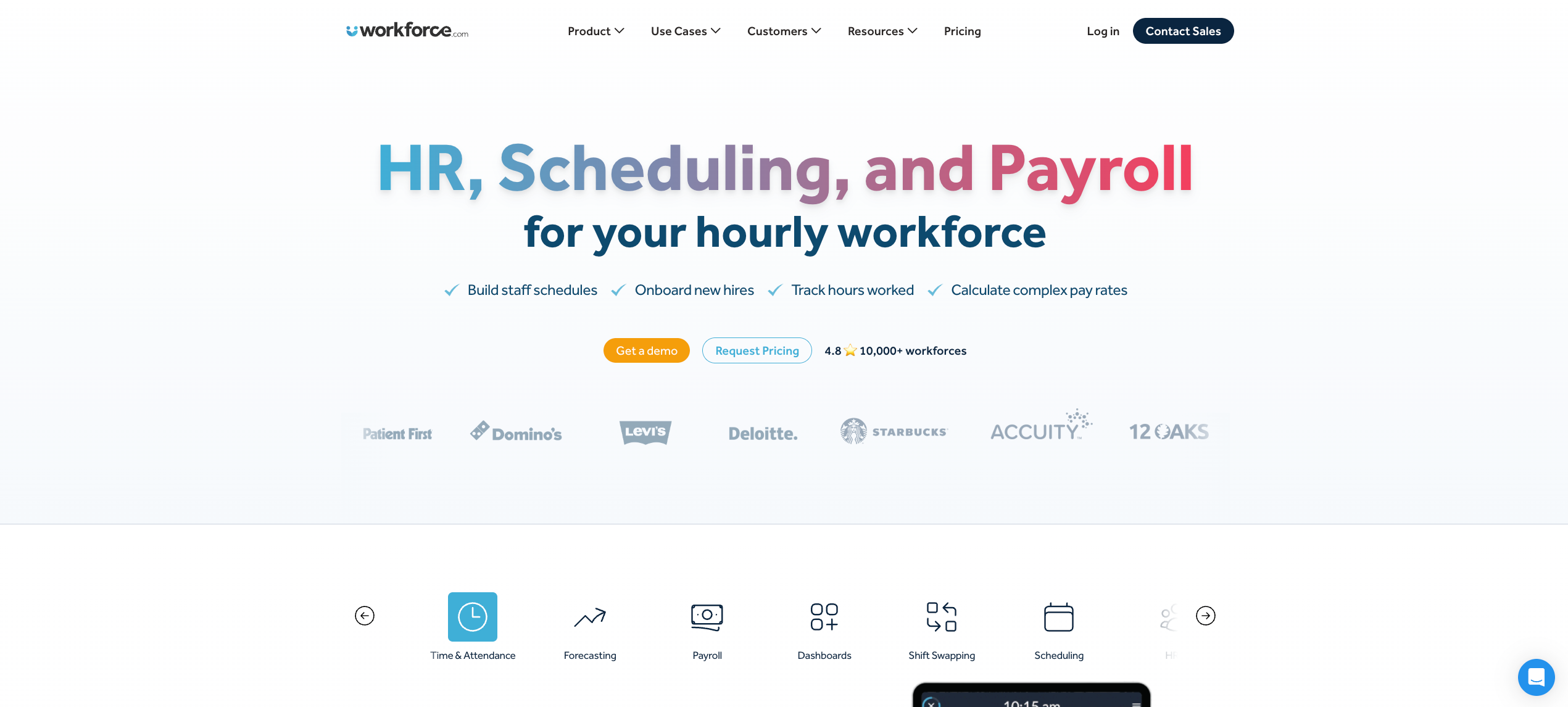
Workforce.com is one of the few platforms that treats scheduling and payroll as a single workflow rather than two systems connected by an integration. For large teams where payroll errors multiply fast, that architecture matters.
What it offers:
- AI-driven labor forecasting using historical sales data, foot traffic, and demand signals to build schedules up to four weeks out
- Wage-and-hour automation that applies overtime rules, pay rate changes, and weighted-average calculations directly on the timesheet before payroll runs
- Fair Workweek compliance enforcement baked into the scheduling process
- GPS clock-in with geofencing and an attendance points system that tracks patterns like late arrivals and no-shows over time
- Real-time manager dashboards with coverage, cost, and compliance visibility across locations
Considerations:
Workforce.com is strongest when the primary need is scheduling-to-payroll continuity. For large operations also managing contingent staff, staffing agencies, or a vendor ecosystem, the platform has meaningful gaps. Talent pool management, vendor invoicing, and agency performance tracking are not core capabilities.
Nowsta fills those gaps directly, connecting scheduling, payroll, and full contingent workforce management in one system, built specifically for operations that blend direct hires and agency staff across high-volume shifts.
4. UKG Pro Workforce Management
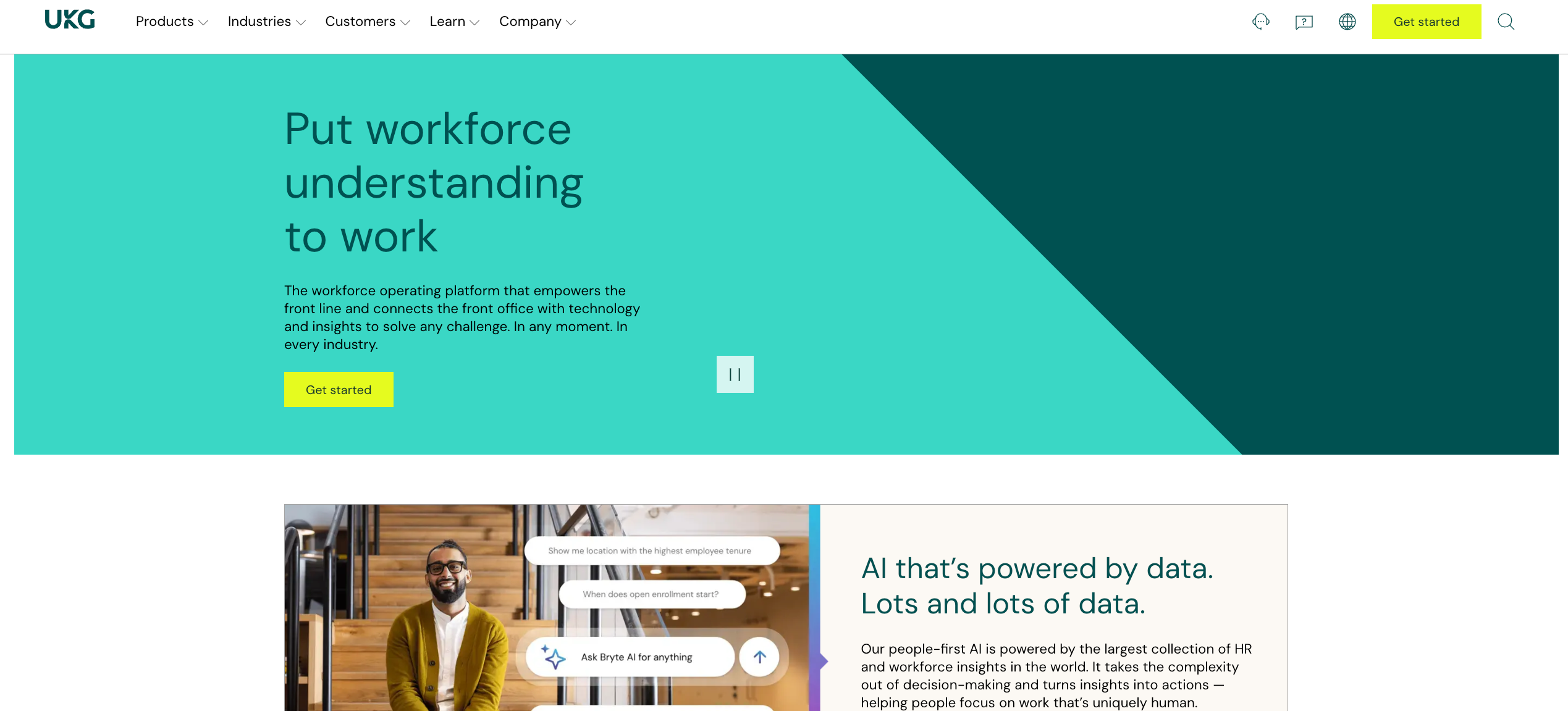
Best for: Large enterprises in healthcare, retail, and manufacturing with sophisticated HR and compliance needs
UKG is one of the most widely deployed enterprise scheduling and workforce management platforms globally. Its strength is depth: deep compliance configurations, advanced analytics, and a full HCM suite that covers everything from scheduling to talent management.
What it offers:
- AI-assisted scheduling with demand forecasting and dynamic shift optimization across large, distributed workforces
- Real-time payroll alerts that flag anomalies, like unusual hours or high pay, before payroll runs
- Over 150 prebuilt workforce analytics reports with extensive customization
- Support for complex pay rules, union agreements, and multi-jurisdiction compliance requirements
- Full HR suite including performance management, benefits, and talent acquisition
Considerations:
UKG’s power comes with significant operational overhead. Setup takes time and dedicated resources, and the interface can feel cluttered and overwhelming for managers who need to move fast. For shift-based operations that don’t need enterprise HCM complexity, UKG is often overbuilt and overpriced relative to what they actually use.
Nowsta delivers the scheduling precision, compliance automation, and payroll integration that large shift-based teams need, without the enterprise implementation timeline or the feature sprawl.
5. Deputy
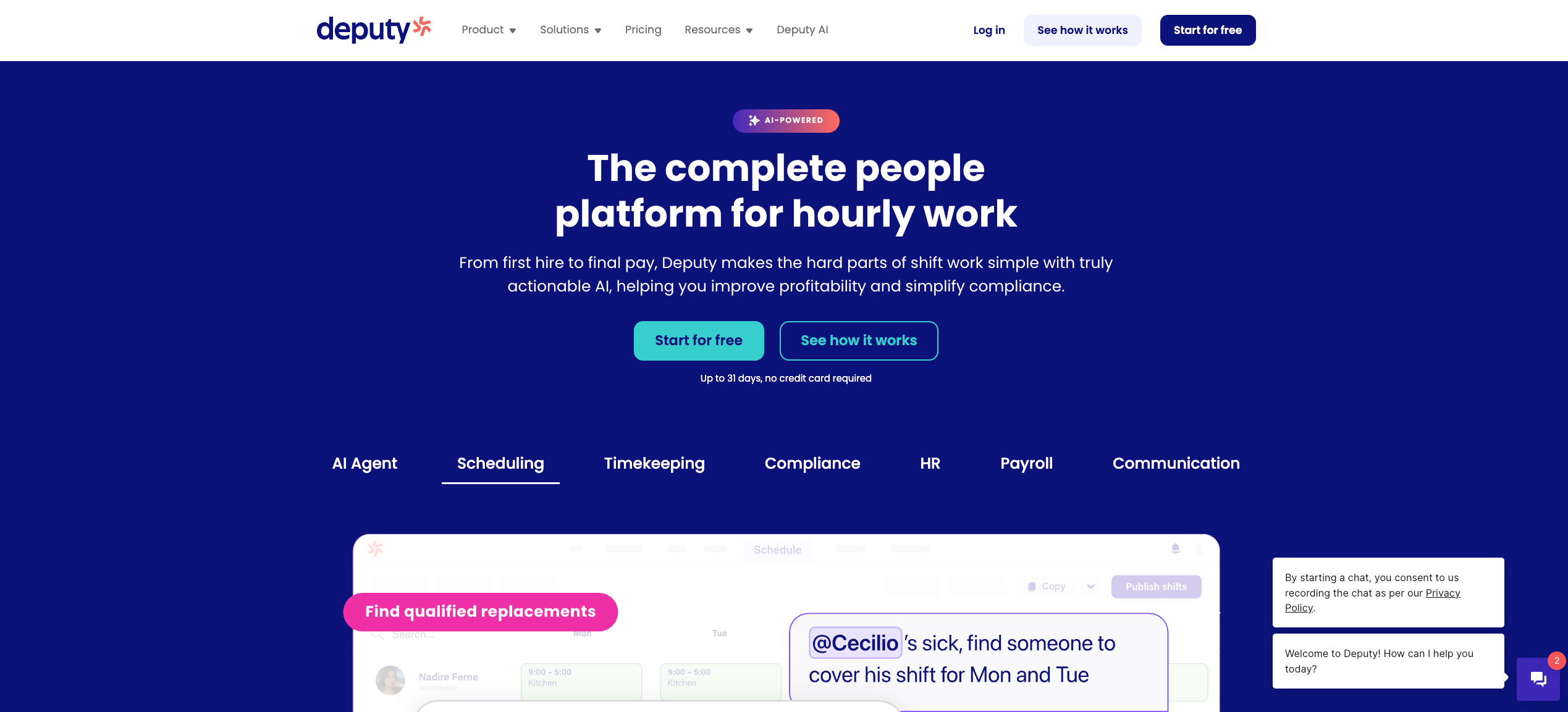
Best for: Large multi-location shift-based businesses needing AI-assisted scheduling and strong compliance tools
Deputy serves over 375,000 workplaces across more than 100 countries, and its multi-location scheduling capabilities make it a strong contender for large teams that need scheduling, time tracking, and compliance in one mobile-friendly platform.
What it offers:
- AI-assisted scheduling using team preferences, availability, and labor compliance simultaneously
- Labor forecasting that adjusts staffing predictions based on historical sales data, demand trends, and weather
- GPS-verified clock-in with facial recognition via kiosk for large, distributed teams
- Automated break planning and fatigue rule enforcement across shifts
- Fair Workweek compliance tools for operations in regulated markets
- Employee newsfeed, shift notes, and push notifications at scale
Considerations:
At a large scale, Deputy’s limitations around payroll integration depth and HR functionality become more apparent. Some payroll systems require extra manual steps to align hours and pay data. For operations managing contingent workforces, staffing agencies, or large vendor ecosystems, Deputy’s toolset doesn’t extend that far. Advanced labor cost forecasting and talent pool management require workarounds.
The platform that closes those gaps, combining scheduling, payroll, compliance, and contingent workforce management in one place, is purpose-built for exactly this operating complexity.
6. When I Work
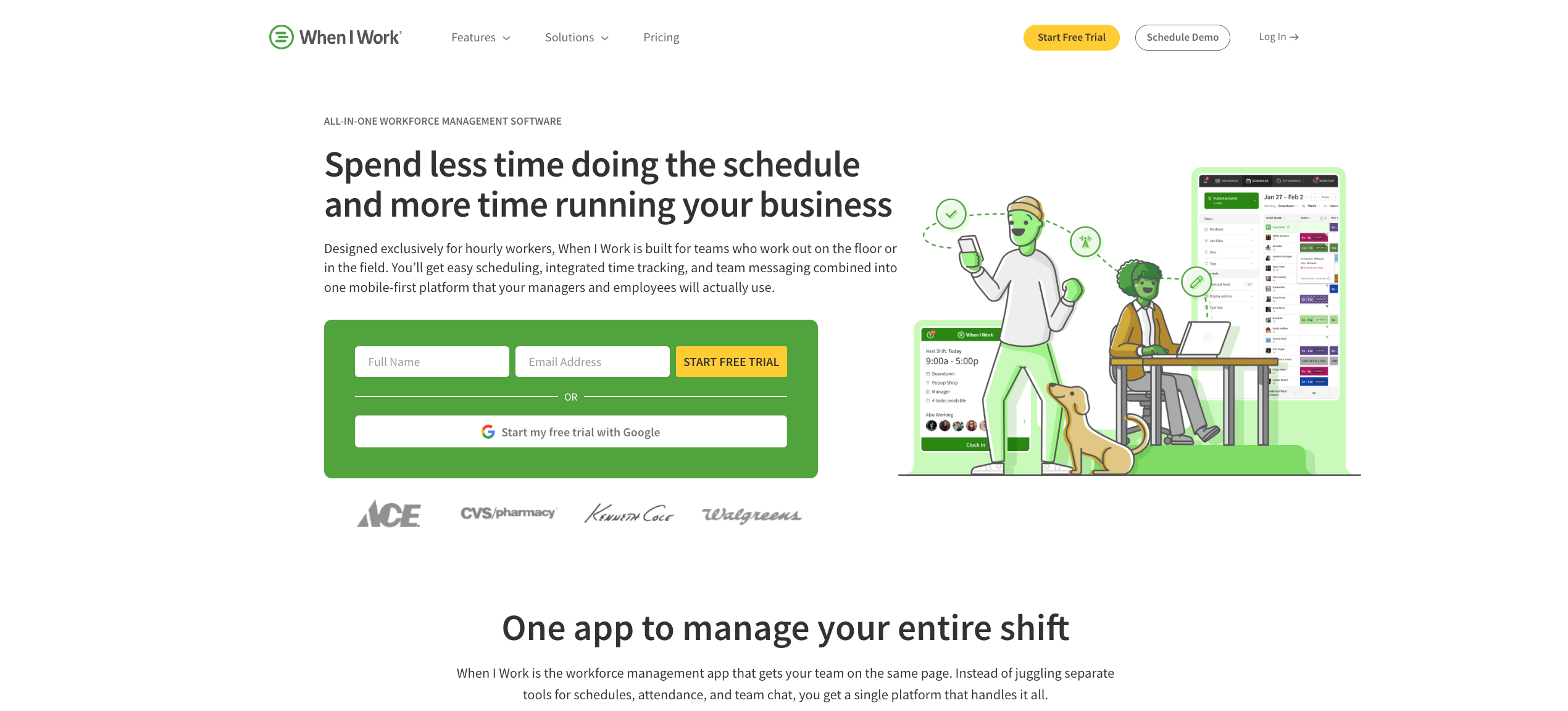
Best for: Large hourly teams needing clean, scalable scheduling with strong mobile adoption
When I Work is designed to scale from a single location to multi-site operations managing hundreds of workers. Its mobile-first design drives high adoption rates among frontline staff, which matters at scale when getting workers to actually use the platform is half the battle.
What it offers:
- Auto-scheduling that matches shifts to employees based on eligibility, availability, and preferences, with zero conflicts
- Multi-location management with site-specific permissions, filtered schedule views, and role-based access
- Integrated labor forecasting that compares scheduled hours against future demand to protect margins
- GPS clock-in with geofencing for location verification across distributed teams
- Team messaging, shift confirmations, and real-time notifications from a single mobile app
- Integrations with QuickBooks, Gusto, ADP, Square, Paychex, and Xero
Considerations:
When I Work doesn’t offer live GPS location tracking, which limits real-time visibility for operations managing workers across large or remote sites. For large teams that also need contingent workforce management, vendor coordination, or advanced talent intelligence, the platform lacks those capabilities entirely. Pricing also scales per user at multi-location operations, which can add up quickly at large headcount.
7. Connecteam
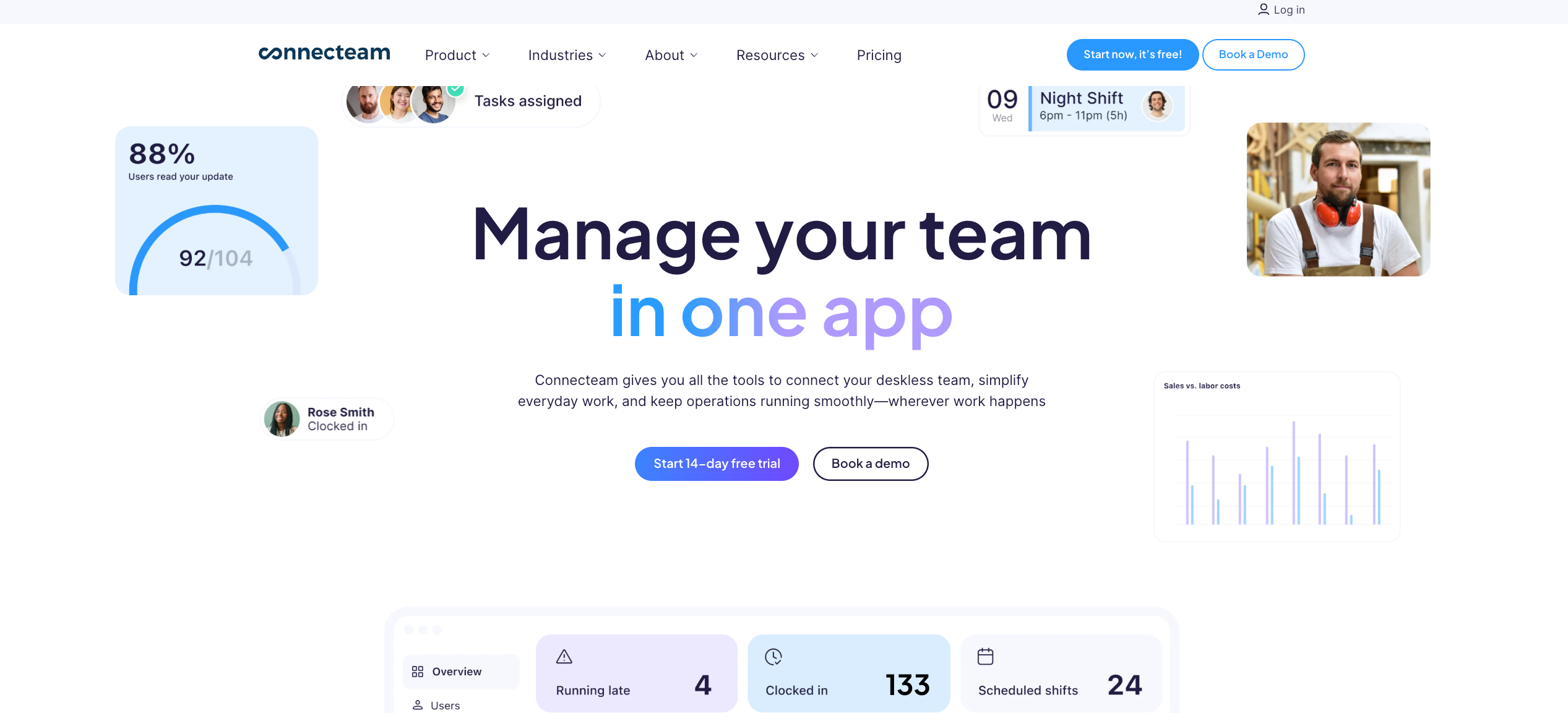
Best for: Large deskless and field-based teams needing mobile-first scheduling with built-in communication and task tools
Connecteam brings scheduling, time tracking, task management, training, and team communication into a single mobile app. For large organizations with distributed field teams where workers rarely sit at a desk, that consolidation has real operational value.
What it offers:
- AI-assisted scheduling with drag-and-drop tools, recurring shifts, and open shift claiming
- GPS-verified clock-in with geofencing and auto clock-out when workers leave job sites
- In-app chat, group announcements, and direct messaging for large, dispersed teams
- Digital forms, task checklists, and shift notes built directly into each shift
- Training modules and onboarding tools accessible from the mobile app
- Flat-fee pricing for the first 30 users, with per-user rates beyond that
Considerations:
At a large scale, Connecteam’s hub-based pricing model can escalate quickly as teams add functionality. The platform is broad by design, and organizations that need primarily scheduling tied to payroll and compliance often find the additional modules create more overhead than value. Native payroll processing, advanced labor forecasting, and contingent workforce management are not strengths. For large operations mixing full-time and agency staff, the platform has meaningful gaps.
Nowsta keeps the focus where it matters for high-volume shift teams: scheduling, time tracking, compliance, and payroll working together cleanly, with full contingent workforce support for operations that need it.
8. Homebase
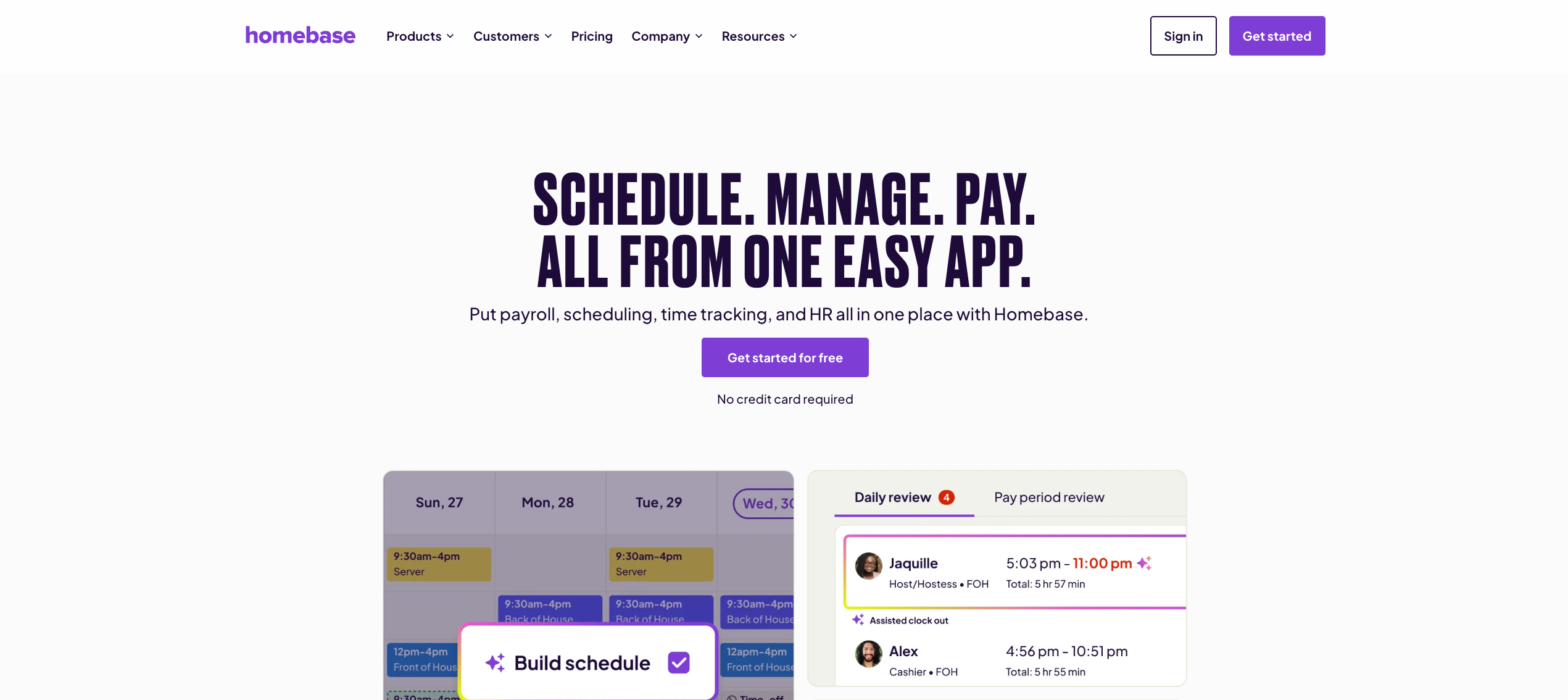
Best for: Large single-location or small multi-location hourly businesses in retail, restaurants, and service
Homebase is one of the most accessible scheduling platforms for hourly teams, with a strong free plan and practical tools for managing shift-based workforces. At larger scale, however, its per-location pricing model and limited contingent workforce capabilities start to show.
What it offers:
- Auto-scheduling with templates, drag-and-drop tools, and GPS-verified clock-in
- Built-in labor law alerts and compliance monitoring
- PTO management with lump-sum, hourly accrual, and tenure-based accrual policies
- Hiring, onboarding, and basic HR tools on higher-tier plans
- Early wage access for hourly employees
- POS system integration for real-time labor-to-revenue tracking by location
Considerations:
Homebase’s per-location pricing becomes a real cost concern as multi-location operations scale. Payroll remains an add-on even on the highest-tier plans, which complicates the value calculation at larger headcount. For operations managing contingent staff, high-volume event-based scheduling, or vendor relationships, Homebase doesn’t have the infrastructure to support it.
9. Parim
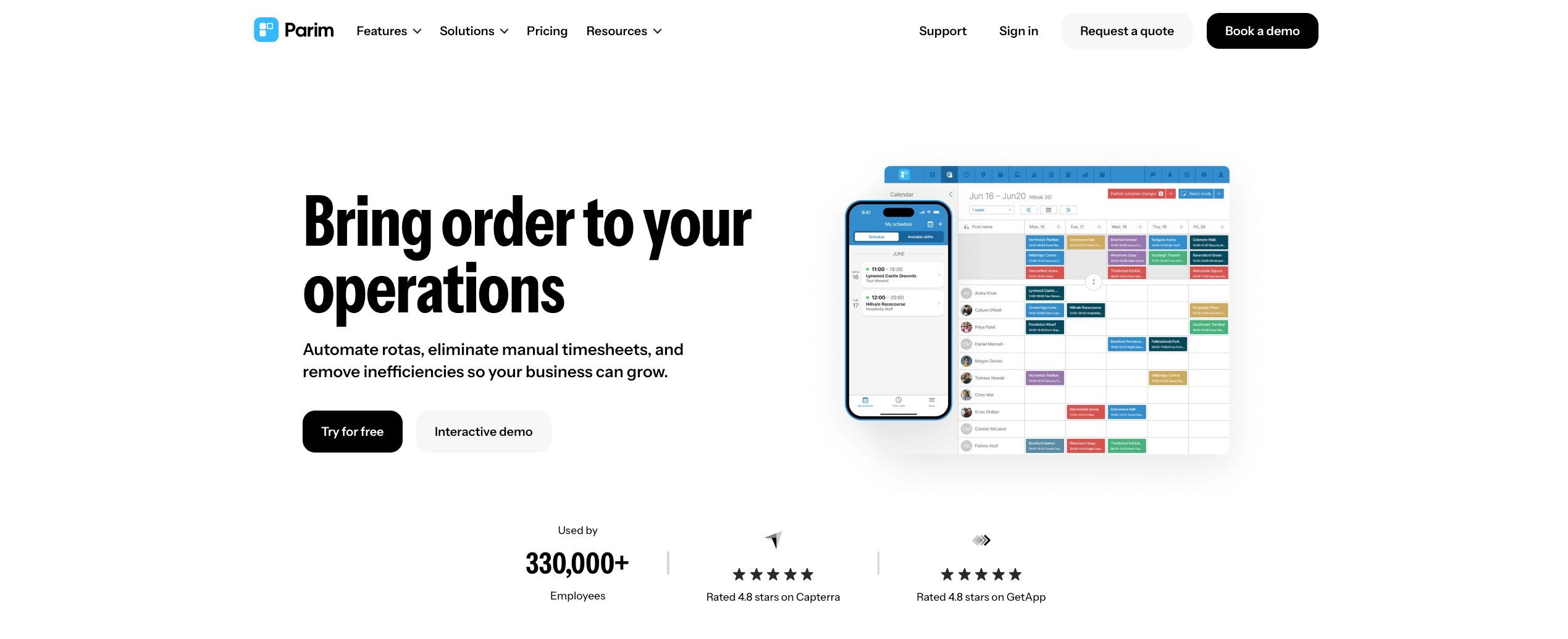
Best for: Large event staffing, security, and service businesses managing high volumes of shift workers across multiple sites
Parim is built for organizations that need to coordinate large, flexible workforces at scale, particularly in events, security, cleaning, and hospitality. Its unlimited staff database and bulk shift creation tools make it particularly suited for operations where headcount fluctuates dramatically across engagements.
What it offers:
- An unlimited staff database with no per-user fees, so headcount growth doesn’t drive up costs
- Bulk shift creation tools that allow scheduling months of shifts in seconds using patterns, event copying, and select mode
- Automatic scheduling conflict detection that flags missing qualifications or unavailability before a shift is published
- Real-time attendance tracking and mobile clock-in across large, distributed teams
- Payroll reporting broken down by shift, role, or event
Considerations:
Parim’s native integration list is limited compared to larger platforms, which can create friction for operations running complex payroll or HR ecosystems. It’s strong at scheduling coordination and event-based workforce management, but lacks the AI-driven demand forecasting, talent intelligence, and automated compliance monitoring that large operations running mixed direct-hire and contingent workforces need at scale.
10. 7shifts
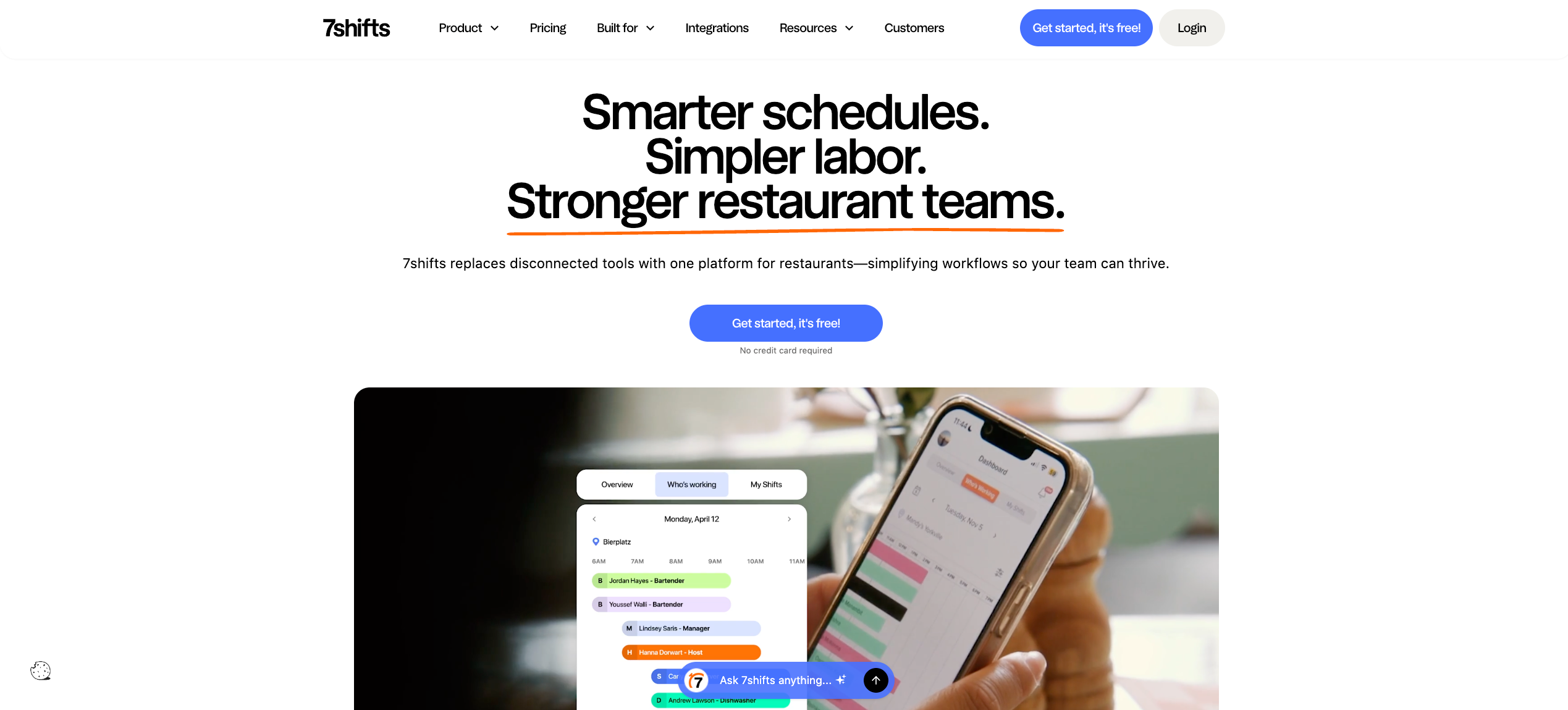
Best for: Large multi-location restaurant and hospitality groups
7shifts is purpose-built for the restaurant industry, with scheduling, labor forecasting, and compliance tools designed specifically around the rhythms of food and beverage operations. For large restaurant groups or hospitality chains, it’s one of the most contextually relevant platforms available.
What it offers:
- AI-powered sales-based labor forecasting that automatically adjusts staffing needs across multiple locations using POS data
- Shift scheduling with role-based assignments, availability management, and employee-led shift swaps
- Tip pooling management built directly into the platform
- Team messaging, shift feedback, and manager log tools
- Compliance tracking for overtime, breaks, and predictive scheduling laws
- Integration with major POS systems, including Toast, Square, Clover, and Lightspeed
Considerations:
7shifts is optimized for restaurants. Outside of food and beverage, the platform’s industry-specific design becomes a limitation rather than a strength. For large operations spanning multiple verticals, managing contingent staff, or requiring advanced vendor management, 7shifts doesn’t provide the operational breadth those environments need.
For hospitality and catering operations that also manage event-based staffing, contingent workers, and complex vendor relationships alongside their core scheduling needs, Nowsta’s catering and events solution covers the full scope in a single platform.
Must-Have Features for Large Operations
When you’re evaluating staff scheduling software for a large team, the feature list matters less than the architecture behind it. What you’re really evaluating is whether the platform was designed for high-volume operations, or whether it’s a small-team tool with enterprise pricing bolted on.
Here are the features that separate the two.
Multi-Location Scheduling With Centralized Visibility
Large operations need to create schedules by location while seeing everything from a single dashboard. That means location-specific rules, role-based permissions for site managers, and a centralized view that shows coverage, employee hours, and labor cost across every site simultaneously.
Without this, you’re managing multiple disconnected rosters and hoping the numbers add up. With it, you can spot a coverage gap at one location and pull from another without picking up the phone.
What to look for:
- A unified dashboard spanning all locations
- Location-specific scheduling rules and permissions
- Cross-site shift visibility for regional and operations managers
- The ability to share workers across locations when business operations demand it
AI-Powered Auto-Scheduling
At a large headcount, basic scheduling built around a drag-and-drop scheduler isn’t enough. You need a system that can create optimized schedules automatically, matching employee availability, employee skills, certifications, and labor budget constraints against your actual staffing needs, at volume, in minutes.
Demand-based scheduling is the standard to aim for. The platform should analyze historical data, factor in seasonal patterns and busy periods, and generate optimized schedules that align labor with actual demand without overstaffing.
What to look for:
- AI-driven schedule generation that factors availability, skills, and compliance simultaneously
- Demand forecasting using historical data
- Automatic gap detection and open shift broadcasting
- Certification tracking so only qualified workers get assigned shifts that require specific credentials
Real-Time Attendance and Time Tracking
Track time accurately across a large, distributed workforce requires more than a basic clock-in screen. You need GPS verification, geofencing to prevent time theft, and instant notifications to managers when workers miss clock-ins, arrive late, or approach overtime thresholds.
Integrated time tracking that connects directly to scheduling means actual worked hours are always visible alongside scheduled shifts, and discrepancies get flagged automatically rather than discovered at payroll.
What to look for:
- GPS-verified clock-in via mobile devices
- Geofencing that restricts clock-ins to authorized locations
- Automated alerts for late arrivals, no-shows, and missed shifts
- Real-time dashboards showing live attendance across all locations
- Direct sync between clocked hours and payroll to eliminate manual data entry
Employee Self-Service at Scale
At a large headcount, every time off request, every shift swap, and every availability update that requires manual manager intervention is time neither party has. A capable employee scheduling application gives workers the ability to manage their own work schedules through self-service tools, reducing inbound requests dramatically.
Read more: How automating employee scheduling improves performance
What to look for:
- Mobile-first self-service for time off requests, swap shifts, and availability updates
- Open shift claiming so workers can pick up scheduled shifts without manager intervention
- Instant notifications for schedule changes pushed directly to mobile devices
- Manager approval workflows that don’t require back-and-forth communication
Labor Budget Controls Built Into Scheduling
Control labor costs at scale means seeing the cost impact of scheduling practices in real time, not after payroll runs. The platform should surface labor budgets by location, department, and role as managers build schedules, flagging overtime risk and budget overages before shifts are published.
What to look for:
- Real-time cost-per-shift visibility while adjust schedules
- Budget alerts when operations track over the target
- Overtime threshold warnings triggered before, not after, a shift ends
- Labor-as-percentage-of-revenue reporting by location
Compliance Automation
At scale, compliance cannot be manual. Break rules, employee breaks, overtime thresholds, daily hour limits, and predictive scheduling laws need to be enforced at the system level, automatically, across every shift and every location.
For large operations managing multiple employees across jurisdictions with different requirements, the compliance layer needs to be configurable by location and role without requiring IT support to maintain it.
What to look for:
- Automatic enforcement of break rules and rest periods during schedule building
- Real-time overtime alerts and configurable hard stops
- Audit-ready records for every shift, punch, and approval
- Multi-jurisdiction compliance support for operations spanning state lines
Payroll and Accounting Software Integration
Employee hours at scale need to flow into payroll without manual reconciliation. That means a direct, native connection between the scheduling platform and your accounting software and payroll systems, not a CSV export that someone cleans up every two weeks.
What to look for:
- Native payroll integrations, not just export files
- Automated wage calculation, including overtime and role-based differentials
- Direct sync between integrated time tracking and payroll systems
- Elimination of manual data entry between scheduling and pay
Feature Checklist: Large Team Essentials
| Feature | Why It Matters at Scale |
|---|---|
| Multi-location centralized dashboard | Single view across all sites and shifts |
| AI auto-scheduling with demand forecasting | Create optimized schedules at volume without manual effort |
| GPS time and attendance | Accurate employee hours, zero time theft |
| Employee self-service | Fewer manager interruptions, faster swap shifts |
| Real-time labor cost visibility | Control labor costs before shifts publish |
| Compliance automation | Enforces rules across every scheduled shift |
| Payroll integration | No manual data entry, clean pay every cycle |
| Certification tracking | Right worker, right shift, every time |
How to Evaluate Scalability Before You Commit
The question isn’t whether a platform works now. The question is whether it still works when you’ve doubled your headcount, added locations, and your scheduling complexity has tripled. Most vendors won’t tell you where their platform starts to struggle. Here’s how to find out before you’ve already onboarded 300 workers.
Test at Your Actual Scale, Not Demo Scale
Vendors always demo their platform at its best, with clean data, a small roster, and a simple scenario. That’s not your operation.
During any free trial or pilot, test the platform under conditions that reflect your real volume. Try building a full week of work schedules for your actual headcount across multiple locations simultaneously. See how long it takes. Count how many manual adjustments the system forces you to make. Check whether the drag and drop scheduler stays responsive when you’re managing hundreds of scheduled shifts at once, not a handful.
If the platform slows down, forces workarounds, or requires manual steps that shouldn’t be manual at that volume, you’ve found the ceiling. Better to find it during evaluation than six months after go-live.
Ask Specific Scalability Questions
Don’t let a vendor walk you through a scripted demo without answering these directly:
- How many employees does your largest current customer manage on this platform?
- How does pricing change as headcount grows? Is it per user, per location, or flat?
- How does the employee scheduling app perform when multiple employees are updating availability, requesting shifts, and submitting time off requests simultaneously?
- Can we adjust schedules across locations from a single view, or does each site require separate logins?
- How does the platform handle employee availability updates that conflict with already assigned shifts?
- What happens to scheduling features when you add a new location mid-season?
If any of those answers are vague or get redirected to a case study, that’s useful information.
Evaluate the Mobile Experience for Your Workforce
A platform that works perfectly on a desktop matters less than one that your workers will actually use on mobile devices in the field. Field service teams, warehouse workers, and event staff aren’t logging into a laptop to check scheduled shifts or submit time off requests.
Have actual frontline workers test the employee scheduling app during your pilot. Specifically:
- Can they view their assigned shifts and receive instant notifications for schedule changes without friction?
- Can they swap shifts, request time off, and update availability in under a minute?
- Does the clock-in process work reliably on the devices your workers actually carry?
- Do instant notifications arrive promptly when managers publish or adjust schedules?
Poor mobile adoption at scale means managers end up handling everything manually anyway, which defeats the purpose of the platform entirely.
Model Total Cost at Your Projected Scale
Selecting employee scheduling software based on entry-level pricing is one of the most common and most expensive mistakes large teams make. Per user pricing that looks reasonable at 50 employees can become a significant line item at 300. Per location pricing that’s affordable at two sites can escalate fast at ten.
Model three scenarios before committing:
- Current state: How much does it cost today at your current headcount and locations?
- 12-month projection: What does the cost look like when you reach your expected growth?
- Worst case: What if you need to add locations faster than planned?
Factor in implementation fees, integration costs, and any features locked behind higher tiers that you’ll actually need, like advanced labor budgets, compliance tools, or the employee scheduling application’s API access for accounting software integration.
Use Nowsta’s cost savings calculator to benchmark what your current manual processes are actually costing before comparing sticker prices.
Check Integration Depth, Not Just Integration Lists
Every platform claims integrations. The question is how deep those integrations go. A surface-level integration that exports a CSV to your payroll system is meaningfully different from a native, real-time sync that eliminates manual data entry entirely.
Ask specifically:
- Does scheduling data flow directly into payroll, or does it require a manual export and import process?
- Does the platform sync employee hours in real time, or on a scheduled batch basis?
- When schedule changes happen mid-shift, does the time tracking update automatically?
- Does your accounting software integration support multi-location cost center reporting?
The platforms that handle these questions cleanly at a large scale are the ones that actually save money and improve employee productivity over time. The ones that don’t create a hidden administrative burden that grows with every new hire and every new location.
Read more: From scheduling to workforce intelligence
Scale Your Scheduling Confidently With Nowsta
The best employee scheduling software for large teams isn’t the one with the most features. It’s the one that holds up when your operation gets complicated. Every section of this guide points to the same reality: scale exposes every weakness a tool was hiding.
Key takeaways:
- Small-team tools break predictably at scale: visibility, compliance, and payroll fail first
- Multi-location operations need centralized dashboards, not disconnected site-by-site management
- AI-powered auto-scheduling is the baseline for high-volume hourly operations
- Compliance automation must be built in, not bolted on
- Evaluate scalability during the pilot, not after go-live
- Total cost of ownership matters far more than entry-level pricing
If your operation runs on large hourly or contingent teams, Nowsta was built for exactly this scale. AI-powered scheduling, GPS time tracking, automated compliance, and payroll integration all in one platform, purpose-built for the complexity that breaks everything else. Schedule a demo and see what large-scale scheduling actually looks like when the tools are built for it.
FAQs
What Is the Best Employee Scheduling Software for Large Teams?
The best employee scheduling software for large teams depends on your industry, headcount, and shift complexity. For hourly, shift-based, and contingent workforces, Nowsta leads with AI-powered scheduling, GPS attendance tracking, compliance automation, and payroll integration in one platform. For restaurant groups, 7shifts is strong. For enterprise-grade compliance, Shiftboard or UKG. For deskless field teams, Connecteam or Deputy.
What Is a 5-2-5-3 Work Schedule?
A 5-2-5-3 work schedule is a rotating shift pattern where employees work 5 days, take 2 off, work 5 days, then take 3 off. It repeats every two weeks and is common in industries that need 24/7 coverage, like healthcare, manufacturing, and emergency services. Purpose-built workforce scheduling software handles rotating patterns like this automatically, eliminating the manual rebuild every cycle.
Does Microsoft Have an Employee Scheduling Tool?
Yes. Microsoft offers Shifts, a scheduling feature built into Microsoft Teams. It handles basic shift creation, swap shifts requests, and time off requests for teams already inside the Microsoft 365 ecosystem. However, it lacks AI-powered auto-scheduling, GPS time tracking, labor cost controls, and payroll integration, making it insufficient for large hourly operations with complex staffing needs.
Is There Better Employee Scheduling Software Than Calendly?
Calendly is an appointment booking tool, not an employee scheduling app. If you’re managing employee shifts, assigned shifts, and hourly workforce operations, Calendly isn’t designed for that category at all. For actual shift-based employee management, platforms like Nowsta, Deputy, When I Work, or Connecteam are purpose-built for the job. For client-facing appointment booking specifically, Acuity Scheduling and YouCanBookMe are strong Calendly alternatives.