Every enterprise thinks it has a time and attendance problem. Most actually have a data accuracy problem in disguise.
The American Payroll Association puts manual timecard error rates at 1 to 8% of total payroll, and that number doesn’t shrink as headcount grows. It multiplies. Across hundreds of hourly workers, multiple locations, and overlapping shift patterns, a small tracking gap becomes a serious payroll liability before anyone notices.
The right enterprise time and attendance software doesn’t just record punches. It eliminates the conditions that create errors in the first place.
Here’s what this guide covers:
- Why enterprise time and attendance is a different problem entirely
- The best time and attendance software for enterprises, ranked and reviewed
- Must-have features for multi-location and hourly operations at scale
- The hidden costs of inaccurate time data
- How to evaluate a platform before you commit
One platform worth knowing upfront: Nowsta connects time and attendance directly to scheduling, payroll, and compliance in a single system built for hourly and shift-based enterprise teams. No manual exports, no reconciliation gaps.
TL;DR: Quick Comparison of Best Time and Attendance Software
| Capability | Nowsta | UKG Pro | Dayforce | ADP Workforce Now | Workforce.com | Deputy | Paycor | Rippling | TimeClock Plus | Connecteam |
|---|---|---|---|---|---|---|---|---|---|---|
| GPS Tracking + Geofencing | ✅ Native | ✅ Multiple options | ✅ Mobile + badge | ✅ Geofencing | ✅ Native | ✅ GPS + facial recognition | ✅ Geofencing | ⚠️ Basic | ✅ Biometric + GPS | ✅ GPS + geofencing |
| Real-Time Attendance Dashboard | ✅ Cross-location | ✅ Multi-site | ✅ Live anomaly detection | ⚠️ Partial | ✅ Cross-location | ⚠️ Site-level | ⚠️ Partial | ⚠️ Basic | ⚠️ Partial | ✅ Cross-location |
| Automated Overtime Tracking | ✅ Real-time alerts | ✅ Pre-payroll alerts | ✅ Continuous calculation | ✅ Exception reports | ✅ Real-time | ✅ Automated | ✅ Automated | ⚠️ Workflow-based | ✅ Automated | ✅ Automated |
| Break Tracking + Compliance | ✅ Automated | ✅ Automated | ✅ Automated | ✅ Configurable | ✅ Automated | ✅ Automated | ✅ Automated | ✅ Automated | ✅ Automated | ⚠️ Partial |
| Native Payroll Integration | ✅ Direct sync | ✅ Native | ✅ Continuous sync | ✅ Native | ✅ Native | ⚠️ Via integration | ✅ Native | ⚠️ Modular | ⚠️ Via integration | ⚠️ Limited (4 options) |
| Multi-Jurisdiction Compliance | ✅ Automated | ✅ Configurable | ✅ Multi-country | ✅ Multi-state | ✅ Fair Workweek | ✅ Fair Workweek | ✅ Configurable | ⚠️ Global EOR | ⚠️ Partial | ⚠️ Basic |
| Detailed Audit Trails | ✅ Full | ✅ Full | ✅ Full | ✅ Full | ✅ Full | ✅ Full | ✅ Full | ⚠️ Partial | ✅ Full | ⚠️ Partial |
| Contingent Workforce Tracking | ✅ Full vendor mgmt | ⚠️ Partial | ⚠️ Partial | ❌ Limited | ❌ Limited | ❌ Limited | ❌ Limited | ❌ Limited | ❌ Limited | ❌ Limited |
| Employee Self-Service | ✅ Mobile-first | ✅ Full portal | ✅ Full portal | ✅ Full portal | ✅ Mobile app | ✅ Mobile app | ✅ Mobile app | ✅ Full portal | ⚠️ Basic | ✅ Mobile-first |
| Multi-Clock-In Methods | ✅ GPS, kiosk, mobile | ✅ Biometric, badge, mobile | ✅ Mobile, badge, desktop | ✅ Biometric, kiosk, mobile | ✅ Mobile, kiosk | ✅ GPS, kiosk, facial | ✅ Biometric, kiosk, mobile | ⚠️ Web + mobile | ✅ Biometric, PIN, QR | ✅ GPS, PIN, kiosk |
| Cross-Location Centralized View | ✅ Full | ✅ Full | ✅ Full | ⚠️ Partial | ✅ Full | ⚠️ Site-level | ⚠️ Partial | ⚠️ Partial | ⚠️ Partial | ✅ Full |
Enterprise Time and Attendance Is a Different Problem
A 20-person small team can absorb tracking gaps and manual processes without catastrophe. A 500-person multi-location operation cannot. Every payroll error, untracked overtime hour, and compliance gap compounds across the workforce until a minor system flaw becomes a serious financial liability.
The mechanics look similar: clock in, clock out, process payroll. The conditions that determine success are completely different at scale.
Where Enterprise Operations Diverge
| Challenge | Small Business | Enterprise |
|---|---|---|
| Compliance rules | Single jurisdiction, static | Multi-jurisdiction, configurable by site |
| Payroll integration | CSV export or basic sync | Native, real-time, automated |
| Cross-location visibility | Single site view | Centralized live dashboard |
| Time theft prevention | Basic PIN clock-in | GPS geofencing, biometrics, audit trails |
| Overtime management | Manual, after-the-fact | Real-time thresholds, automated stops |
| Contingent workforce | Not supported | Unified direct-hire and agency tracking |
The Four Enterprise-Specific Pressure Points
- Volume: Hundreds of workers across multiple sites, roles, and pay rates generate time data that manual reconciliation simply cannot handle reliably
- Compliance surface: Each additional location in a new jurisdiction adds a new set of break rules, overtime thresholds, and predictive scheduling laws
- Integration demand: Every handoff between disconnected systems is a point where data breaks and payroll errors originate
- Time theft at scale: Buddy punching, early clock-ins, and unverified timesheet approvals create structural losses that grow with headcount
What This Means in Practice
Enterprises that get time and attendance right treat it as an operational system, not an administrative one. Time data connects directly to scheduling, payroll, compliance, and labor cost forecasting with no manual steps between.
Nowsta is built around exactly this model: GPS-verified attendance, automated compliance, and real-time labor cost visibility connected directly to scheduling and payroll in one system, purpose-built for hourly and shift-based enterprise teams.
Best Time and Attendance Software for Enterprises, Ranked
The platforms below are ranked specifically for enterprise operations: multi-location, high-volume, hourly-intensive teams where time data accuracy has direct financial and legal consequences. Context matters more than features here.
A platform that excels at tracking project hours for a distributed knowledge workforce is a completely different product from one built to verify GPS clock-ins for 300 event workers spread across five locations.
1. Nowsta
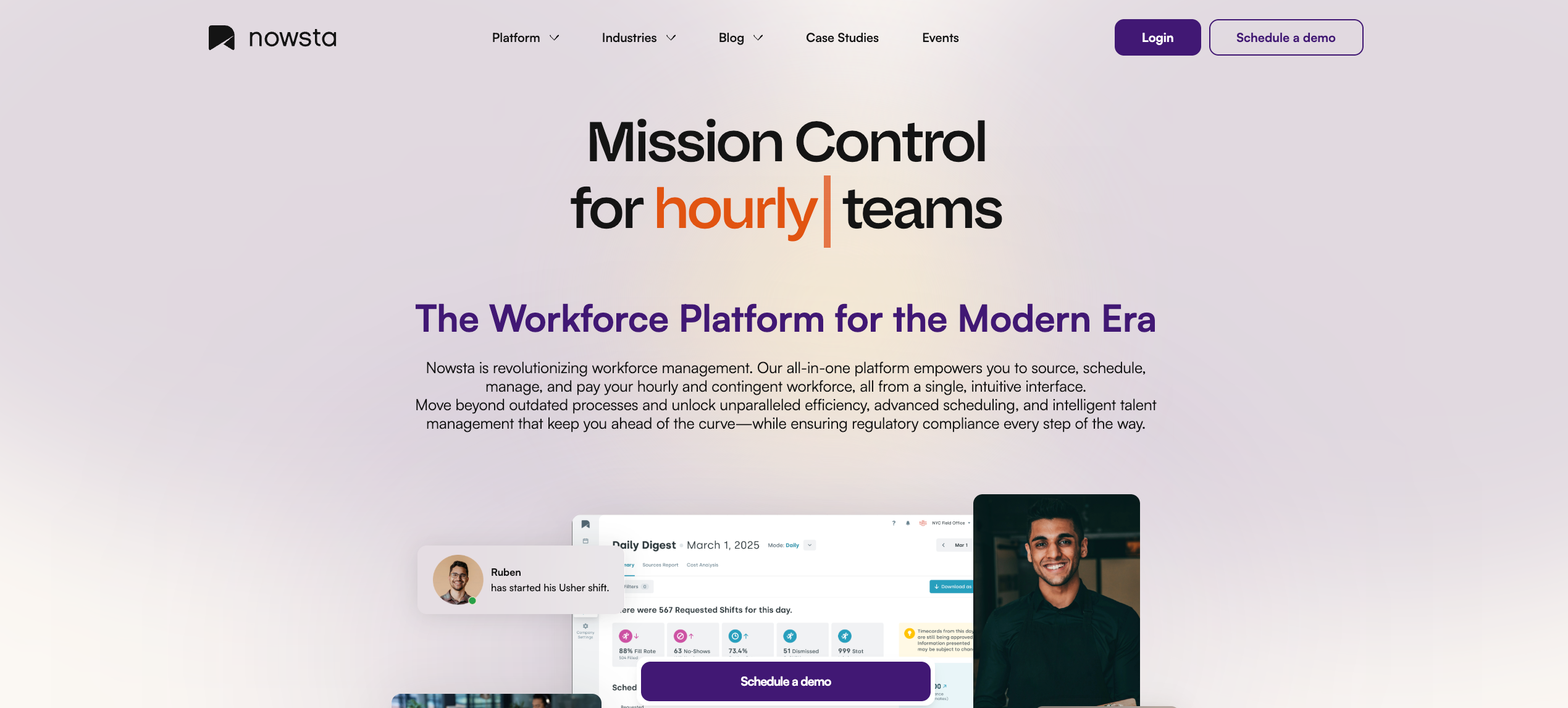
Best for: Enterprise hourly, shift-based, and contingent workforces across events, catering, hospitality, QSR, and staffing
Most enterprise time and attendance platforms were built to track when people work. Nowsta was built to verify when they work, connect that data to everything downstream, and eliminate the manual steps between punch-in and paycheck. That’s a meaningfully different product for operations where labor is the largest controllable cost and every untracked minute carries financial weight.
What separates it from every other platform on this list: time and attendance isn’t a module inside Nowsta. It’s the operational spine that scheduling, payroll, compliance, and labor cost forecasting are all built around. There’s no data gap between systems because there’s only one system.
What it offers for enterprise time and attendance:
- GPS-verified clock-in with geofencing that restricts punches to authorized locations and eliminates time theft across distributed workforces, delivering 99% on-time punch accuracy across 1M+ shift workers managed on the platform
- Real-time attendance dashboards showing live punch status, late arrivals, no-shows, and overtime risk across every location simultaneously, not site by site
- Automated overtime alerts that flag threshold risks before the shift ends, not after payroll runs
- Direct payroll integration where clocked hours flow natively into existing payroll systems with automated wage calculations, eliminating manual export and reconciliation entirely, cutting payroll processing time by 90%
- Automated compliance monitoring that enforces break rules, daily hour limits, and labor regulations across every shift, configurable by location and jurisdiction
- Unified time tracking for direct hires and contingent staff, so agency workers and full-time employees appear in the same attendance view with no parallel systems
- Instant Pay access through Nowsta Instant Pay, giving hourly workers same-day access to earned wages, a proven driver of retention and shift coverage at scale
- Budget alerts triggered when labor costs track over target across any location, giving operations managers the visibility to course-correct before the overspend compounds
The result is a time and attendance layer that doesn’t just record data. It drives operational decisions in real time, the standard that large hourly operations need and most enterprise platforms still can’t deliver.
Customer Spotlight
Simply Fresh Events was spending hours each week reconciling time data, managing payroll manually, and tracking attendance across events. After switching to Nowsta, they recovered 6 hours per week in operational time and eliminated payroll day as a source of stress entirely.
Read the full story
See how Nowsta handles enterprise time and attendance
2. UKG Pro Workforce Management
Best for: Large enterprises in healthcare, retail, and manufacturing needing advanced compliance and workforce governance
UKG Pro is the most widely cited enterprise time and attendance platform globally, and for good reason. Its depth of compliance configuration, multi-jurisdiction support, and audit readiness make it a strong fit for large organizations where labor law complexity is a daily operational reality.
What it offers:
- Advanced time collection via mobile app, web, biometric devices, and badge readers, with multiple verification methods available by site
- Real-time payroll alerts that flag anomalies like excessive hours or unusual pay before payroll runs
- Strong workforce governance with role-based access controls rated at 91% on G2, making it particularly suited for regulated, multi-location environments where permission structures and audit readiness are foundational
- Compliance automation for break rules, overtime, and multi-jurisdiction labor requirements
- Over 150 prebuilt workforce analytics reports with deep customization capability
- AI-assisted scheduling connected directly to time and attendance data
Considerations:
UKG’s feature density can feel overwhelming. Multiple users note that “because UKG Pro contains so many things, it can be overwhelming or confusing to a regular user”, and setup requires significant time and dedicated administrative resources. For hourly operations that need fast deployment and a clean mobile experience, the implementation overhead is a real cost. Contingent workforce and vendor management are not native capabilities.
For enterprise operations specifically managing hourly and contingent workforces alongside their direct-hire teams, Nowsta delivers the same attendance precision and compliance automation with a significantly lower implementation burden and a purpose-built contingent workforce layer that UKG lacks.
3. Dayforce (by Ceridian)
Best for: Mid-to-large enterprises needing real-time payroll calculation tightly connected to time and attendance
Dayforce’s defining architectural advantage is its continuous payroll calculation engine. Every time an employee clocks in, requests time off, or receives a pay change, the payroll impact updates immediately in real time, rather than waiting for a batch process at the end of the pay period. For large enterprises where payroll complexity and accuracy are both mission-critical, that’s a meaningful differentiator.
What it offers:
- Automated attendance tracking across mobile, desktop, and badge clock systems, with error correction and comment fields for manager review
- Real-time attendance status dashboards surfacing timesheet anomalies and shift readiness so managers can act quickly on staffing issues
- Over 300 customizable reports across HR, payroll, and time tracking with export capability to Excel and Power BI
- AI Workspace with predictive staffing recommendations and automated compliance checks
- Dayforce Wallet for on-demand earned wage access, a retention tool particularly valuable for hourly workforces
- Multi-jurisdiction payroll compliance across more than 20 countries natively
Considerations:
Dayforce implementations typically run 6 to 12 months and require significant internal resources to configure properly. Some parts of the interface feel dated compared to newer competitors, and users report that the complexity of the system can be challenging to navigate during early use. For enterprises that need fast time-to-value or are managing a mixed hourly and contingent workforce, the platform’s overhead can outweigh its payroll architecture advantage.
4. ADP Workforce Now
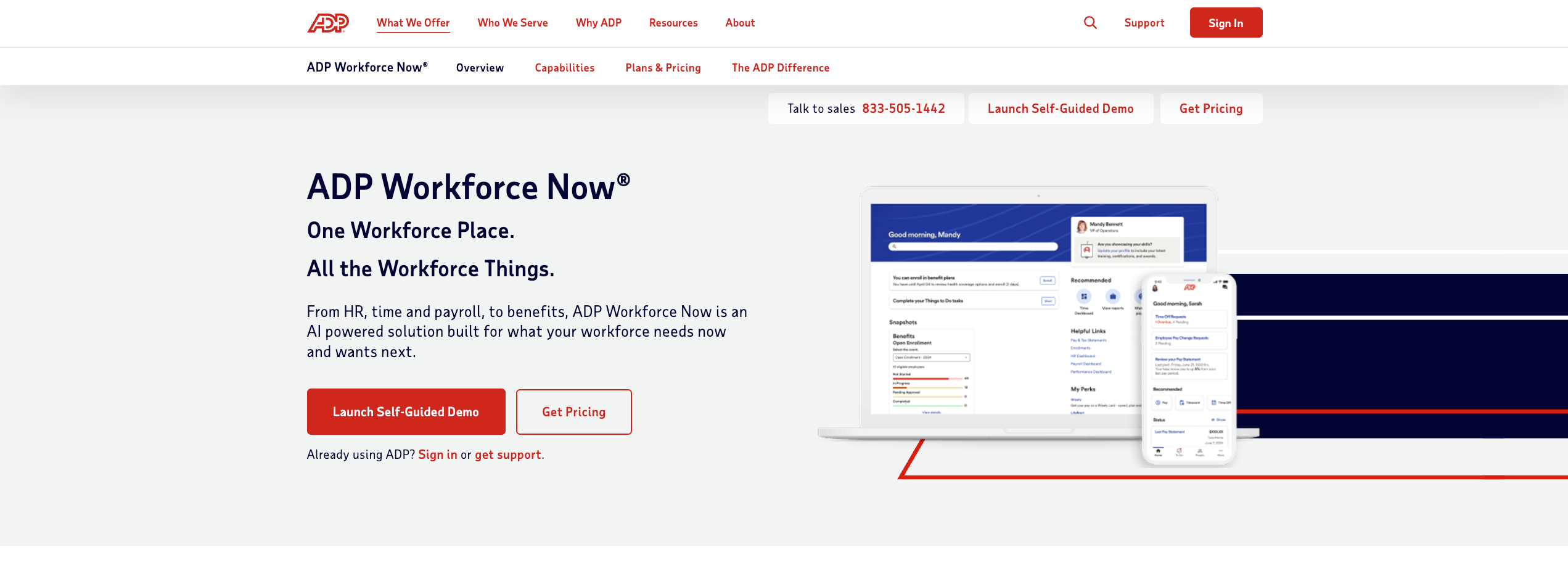
Best for: Mid-sized enterprises needing payroll-first time tracking with extensive integration options
ADP Workforce Now is one of the most widely deployed enterprise time and attendance and HCM platforms globally, with a strong foundation in payroll accuracy and regulatory compliance. Its 700-plus native integrations make it a natural fit for enterprises with complex existing tech stacks.
What it offers:
- Time collection via mobile app, web, kiosks, and biometric devices with geofencing support
- Automated tax filing and payroll compliance across relevant jurisdictions with real-time regulatory monitoring
- Workforce analytics dashboards tracking labor costs, headcount, and overtime trends
- Skill-based and demand-aware scheduling connected to time and attendance data
- Exception reports and proactive alerts that reduce payroll errors before they reach processing
- Multi-language badge readers and Wi-Fi-connected time clock hardware for large physical sites
Considerations:
ADP Workforce Now is payroll-first, which means its time and attendance capabilities are strong on data capture and payroll sync but weaker on real-time operational visibility and shift-level compliance automation. For large hourly operations that need instant alerts, live attendance dashboards, and contingent workforce tracking, the platform often requires supplementary tools to fill those gaps. Pricing is quote-based and can escalate significantly at large headcount.
For a full comparison of ADP versus purpose-built workforce management platforms, see our best Workday alternatives guide, which covers ADP in context.
5. Workforce.com
Best for: Large hourly operations where scheduling, time tracking, and payroll must operate as a single connected workflow
Workforce.com is built around a specific architectural premise: that scheduling data, time and attendance data, and payroll data should never exist in separate systems. For large hourly operations where the gap between scheduled hours and clocked hours directly determines labor cost accuracy, that premise matters.
What it offers:
- GPS-enabled mobile clock-in with geofencing, plus tablet kiosk support for fixed-site locations
- Wage-and-hour automation that applies overtime rules and role-based pay rate changes directly on the timesheet before payroll runs
- Real-time manager dashboards showing live clock-in status, overtime risk, and labor spend across all locations
- Demand-based scheduling connected directly to attendance data, so planned versus actual hours are always visible in one view
- Fair Workweek compliance enforcement built into the scheduling and attendance workflow
- Custom rule engine for break rules, minor labor laws, grace periods, and rounding policies by site
Considerations:
Workforce.com’s tight scheduling-to-payroll integration is its greatest strength and also defines its scope. For enterprises that also need to manage contingent staff, staffing agency relationships, vendor invoicing, and a talent pool alongside their core time tracking, the platform has limited capability. It’s an excellent time and attendance platform for direct-hire hourly teams. It’s not a contingent workforce management system.
6. Deputy
Best for: Multi-location shift-based enterprises needing strong compliance and mobile-first attendance tracking
Deputy is deployed across more than 375,000 workplaces globally, and its compliance-focused time and attendance features make it a practical choice for enterprises in industries with strict labor law environments.
What it offers:
- GPS-verified mobile clock-in with facial recognition via kiosk for high-traffic sites
- Automated break rule enforcement and fatigue compliance monitoring during scheduling
- Labor forecasting that adjusts staffing predictions based on historical demand, sales trends, and weather data
- Fair Workweek compliance tools, including advance schedule notice enforcement and rest period tracking
- Digital timesheets with automated overtime calculation synced to major payroll providers
- Real-time schedule and attendance notifications pushed to employees and managers simultaneously
Considerations:
Deputy’s payroll integration relies on third-party connections rather than native sync for several popular payroll providers, which introduces reconciliation risk at high volume. Its contingent workforce and vendor management capabilities are minimal.
For enterprises managing large agency workforces alongside direct staff, Deputy requires significant workarounds. Implementation at enterprise scale can also surface complexity around multi-jurisdiction compliance configuration that requires dedicated admin resources.
7. Paycor
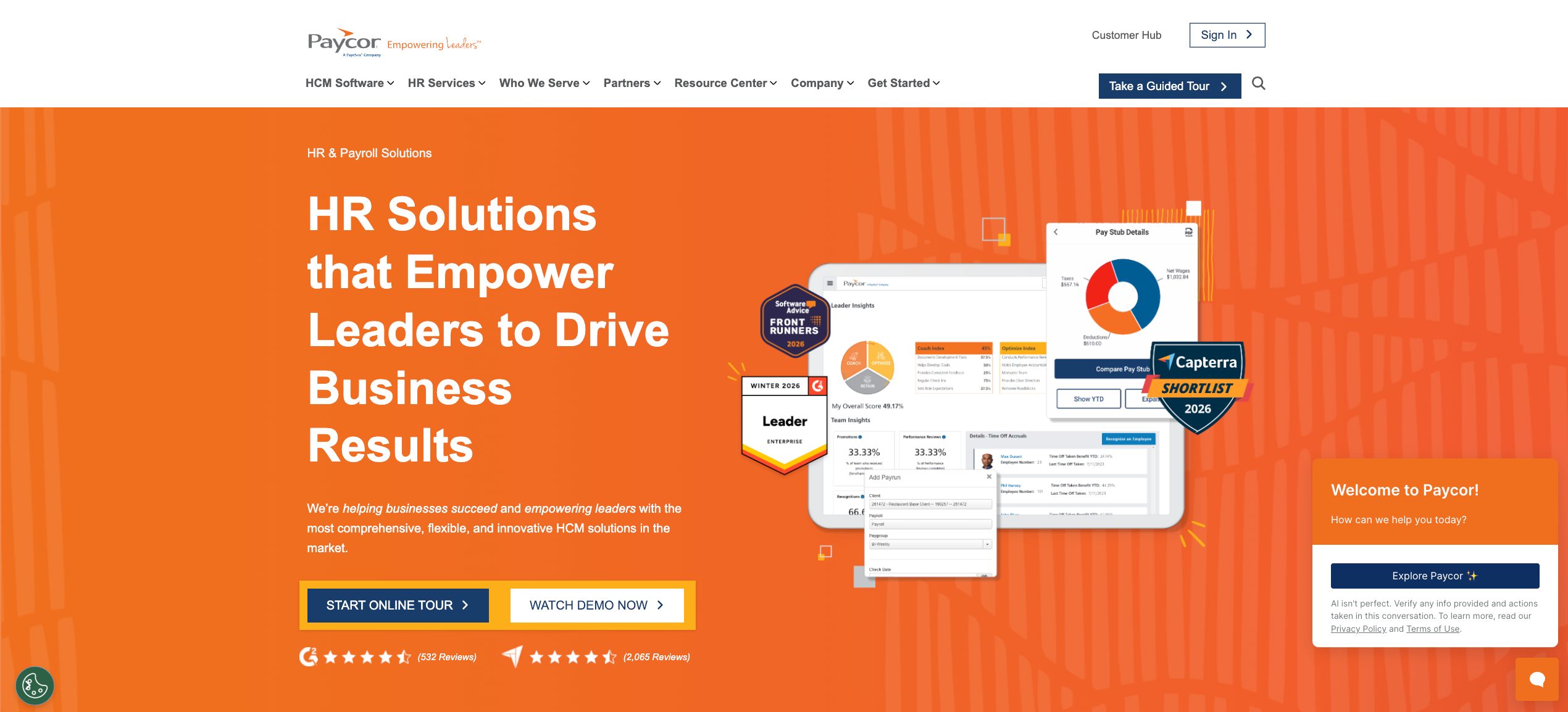
Best for: Multi-industry enterprises needing time tracking unified with HR, payroll, and benefits
Paycor offers a unified HCM approach that connects time and attendance to payroll, HR, benefits, and talent management in a single platform. Its compliance automation and mobile capabilities make it a practical choice for multi-location enterprises across manufacturing, healthcare, and food service.
What it offers:
- Mobile and biometric clock-in options, including kiosk, web, and mobile app with geofencing
- Compliance automation with automated alerts, configurable rules, and regulatory update monitoring
- Real-time labor cost visibility during scheduling with overtime and compliance flags surfaced before shifts publish
- 400-plus native integrations with payroll providers, benefits carriers, and accounting systems
- Exception reports and proactive alerts for anomalies before payroll runs
- Manager mobile access for timecard approvals, staffing level review, and schedule adjustments
Considerations:
Paycor is broad by design, covering the full HCM lifecycle rather than optimizing specifically for shift-based hourly time tracking. Its scheduling and attendance tools are functional at enterprise scale but lack the AI-powered demand forecasting and real-time attendance intelligence that purpose-built WFM platforms deliver. Contingent workforce management is not a native capability.
8. Rippling
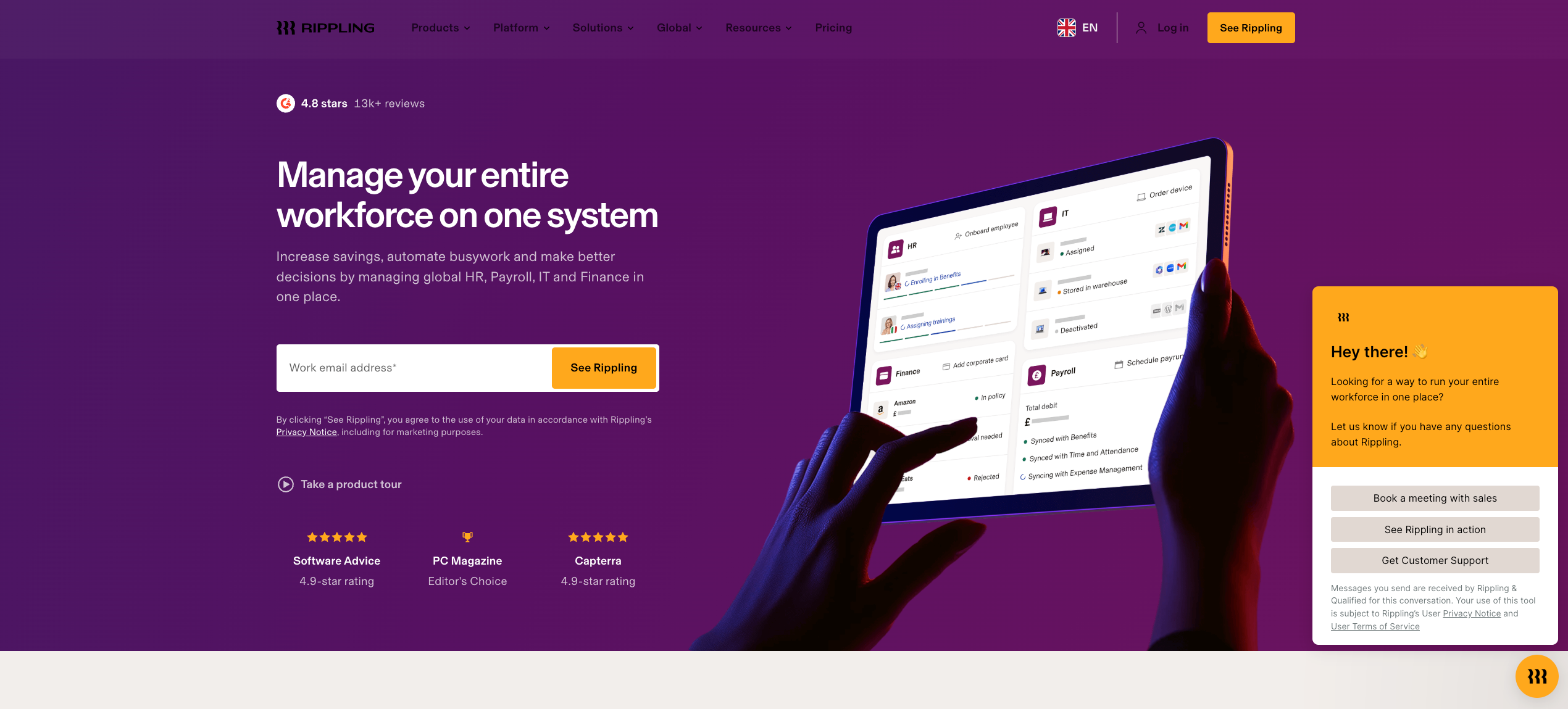
Best for: Tech-forward enterprises managing distributed teams across HR, IT, payroll, and time tracking in one ecosystem
Rippling takes a modular approach to enterprise workforce management, combining HR, IT, payroll, and time tracking into a single connected ecosystem. Its automation-first architecture makes it particularly strong for enterprises where HR and IT operations intersect frequently.
What it offers:
- Automated time tracking with attendance reporting connected directly to payroll and HR data
- Workflow automations that trigger actions based on attendance events, like flagging missed punches or initiating overtime alerts
- Skill-based and demand-aware scheduling connected to time data across locations
- Global EOR services and cross-border payroll compliance for international operations
- Role-based access controls and granular permission management across departments and locations
- Device and software provisioning connected to employee attendance and status data
Considerations:
Rippling’s breadth of features can feel overwhelming during early use, and some users note that custom reporting and system configuration require additional setup to align with internal processes.
For enterprises whose primary need is precise shift-level time and attendance tracking for large hourly workforces, Rippling’s broader feature set introduces complexity that doesn’t always deliver proportional value. Its contingent workforce capabilities are limited, and the platform is strongest for knowledge worker environments rather than shift-based hourly operations.
9. TimeClock Plus (TCP Software)
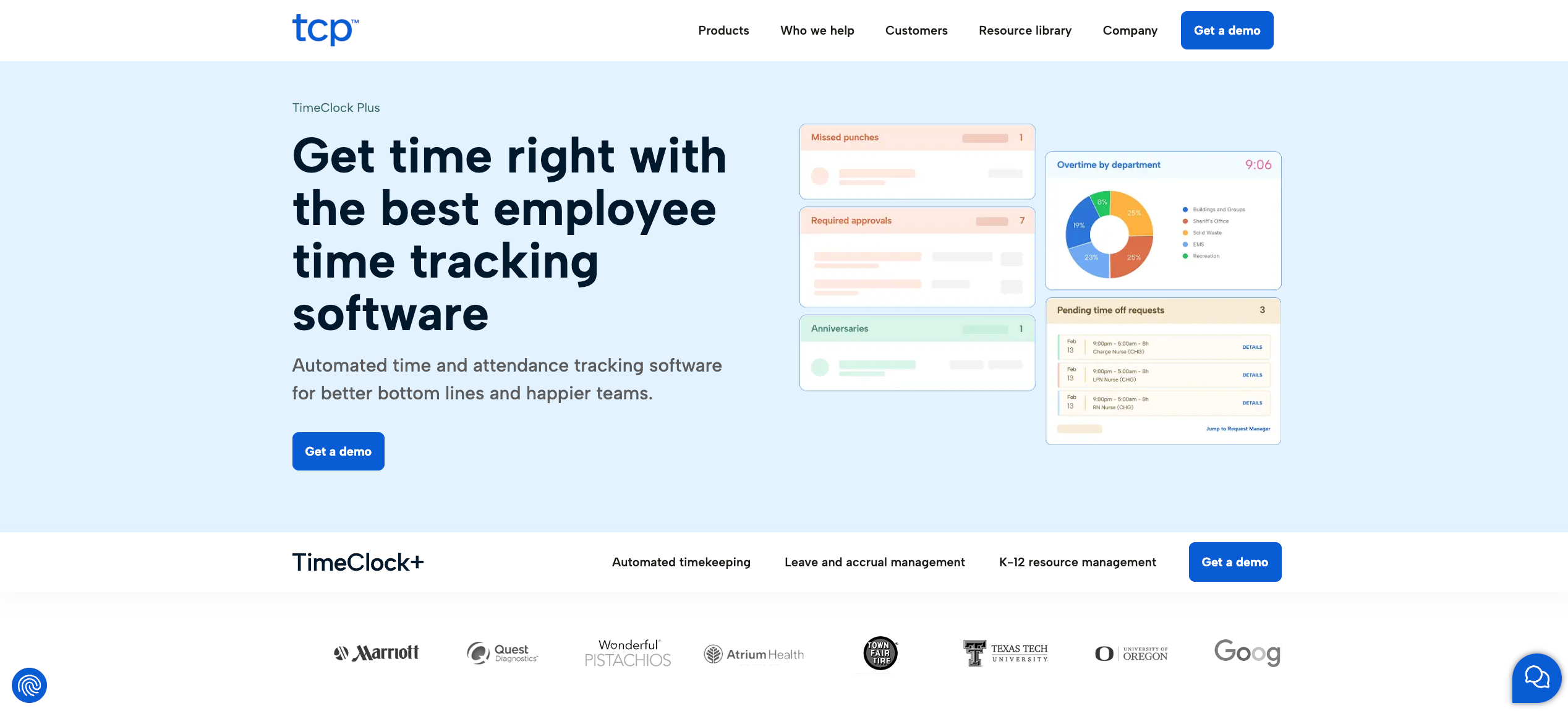
Best for: Public sector, education, and regulated industries needing flexible, scalable time and attendance with strong biometric support
TimeClock Plus is one of the most configurable time and attendance platforms on the market, particularly for organizations with complex pay rules, diverse clock-in method requirements, and strong audit trail needs. It’s widely deployed across K-12 education, local government, and healthcare.
What it offers:
- Biometric clock-in options, including fingerprint, facial recognition, and PIN, across mobile, web, and hardware devices
- Automated timekeeping with real-time exception tracking and overtime management
- Dynamic accrual forecasting and real-time leave management connected to the attendance system
- Configurable pay rules, job codes, and department structures for complex multi-role organizations
- Audit-ready reports with detailed punch histories for compliance and dispute resolution
- Integration with major HR and payroll systems, including ADP, Workday, and UKG
Considerations:
TCP is exceptional at time and attendance in regulated, rules-heavy environments. Its scheduling capabilities are more limited than dedicated workforce management platforms, and its interface has drawn feedback about being less intuitive than newer competitors. For private-sector hourly operations in hospitality, events, or catering, the platform’s public sector orientation shows in its feature priorities.
10. Connecteam
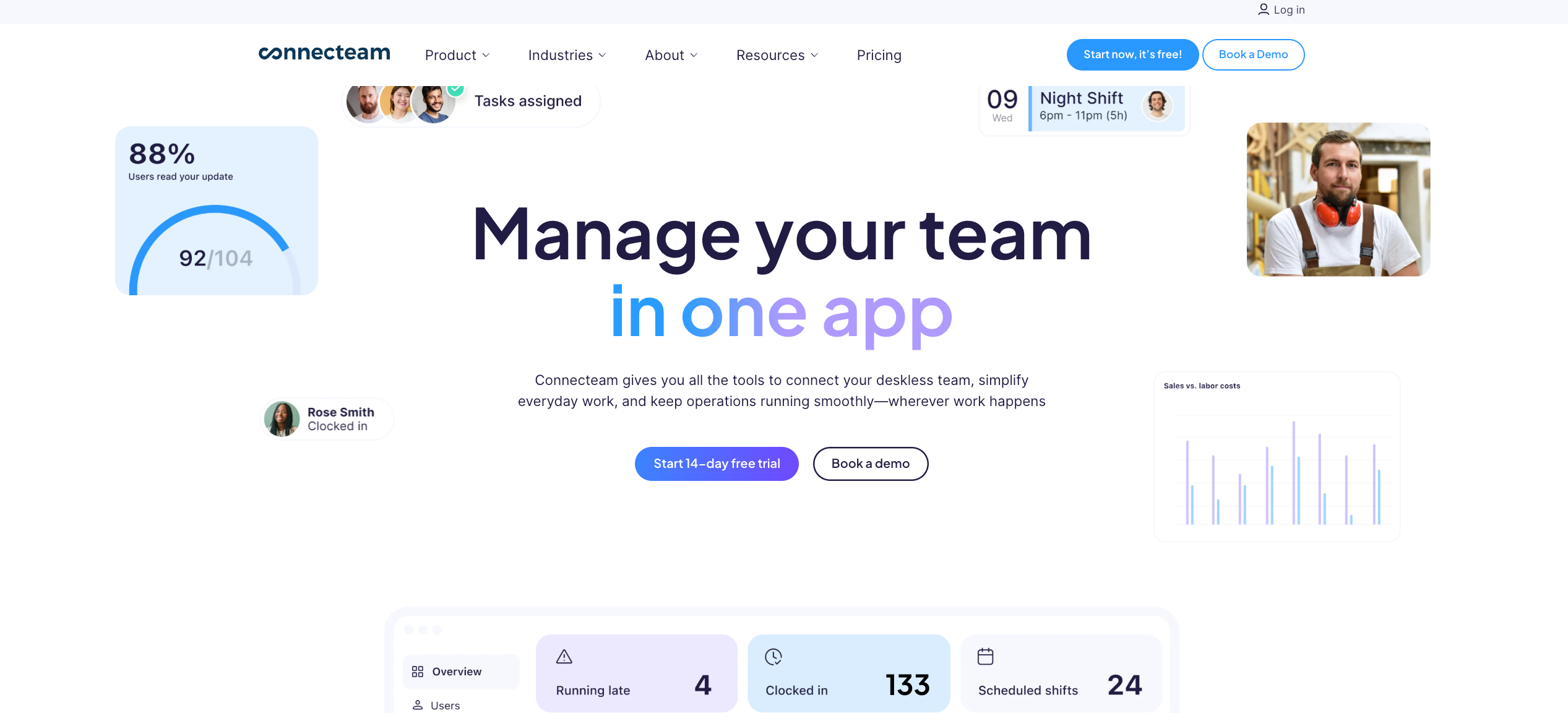
Best for: Large deskless and field-based enterprise teams needing mobile-first attendance with built-in communication
Connecteam brings GPS time tracking, scheduling, team communication, and task management into a single mobile app. For large enterprises where workers never sit at a desk, and mobile adoption is the primary adoption challenge, its unified approach has real operational value.
What it offers:
- GPS clock-in with geofencing, auto clock-out when workers leave job sites, and breadcrumb location tracking for field teams
- Real-time attendance dashboards showing who is clocked in, where, and how long, across all locations
- Digital timesheets with automated overtime calculations and direct payroll export
- In-app team messaging, announcements, and shift notifications in the same interface as time tracking
- Digital forms and checklists attached directly to shifts for compliance documentation
- Flat-fee pricing for the first 30 users, then per-user rates beyond that threshold
Considerations:
Connecteam’s hub-based pricing model can escalate at large enterprise headcount, and its payroll integration options are more limited than dedicated time and attendance platforms, with only four native payroll integrations available even on paid plans. Native payroll processing is not available.
For enterprises managing a mix of direct-hire and contingent staff, the platform has no framework for vendor management or agency coordination. The broader feature suite, while valuable for deskless teams, can introduce more operational complexity than strictly time-and-attendance-focused enterprises need.
Must-Have Features for Multi-Location Hourly Operations
Not all attendance tracking software is built for the same operating environment. A platform that handles remote and hybrid teams tracking project hours works very differently from one managing 200 hourly workers clocking in across five locations in real time. For enterprise hourly operations, the feature requirements are specific, and the gaps in the wrong platform are expensive.
Here’s what actually matters.
GPS Tracking and Location-Verified Clock-In
GPS tracking is the foundation of accurate attendance tracking for any enterprise operating across multiple job sites. Without it, attendance data is only as reliable as the honor system, and the honor system doesn’t scale.
Reliable attendance tracking at enterprise scale requires:
- GPS-enabled mobile clock-in that pins each punch to the worker’s actual location at the moment of entry
- Geofencing that restricts clock-ins to authorized sites, so a worker can’t punch in from a parking lot or their car
- Photo capture at clock-in as an additional verification layer for high-traffic sites where buddy punching risk is highest
- A central time clock option via tablet kiosk for fixed locations, alongside mobile clock-in for distributed workers
- Real-time location flags when a punch originates outside an authorized geofence
GPS tracking doesn’t just prevent time theft. It creates accurate record-keeping that protects the enterprise in compliance audits, wage disputes, and legal challenges. Without it, your employee time tracking data is an assumption, not a fact.
Real-Time Attendance Visibility
The difference between enterprise-grade attendance management and basic time tracking software often comes down to one thing: when you see the data. Basic tools show you what happened. Enterprise platforms show you what’s happening right now, across every location simultaneously.
Real-time visibility into live attendance means:
- A centralized dashboard showing current clock-in status, late arrivals, and no-shows across all locations at once
- Instant alerts when a worker misses a punch, hits an overtime threshold, or fails to clock out at the end of a shift
- Attendance patterns analysis that surfaces trends like chronic lateness or high absence rates by location, department, or role
- Live labor cost data updated as hours accumulate so managers can act on budget overruns before the shift ends, not after
Without real-time visibility, enterprise managers are always working from yesterday’s data. That’s too late for operations where staffing gaps cost real money within minutes.
Automated Calculations for Pay and Compliance
Automated calculations are where enterprise time tracking software earns its keep at scale. Manual processes for calculating employee work hours, overtime, break premiums, and role-based differentials across hundreds of workers are where payroll errors originate. The right attendance solution removes human calculation from the equation entirely.
Accurate time tracking requires automated calculations for:
- Regular, overtime, and double-time hours based on daily and weekly thresholds by jurisdiction
- Break tracking that monitors whether missed breaks have occurred and automatically adds premium pay where state law requires it
- Shift differentials and role-based pay rate changes applied correctly when a worker covers multiple roles in a single day
- Overtime tracking that flags approaching thresholds in real time, not at the end of the pay period
- Accurate payroll records generated automatically from clocked hours, with no manual data re-entry between systems
When employee self-service tools are layered on top, workers can review their own hours before payroll runs, catching discrepancies early and reducing correction cycles.
Leave and Time Off Management
Time off requests are one of the most common sources of attendance data fragmentation in enterprise operations. When requests flow through text messages, email, or paper, they don’t connect to scheduling or attendance data automatically. Workers get accidentally scheduled for shifts they’ve been approved to miss. Coverage gaps appear at the last minute. Payroll accruals fall out of sync with actual usage.
Integrated attendance management handles time off requests in the same system as scheduling and time tracking, so approved absences automatically update the roster and employee work hours records without a secondary manual process.
Key features to look for:
- Employee-initiated time off requests through a mobile app with manager approval workflows
- Automatic blocking of approved leave dates from scheduling to prevent double-booking
- Leave balance tracking connected to actual clocked hours for accurate accrual calculations
- PTO, sick leave, and unpaid leave categorized separately for accurate payroll records
Payroll System Integration
Accurate time tracking means nothing if the data doesn’t flow cleanly into payroll. For multi-location enterprises, the integration between attendance tracking software and payroll isn’t just a convenience feature. It’s the difference between a payroll process that closes cleanly and one that requires hours of manual reconciliation every cycle.
The standard to hold every platform to: attendance software integrates natively with your existing payroll system in real time, not via a scheduled batch export that someone has to monitor and clean up.
What native integration delivers:
- Employee work hours flowing directly into payroll with no manual export step
- Automated calculations for overtime, differentials, and deductions applied before payroll runs
- Real-time sync so schedule changes and punch corrections are reflected in payroll data immediately
- Elimination of manual tracking between systems, which is where most enterprise payroll errors originate
Multi-Clock-In Method Support
Enterprise workforces are rarely uniform. Some workers use smartphones. Some work at fixed stations where a tablet kiosk is more practical. Some operate in environments where photo capture at clock-in is a security requirement. An enterprise attendance solution needs to support multiple clock-in methods consistently, with all data flowing into the same centralized system.
Clock-in methods that matter at enterprise scale:
- GPS-enabled mobile app for workers in the field or across multiple job sites
- Tablet kiosk at fixed locations with PIN or facial recognition
- Photo capture verification to eliminate buddy punching at high-volume sites
- Web-based clock-in for remote employees and remote and hybrid teams
- Badge or QR code support for industrial or warehouse environments
Advanced Scheduling Connected to Attendance Data
Advanced scheduling that connects directly to attendance data closes the loop between what was planned and what actually happened. When scheduling and employee time tracking exist in separate systems, the gap between planned and actual hours becomes an ongoing manual reconciliation task.
Integrated scheduling means:
- Planned versus actual hours visible in a single view, updated in real time as workers clock in
- Overtime risk flags triggered the moment a worker’s clocked hours approach the threshold for their scheduled role
- Attendance patterns surfaced automatically when an employee’s actual punch history diverges significantly from their assigned shifts
For a deeper look at how scheduling and attendance connect in high-volume operations, see our guide on real-time workforce visibility.
Feature Checklist for Enterprise Time and Attendance
| Feature | Why It Matters at Enterprise Scale |
|---|---|
| GPS tracking with geofencing | Accurate attendance tracking across all sites, no time theft |
| Real-time dashboard | Live attendance management across every location |
| Automated calculations | Eliminates payroll errors from manual processes |
| Break tracking | Compliance for missed breaks and premium pay obligations |
| Overtime tracking | Real-time alerts before thresholds are breached |
| Native payroll integration | Accurate payroll records with no manual data transfer |
| Time off requests workflow | Connected to scheduling and payroll automatically |
| Multi-method clock-in | Supports all worker types across all site configurations |
| Detailed audit trails | Protects the enterprise in disputes and compliance reviews |
| Employee self-service tools | Workers verify their own hours before payroll closes |
The Hidden Costs of Inaccurate Time Data
Most enterprises measure the cost of bad time and attendance data in terms of payroll corrections. That’s the visible part. The real cost runs much deeper, and most of it never appears on a single line item.
Here’s the full picture.
The Direct Payroll Cost
The numbers on payroll error costs are striking at scale. Missing or incorrect time punches alone cost companies approximately $78,700 per 1,000 employees per year. For an enterprise with 2,000 hourly workers, that’s a six-figure loss from a single category of time data error, before factoring in overtime miscalculations, missed deductions, or incorrect accruals.
EY estimates that for a 1,000-employee company, correcting payroll errors costs up to $922,131 annually. And the employee time tracking errors behind those corrections aren’t unusual. The average company operates at an 80% payroll accuracy rate and makes 15 corrections per pay period.
Manual tracking is the root cause in most cases. When employee work hours are entered by hand, exported via CSV, or reconciled between disconnected systems, every step introduces error risk. The automated calculations that eliminate this exposure aren’t a luxury for enterprises at scale. They’re a financial necessity.
The Time Cost Nobody Tracks
The hours spent correcting time data errors are themselves a hidden cost. An organization with 1,000 employees spends an average of 29 workweeks per year correcting common payroll errors. That’s more than half a year of full-time work dedicated to fixing problems that didn’t need to happen.
Fixing missing or incorrect time punches specifically takes an average of 26 minutes per employee. Multiply that across a 500-person enterprise with frequent punch corrections, and you’re looking at a significant ongoing labor cost that never appears in the time and attendance budget because it’s absorbed by HR and payroll teams as part of their regular workload.
Reliable attendance tracking that prevents these errors in the first place is the only intervention that actually eliminates this cost. Faster correction processes just make an expensive problem cheaper to fix.
The Compliance Exposure
Inaccurate time data doesn’t just create payroll problems. It creates legal exposure. The average cost of payroll noncompliance now exceeds $845 per employee per year once fines, back wages, penalties, and internal remediation are factored in.
The most common compliance failures that trace back to time data inaccuracy:
- Missed breaks that weren’t tracked or enforced, triggering premium pay obligations under state law
- Over time, miscalculations that result in back-wage claims
- Attendance patterns that should have triggered predictive scheduling compliance but weren’t caught because the data didn’t exist in a usable form
- Incorrect employee work hours records that fail to hold up in a wage dispute or Department of Labor audit
- Benefits administration errors triggered by incorrect hours data affecting eligibility calculations
Detailed audit trails are the enterprise’s primary defense against all of these. Without them, disputes become word-against-word. With them, every punch, every correction, and every approval is timestamped and attributable.
The Turnover Cost
This is the most underestimated hidden cost in the category. Payroll errors don’t just create financial losses. They destroy employee trust, and in hourly workforces where workers have real alternatives, trust is directly connected to retention.
Nearly half of employees, at 49%, consider leaving after just two payroll mistakes. For an enterprise managing large hourly teams where recruitment and onboarding costs are already significant, a pattern of payroll inaccuracy driven by poor employee time tracking becomes a direct driver of turnover, which generates its own compounding cost in replacement hiring and productivity loss.
Accurate time tracking that ensures workers get paid correctly, on time, every cycle, is one of the most operationally practical retention strategies available to hourly employers. It’s also the one that gets the least attention in retention conversations.
The Labor Spend Leak
Beyond payroll errors, inaccurate time data creates a spend management blind spot. When the gap between scheduled hours and clocked hours isn’t visible in real time, budget overruns happen gradually and invisibly until they appear in a payroll report that’s already two weeks old.
Tracking time accurately at the shift level means:
- Overtime that accumulates across a single day is visible to managers before the shift ends
- Employee work hours by location and role are available for real-time budget comparison
- Unapproved early clock-ins and late clock-outs show up immediately, rather than silently inflating the labor bill
- Attendance patterns like chronic late departures at specific locations flag for operational review before they become budget problems
The enterprises that control labor costs most effectively aren’t necessarily the ones with the tightest schedules. They’re the ones with the most accurate picture of what’s actually happening on the floor in real time.
How to Evaluate a Platform Before You Commit
The wrong enterprise time and attendance platform is worse than no platform at all. A poorly deployed system creates more manual reconciliation than it eliminates, introduces new compliance risks, and generates adoption problems that take years to unwind. Here’s how to evaluate without making that mistake.
Define Your Non-Negotiables First
Before evaluating any time tracking software, list the three conditions that, if a platform doesn’t meet them, immediately disqualify it. For most enterprise hourly operations, that list looks something like this:
- GPS tracking with geofencing that works reliably on the devices your workers actually carry
- Native payroll integration with your existing system, not a third-party connector that introduces reconciliation risk
- Multi-location centralized visibility without requiring separate logins per site
Once those conditions are clear, evaluate candidates against them first. Anything that doesn’t clear all three moves off the list before you invest time in deeper evaluation.
Test Accurate Time Tracking Under Real Conditions
Flexible attendance tracking looks good in a demo. What matters is whether it holds up when workers are clocking in from a loading dock on an Android phone with an inconsistent signal, or when a supervisor is trying to review and approve timesheets from a tablet while managing an active shift.
During any evaluation period, test these specific conditions:
- Clock-in reliability across the device types your workers actually use, not just the flagship iPhone shown in the demo
- GPS tracking accuracy at your actual work sites, including indoor locations where the GPS signal can be inconsistent
- How the platform handles a missed punch: does it alert the manager automatically, or does the gap appear at payroll?
- Whether break tracking enforces compliance rules automatically or requires manual supervisor intervention
- How time off requests flow from employee submission through manager approval to schedule and payroll update
Accurate attendance tracking under imperfect real-world conditions is the only test that actually predicts whether a platform will work.
Evaluate the Payroll Integration Depth
Every platform claims payroll integration. The question is what that actually means in practice. There’s a meaningful difference between a platform that exports a formatted CSV for your payroll team to upload and one that syncs employee work hours natively in real time with zero manual intervention.
Ask every vendor these questions directly:
- Does the integration push data to payroll in real time, or on a scheduled batch basis?
- When a punch is corrected after the fact, does the correction sync to payroll automatically?
- How are multi-rate workers handled when they cover different roles with different pay rates in the same shift?
- Does break tracking and overtime tracking data flow into payroll automatically, or does someone review and transfer it?
- Can your payroll team access accurate payroll records for any historical period directly from the platform without requiring an export?
If any answer is “that requires a manual step,” that manual step will happen 52 times per year, and every instance is an error opportunity.
Check the Compliance Configuration Depth
For multi-location enterprises, compliance configuration isn’t a setup task. It’s an ongoing operational requirement. Labor laws change. New locations open in new jurisdictions. The platform needs to handle rule updates without requiring a ticket to the vendor every time a break rule changes in a state you operate in.
Ask specifically:
- Can compliance rules be configured independently at the location level, or do changes apply globally?
- How does the platform handle multi-jurisdiction overtime tracking when a worker picks up shifts across locations in different states?
- Are missed breaks flagged in real time during the shift, or surfaced as exceptions during timesheet review?
- What detailed audit trails does the platform maintain, and in what format are they available for compliance review?
- Does the platform update automatically when federal or state labor law changes, or does compliance configuration require manual updates?
Assess the Mobile Experience for Frontline Workers
An enterprise attendance solution that managers love but workers resist using doesn’t solve the attendance tracking problem. It adds a parallel paper process to compensate for low adoption.
When evaluating mobile experience for frontline and hourly workers specifically:
- Test the clock-in flow on a range of devices, Android and iOS, newer and older models
- Measure how many taps it takes for a worker to clock in, check their hours, and submit a time off request
- Verify that employee self-service tools are genuinely accessible to workers without training, not just intuitive to technology-confident users
- Check whether the app works offline and syncs when signal returns, critical for multiple job sites in areas with inconsistent coverage
- Ask workers who aren’t enthusiastic tech adopters to complete basic tasks without assistance
High adoption among hourly workers is the condition that makes every other feature on the platform actually deliver value. It’s worth testing explicitly.
Evaluate Scalability Against Your Growth Trajectory
The right attendance tracking software for your operation today should also be the right platform for your operation in two years. Evaluate scalability specifically:
- How does the platform perform when headcount doubles? Ask for references from customers at your projected scale.
- How does the human resources management and hr processes workload change as locations are added?
- Are there features, like advanced reporting, project-based time tracking for specific roles, or unlimited users within certain tiers, that are gated behind higher plan tiers you’ll need as you scale?
- What does the implementation timeline look like for adding a new location, and can site managers do it independently, or does it require vendor support?
For a practical starting point on evaluating your current cost baseline, Nowsta’s cost savings calculator helps operations teams quantify what inaccurate tracking and manual processes are already costing before comparing platforms. And for a broader view of what connected workforce management looks like when tracking time, scheduling, and payroll operate as one system, see our guide on workforce management software.
Get Enterprise Time and Attendance Right With Nowsta
Enterprise time and attendance isn’t a tracking problem. It’s a data accuracy problem with financial, legal, and operational consequences that compound at scale. Every section of this guide points to the same truth: precision at the punch level determines everything downstream.
Key takeaways:
- Enterprise time and attendance is fundamentally different from SMB time tracking
- GPS-verified clock-in and geofencing are non-negotiable at the multi-location scale
- Inaccurate time data costs enterprises up to $922,131 annually per 1,000 employees in corrections alone
- Native payroll integration eliminates the manual steps where most errors originate
- Compliance exposure multiplies across jurisdictions without automated enforcement
- Nearly half of employees consider leaving after just two payroll mistakes
For hourly and shift-based enterprise teams, Nowsta connects GPS-verified time and attendance directly to scheduling, payroll, and compliance in one platform, no manual exports, no reconciliation gaps, no parallel systems for contingent staff. Schedule a demo and see what accurate time data actually looks like at enterprise scale.
FAQs
What Is the Best Time and Attendance Software?
It depends on your workforce type. For hourly and shift-based enterprise teams, Nowsta leads with GPS attendance, automated compliance, and native payroll integration to improve payroll accuracy and manage employee data across locations. UKG Pro and Dayforce suit large enterprises needing full HCM depth. All three ensure compliance across multi-jurisdiction environments without manual hr tasks.
Which Attendance App Is Best for Small Businesses?
Homebase is the most accessible, with a free plan for teams under 10 at one location. Connecteam’s free plan covers up to 10 users with GPS clock-in. When I Work suits small hourly teams needing clean scheduling tied to attendance. All three ensure compliance with basic labor rules and improve payroll accuracy over manual tracking.
Which Time Tracker Is Best for Small Businesses?
Clockify’s free plan supports unlimited users with project tracking and task tracking at no cost. QuickBooks Time connects employee data directly to payroll and includes project management tools to monitor project progress by job. Toggl Track suits service businesses, tracking billable time by client without full workforce management complexity.
What Is the Best Timesheet Software?
For enterprise hourly teams, Nowsta syncs timesheet data natively to payroll, automating hr tasks and keeping employee data accurate in real time. Dayforce suits enterprises needing continuous payroll calculation. For project-based teams needing to monitor project progress, Harvest or QuickBooks Time connects timesheet data directly to billing and payroll to ensure compliance and improve payroll accuracy.