Most frontline workforce management software looks the same on a features list. Scheduling? Check. Time tracking? Check. Mobile app? Check. But when your team is 200 people spread across three venues and a no-show hits at 6 PM, “check” stops being enough.
The real test isn’t whether the software has the features. It’s whether it works when the pressure is on.
Here’s what this guide covers:
- What frontline workforce management software actually does (and what it should do well)
- The must-have features that separate good tools from great ones
- How AI is changing the game for shift-based operations
- The hidden costs of picking the wrong platform
- How to evaluate and shortlist the right software for your team
- Why integrated platforms outperform point solutions every time
One platform worth knowing early: Nowsta is built specifically for shift-based and contingent teams, combining scheduling, time tracking, payroll integration, and compliance in one place. Real operations teams use it. The numbers back it up.
TL;DR: Quick Comparison of Best Frontline Workforce Management Software
| Platform | Best For | Key Strength | Notable Gap |
|---|---|---|---|
| Nowsta | Shift-based & contingent teams | End-to-end: scheduling, compliance, payroll, vendors | N/A |
| Deputy | SMB scheduling | Clean scheduling UX | No contingent/vendor management |
| Connecteam | Deskless teams, SMB | Mobile-first, modular pricing | Limited at enterprise scale |
| Workforce.com | Hospitality, retail | Scheduling-payroll connection | No talent intelligence |
| When I Work | Simple shift scheduling | Easy deployment | Thin analytics and compliance |
| UKG Pro | Large enterprises | Scale and compliance depth | Heavy implementation, high cost |
| Skedulo | Field service teams | Route + schedule optimization | Weak for shift-based industries |
| Dayforce | Mid-to-large orgs | Real-time payroll accuracy | Complex, expensive to deploy |
| ADP Workforce Now | Established enterprises | Payroll breadth and reliability | Poor fit for contingent labor |
| Factorial | Mid-sized HR needs | Broad HR + scheduling combo | Not built for events/catering |
What Is Frontline Workforce Management Software?
Frontline workforce management software is a platform built to plan, schedule, track, and manage employees who work on-site, on the floor, or in the field rather than at a desk. Think catering crews, hotel housekeeping, warehouse teams, healthcare aides, and event staff.
These aren’t office workers with a laptop and a calendar app. They need tools that work in the moment, on a phone, mid-shift, with zero margin for error.
At its core, a frontline WFM platform handles:
- Shift scheduling across locations, roles, and skill sets
- Time and attendance tracking with GPS verification and mobile clock-in
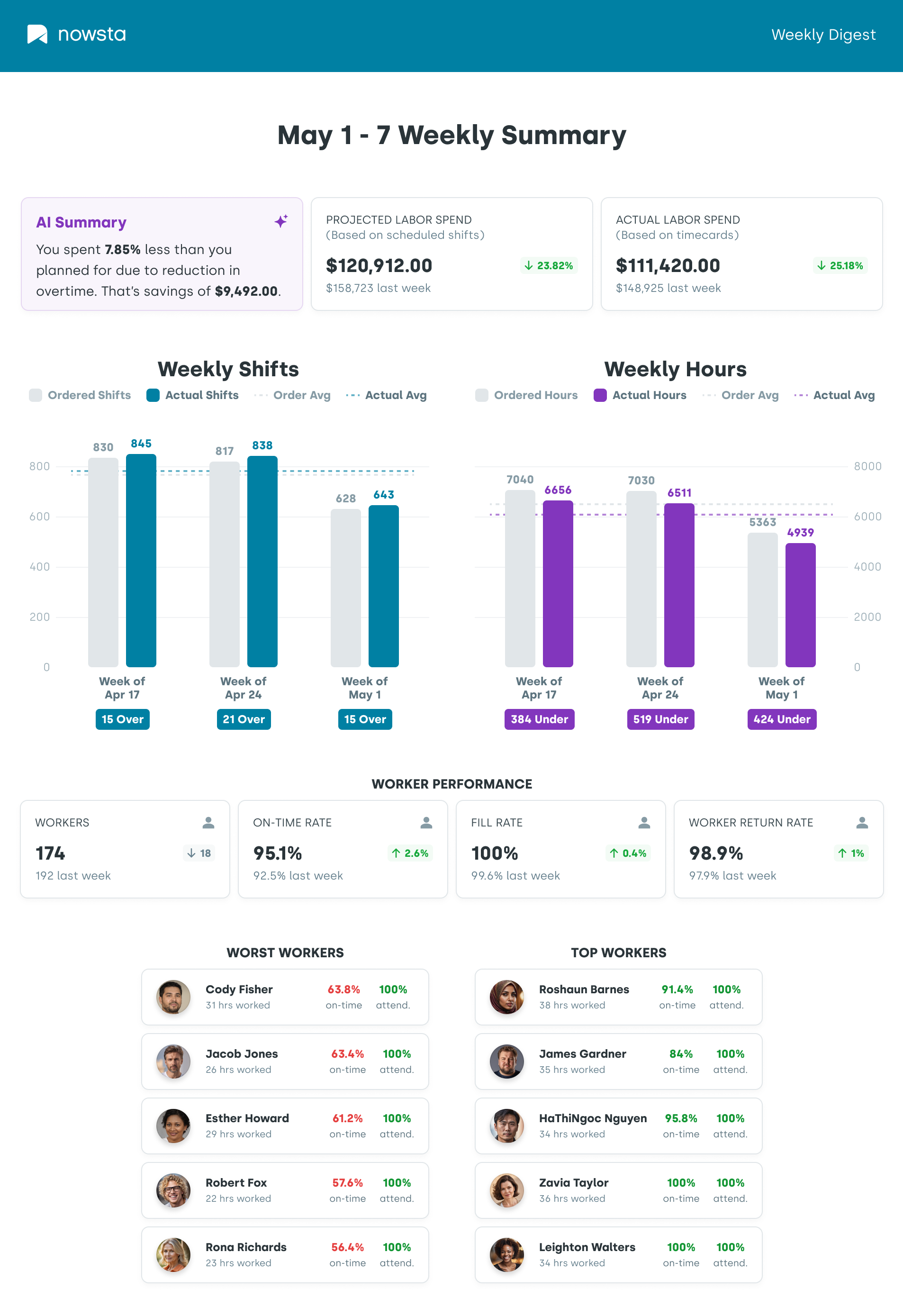
- Labor cost visibility and overtime monitoring in real time
- Payroll integration so hours flow directly to wages without manual exports
- Compliance management to keep you aligned with labor laws automatically
- Worker communication so that schedule changes reach the right people instantly
WFM vs. General HR Software: What’s the Difference?
This trips people up constantly. Here’s the short version:
| WFM Software | General HR Platform | |
|---|---|---|
| Primary focus | Scheduling, time, labor costs | Hiring, onboarding, performance |
| Built for | Shift-based, hourly teams | Office and salaried employees |
| Real-time use | Yes, shift-by-shift | Mostly administrative |
| Compliance depth | Labor law, overtime, and break rules | HR policy, benefits |
In 2026, the strongest platforms blur this line. The best workforce management software combines operational scheduling with HR functions in one system, so you’re not jumping between tools to get a complete picture of your workforce.
Read more: What Is Workforce Scheduling?
Best Frontline Workforce Management Software
Not every platform on this list does the same thing equally well. Some are built for scheduling speed, others for enterprise scale, and a few try to do everything at once. Here’s an honest breakdown of who each tool is really for, what they do well, and where they fall short.
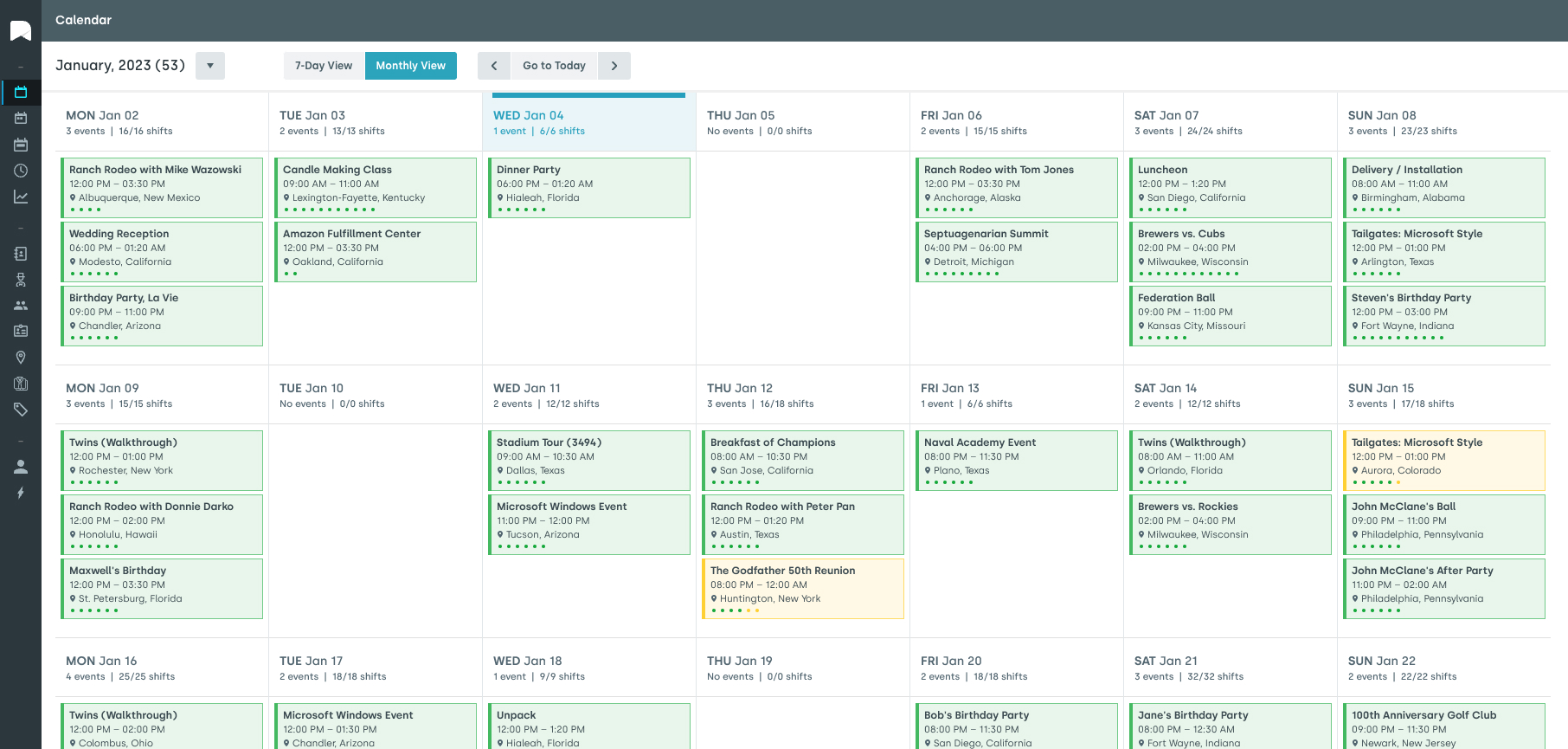
1. Nowsta
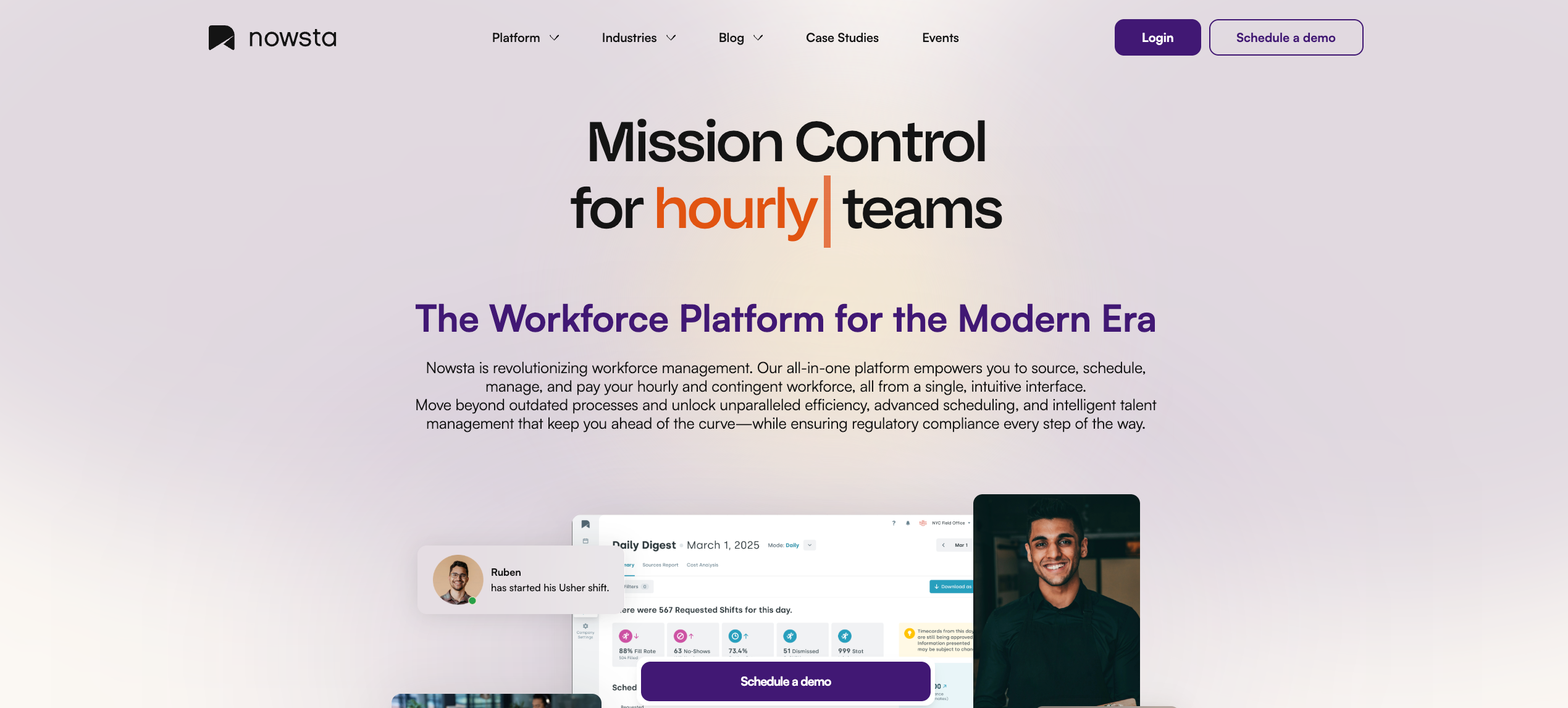
Nowsta is a purpose-built workforce platform for shift-based and contingent teams, widely trusted across catering, events, hospitality, warehousing, and healthcare. It’s designed from the ground up for operations where the workforce is dynamic, distributed, and deadline-driven.
What it offers:
- AI-powered scheduling that cuts scheduling time by up to 80%, with demand forecasting, reusable templates, and auto-broadcast of open shifts
- GPS-enabled time and attendance tracking with geofencing, automated clock-in/out alerts, and instant timesheet approvals, helping eliminate time theft and payroll errors
- Direct payroll integration that flows hours, wages, and labor data into your existing payroll systems, with 90% faster payroll processing reported by customers
- Talent intelligence and vendor management that ranks workers by skills, certifications, availability, and performance, so you always put the right person on the right shift
- Real-time labor cost visibility with budget alerts, overtime monitoring, and automated compliance monitoring built in
- Mobile-first experience that gives workers schedule access, shift reminders, and instant pay through a clean, intuitive app
- Customizable notifications that drive 35% higher engagement rates across teams
The platform covers the full workforce lifecycle: source, schedule, manage, and pay, all from a single interface.
Case Study: Continental Services
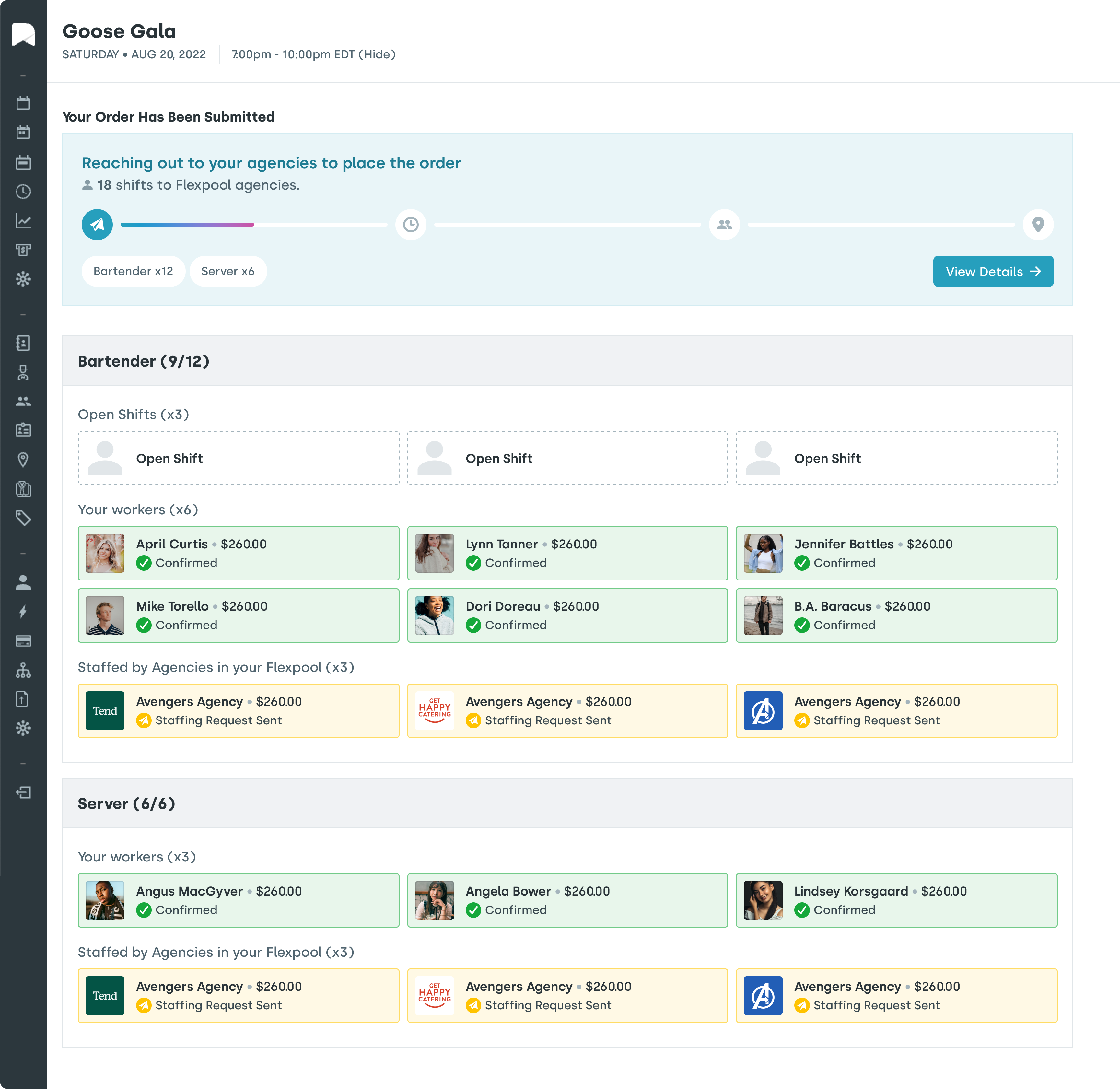
Continental Services was spending enormous time manually reconciling schedules, timesheets, and payroll across multiple locations. After switching to Nowsta, they saved over 500 hours per year, with payroll processing time dropping by 90%.
Read the full story →
Read more: Benefits of Workforce Management Software for Enterprises
2. Deputy
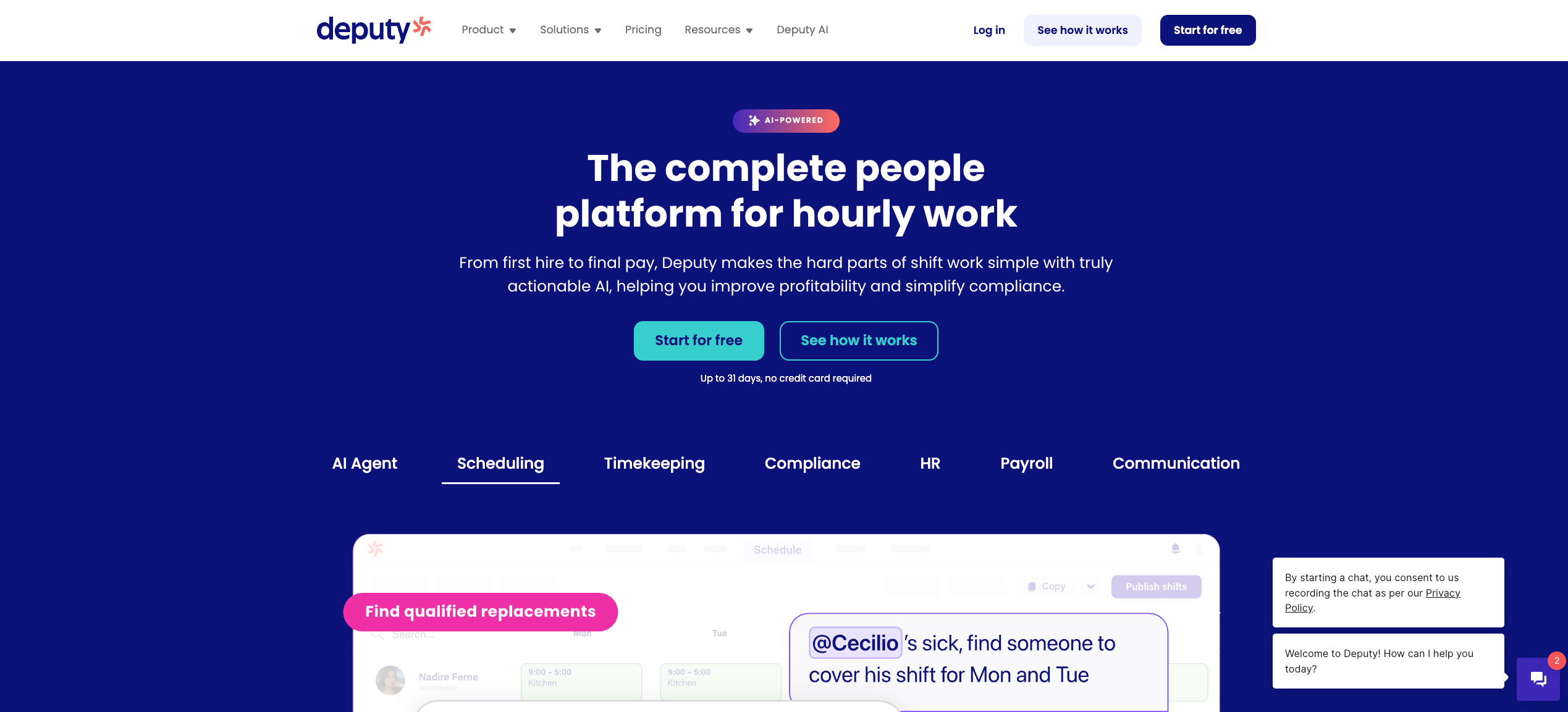
Deputy is a scheduling-forward WFM platform with strong adoption in retail, hospitality, and healthcare. More than 355,000 workplaces use it globally for shift scheduling, timesheet management, and basic compliance.
What it offers:
- AI-powered auto-scheduling based on availability, demand forecasts, and past schedules
- Drag-and-drop shift builder with open shift claiming and swap approvals
- GPS-enabled mobile clock-in with optional facial recognition kiosk mode
- Labor compliance rules built into scheduling, including break and overtime alerts
- Integrations with payroll tools like Xero, QuickBooks, and ADP
Considerations:
Deputy handles scheduling and time tracking well, but its depth ends there. It has no checklist functionality, no vendor or contingent workforce management, and its mobile app has reported performance issues, particularly for multi-location teams. HR functionality is also limited compared to more comprehensive platforms.
For teams managing contingent staff, staffing agencies, or complex multi-location operations, Nowsta’s vendor management and talent intelligence fill exactly the gaps Deputy leaves open, without requiring a separate tool.
3. Connecteam
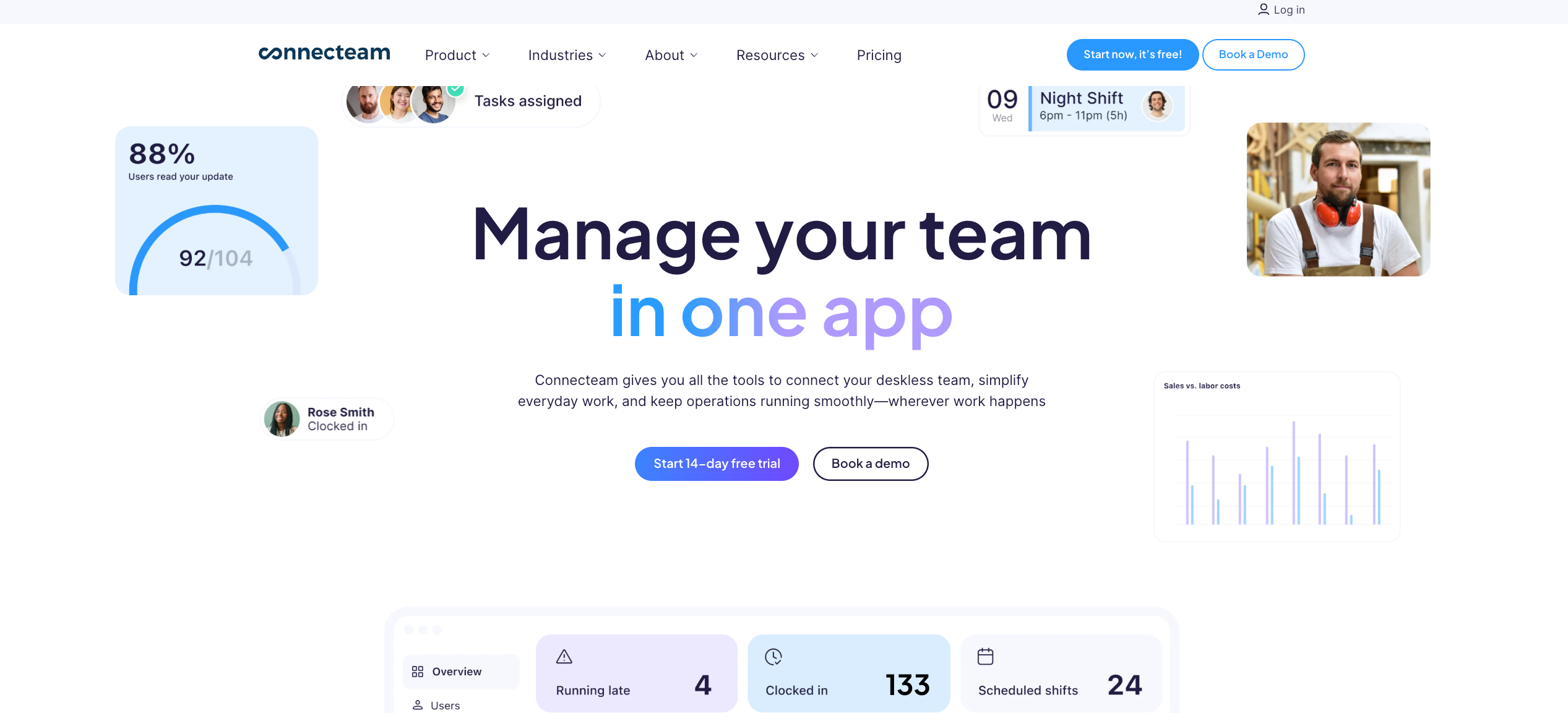
Connecteam is a mobile-first WFM platform built specifically for deskless and frontline teams. It’s organized into three purchasable hubs: Operations, Communications, and HR & Skills, making it flexible for smaller organizations.
What it offers:
- GPS time tracking with geofencing and mobile clock-in
- Drag-and-drop shift scheduling with open shift claims and notifications
- Built-in team chat, news feed, and announcements
- Digital forms, checklists, and task management
- AI-generated training content and onboarding documents
- Free plan available for teams of up to 10 users
Considerations:
Connecteam’s modular pricing means costs can stack up fast as you add hubs. Advanced reporting is limited, and users have noted occasional app lag. It’s also better suited to small-to-mid-sized teams; at enterprise scale or with contingent and agency staff in the mix, it starts to show its seams.
Nowsta’s multi-location workforce management and automated compliance monitoring give larger operations the depth and real-time visibility that Connecteam can’t consistently deliver.
4. Workforce.com
Workforce.com is a frontline-specific WFM platform with particularly strong adoption in hospitality, retail, and healthcare. It ranked first overall in ISG’s 2026 Workforce Management Emerging Providers Buyers Guide, praised for connecting scheduling and payroll in a tighter single system than most competitors.
What it offers:
- Demand-based scheduling using historical sales data, foot traffic, and seasonal patterns
- Wage-and-hour automation with weighted-average overtime calculations
- GPS location tracking and real-time labor cost dashboards
- Attendance points system for tracking lateness, no-shows, and callouts
- POS and accounting system integrations
Considerations:
Workforce.com is solid for scheduling and time tracking, but doesn’t offer deep talent intelligence or contingent workforce management. Multi-time-zone operations can hit GPS limitations, and the platform’s HR capabilities remain relatively narrow compared to more integrated platforms.
Where Workforce.com stops at the schedule, Nowsta extends further, with labor forecasting, talent pool management, and staffing agency coordination built into the same system.
5. When I Work
When I Work is a straightforward scheduling and time tracking tool popular with small-to-mid-sized businesses in retail, food service, and healthcare. It earned an “Assurance” rating in ISG’s 2026 emerging providers evaluation, reflecting strong customer experience scores.
What it offers:
- Simple drag-and-drop scheduling with employee self-service shift swaps
- Mobile clock-in with GPS and photo verification
- Team messaging and shift notifications
- Basic labor cost tracking and payroll exports
- Integrations with popular payroll tools
Considerations:
When I Work is approachable and easy to deploy, but it’s primarily a scheduling tool. Labor forecasting, compliance depth, and workforce analytics are thin. It works for stable, simple team structures but struggles with the complexity of contingent workers, multi-vendor staffing, or high-volume shift operations.
Teams that have outgrown When I Work’s simplicity often find that Nowsta’s AI-powered scheduling and integrated payroll handle the scale and complexity that When I Work wasn’t built for.
6. UKG Pro Workforce Management
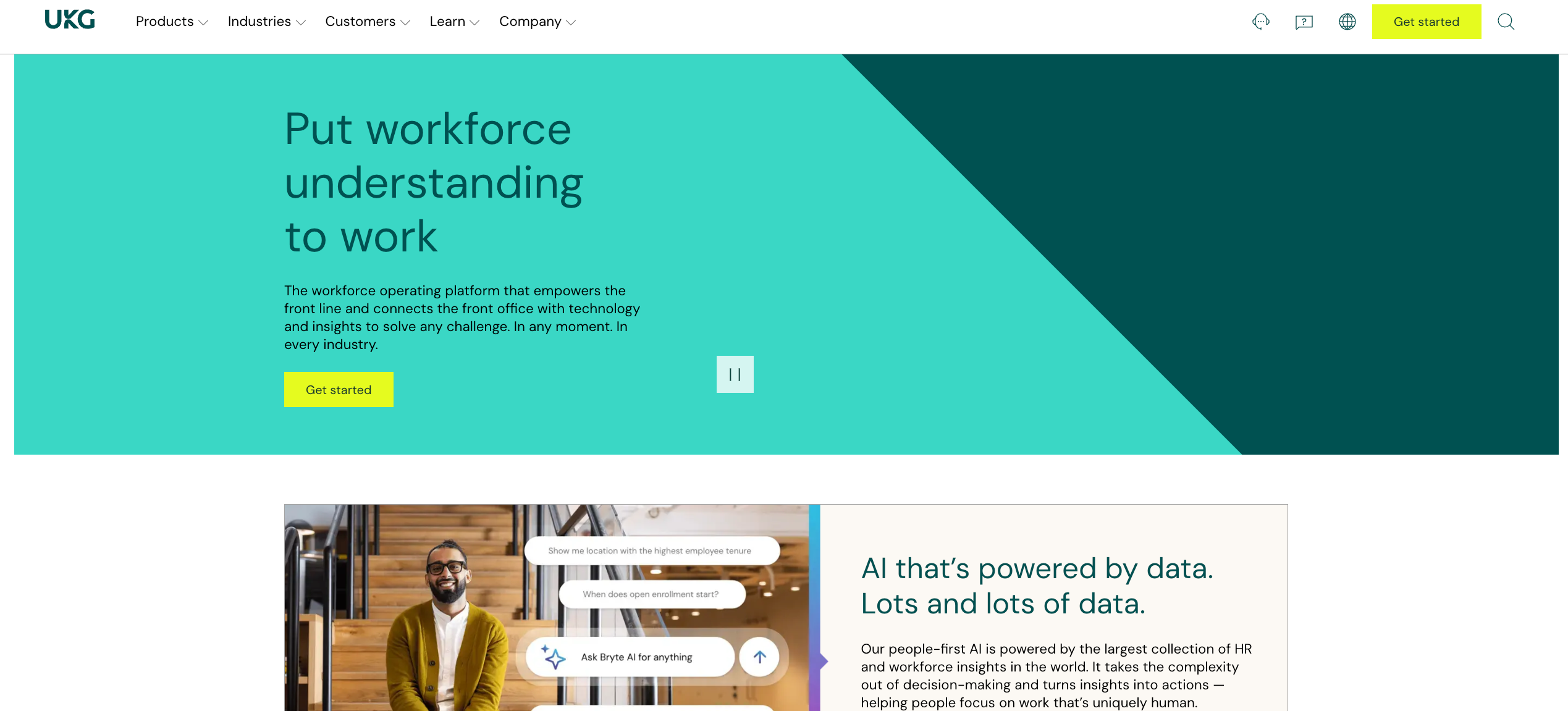
UKG is an enterprise-grade WFM platform built for large, frontline-heavy organizations. It handles scheduling, time and attendance, compliance, and labor demand management at a significant scale, with deep customization options.
What it offers:
- AI-assisted scheduling that balances demand, skills, availability, and labor rules
- Real-time dashboards with staffing, productivity, and labor cost visibility
- Absence management and leave compliance across complex rule sets
- Mobile workforce self-service for shift viewing, swapping, and requests
- Multi-country payroll and global compliance support
Considerations:
UKG’s power comes with a price: implementation is lengthy and complex, with high costs and a steep learning curve reported by many users. Frontline communication often requires a separate tool layered on top. For mid-market and event-driven businesses, it’s frequently more than what’s needed.
Nowsta delivers comparable scheduling intelligence and compliance automation without the enterprise implementation overhead, making it the more practical option for teams that need speed without sacrificing power.
7. Deputy Alternative: Skedulo
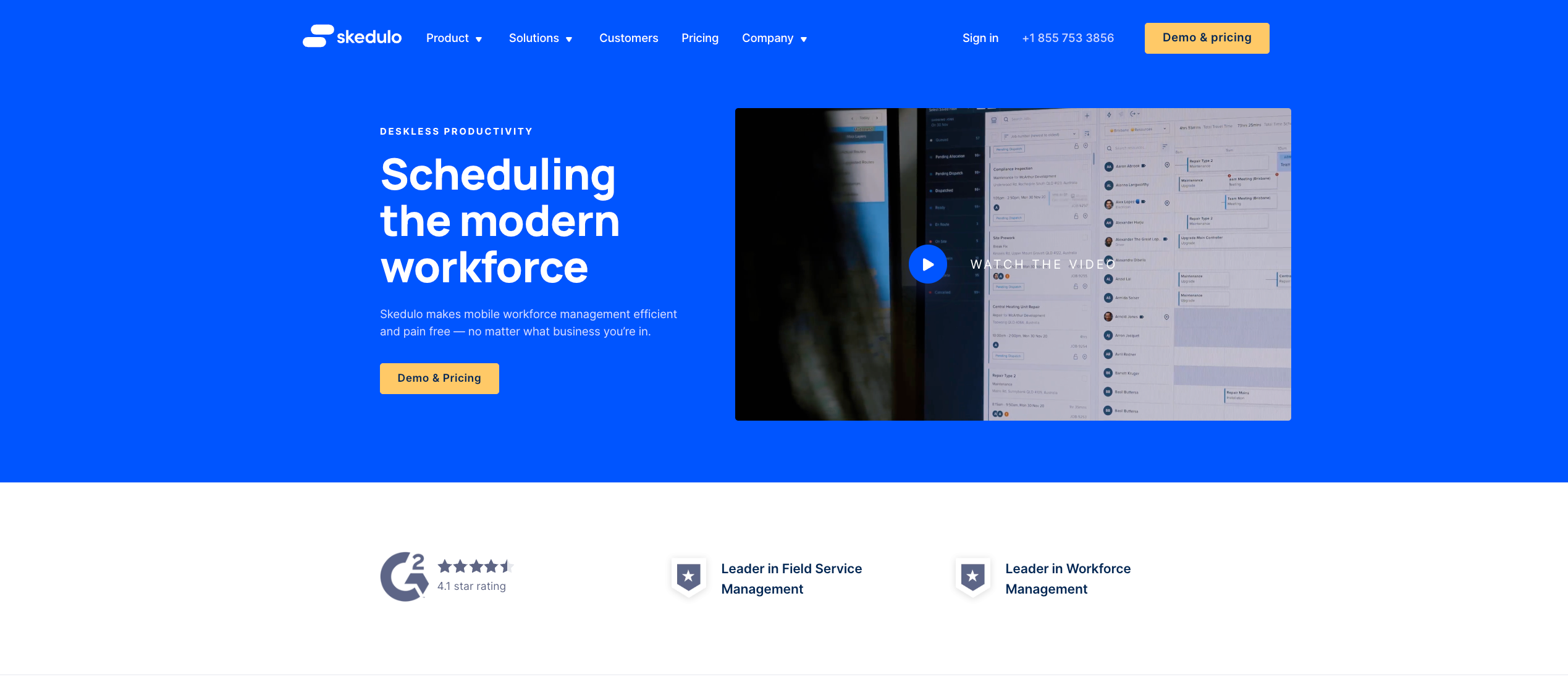
Skedulo is a mobile workforce management platform built for field service and deskless teams, also earning an “Exemplary” rating in ISG’s 2026 evaluation. It focuses on scheduling and dispatching for highly distributed, often non-shift-based workers.
What it offers:
- Smart scheduling with real-time availability matching and job assignment
- Mobile-first tools for workers to receive assignments and update job status
- Route optimization for field service teams
- CRM and third-party system integrations
- Analytics for workforce utilization and performance
Considerations:
Skedulo is strong in field service but lacks the depth needed for high-volume shift-based operations like events, catering, or hospitality. Payroll integration and labor compliance are not core strengths, and it’s primarily designed for appointment-based workflows rather than recurring frontline shifts.
For shift-based industries, Nowsta’s platform with built-in compliance, payroll integration, and contingent workforce management is a more direct fit.
8. Dayforce (Ceridian)
Dayforce is a human capital management platform that differentiates itself with real-time data processing. It integrates payroll, WFM, HR, and talent management into a single system designed for mid-to-large organizations.
What it offers:
- Real-time payroll calculations that update as hours are worked
- AI-assisted scheduling with demand forecasting
- Compliance management across multi-jurisdiction labor laws
- Employee self-service through a mobile app
- Talent management and onboarding tools
Considerations:
Dayforce is a capable platform, but it comes with significant implementation complexity and cost. It’s primarily designed for larger enterprises with dedicated HR teams. Smaller operations or businesses with contingent-heavy workforces often find it over-engineered for their actual day-to-day needs.
Nowsta’s payroll integration and labor compliance features deliver comparable real-time accuracy for shift-based teams, at a fraction of the implementation weight.
9. ADP Workforce Now
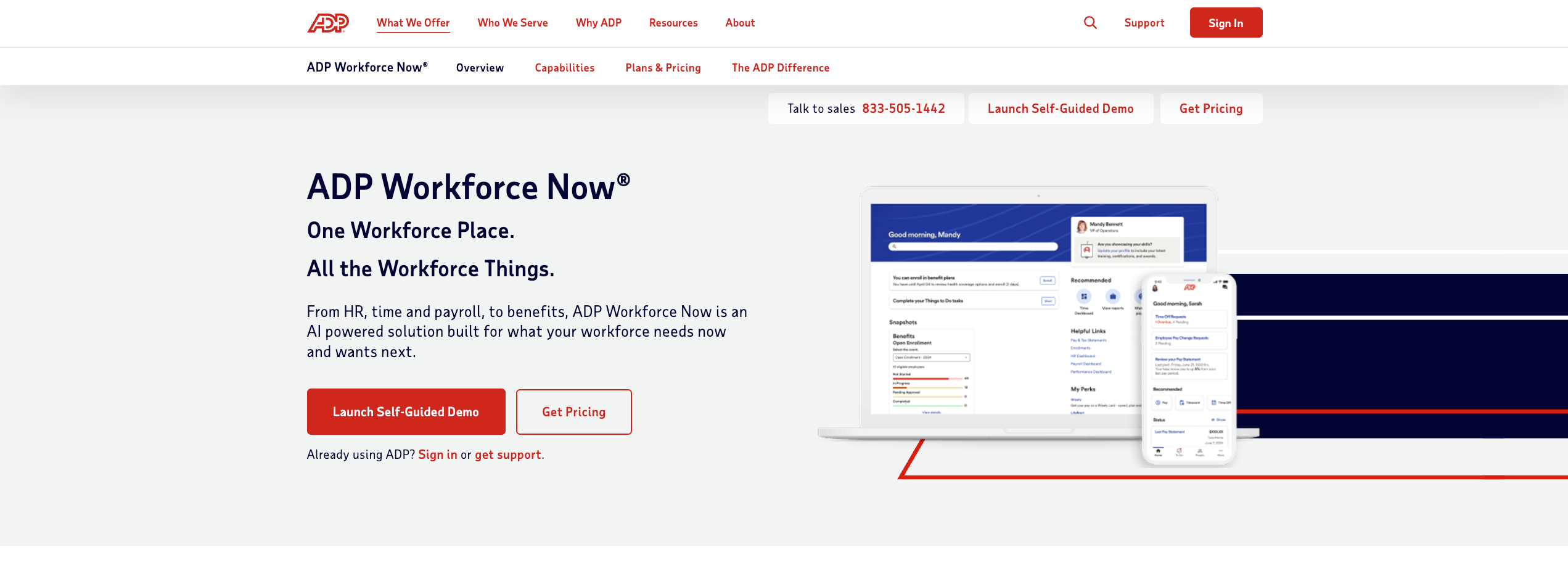
ADP Workforce Now is one of the most widely used HCM platforms globally, handling payroll, time and attendance, HR, benefits, and compliance in one system. It’s a proven choice for mid-to-large organizations that need reliability and breadth.
What it offers:
- Payroll processing at scale with robust compliance reporting
- Time and attendance tracking with biometric and mobile options
- Skill-based and demand-aware scheduling tools
- Talent acquisition and performance management integrations
- Comprehensive analytics across HR and labor metrics
Considerations:
ADP Workforce Now is broad by design, but that breadth can create friction. Users frequently report unintuitive scheduling workflows and extra steps for document management. It’s also built primarily for permanent, salaried workforces and doesn’t handle contingent workers, staffing agencies, or event-based operations with much flexibility.
For businesses running on hourly, contingent, and shift-based labor, Nowsta’s employee self-service and staffing agency tools are built for exactly the workforce profile ADP handles awkwardly.
Case Study: One World Catering
One World Catering was running scheduling on tools that couldn’t keep up with their event volume. After moving to Nowsta, they saved over 300 hours per year, and their team finally had a clear, shared view of who was working when.
Read the full story →
10. Factorial
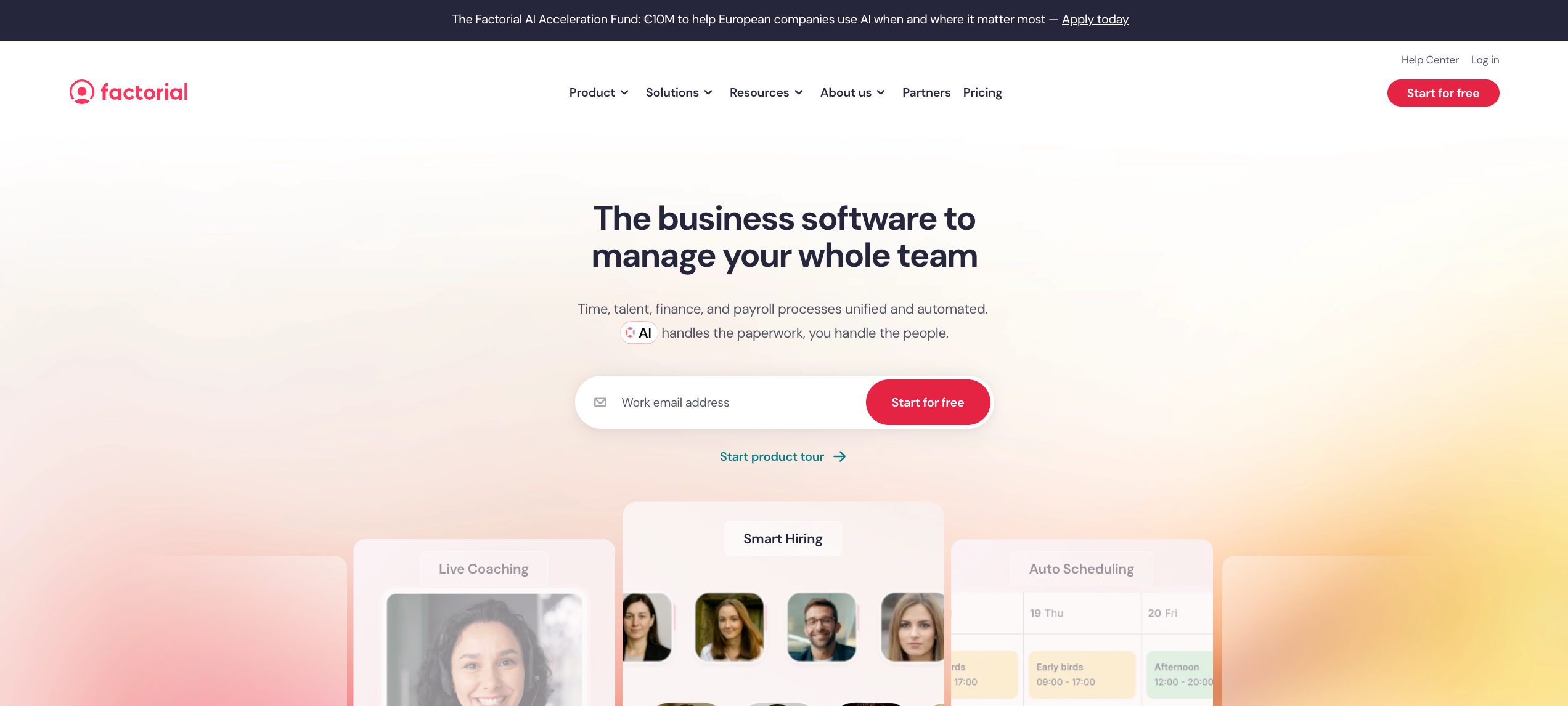
Factorial is a growing HR and workforce management platform targeting mid-sized businesses across Europe and North America. It earned an “Exemplary” rating in ISG’s 2026 evaluation and combines scheduling, HR, payroll, and performance in a unified system.
What it offers:
- Shift scheduling with employee availability management and time off tracking
- GPS time clock and geofencing for field and frontline teams
- Integrated payroll processing with compliance built in
- Performance reviews, onboarding, and document management
- Expense management and benefits administration
Considerations:
Factorial is a well-rounded HR platform, but it is not purpose-built for the specific demands of contingent or event-driven workforces. Vendor management, talent intelligence, and high-volume staffing coordination are not core capabilities. Teams in catering, events, or hospitality will quickly find that the scheduling tools are too generic for their operational pace.
Nowsta’s purpose-built approach for event professionals and hospitality teams means the platform speaks the language of the industry that Factorial serves only at a surface level.
Must-Have Features That Separate Good From Great
Most frontline workforce software checks the basic boxes: build a schedule, track a punch, export to payroll. That’s table stakes. The features that actually separate good platforms from great ones are the ones that eliminate the friction between those functions, and make data-driven decisions possible at every stage of the shift lifecycle.
Here’s what great actually looks like.
AI-Powered Employee Scheduling
Employee scheduling at scale is an optimization problem with dozens of variables: employee data, availability, certifications, overtime rules, labor demand, cost thresholds, and compliance requirements all need to resolve simultaneously. A manager building schedules manually can’t hold all of that in their head. An AI engine can.
The best workforce software doesn’t just digitize the scheduling process. It replaces manual judgment with demand-aware automation that:
- Analyzes historical workforce data to forecast staffing demand by location, day, and role
- Automatically assign shifts based on availability, skills, and overtime rules without manager input
- Flags scheduling mistakes like back-to-back shifts, certification mismatches, or budget overruns before the schedule publishes
- Reduces shift planning time from hours to minutes while delivering more accurate coverage
Read more: How AI is changing labor forecasting and scheduling
Real-Time Shift Management
Shift management doesn’t end when the schedule publishes. Operations change: workers call out, demand spikes, and staffing needs shift mid-event. The platform needs to handle that in real time, not through a manual phone chain.
Great shift management capabilities include:
- Automated open shift broadcasting to qualified workers when a gap appears
- Instant manager alerts for no-shows, late arrivals, and coverage shortfalls
- The ability to assign shifts to replacement workers and notify them in seconds
- Live attendance records that reflect who is actually on-site vs. who was scheduled
Leave and Absence Management
Leave management and absence management are where many HR teams lose the most time to administrative overhead. When time off requests flow through text messages or email and don’t connect to the schedule automatically, the result is accidental double-booking, coverage gaps, and attendance records that don’t reflect reality.
A great platform integrates leave management directly into employee scheduling, so:
- Approved time off requests automatically block those windows from future schedules
- Absence management triggers an open shift workflow the moment a callout is recorded
- Leave balances sync with clocked hours for accurate accrual calculations
- Employee records reflect all leave history in one place for compliance tracking
Labor Cost Control Built Into Scheduling
Labor cost control needs to happen at the shift planning stage, not at the payroll review stage. By the time payroll runs, the overspend has already happened. Great platforms surface labor budgets and cost projections in real time as managers build schedules, so budget decisions get made before they become problems.
What this looks like in practice:
- Real-time cost-per-shift visibility during employee scheduling
- Overtime alerts triggered before a worker approaches their threshold
- Budget overage flags at the location and event level
- Resource allocation dashboards showing labor spend versus revenue by site
Mobile-First Employee Experience
Frontline workers don’t work at desks. A platform that requires desktop access for employees to check their schedules, submit time off requests, or swap shifts isn’t built for frontline operations. A user-friendly mobile app with a user-friendly interface isn’t a nice-to-have. It’s the condition that determines whether workers actually use the platform or route around it.
Mobile devices should support the full employee workflow:
- Schedule viewing and shift management with instant push notifications for changes
- Clock-in with GPS verification, no separate hardware required
- Self-service shift swaps, open shift claims, and time off requests without manager intervention
- Access to pay information and earned wage advances
Mobile teams that adopt the platform fully reduce manager inbound requests dramatically, which is where a significant portion of HR tasks and HR processes overhead actually lives.
Compliance Tracking and Automation
Manage compliance manually across a large hourly workforce, and someone will miss something. Break violations, overtime rules, predictive scheduling laws, and leave management requirements all need to be enforced at the system level, not caught after the fact.
Compliance tracking in a great platform means:
- Automatic enforcement of break rules during employee scheduling, not as a post-shift review
- Overtime rules applied automatically by jurisdiction, role, and day
- Attendance records maintained in audit-ready format for every punch and approval
- Compliance alerts that surface compliance risks before they become legal exposure
Integrated Payroll and HR Processes
HR processes that require manual handoffs between scheduling, time tracking, and payroll are where enterprises lose the most time and introduce the most error. Key HR functions like timesheet approval, payroll sync, and employee data management should happen automatically inside a single connected system.
What integration actually means:
- Payroll data flowing natively from clocked hours without a manual export step
- Employee records maintained in one place, accessible to HR, operations, and payroll teams simultaneously
- Employee data management that doesn’t require duplicate entry across multiple systems
- HR tasks like timesheet review and approval accessible from the same interface as scheduling
Workforce Analytics and Reporting
Workforce planning requires workforce data. The best platforms turn attendance, scheduling, and labor cost data into actionable intelligence that supports data driven decisions at the manager, operations, and executive level.
Analytics that move the needle:
- Labor-as-percentage-of-revenue by location and role
- Team performance trends over time, including attendance, no-show rates, and shift fill speed
- Resource planning dashboards that forecast staffing demand based on historical patterns
- Overtime trend reports that surface chronic overages before they compound
How AI Is Changing the Game for Shift Operations
The workforce management software market sits at around $2.5 billion today and is expected to reach $4.5 to $6 billion by 2033, driven primarily by AI and automation capabilities. The shift isn’t just in market size. It’s in what the software actually does.
For frontline operations, AI isn’t a feature. It’s becoming the operating model.
From Reactive to Predictive Workforce Planning
Traditional workforce planning is reactive: a manager looks at last week’s schedule, adjusts for known events, and publishes. The problem is that last week’s data doesn’t account for demand spikes, weather patterns, or the three callouts that are about to happen on Saturday.
AI integration now stands as the defining force in 2026 workforce management. Advanced predictive models analyze vast datasets, including historical sales trends, seasonal fluctuations, real-time traffic, weather impacts, and employee patterns to generate precise demand forecasts. For frontline workforce software, that means schedules built on what will actually happen, not what happened last time.
The operational impact for shift-based teams:
- Demand-based employee scheduling that reduces overstaffing during slow periods and prevents understaffing during peaks
- Workforce operations that respond to real-time signals rather than waiting for a manager to notice a problem
- Resource allocation decisions informed by live data rather than historical assumptions
AI That Assigns Shifts, Not Just Suggests Them
Early AI scheduling tools made recommendations. Managers still made every final decision. The newer generation of workforce software takes a bigger step: it assign shifts autonomously within configured rules, broadcasting to qualified workers and filling coverage gaps without manual intervention.
AI systems can now connect frontline data from across the organization, from hiring to scheduling and performance, into one adaptive system that learns and improves every day. For enterprise organizations managing hundreds of workers across multiple locations, that adaptive capability compounds over time into progressively better schedules with progressively less manager input.
Nowsta’s AI scheduling engine does exactly this: it builds optimized schedules using demand forecasting, availability data, and skill matching, then broadcasts open shifts automatically to best-fit workers when gaps appear.
Proactive Compliance Monitoring
Manage compliance manually at scale, and something will slip. AI changes the compliance posture from reactive to proactive. Leading platforms in 2026 incorporate automated compliance engines that monitor every shift in real time, flagging potential violations instantly and producing documentation ready for audits.
For frontline workers subject to break rules, overtime rules, and predictive scheduling laws, this means:
- Violations flagged and blocked during schedule building, not discovered during a payroll audit
- Compliance risks surfaced automatically as workforce conditions change mid-shift
- Audit-ready attendance records generated without any additional administrative work
AI-Driven Employee Engagement
AI turns fragmented data into clear insights on attendance, productivity, and engagement, helping managers coach rather than chase. For frontline workers who historically received the least feedback and the least visibility into their own performance data, that’s a meaningful shift.
Practical applications for shift management:
- Personalized scheduling that accounts for worker preferences and support career growth alongside business needs
- Engagement tools that surface attendance and performance trends to managers before they become retention problems
- Predictive alerts when a worker’s pattern suggests disengagement or flight risk
What AI Doesn’t Replace
AI handles optimization. It doesn’t replace operational judgment. The platforms that deliver the best results for team management use AI to eliminate the repetitive, data-intensive work that consumes manager time, and return that time to the decisions that actually require human judgment: coaching frontline workers, managing team performance, and building the operational culture that drives retention.
The best frontline workforce software doesn’t automate the manager out of the picture. It gives them the time and data to be a better one.
The Hidden Costs of Picking the Wrong Platform
The sticker price of workforce software is the smallest part of what the wrong platform actually costs. Most of the real cost is invisible until you’re already committed, and by then unwinding it is expensive in its own right.
Here’s where the hidden costs actually accumulate.
The Implementation Drag
Enterprise organizations that choose platforms with long, complex implementations don’t just pay in setup fees. They pay in manager time, IT resources, and the operational limbo of running two systems in parallel while the new one is configured. For shift-based operations, that limbo period means scheduling mistakes, fragmented attendance records, and HR processes split between old and new workflows.
The real cost isn’t the implementation invoice. It’s the months of reduced operational efficiency during rollout, and the corrections needed when implementation errors surface in live operations.
Adoption Failure Among Frontline Workers
A platform that managers love but frontline workers don’t use creates a parallel manual process. Workers clock in through the app on day one and revert to paper or text by week two. Managers end up maintaining two attendance records and manually reconciling them.
The conditions that drive adoption failure:
- A user-friendly mobile app that isn’t actually intuitive for workers who aren’t confident smartphone users
- Clock-in workflows that require too many steps under time pressure at shift start
- Push notifications that don’t reach workers reliably, leading to missed shift management communications
- No support for workers who use older Android devices or have limited data access
Poor adoption doesn’t just limit the platform’s value. It actively increases HR tasks as managers compensate manually for the gaps.
The Integration Tax
Platforms that claim integrations but rely on third-party connectors, scheduled batch exports, or manual data transfers introduce an ongoing resource allocation cost that compounds every pay cycle. Someone monitors the sync. Someone fixes the errors when it breaks. Someone reconciles payroll data discrepancies that shouldn’t exist in a properly integrated system.
For workforce operations running hundreds of hourly workers, that integration tax is paid 52 times per year. And it grows with headcount.
Compliance Exposure From Feature Gaps
A platform that handles employee scheduling but doesn’t enforce overtime rules automatically doesn’t save money on labor. It defers the cost into compliance violations, back-wage claims, and legal exposure that arrives months later. Compliance tracking gaps in the wrong platform aren’t visible until they’ve already created liability.
Many HR teams discover these gaps after the fact, during an audit or a wage dispute. At that point, the cost of picking the wrong frontline workforce software includes legal fees, back wages, and remediation overhead that dwarfs the original software cost.
The Cost of Not Having the Data
Workforce data is only valuable if the platform captures it cleanly and makes it accessible in a form that supports data-driven decisions. Platforms that silo workforce data across disconnected modules, or require manual report building to get basic labor cost visibility, don’t just slow down workforce planning. They create decisions made on incomplete information, which is where preventable overspend, understaffing, and resource planning errors live.
How to Evaluate and Shortlist the Right Software
The evaluation process for workforce software is where most teams make their most expensive mistakes. They evaluate based on the demo experience rather than operational fit. Here’s a framework that actually predicts whether a platform will work.
Define Your Non-Negotiable Requirements First
Before looking at a single platform, list the capabilities that, if a platform doesn’t have them, immediately disqualify it. For most shift-based operations, that list includes:
- The ability to assign shifts automatically across multiple locations and roles
- Native payroll integration that eliminates manual payroll data transfer
- GPS clock-in that works reliably on the devices your frontline workers actually carry
- Compliance tracking that enforces overtime rules and break requirements automatically
- A user-friendly mobile app your workers will actually adopt
Anything that doesn’t clear all five moves off the list before you invest evaluation time. This is especially important for enterprise organizations where a failed platform rollout carries significant switching costs.
Map Your Actual Workflow, Not the Ideal One
The platforms that fail most often fail because buyers evaluated them against a clean, idealized workflow rather than the messy reality of their operation. Map your actual workforce operations end-to-end before evaluation:
- How do time off requests currently flow from worker to manager to schedule?
- How does employee data management work across locations today, and where does it break?
- How does employee scheduling connect to time tracking, and how does time tracking connect to payroll data?
- Where do scheduling mistakes most commonly occur, and what does fixing them cost in manager time?
Then evaluate each platform against that workflow, not against the platform’s own demo script.
Assess Team Management Depth for Your Structure
Team management requirements vary significantly by operation type. A catering company scheduling 50 workers across weekend events has different key capabilities than a warehouse running three fixed shifts with 200 permanent staff. Evaluate platforms specifically against your team management structure:
- How does the platform handle workers who manage workloads across multiple roles or locations?
- Can remote employees and on-site workers be managed in the same interface?
- How are employee records maintained when workers transfer between locations or change roles?
- Does task tracking connect to shift assignments, so task completion is visible alongside attendance?
Run a Pilot With Real Workers
Any platform can perform in a controlled demo. The only test that predicts real-world performance is a pilot with actual frontline workers performing actual tasks under real conditions.
During the pilot, measure specifically:
- Clock-in adoption rate among workers on mobile devices after one week without training prompts
- Time for a manager to assign shifts for a full week’s schedule from scratch
- Whether absence management workflows trigger automatically when a callout is recorded
- Whether compliance risks are surfaced before or after the violation occurs
- How employee data syncs between scheduling, attendance, and payroll during the pilot period
Read more: Spreadsheet alternatives for workforce scheduling
Evaluate Post-Sale Support Honestly
Many HR teams and operations managers underestimate how much the quality of implementation and ongoing support determines whether a platform delivers its promised value. A capable platform with poor implementation support will underperform a slightly less capable platform with excellent support every time.
Ask every vendor:
- What is your average implementation timeline for an operation of our size?
- Do we get a dedicated implementation manager, or is the setup self-service?
- What is your average support response time for operational issues?
- Can you connect us with a reference customer of a similar size and industry?
Nowsta maintains a 97% customer satisfaction rate and a 5-minute average support response time, because the operational context of shift-based teams means issues need resolution before the next shift, not the next business day.
Why Integrated Platforms Outperform Point Solutions
The workforce software market is full of point solutions: standalone scheduling tools, standalone time tracking apps, and standalone leave management systems. Each one does one thing well. Together, they create a fragmented workforce operations environment that generates more administrative work than it eliminates.
Here’s why integration wins every time.
Every System Handoff Is a Data Risk
When employee scheduling, tracking attendance, and payroll data live in separate systems, every transfer between them is a point where data can break, lag, or diverge. A schedule published in one system doesn’t automatically update attendance records in another. A punch correction in the time tracking tool doesn’t automatically sync to payroll. Employee records updated in HR don’t automatically reflect in the scheduling platform.
Many HR teams manage these gaps manually, spending hours every pay cycle reconciling workforce data that should be reconciling itself. That’s not an efficiency problem. It’s a structural one, and it can only be solved at the architecture level.
Integrated Data Enables Better Decisions
Workforce planning that relies on data from disconnected systems is planning on incomplete information. When employee data, attendance records, workforce data, and labor cost figures all live in one place, the quality of decisions improves at every level of the organization.
- Operations managers can see real-time labor cost against budget without waiting for a finance report
- Human resources teams can identify team performance trends without pulling data from three systems
- Frontline operations leaders can spot coverage patterns and scheduling mistakes before they repeat
- Finance teams get payroll data that reflects actual hours without manual reconciliation
Organizations that embrace automation and integrated workforce systems outperform competitors in operational efficiency, shift management, and absence management. The integration advantage isn’t incremental. It compounds over time as the quality of workforce data improves and decisions built on that data get progressively better.
HR Processes Work Better When They’re Connected
Disconnected HR processes create redundant work. A worker’s employee records get updated in the HRIS. Someone manually updates the scheduling platform. Someone else updates the time tracking system. Three updates for one data change, any of which can introduce an error.
Integrated workforce software means:
- Employee data management happens once and propagates automatically across scheduling, attendance, and payroll
- Leave management updates sync to the schedule without a secondary manual step
- Compliance tracking draws on live attendance records rather than exported data that may be hours old
- Key HR functions like onboarding, employee records maintenance, and payroll administration operate from shared data rather than parallel data sets
The Contingent Workforce Problem
Point solutions almost universally fail at contingent workforce management. A scheduling tool handles direct hires. An agency management tool handles contingent staff. Nobody has a unified view of who is actually working, what they’re costing, and whether their attendance records are accurate, because the data lives in two separate systems that don’t communicate.
For operations that blend direct hires and agency staff, integrated frontline workforce software that handles both in one interface isn’t a convenience. It’s the only architecture that actually works at scale.
Customer Spotlight
The Pier Sixty Collection manages compliance, vendors, and talent across one of NYC’s most complex event venues. With Nowsta, their entire contingent and direct-hire workforce operations run from one platform, with unified attendance records, vendor management, and payroll data all connected.
Read the full story
What Integration Looks Like in Practice
The clearest way to see the integration advantage is to compare the same operational task in a point solution environment versus an integrated one.
| Task | Point Solutions | Integrated Platform |
|---|---|---|
| Worker calls out before shift | Update scheduling tool, notify attendance system, flag in HR | One automated workflow triggers replacement broadcasting, updates attendance records, alerts manager |
| Pay cycle closes | Export hours from time tracking, import to payroll, reconcile discrepancies | Payroll data syncs automatically, no manual transfer |
| New worker added | Enter in HRIS, scheduling tool, time tracking system separately | Single entry propagates across all HR processes automatically |
| Compliance audit | Pull records from three systems, manually compile | Audit-ready attendance records generated instantly from one source |
| Labor cost review | Export from scheduling, time tracking, and payroll separately | Real-time dashboard drawing from unified workforce data |
| Worker requests time off | Submit via one app, manager updates the schedule manually in another | Time off requests flow directly into scheduling with automatic coverage gap detection |
The efficiency gain isn’t just time saved. It’s error surface reduced. Every manual step that integration eliminates is a step that could have introduced a discrepancy in employee records, payroll data, or compliance tracking that someone would have had to find and fix later.
For enterprise organizations managing large hourly workforces, that error surface reduction has direct financial value: fewer payroll corrections, fewer compliance violations, and fewer hours of HR tasks dedicated to reconciling data that should have reconciled itself.
Read more: Benefits of workforce management software for enterprises
Run Smarter Shift Operations With Nowsta
The right workforce management software doesn’t just organize your operation. It transforms how decisions get made, how costs get controlled, and how frontline workers experience every shift. Every section of this guide points to the same conclusion: integration, automation, and real-time data are what separate operations that thrive from ones that firefight.
Key takeaways:
- Generic HR tools weren’t built for the complexity of shift-based frontline operations
- AI-powered employee scheduling and demand forecasting are now the operational baseline, not a premium feature
- Inaccurate attendance records and disconnected payroll data compound into six-figure annual losses at scale
- Integrated platforms eliminate the data handoffs where most HR processes errors originate
- Picking the wrong platform costs far more than the subscription fee once adoption failure and compliance exposure are factored in
- Workforce planning built on unified workforce data produces measurably better decisions at every level
For hourly and shift-based teams, Nowsta connects employee scheduling, GPS attendance, payroll, compliance, and contingent workforce operations in one purpose-built platform. No fragmented point solutions, no manual reconciliation, no parallel systems. Schedule a demo and see what integrated frontline workforce software actually looks like in practice.
FAQs
What Is the Best WFM Software for Shift-Based Teams?
For hourly and shift-based operations, Nowsta leads with AI-powered employee scheduling, GPS attendance, automated compliance, and native payroll integration in one platform. UKG Pro and Dayforce suit large enterprises needing full HCM depth. The best WFM software is the one that connects scheduling, time tracking, and payroll without manual handoffs, and lets operations teams control labor costs in real time, not after payroll runs.
What Are the Top 5 HRIS Systems for Employees?
The five most widely adopted HRIS platforms are Workday, ADP Workforce Now, UKG Pro, Rippling, and BambooHR. Each handles core key HR functions like employee records, benefits, and performance management well. For shift-based teams, pair any HRIS with a dedicated WFM layer that includes time tracking features, GPS attendance, and leave management built specifically for hourly frontline workers.
What Are the 4 Pillars of WFM?
The four pillars of a strong workforce management strategy are forecasting and shift planning, time tracking features, attendance accuracy, compliance, and control labor costs automation, and employee experience. When all four connect inside one integrated platform, operations shift from reactive to proactive, and workforce data becomes the foundation for every operational decision rather than an afterthought.
Which Is the Best Work Management Software?
It depends on your workforce type. For project-based teams, Asana, Monday.com, and ClickUp handle task tracking, resource allocation, and team performance effectively. For shift-based hourly operations, dedicated frontline workforce software like Nowsta delivers the scheduling, attendance, payroll integration, and compliance automation that general work management tools don’t cover. Matching the tool category to your workforce type is the decision that matters most.