UKG is a capable platform. But capable doesn’t always mean right. A lot of teams realize this 6 months into implementation, buried in configuration tickets and support queues, wondering if the juice was worth the squeeze.
If you’re evaluating whether to switch or just starting your search, you’re in the right place. This article cuts through the noise and breaks down the best UKG alternatives for workforce management based on how teams actually operate.
Here’s what we’ll cover:
- Where UKG falls short for certain teams
- The top alternatives ranked and reviewed
- How each platform handles scheduling, time tracking, and compliance
- Which tools fit shift-based and hourly workforces best
- A purpose-built alternative most lists overlook entirely
One platform worth keeping on your radar throughout: Nowsta. It’s purpose-built for hourly and contingent workforce operations, and it handles everything from scheduling to payroll integration in one place.
TL;DR: Quick Comparison of UKG Alternatives
| Platform | Best For | Scheduling Depth | Time Tracking | Compliance Tools | Contingent Workforce | Mobile Experience | Implementation Speed |
|---|---|---|---|---|---|---|---|
| Nowsta | Hourly, shift-based, and contingent teams | AI-powered, purpose-built | GPS-verified, geofenced | Automated, real-time alerts | Native vendor management | Mobile-first | Fast |
| Dayforce | Mid-to-large orgs needing real-time payroll | Advanced, demand-based | Mobile, web, time clocks | 200+ countries, continuous | Limited | Strong | Moderate to slow |
| Workday HCM | Global enterprises linking HR to finance | Moderate, heavy config required | Mobile and web | 190+ countries | Limited | Moderate | Slow |
| ADP Workforce Now | Payroll-first mid-to-large organizations | Basic to moderate | Web, mobile, time clocks | Strong payroll compliance | Limited | Moderate | Moderate |
| Rippling | HR, IT, and finance unified for growing teams | Basic | Web and mobile | Payroll and HR focused | Limited | Moderate | Moderate |
| SAP SuccessFactors | Global enterprises on SAP ERP | Moderate | Web, mobile, device | 100+ country localizations | Limited | Moderate | Slow |
| Paycor | SMBs needing unified HR and payroll | Basic to moderate | Mobile, web, time clocks | Multi-state payroll | Limited | Strong | Moderate |
| Paycom | Mid-market employee self-service | Basic | Mobile and web | Payroll-focused | Limited | Strong | Moderate |
| Paylocity | Mid-market teams with engagement focus | Basic | Mobile and web | Payroll and HR focused | Limited | Strong | Moderate |
| BambooHR | Small teams wanting simple HR | Minimal | Web and mobile | Basic HR compliance | None | Moderate | Fast |
Where UKG Falls Short
UKG is a serious platform with serious capabilities. It’s trusted by major organizations across healthcare, manufacturing, retail, and hospitality for a reason. But serious doesn’t mean suitable. And for a wide slice of the market, UKG creates more friction than it removes.
Here’s where the cracks show up.
It’s Built for Scale, Not Speed
Smaller businesses with basic HR needs and fewer than 100 employees may find UKG Pro too complex and expensive. The extensive features can be overwhelming for companies that only need simple HR tools. Even UKG’s own ecosystem acknowledges the split: UKG Pro targets enterprise, while UKG Ready is positioned for smaller teams. The problem is that neither version is fast or lightweight.
For mid-sized organizations, UKG Pro typically takes three to six months to implement. For organizations with 500 employees, it can take 6 to 12 months. That’s a long time to be in setup mode when your team needs to fill shifts this week.
The Learning Curve Is Real
This complaint cuts across every user segment. The platform is not very intuitive, especially for new users. Navigation can be confusing, and it isn’t always clear where certain settings or reports are located. Some processes also feel rigid, particularly if your workflows don’t fit neatly into the system’s default structure.
One user described the product as overly complicated, with little user adoption because of it, noting that customer representatives aren’t even experts in the product. That’s a rough combination: a hard-to-use system with support that can’t always fix it.
The Mobile Experience Lags
For teams managing hourly workers who live on their phones, this is a significant gap. Users have called the state of the mobile app disappointing, noting that team members almost exclusively use their phones to access their profiles and that UKG needs to put more focus on making the mobile experience easier and more intuitive.
Multiple users reported that the app logs them out frequently, takes up to ten minutes to load before they can clock in, and that issues have persisted without improvement across multiple years of use. For a shift worker trying to punch in on a job site, that’s not a minor inconvenience.
Reporting Requires Expertise
UKG’s analytics are genuinely powerful, but getting to them isn’t straightforward. Reporting is powerful but complex to set up. Pages occasionally load slowly during peak times, which is frustrating when handling urgent HR or payroll tasks.
Users who want a quick labor cost snapshot before an event or need to pull a custom overtime report often find themselves submitting support tickets or spending hours in configuration. That’s the time operations teams don’t have.
Customer Support Is Inconsistent
A significant portion of users report slow response times and long waits for issue resolution from customer support. A number of users find customer service inconsistent, with quality depending heavily on the assigned representative.
One operations team reported being three years into using the product and still not having PTO working correctly, with overtime paying double instead of time and a half, requiring manual payroll entries every cycle. That’s not a minor config issue. That’s a broken process that nobody fixed.
The Cost Adds Up Fast
UKG doesn’t publish pricing publicly, which is a yellow flag on its own. Based on available data, UKG Pro’s base subscription typically runs $27 to $37 per employee per month, with additional one-time implementation fees ranging from 40% to 70% of the first year’s annual subscription total.
Add in modules, integrations, and ongoing support plans, and the total cost of ownership climbs quickly, especially for teams that aren’t using the full feature set.
Here’s a summary of the most common complaints:
| Pain Point | What Users Say |
|---|---|
| Implementation | 3 to 12 months, depending on org size |
| Learning curve | Steep, especially for non-technical admins |
| Mobile app | Buggy, slow, limited functionality |
| Custom reporting | Complex setup, requires technical knowledge |
| Customer support | Slow, inconsistent, not always knowledgeable |
| Cost | High base price plus significant implementation fees |
| Fit for smaller teams | Overkill for under 100 to 350 employees |
UKG works well when you have the team, the time, and the budget to make it work. When any one of those is missing, the cracks widen fast.
The Top UKG Alternatives, Ranked and Reviewed
There’s no single “best” replacement for UKG. The right platform depends entirely on how your workforce actually operates. Here’s an honest breakdown of the top UKG alternatives, starting with the one most comparison lists skip entirely.
1. Nowsta
Best for: Hourly, shift-based, and contingent workforce operations
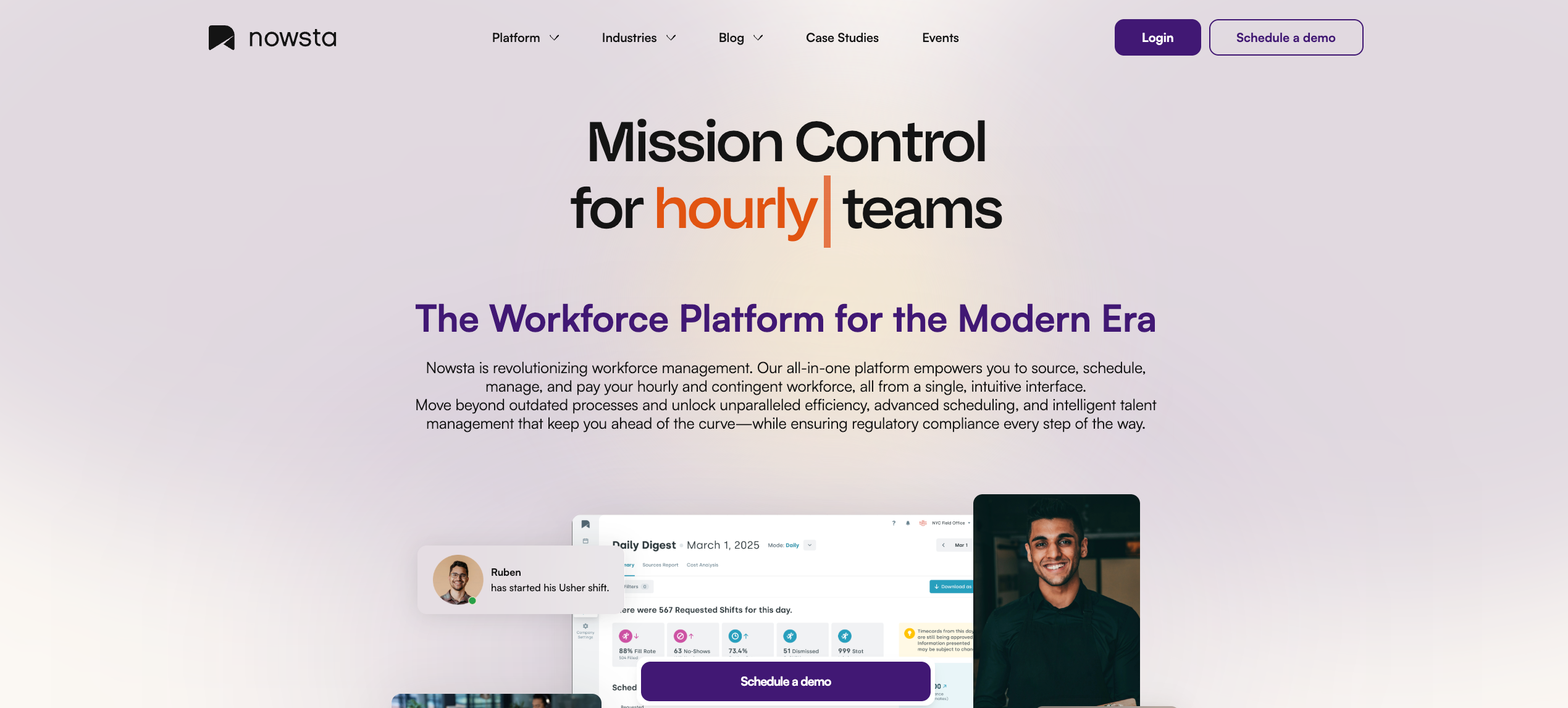
Nowsta is a workforce management platform purpose-built for teams that run on shifts. While most alternatives on this list are enterprise HCM suites that include scheduling as a module, Nowsta was designed from the ground up for industries like catering, hospitality, events, warehousing, higher education, healthcare, and much more, where managing hourly and contingent workers is the entire operation, not a side function.
Every feature traces back to a single question: what does a team managing shift-based workers actually need on a Tuesday afternoon when three workers call out?
What Nowsta offers:
- AI-powered scheduling that builds optimized, compliant schedules in minutes, cutting scheduling time by up to 80% and saving managers 8+ hours per week
- GPS-verified, geofenced time and attendance tracking that eliminates buddy punching, fires automated alerts for late arrivals, and feeds directly into payroll with 90% faster processing
- Talent intelligence that ranks workers by skills, certifications, availability, and performance history, so the right person always ends up in the right role
- Vendor and contingent workforce management through a dedicated vendor management platform, including spend tracking, agency performance, and automated invoicing
- Instant Pay access for same-day earned wage access, directly supporting retention and shift fill rates
- Customized notifications that drive 35% higher engagement rates and a 28% reduction in no-shows
- Automated compliance monitoring with built-in audit trails, labor law alerts, and real-time visibility on every shift
- Mobile-first design so workers can view schedules, claim shifts, clock in, and receive reminders all from their phones
Case Study: One World Catering
One World Catering needed structure and clarity across complex scheduling. After switching to Nowsta, they saved over 300 hours per year and got their entire team aligned.
Read their story →
Nowsta manages over 1 million shift workers across 4,000+ locations, with a 4.9 rating on Capterra and 99% on-time punches. For catering, hotels, event professionals, and warehousing operations, this is the platform that was actually designed for how they work.
Schedule a demo to see it in action.
2. Dayforce
Best for: Mid-to-large organizations needing real-time global payroll and compliance
Dayforce combines HCM and workforce management in a single platform with real-time calculation capabilities, offering payroll, scheduling, time tracking, and workforce analytics within one unified database. It’s one of the closest feature-for-feature competitors to UKG Pro in the enterprise space, with a particular edge in real-time payroll processing.
What Dayforce offers:
- Continuous payroll calculation that updates in real time with every time punch, schedule change, or wage adjustment
- AI-powered scheduling with demand forecasting and labor planning tools
- Integrated time and attendance with mobile clock-in/out and compliance management
- Talent management covering recruiting, onboarding, performance, and compensation
- Global compliance support across 200+ countries and territories
Considerations:
Dayforce shares many of the same complexity concerns as UKG. Rather than adapting to each company’s existing workflows, Dayforce often requires businesses to adjust their processes to align with the platform’s framework. Implementation timelines run 4 to 6 months for most mid-sized organizations, and its scheduling module can struggle with complex, high-volume shift patterns.
For teams that need faster time-to-value and purpose-built shift management, Nowsta delivers real-time labor visibility, GPS-verified attendance, and automated compliance without the months-long configuration runway.
3. Workday HCM
Best for: Large global enterprises connecting HR strategy to financial planning
Workday is one of the most recognized names in enterprise HR. It’s built for larger, more complex organizations that want an integrated HCM platform with payroll, workforce management, talent, analytics, planning, and increasingly AI-driven workflows. It connects HR strategy to financial outcomes in a way few other platforms can.
What Workday HCM offers:
- Unified platform connecting core HR, payroll, talent management, and financial planning
- AI-powered workforce analytics with predictive modeling and skills mapping
- Global payroll and compliance support across 190+ countries
- Advanced succession planning, career development, and learning management
- 600+ pre-built integrations with third-party systems
Considerations:
Reviewers consistently flag a complex user experience requiring many clicks for simple tasks, a steep learning curve, and a mobile app with usability issues. Implementation typically spans 6 to 18 months. For teams that need agile workforce execution rather than strategic enterprise HR, Workday creates overhead that doesn’t translate to shift-level value.
Read more:Scheduling Software vs. Workforce Orchestration Platforms
4. ADP Workforce Now
Best for: Mid-to-large organizations prioritizing payroll reliability and compliance
ADP has been in the payroll space longer than most of its competitors combined. ADP Workforce Now is its flagship platform for organizations with 50 or more employees, combining payroll, HR, time and attendance, and benefits administration in one system. It’s the default choice for teams that put payroll accuracy and tax compliance first.
What ADP Workforce Now offers:
- Comprehensive payroll processing with multi-state and international tax compliance
- Time and attendance tracking with employee self-service
- Benefits administration, recruiting, talent management, and performance tools
- Scalable from basic payroll to a full HCM suite as needs grow
- Deep partner integrations for recruiting, accounting, and benefits platforms
Considerations:
ADP’s core strength is payroll, not scheduling. Teams that need to manage variable shift patterns, contingent workers, or multi-location event staffing will find its workforce management depth limited compared to purpose-built platforms. Reporting can also be frustrating for teams that need custom labor cost views beyond the pre-built options.
5. Rippling
Best for: Growing companies wanting HR, IT, and finance in one system
Rippling is not a traditional HRIS. Instead of stopping at HR, it connects employee data to payroll, benefits, identity, app provisioning, device management, spend controls, and global workforce operations. It’s the right tool for technology-forward companies that want to automate across HR, IT, and finance simultaneously.
What Rippling offers:
- Unified HRIS connecting HR, payroll, IT device management, and finance
- Workflow Studio for no-code automation across all departments
- Global payroll and employer-of-record services for international hiring
- Performance management, learning, surveys, and headcount planning
- Automated onboarding that simultaneously triggers payroll enrollment, IT account setup, and benefits selection when a new hire is added
Considerations:
Time-tracking tools may not adapt well to irregular or highly variable work schedules, and the mobile app lacks many features available on the desktop version. For operations managing frontline workers on variable shifts, Rippling’s generalist approach creates gaps that a purpose-built platform fills natively.
6. SAP SuccessFactors
Best for: Global enterprises with deep SAP ecosystem investments
SAP SuccessFactors is a cloud-based HCM platform focused on large organizations, excelling in global HR, learning management, and succession planning with broad customization options and SAP ecosystem integration. It supports over 100 country localizations and integrates tightly with SAP S/4HANA and ERP environments.
What SAP SuccessFactors offers:
- Global payroll, core HR, and compliance across 100+ countries
- AI-powered talent management via the Joule AI copilot
- Advanced workforce planning with scenario modeling
- Deep learning management, succession planning, and performance tools
- Native integration with the broader SAP enterprise ecosystem
Considerations:
Users flag inconsistent UX as you move between modules, noting some feel bolted on rather than natively integrated. Implementation is complex and best suited for organizations that already have SAP infrastructure. For shift-based operations, its workforce management depth doesn’t match what a purpose-built tool delivers.
7. Paycor
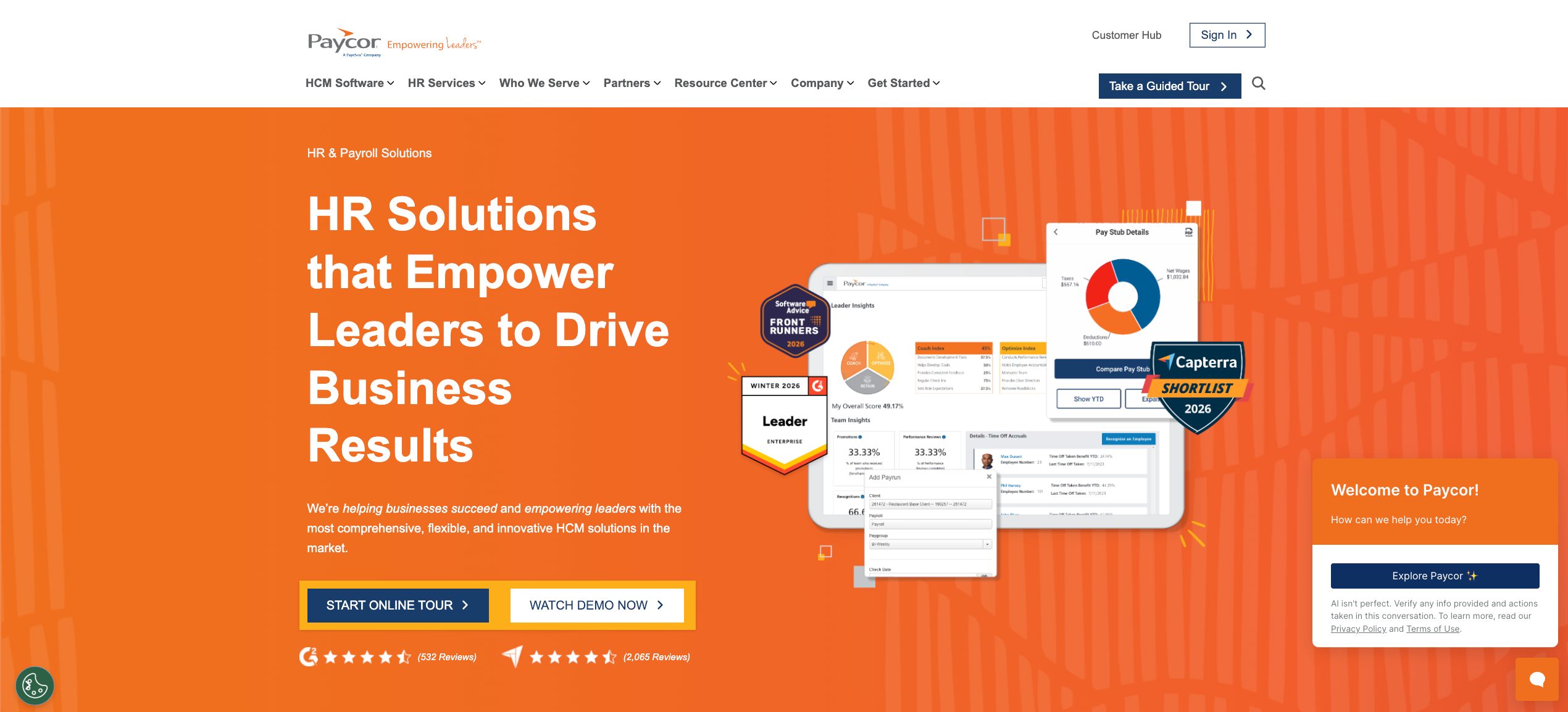
Best for: Small to mid-sized businesses wanting unified HR and payroll
Paycor delivers a unified HCM platform primarily serving organizations with 10 to 1,000 employees across healthcare, manufacturing, restaurants, retail, and nonprofits. It has a strong reputation for payroll automation and making enterprise-level talent management accessible without enterprise-level complexity.
What Paycor offers:
- Automated payroll with built-in tax compliance across all 50 states
- AI-powered analytics for predicting turnover and identifying leadership performance gaps
- Recruiting, onboarding, learning, and performance management
- Strong mobile app for time tracking, shift management, and employee self-service
- 400+ native integrations with payroll, benefits, and accounting platforms
Considerations:
Customization options, especially in reporting, are less flexible compared to some competitors. Its workforce management tools work for standard shifts but can fall short for high-volume contingent or event-based staffing. Teams where scheduling is a core daily function will hit the ceiling quickly.
8. Paycom
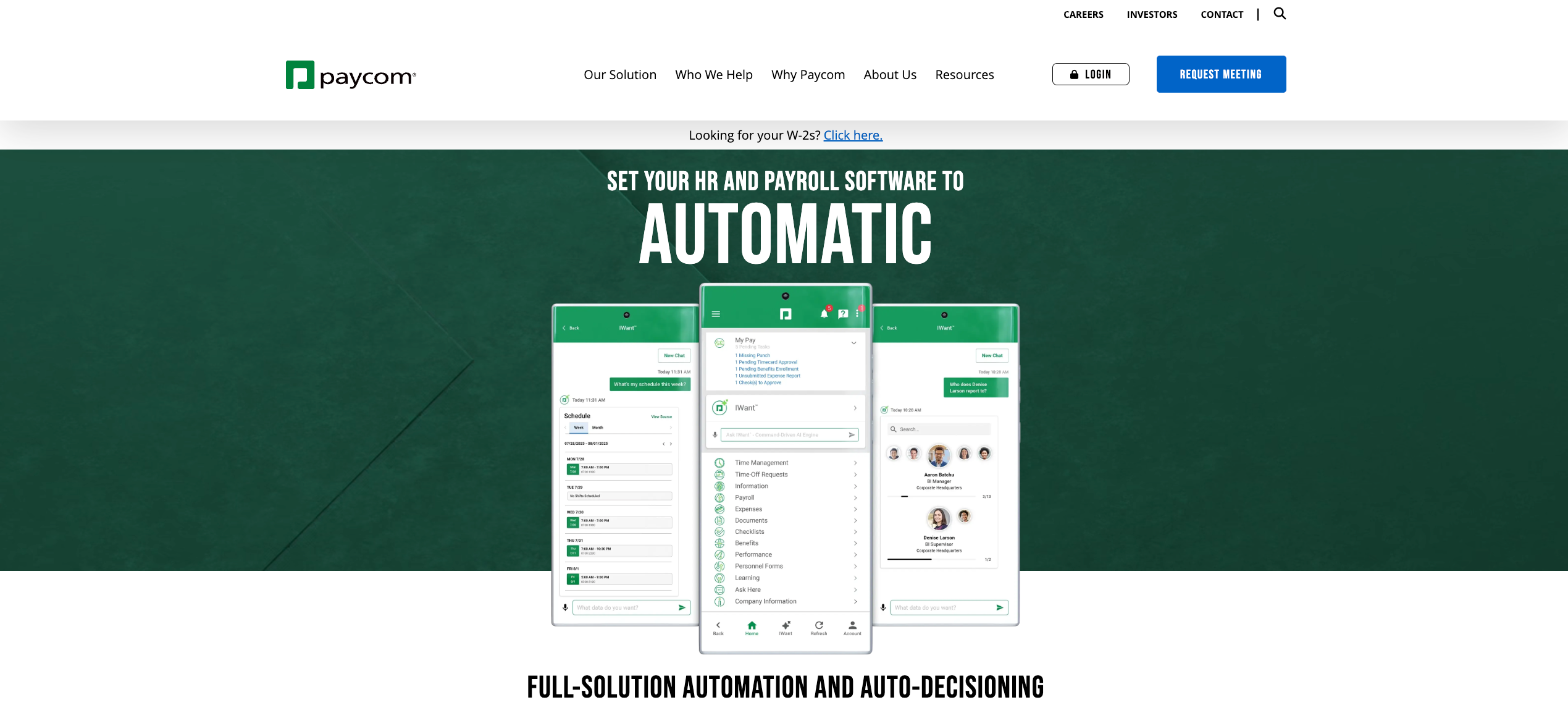
Best for: Mid-market organizations focused on employee self-service and single-database payroll
Paycom is regarded as one of the first fully online payroll providers and offers vital features for talent acquisition, performance management, onboarding, benefits administration, and payroll tax management. Its biggest differentiator is Beti, which gives employees the ability to verify their own pay before it runs, cutting payroll processing time dramatically.
What Paycom offers:
- Single-database architecture with all HR, payroll, and talent functions in one system
- Beti payroll automation driven by employee self-service
- Strong mobile app for time tracking, scheduling, and benefits
- Real-time HR analytics for headcount, turnover, and payroll data
- Talent acquisition, learning management, and performance tools
Considerations:
Paycom’s workforce management capabilities may not be sufficient for businesses with more complex scheduling needs. Like Paycor, its scheduling tools are functional but weren’t built for high-volume, contingent, or event-driven workforce management at scale.
9. Paylocity
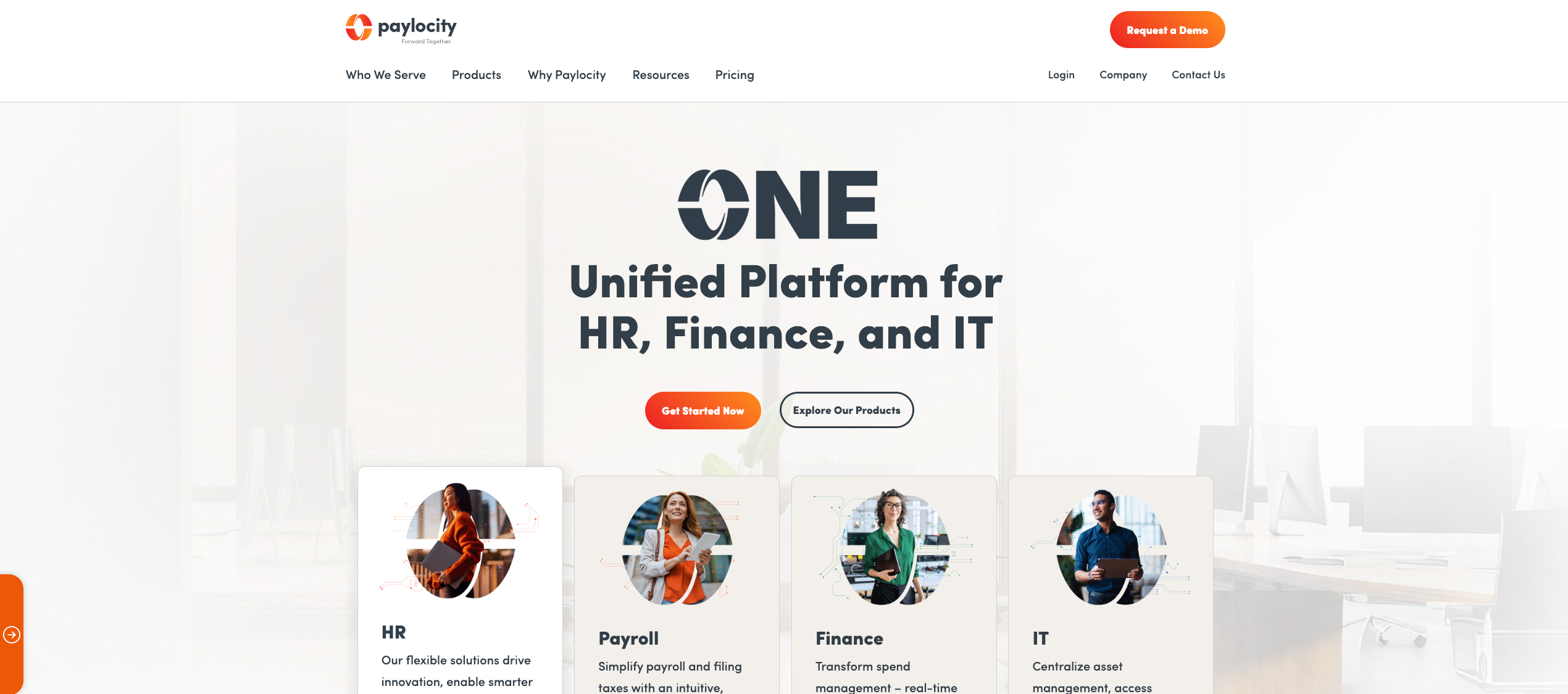
Best for: Mid-market teams wanting modern HR with strong employee engagement tools
Paylocity is an all-in-one HR and payroll platform that has carved out a strong position in the mid-market by combining payroll, workforce management, and culture-building tools in one system. It’s particularly well-regarded for its communication and engagement features, making it a popular choice for teams that want more than just transactional HR.
What Paylocity offers:
- Unified payroll, benefits, time and attendance, and talent management
- Community and recognition tools built directly into the platform for employee engagement
- On-demand pay access for earned wages
- Video and communication tools for distributed and frontline teams
- Strong mobile app with employee self-service for schedules, time off, and payroll
Considerations:
Paylocity’s strength is culture and communication, not complex scheduling or contingent workforce management. For teams running multi-location or high-volume shift operations, its scheduling depth is similar to Paycor: adequate for standard shifts, limited for dynamic or event-driven environments.
10. BambooHR
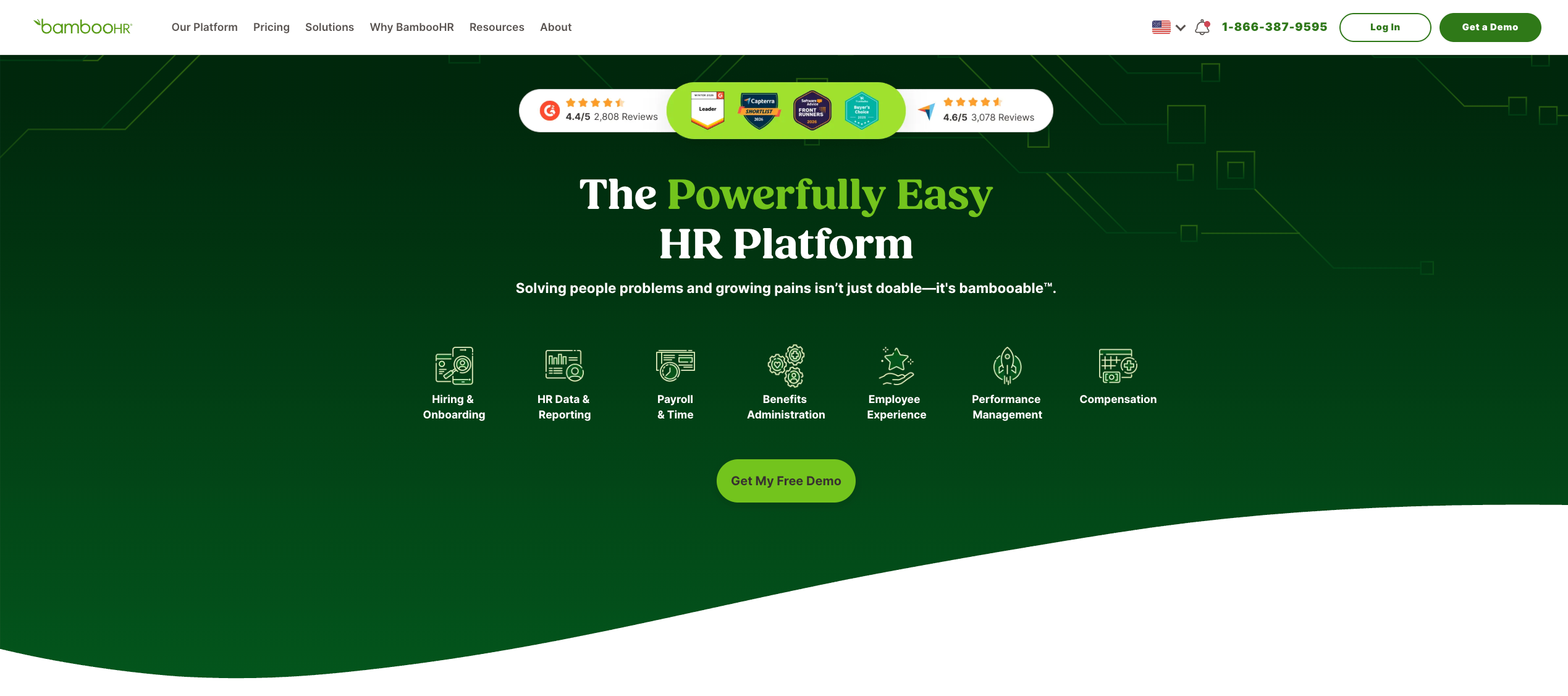
Best for: Small to mid-sized teams wanting simple, intuitive HR software
BambooHR is ideal for small to mid-sized businesses, offering an intuitive interface, quick setup, and essential HR tools. It’s one of the most user-friendly HRIS platforms on the market and is popular with teams that want modern HR without the overhead of an enterprise platform.
What BambooHR offers:
- Centralized employee records, onboarding, and performance management
- Time tracking and PTO management with clean self-service tools
- Applicant tracking and basic hiring workflows
- Employee satisfaction and culture-building features
- Fast setup requiring minimal IT involvement
Considerations:
BambooHR is intentionally lightweight. It doesn’t have modules for time and attendance and employee scheduling, and its payroll is limited in scope. For teams managing variable shifts, contingent workers, or multi-location operations, it hits a hard ceiling fast. It works well as a simple HR system for stable, mostly salaried teams.
How Each Platform Handles Scheduling, Time Tracking, and Compliance
When evaluating alternatives to UKG, these three functions separate the contenders from the pretenders. A platform can have beautiful dashboards and deep HR data capabilities, but if it can’t build a schedule fast, verify time accurately, and flag a compliance breach before it costs you money, it’s falling short on the fundamentals.
Here’s how each platform stacks up across all three.
Scheduling: Depth vs. Decoration
Scheduling is where the gap between enterprise HCM suites and purpose-built workforce platforms becomes most visible. Most cloud-based HR software platforms include scheduling as a module. The question is whether that module was built for real operational complexity or just to check a box.
Strong scheduling depth:
- Nowsta uses AI-powered automation to build optimized schedules in minutes, factoring in availability, skills, certifications, labor budgets, and compliance rules at the same time. It’s purpose-built for shift-based operations, making it the strongest option for teams where robust scheduling is a daily priority, not a quarterly configuration project. Teams cut scheduling time by 80% and eliminate the manual work of coordinating dozens of workers across multiple locations.
- UKG Pro (for reference) has strong scheduling depth, particularly for healthcare and manufacturing, but its complexity means most teams never use it to its full potential without dedicated HR admin support.
- Dayforce offers AI-assisted scheduling with demand forecasting, though it requires significant configuration to handle complex, high-volume shift patterns.
- Workday HCM covers scheduling but is configured for salaried workforces by default. Hourly and shift-based teams require significant setup to get value from it.
- ADP Workforce Now and Paycor offer functional scheduling for standard shifts, but struggle with variable, event-driven, or multi-vendor workforce patterns.
- Rippling, Paycom, and Paylocity all include time management tools, but weren’t built for the scheduling complexity that shift-based operations face daily.
- BambooHR has no meaningful scheduling module. It manages PTO and absence management but doesn’t handle shift coordination.
Time Tracking: Accuracy Is Everything
Inaccurate time tracking creates a chain reaction: wrong hours, wrong pay, compliance exposure, and legal liability. The goal isn’t just recording time. It’s recording accurate time automatically, with zero manual work required after the fact.
| Platform | Time Tracking Method | GPS Verification | Real-Time Visibility | Payroll Integration |
|---|---|---|---|---|
| Nowsta | Mobile, GPS-geofenced | Yes | Yes | Seamless, native |
| Dayforce | Mobile, web, time clocks | Limited | Yes | Native, real-time |
| Workday HCM | Mobile, web | Limited | Yes | Native |
| ADP Workforce Now | Web, mobile, time clocks | Limited | Moderate | Native |
| Rippling | Web, mobile | No | Yes | Native |
| SAP SuccessFactors | Web, mobile, device integration | Limited | Moderate | Via integration |
| Paycor | Mobile, web, time clocks | Yes | Yes | Native |
| Paycom | Mobile, web | Limited | Yes | Native |
| Paylocity | Mobile, web | Limited | Yes | Native |
| BambooHR | Web, mobile | No | Limited | Via integration |
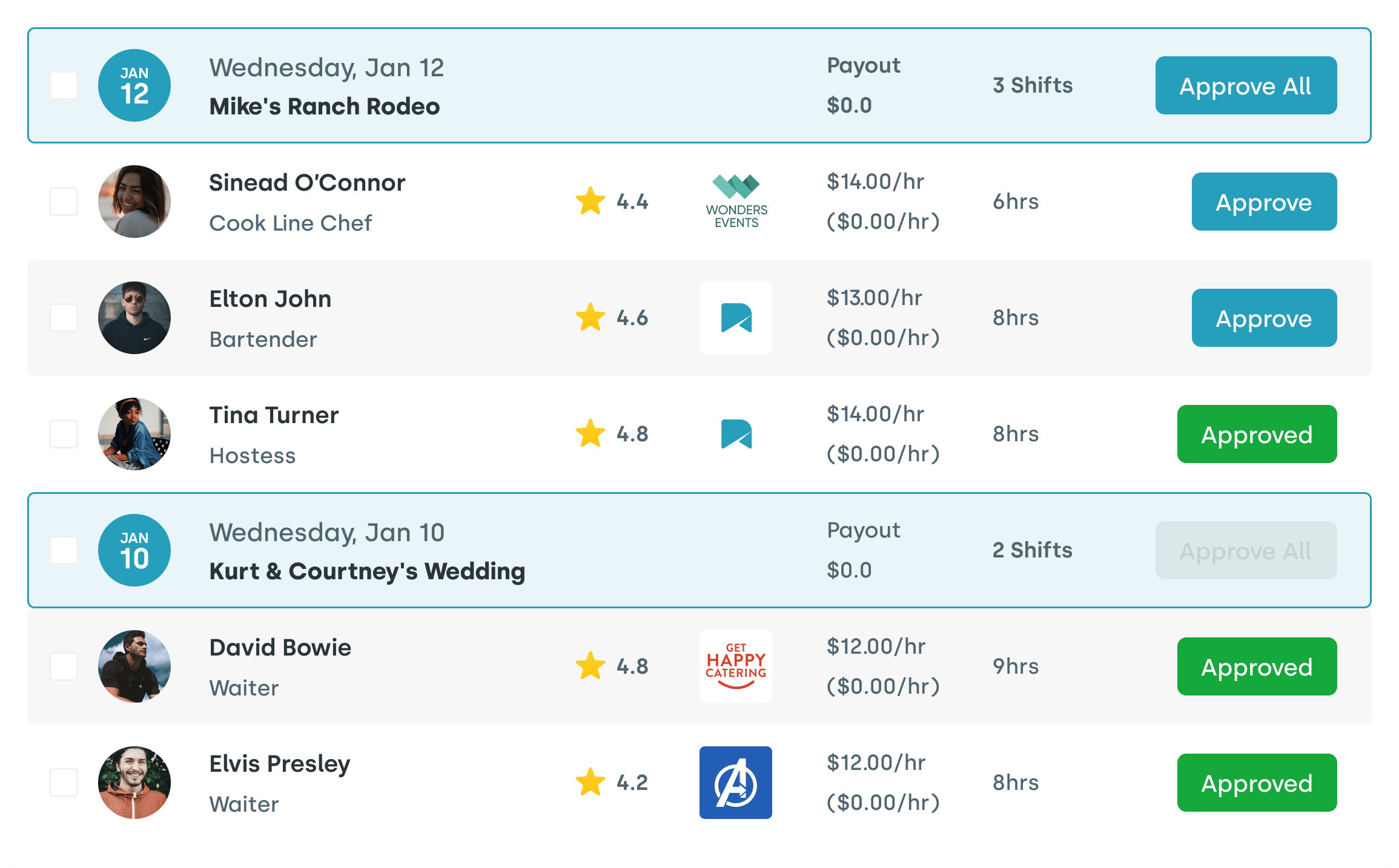
Nowsta’s GPS-verified, geofenced clock-in is a meaningful differentiator for field-based and event-based operations. It prevents time theft, automatically flags late arrivals or no-shows, and feeds approved hours directly into payroll without any manual exports. That payroll integration alone eliminates hours of reconciliation work every pay cycle.
Compliance: Built Into the Workflow vs. Added On Top
Workforce compliance failures don’t announce themselves in advance. They show up as wage disputes, DOL investigations, and overtime violations that compound quietly over time. The best management platform doesn’t just help you stay compliant. It makes non-compliance structurally difficult to begin with.
How each platform handles compliance requirements:
- Nowsta automates compliance monitoring with real-time alerts for overtime thresholds, scheduling violations, and labor law triggers. Every clock-in, schedule change, and timesheet approval is logged automatically for a clean audit trail. Compliance is embedded into scheduling and time tracking, not layered on top.
- Dayforce is one of the strongest platforms for workforce compliance, with global coverage across 200+ countries and a continuous payroll engine that updates in real time with every change.
- UKG Pro handles multi-state rules, union agreements, and predictive scheduling regulations natively, making it strong for healthcare and manufacturing environments with layered compliance requirements.
- Workday HCM covers compliance across 190+ countries with strong tools for global teams managing tax regulations and labor law variations across regions.
- ADP Workforce Now has decades of payroll compliance experience, particularly for multi-state tax filings and regulatory adherence. Less specialized for shift-level scheduling compliance.
- SAP SuccessFactors provides automated compliance rule engines across 100+ country localizations, but its workforce management compliance tools are better for HR processes than for operational shift enforcement.
- Paycor and Paycom both include payroll-focused compliance monitoring, though neither was built for real-time, shift-level compliance enforcement at scale.
- BambooHR covers basic HR compliance around employee records and leave policies, but has limited depth for labor law enforcement in hourly work environments.
The core distinction: most HR operations platforms treat compliance as a reporting function. Nowsta treats it as an operational one, meaning violations are prevented during scheduling and time entry, not discovered after payroll runs.
Which Tools Fit Shift-Based and Hourly Workforces Best
This is the question that most alternatives to UKG comparisons completely sidestep. They rank platforms by feature depth and enterprise credentials and call it comprehensive. What they miss is the reality that hourly and shift-based workforce management operates on a completely different set of pressures than managing salaried employees.
The Hourly Workforce Reality
Managing hourly and contingent workers means dealing with challenges that most human capital management suites weren’t architected to absorb:
- Schedules that change week to week, not quarter to quarter
- No-shows that cost real money in real time, not just on a quarterly report
- High turnover that demands constant onboarding, offboarding, and worker pool management
- Multi-location or multi-vendor operations that require coordination, no standard HR module handles natively
- Compliance exposure that is disproportionately high for hourly and non-exempt workers under FLSA and state-specific wage laws
Most enterprise HR platforms were built around the employee life cycle of a salaried worker, from hire to retirement, with predictable hours and stable schedules. For an event staffing agency filling 60 shifts by Thursday, or a warehouse operation managing three shifts across two locations, that framework doesn’t hold.
Platform Fit by Workforce Type
- Nowsta: Purpose-built for this: Every feature in Nowsta was designed with hourly and contingent workforce operations in mind. The platform doesn’t just support shift management. It is built around it. AI scheduling that factors in skills and availability. GPS-verified clock-ins that prevent time theft. Talent intelligence that ranks contingent workers by past performance. A mobile-first experience that meets workers where they are. And vendor management that gives operations teams full visibility into agency spend and performance from a single screen.
- For catering companies, event professionals, hotels and hospitality teams, warehousing operations, and home healthcare organizations, this is the platform that was actually designed for their world.
- Dayforce: Strong but complex: Dayforce handles shift-based operations well, particularly in retail, healthcare, and hospitality. Its real-time payroll engine is a genuine advantage for hourly workers. The tradeoff is a 4 to 6 month implementation timeline and configuration requirements that don’t suit leaner operations.
- UKG Pro: Powerful for large shift-heavy operations: UKG Pro and UKG Ready (formerly from Ultimate Software and Kronos, now the UKG Ultimate Kronos group) both handle complex scheduling for shift-heavy industries. But the combination of high cost, steep learning curve, and implementation overhead makes it best suited for large enterprises with dedicated HR and IT teams to support it.
- ADP Workforce Now: Payroll-first, scheduling second: ADP is a reliable payroll integration partner, but not a shift scheduling platform. Teams that need to fill dozens of shifts quickly and track contingent workers across vendors will find it underwhelming on the scheduling side. It works best alongside a purpose-built WFM tool.
- Rippling: Strong for office teams, limited for the floor: Rippling excels at automating HR, IT, and finance workflows for tech-forward organizations. Its time tracking tools don’t adapt well to irregular shift patterns, and its mobile experience doesn’t hold up for frontline workers who need to clock in from a venue or warehouse floor.
- Paycor and Paycom: Mid-market solid, not shift-specialized: Both platforms serve midsize businesses well for payroll and core HR. They cover basic scheduling, but neither was built specifically for the dynamics of shift-based, contingent, or event-driven workforce management. Operations where scheduling is a core daily function will hit limitations fast.
- Paylocity: Good culture tools, limited shift depth: Paylocity’s employee experience and engagement tools are genuinely strong. For teams where culture and communication matter as much as scheduling, it’s a thoughtful platform. For operations that need robust scheduling and labor management across hourly workers at scale, it falls into the same category as Paycor and Paycom.
- BambooHR: Wrong tool entirely for shift-based teams: BambooHR is a clean, easy-to-use interface for stable, salaried-leaning HR environments. For shift-based, contingent, or hourly workforce management, it has limited features that don’t serve the core operational needs.
The Purpose-Built Alternative Most Lists Overlook
Most comparisons of alternatives to UKG are written around a single axis: which enterprise HCM suite is most like UKG. They stack Dayforce against Workday, compare ADP to SAP SuccessFactors, and land on a recommendation that essentially replaces one complex platform with another. The segment of the market that actually loses the most people to turnover, no-shows, and scheduling chaos rarely gets addressed.
That segment is shift-based operations. And the platform built specifically for it is Nowsta.
What Makes the Difference
Most cloud-based HR software products start with the employee record and build scheduling outward from there. Nowsta starts with the shift and builds everything else outward from that. That’s not a subtle distinction. It’s the entire philosophy behind how the platform was designed.
The key takeaways for shift-based operations come down to a few things most alternatives simply don’t do well:
- Operational speed: Nowsta builds schedules in minutes. Most enterprise HCM platforms take hours to configure, let alone fill shifts. For teams that need to staff a 200-person event by Friday, that gap is the difference between execution and chaos.
- Contingent workforce visibility: Most platforms track employees. Nowsta tracks performance. Workers are ranked by reliability, skills, and attendance history, giving operations teams actionable insights to make smarter staffing decisions every single time.
- Real-time labor cost control: Nowsta fires budget alerts when an event is tracking over cost. Managers see real-time insights on labor spend and can adjust before it becomes a problem. That’s optimize labor costs functionality that most HR finance tools only provide in post-event reports.
- Vendor ecosystem management: For teams that rely on staffing agencies, Nowsta’s vendor management platform handles agency performance, spend tracking, compliance, and invoicing from a single screen. No other platform on this list does this natively for contingent workforce operations at this level of depth.
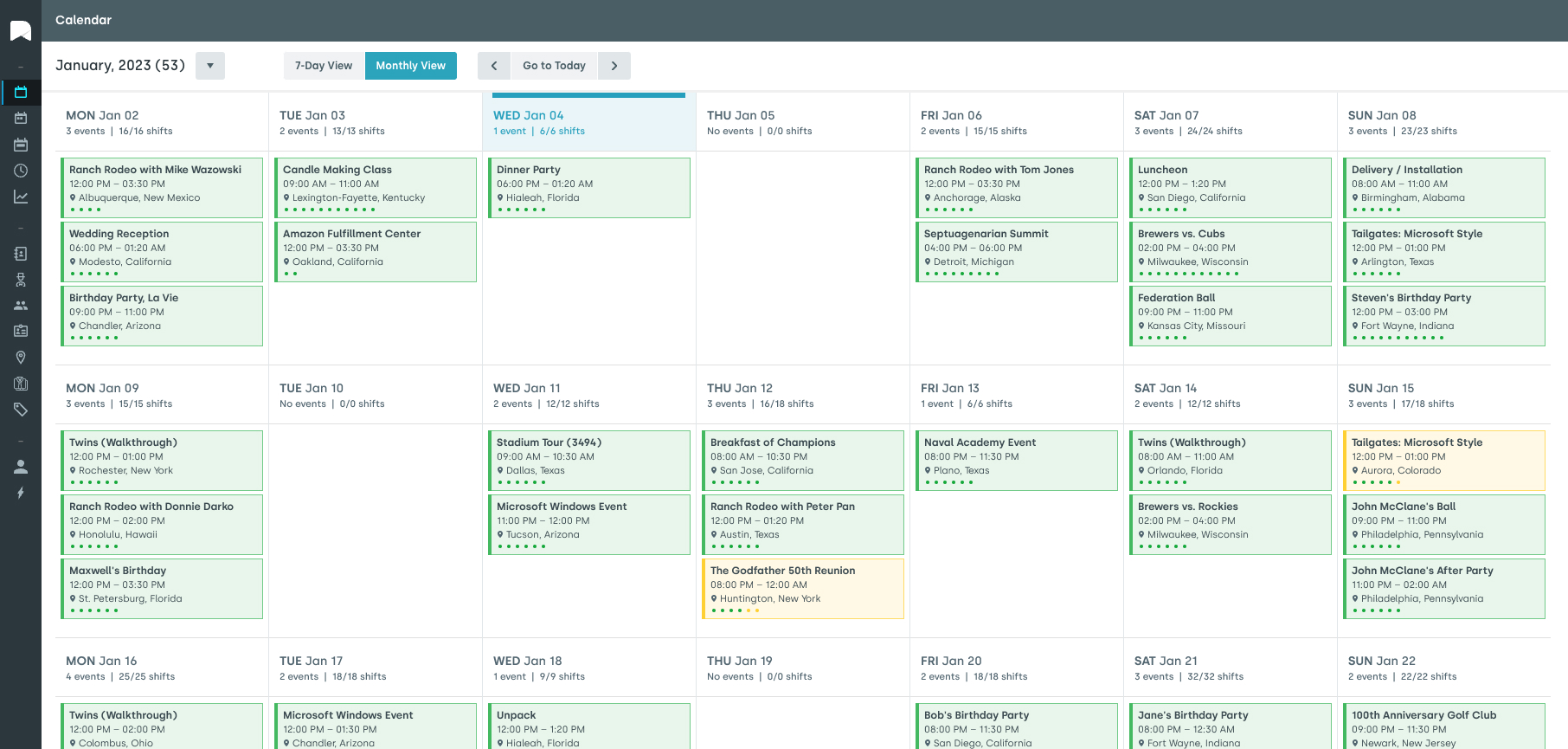
- Mobile experience that actually works: Nowsta was designed mobile-first. Workers clock in with GPS verification, view their schedules, claim open shifts, and receive reminders from their phones. It’s not a desktop product with a mobile app bolted on.
Who Gets the Most Value
Nowsta delivers the strongest business outcomes for:
- Event staffing agencies managing dozens or hundreds of workers across multiple simultaneous events
- Catering and hospitality companies with variable demand and high worker turnover
- Warehousing and distribution operations running multiple shifts across locations
- Hotels and venues managing a mix of full-time staff and contingent labor
- Universities and healthcare organizations managing large pools of part-time and hourly workers
If your current system requires your team to do manual work at any point in the scheduling, clock-in, or payroll cycle, that’s time and money being lost on every single shift. Nowsta eliminates those gaps entirely.
Case Study: OTH Company
OTH Company scaled a nationwide event staffing operation using Nowsta, bringing order to a complex, high-volume workforce across multiple markets.
Read their story →
The reality is that most enterprise HCM comparisons are written for HR directors at large enterprises evaluating the next-generation management platform in their existing tech stack. They’re not written for the operations manager trying to staff a 300-person event on short notice while keeping labor costs on budget and every worker legally compliant.
Nowsta is built for that person. Schedule a demo and see what workforce management looks like when it’s designed around how your team actually works.
Read more: Real-Time Workforce Visibility for Event Businesses
The Right UKG Alternative Is Closer Than You Think With Nowsta
Not every team outgrows UKG for the same reason. Some need faster implementation. Some need a better mobile experience. Some just need a platform that actually understands how shift-based operations work. Whatever the reason, the right alternative exists for your specific situation.
Key takeaways from this guide:
- UKG Pro is powerful but comes with steep implementation timelines, a heavy learning curve, and inconsistent support
- Dayforce and Workday are strong enterprise options, but they carry similar complexity trade-offs
- ADP, Paycor, and Paycom handle payroll and core HR well, but lack depth for shift-based scheduling
- Rippling and BambooHR serve specific use cases but aren’t built for hourly or contingent workforce operations
- Most comparison lists skip platforms purpose-built for shift-based teams entirely
If your operation runs on hourly or contingent workers, Nowsta is the platform worth a serious look. It was built specifically for workforce management at the shift level, with AI scheduling, GPS time tracking, vendor management, and real-time labor cost visibility all in one place. Schedule a demo and see the difference a purpose-built platform makes for your team.
Frequently Asked Questions
Who is UKG’s biggest competitor?
Dayforce is widely considered UKG’s biggest competitor. Both platforms offer enterprise-grade workforce management with powerful automation, advanced analytics, and real-time analytics for large organizations. Dayforce edges ahead with its continuous payroll engine and better integration with time and attendance data, while UKG leads in scheduling depth and predictive analytics for complex shift environments.
What is the best workforce management software?
It depends on your business needs. For large enterprises requiring seamless integration with other systems, flexible deployment, and deep HR finance capabilities, UKG Pro, Dayforce, or Workday are strong fits.
For teams managing hourly and contingent workers who need robust scheduling, GPS time tracking, and to maintain compliance across every shift, Nowsta is the purpose-built option that most enterprises overlook. It delivers powerful automation, real-time analytics, and payroll integration without the enterprise overhead.
What is UKG similar to?
UKG is most similar to Dayforce, Workday HCM, SAP SuccessFactors, and ADP Workforce Now. All four are enterprise-grade human capital management platforms covering the full employee life cycle, including payroll, benefits, talent management, performance reviews, and workforce scheduling.
Like UKG, they use modular pricing, require dedicated implementation resources, and offer advanced analytics for budget planning and workforce strategy. The key differences lie in global reach, multi-currency support, and how well each platform integrates with existing tools and other systems.
Is UKG a good fit for small businesses?
Generally, no. UKG Pro is designed for organizations with 350 or more employees, and its cost, implementation timeline, and configuration complexity put it out of reach for most smaller teams. Even UKG Ready, its lighter product, carries a learning curve and support team requirements that smaller businesses often can’t justify.
For small to mid-sized operations with straightforward business needs, platforms like BambooHR or Nowsta offer faster time-to-value, an easier-to-use interface, and better integration with existing tools without the enterprise overhead.