Every workforce management software vendor will tell you they’re the best fit for your operation. Virtually none of them will tell you when they’re not.
That’s the problem with most comparison guides, too. They rank platforms by feature count, present a table with checkmarks, and leave you to figure out which platform actually matches the specific conditions of your workforce.
The reality: WFM solutions vary significantly in strengths, with some excelling at enterprise complexity and others at simplicity, making it critical to match platforms to your specific organizational needs. Picking the wrong one doesn’t just mean switching costs later. It means paying for a platform you’re working around instead of working with, every single day.
Here’s what this guide covers:
- How to match your workforce type to the right category of WFM platform
- A side-by-side workforce management software comparison of the top platforms
- Where each platform excels and where it falls short
- A feature-by-feature breakdown across the capabilities that matter most
- How to make the final call before you commit
Worth knowing upfront: Nowsta was built specifically for hourly, shift-based, and contingent workforces. It’s not trying to be everything for everyone, and that focus is exactly what makes it the strongest fit for operations that run on shifts.
TL;DR: Quick Comparison of Workforce Management Software
| Capability | Nowsta | UKG Pro | Dayforce | ADP Workforce Now | Workforce.com | Deputy | Rippling | Connecteam | When I Work | Homebase |
|---|---|---|---|---|---|---|---|---|---|---|
| Best For | Hourly, shift-based, contingent workforces | Large enterprise, complex compliance | Mid-to-large enterprise, real-time payroll | Mid-sized companies, payroll-first | Mid-to-large hourly, scheduling-to-payroll | Multi-location shift businesses | Tech-forward SMBs, remote teams | Deskless and field-based teams | Small-to-mid hourly teams | Small hourly SMBs |
| AI Employee Scheduling | ✅ Advanced, demand-driven | ✅ Advanced | ✅ AI-assisted | ⚠️ Basic | ✅ Advanced | ✅ AI-assisted | ⚠️ Basic | ✅ AI-assisted | ⚠️ Basic | ⚠️ Basic |
| Labor Forecasting | ✅ Native, demand-based | ✅ Advanced | ✅ Demand-based | ⚠️ Basic | ✅ Advanced, POS-connected | ✅ Sales and weather-based | ❌ Limited | ❌ Limited | ⚠️ Basic | ⚠️ Basic |
| GPS Attendance Tracking | ✅ Geofencing + photo capture | ✅ Multiple methods | ✅ Mobile + badge | ✅ Geofencing | ✅ Geofencing | ✅ GPS + facial recognition | ⚠️ Basic | ✅ GPS + geofencing | ⚠️ Location restrict | ✅ Geofencing |
| Employee Time Tracking | ✅ Real-time, GPS-verified | ✅ Multi-method | ✅ Automated | ✅ Multi-method | ✅ Real-time | ✅ GPS + kiosk | ✅ Automated | ✅ GPS + auto clock-out | ✅ GPS restricted | ✅ GPS + kiosk |
| Absence Management | ✅ Automated | ✅ Advanced | ✅ Advanced | ✅ Advanced | ✅ Automated | ✅ Automated | ✅ Full | ✅ Included | ✅ Basic | ✅ Basic |
| Leave Management | ✅ Integrated | ✅ Advanced | ✅ Advanced | ✅ Advanced | ✅ Integrated | ✅ Integrated | ✅ Full | ✅ Included | ✅ Basic | ✅ Accrual-based |
| Native Payroll Integration | ✅ Direct real-time sync | ✅ Native | ✅ Continuous sync | ✅ Native | ✅ Native | ⚠️ Modular | ⚠️ Via integration | ⚠️ Limited (4 options) | ⚠️ Via integration | ⚠️ Add-on |
| Compliance Management | ✅ Automated, pre-publish | ✅ Multi-jurisdiction | ✅ Global, 20+ countries | ✅ Multi-state | ✅ Fair Workweek + overtime | ✅ Fair Workweek + fatigue | ⚠️ Global EOR | ⚠️ Basic | ⚠️ Basic alerts | ⚠️ Alerts only |
| Contingent Workforce Management | ✅ Full vendor + agency mgmt | ⚠️ Partial | ⚠️ Partial | ❌ Limited | ❌ Limited | ❌ Limited | ❌ Limited | ❌ Limited | ❌ Limited | ❌ Limited |
| Employee Self Service | ✅ Mobile-first, full | ✅ Full portal | ✅ Full portal | ✅ Full portal | ✅ Mobile app | ✅ Mobile app | ✅ Full portal | ✅ Mobile-first | ✅ Mobile app | ✅ Mobile app |
| Mobile Workforce Management | ✅ Full, mobile-first | ✅ Full | ✅ Full | ✅ Full | ✅ Full | ✅ Mobile-first | ✅ Full | ✅ Mobile-first | ✅ Full | ✅ Full |
| Mobile Access for Workers | ✅ iOS + Android | ✅ Full | ✅ Full | ✅ Full | ✅ Full | ✅ Full | ✅ Full | ✅ Full | ✅ Full | ✅ Full |
| Employee Onboarding | ✅ Built-in ATS + onboarding | ✅ Full HCM | ✅ Full HCM | ✅ Full HCM | ⚠️ Basic | ⚠️ Basic | ✅ Full automated | ✅ Included | ❌ Limited | ⚠️ Basic |
| Benefits Administration | ❌ Not included | ✅ Full | ✅ Full | ✅ Full | ❌ Not included | ❌ Not included | ✅ Full | ❌ Not included | ❌ Not included | ❌ Not included |
| Analytics Capabilities | ✅ Real-time dashboards | ✅ 150+ reports | ✅ 300+ reports | ✅ Dashboards | ✅ Live dashboards | ✅ Labor insights | ✅ Workforce analytics | ⚠️ Basic | ⚠️ Basic | ⚠️ Basic |
| Remote Workforce Management | ⚠️ Limited | ✅ Multi-location | ✅ Global | ✅ Global | ⚠️ Direct-hire focus | ⚠️ Multi-location | ✅ Global + remote | ✅ Field teams | ⚠️ Basic | ⚠️ Basic |
| Workforce Planning | ✅ Demand-driven | ✅ Advanced HCM | ✅ Advanced HCM | ✅ Scenario-based | ✅ Operational | ⚠️ Basic | ✅ Headcount planning | ❌ Limited | ❌ Limited | ❌ Limited |
| Cost Control Tools | ✅ Real-time budget alerts | ✅ Pre-payroll alerts | ✅ Continuous | ✅ Analytics-driven | ✅ Live during scheduling | ✅ During scheduling | ⚠️ Modular | ⚠️ Basic | ⚠️ Basic | ⚠️ Basic |
| Implementation Speed | ✅ Fast | ⚠️ Months | ⚠️ 6-12 months | ⚠️ Moderate | ⚠️ Moderate | ✅ Fast | ✅ Moderate | ✅ Fast | ✅ Very fast | ✅ Very fast |
| Customer Satisfaction | ✅ 97%, 5-min response | ✅ Enterprise-grade | ⚠️ Mixed reviews | ✅ Established | ✅ Strong | ✅ Strong | ✅ Strong | ✅ Strong | ✅ Strong | ✅ Strong |
Match Your Workforce Type to the Right Platform
The most common mistake in a workforce management software comparison is evaluating every platform against the same criteria. A platform built for a 10,000-person contact center is solving a fundamentally different problem from one built for a 150-person catering operation running weekend events. Starting with your workforce type narrows the field before you evaluate a single feature.
The Four Workforce Categories
Each workforce category has a distinct operational reality, and the platform that excels for one will actively underperform for another.
1. Hourly and shift-based direct-hire teams
Operations where workers clock in and out on a defined schedule, in a fixed set of roles, at predictable locations. The core problem is scheduling efficiency, compliance enforcement, and payroll accuracy tied to actual clocked hours.
What this workforce type needs most:
- AI-powered shift scheduling with demand forecasting
- GPS-verified time and attendance
- Native payroll integration
- Automated compliance monitoring for break rules and overtime
2. Contingent and mixed workforces
Operations that blend direct-hire staff with agency workers, event-based contractors, or staffing vendor relationships. The core problem is managing two workforces in one operational view without parallel systems.
What this workforce type needs most:
- Unified scheduling for direct and contingent staff
- Vendor management and agency performance tracking
- Automated invoicing and invoice reconciliation
- A talent pool of rated, verified workers
3. Enterprise HCM-driven workforces
Large organizations where workforce management is part of a broader human capital management strategy covering talent, benefits, payroll, and compliance across multiple jurisdictions.
What this workforce type needs most:
- Deep HCM integration across HR, payroll, and talent
- Multi-jurisdiction compliance configuration
- Advanced analytics and scenario modeling
- Single source of truth for all employee data
4. Knowledge worker and project-based teams
Salaried or hybrid teams where workforce management means capacity planning, project resource allocation, and headcount forecasting rather than shift coverage and time tracking.
What this workforce type needs most:
- Resource utilization and capacity modeling
- Project-based time tracking
- Headcount scenario planning
- Integration with project management tools
Which Platform Category Fits Your Workforce
| Workforce Type | Platform Category | Examples |
|---|---|---|
| Hourly shift-based direct hires | Purpose-built WFM | Nowsta, Deputy, When I Work |
| Contingent and mixed | WFM with vendor management | Nowsta, Workforce.com |
| Enterprise HCM-driven | Full HCM suites | UKG Pro, Dayforce, ADP Workforce Now |
| Knowledge worker and project-based | Resource planning tools | Workday, Rippling, Runn |
Getting this categorization right before comparing features saves significant evaluation time and prevents buying a platform that solves someone else’s problem.
For a deeper look at how WFM platforms compare to broader workforce orchestration tools, see our guide on scheduling software vs. workforce orchestration.
Workforce Management Software Comparison: Top Platforms
This comparison is organized by what each platform is actually built to solve, not by who has the longest feature list. A platform that scores 9/10 on enterprise HCM and 4/10 on shift-based scheduling isn’t a competitor to one that scores 9/10 on shift operations. They’re solving different problems for different buyers.
Nowsta
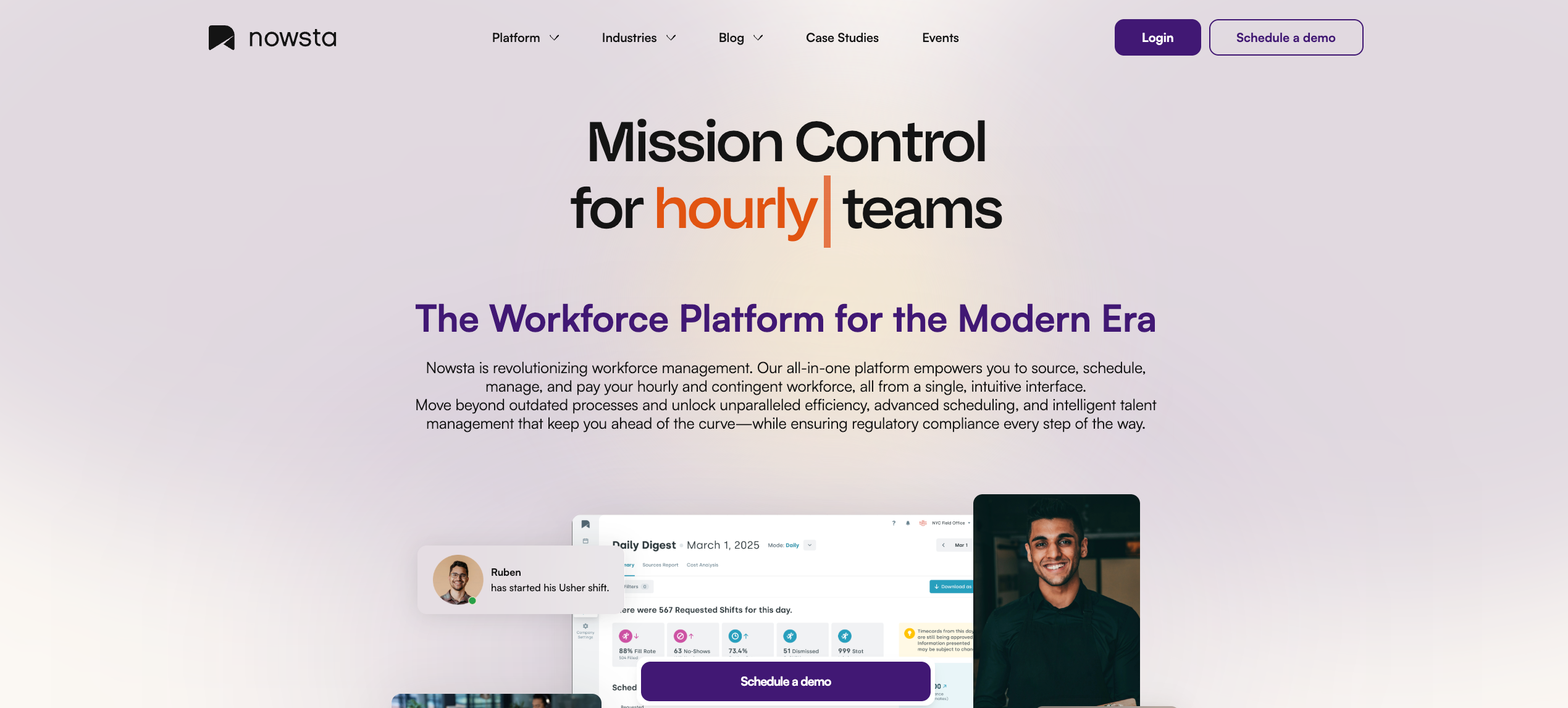
Built for: Hourly, shift-based, and contingent workforces
Nowsta is purpose-built for one operating reality: teams that run on shifts, blend direct-hire and agency staff, and need scheduling, time tracking, compliance, and payroll to work as a single connected system. It doesn’t try to be an enterprise HCM suite. That focus is precisely what makes it the strongest fit for catering, events, hospitality, QSR, staffing, and warehousing operations.
Where it leads:
- AI-powered demand forecasting that generates schedules automatically from predicted staffing needs
- GPS-verified time and attendance with geofencing, delivering 99% on-time punch accuracy
- Full contingent workforce management with vendor coordination, agency performance tracking, and automated invoicing, capabilities that no other platform on this list matches natively
- Native payroll integration that cuts payroll processing time by 90%
- Automated compliance monitoring for break rules, overtime, and labor regulations by jurisdiction
- Mobile-first employee experience with instant pay access, shift swaps, and self-service
- 80% reduction in scheduling time, 28% fewer no-shows, 15% lower labor costs
Where it’s scoped: Nowsta is optimized for hourly and shift-based operations. It’s not designed for knowledge worker teams, global EOR needs, or enterprise HCM functions like performance reviews and benefits administration.
Excels at:
- Purpose-built workforce management WFM for hourly, shift-based, and contingent operations, with AI-powered employee scheduling connected directly to GPS attendance tracking, payroll systems, and compliance management in one native workflow
- Full contingent workforce support with vendor coordination, agency performance tracking, and automated invoicing, capabilities that no other workforce software on this list matches natively
- Real operational results: 80% reduction in scheduling time, 28% fewer no-shows, 15% lower labor costs, and 90% faster payroll processing
- Mobile workforce management built for frontline workers, with employee self-service for shift swaps, time off requests, and instant pay access on mobile devices
Falls short:
- Not designed for salaried HCM functions like benefits administration, performance reviews, or talent succession planning
- Remote workers and remote workforce management are not the primary focus; the platform is optimized for shift-based operations, not distributed knowledge-worker teams
Customer Spotlight Vestals Catering transformed their staffing operations after switching to Nowsta, moving from fragmented manual processes to a single platform managing scheduling, attendance, and payroll across their entire workforce. Read the full story
See how Nowsta compares for your operation
UKG Pro Workforce Management
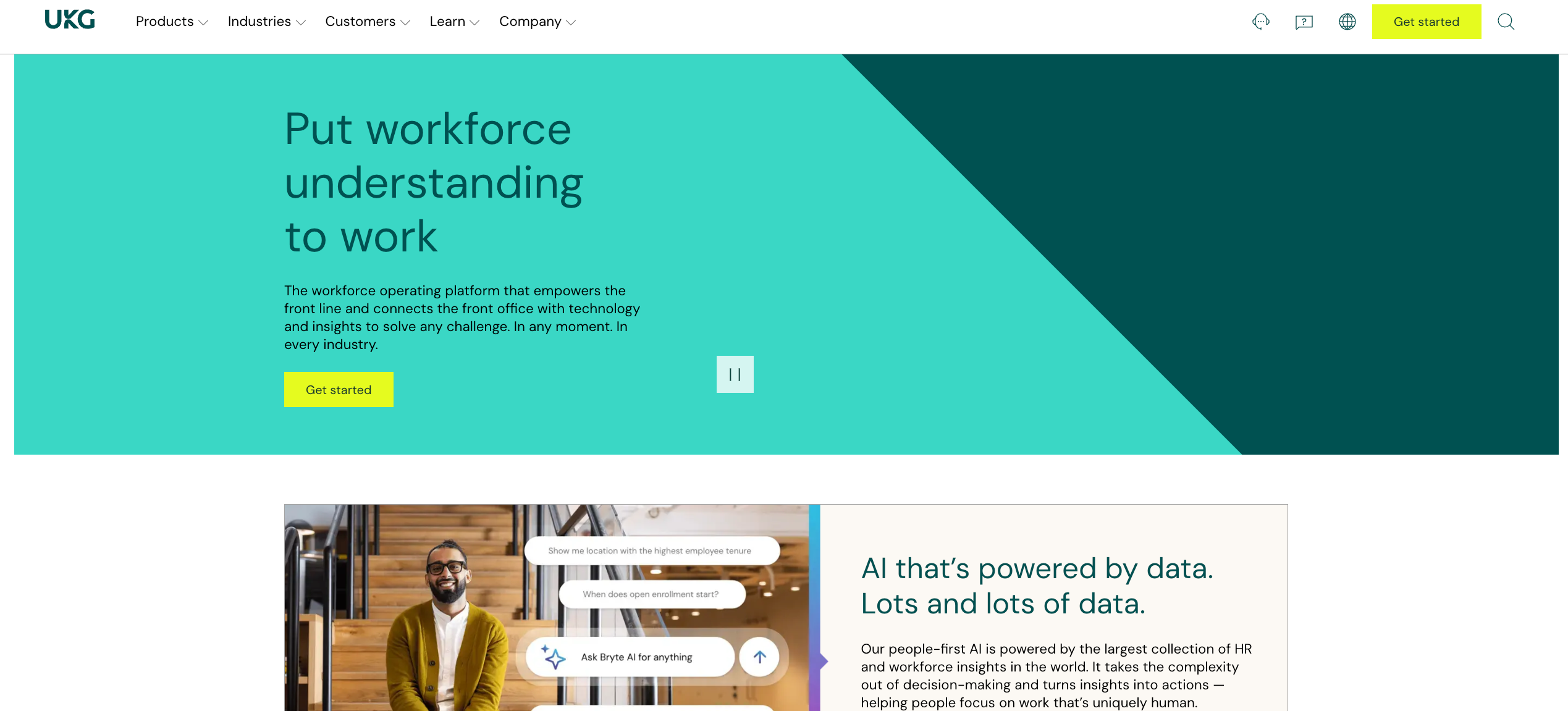
Built for: Large enterprises with complex compliance and multi-jurisdiction requirements
UKG Pro is the most widely deployed enterprise WFM platform globally. Its depth of compliance configuration, advanced analytics, and full HCM integration make it the standard for large organizations in healthcare, retail, manufacturing, and hospitality, where labor law complexity is a daily operational reality.
Where it leads:
- AI-powered predictive forecasting with demand-based scheduling configurable at the department, location, and role level
- Multi-jurisdiction compliance with configurable rules across states, countries, and labor agreements
- Over 150 prebuilt workforce analytics reports with deep customization
- Full HCM integration covering talent management, performance, and benefits administration alongside WFM
- Real-time payroll alerts that flag anomalies before payroll runs
Excels at:
- Enterprise workforce management software with the deepest compliance management configuration on the market, covering multi-jurisdiction labor regulations and regulatory compliance automatically
- Advanced analytics capabilities with 150-plus prebuilt reports connecting workforce data to data-driven decisions for HR departments and finance teams
- Full HCM suite covering benefits administration, talent management, and payroll management, alongside workforce management tools
Falls short:
- Implementation complexity creates real barriers for shift-based operations needing fast deployment and streamlined processes
- Frontline usability suffers under feature density; frontline workers and managers doing labor scheduling under time pressure find the interface overwhelming
- Contingent workforce management and vendor coordination are not native strengths
Dayforce (by Ceridian)
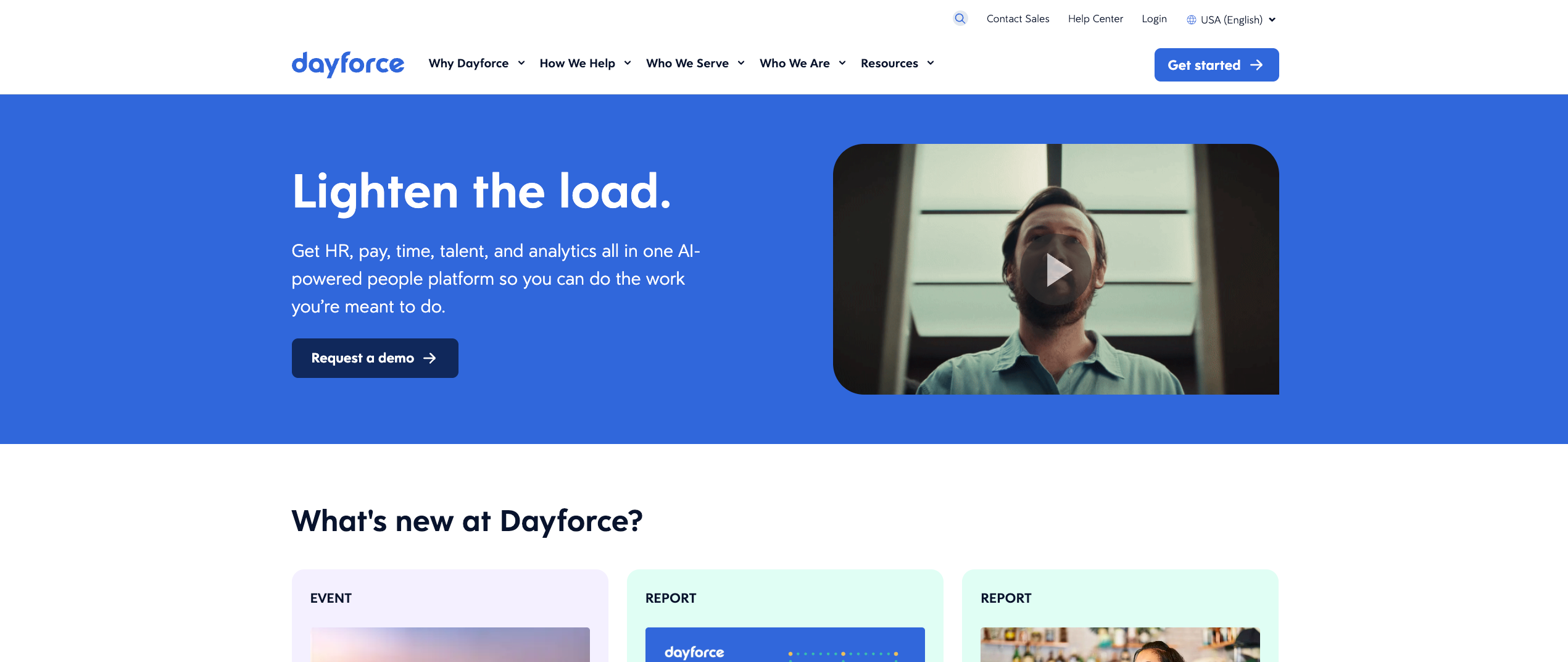
Built for: Mid-to-large enterprises needing real-time payroll connected to workforce management
Dayforce’s architectural differentiator is its continuous payroll calculation engine: every clock-in, schedule change, or pay rate update reflects immediately in payroll without waiting for a batch process. For enterprises where payroll accuracy is mission-critical, that real-time data model is a genuine advantage.
Where it leads:
- Single-database architecture connecting HR, payroll, time tracking, scheduling, and talent in one system with no data gaps between modules
- Continuous gross-to-net payroll calculation that eliminates batch-processing errors
- AI-assisted scheduling with demand-based staffing recommendations and compliance enforcement
- Dayforce Wallet for on-demand earned wage access, a meaningful retention driver for hourly workforces
- Strong global payroll compliance across more than 20 countries
Excels at:
- Real-time payroll accuracy through a continuous payroll calculation engine that updates with every clock-in, schedule change, or pay rate adjustment
- Single-database architecture connecting absence management, leave management, payroll management, and workforce operations without data gaps between modules
- Global regulatory compliance across 20-plus countries for enterprise organizations managing remote employees across geographies
Falls short:
- Implementation timelines of 6 to 12 months represent a real operational cost and administrative burden for teams needing fast time-to-value
- Mobile workforce management experience has drawn feedback for lagging behind newer platforms built for deskless workers
- Contingent workforce and vendor management are not native capabilities
ADP Workforce Now
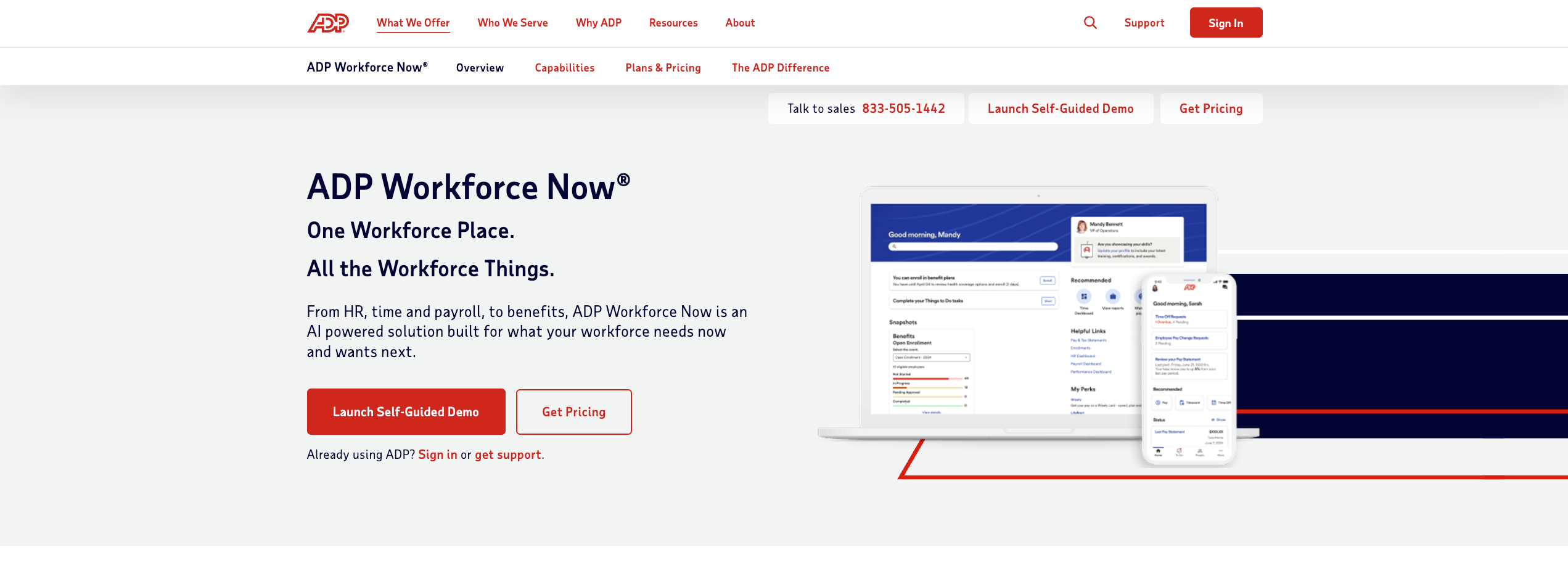
Built for: Mid-sized companies needing enterprise-grade payroll with workforce management
ADP Workforce Now is payroll-first, and that focus defines both its strength and its limitations. It’s the most trusted name in payroll for a reason, with 700-plus native integrations and decades of compliance infrastructure. The workforce management capabilities are solid but secondary.
Where it leads:
- Best-in-class payroll accuracy with automated tax filing across jurisdictions
- Over 700 native integrations covering every major HR, accounting, and time tracking system
- Robust HR suite covering benefits, talent, and performance alongside workforce management
- Workforce analytics dashboards for labor cost, headcount, and overtime trends
- Multiple time clock methods, including biometric, GPS mobile, and kiosk
Excels at:
- Payroll software accuracy and regulatory compliance at scale, with 700-plus integrations, making seamless integration with existing HR processes and payroll systems reliable
- Benefits administration and core HR processes handled natively alongside workforce management, reducing the administrative burden of managing multiple platforms for hr departments
- Tracking attendance and workforce analytics feeding directly into the broader ADP workforce suite for operational reporting
Falls short:
- Employee scheduling and labor scheduling capabilities are supplementary rather than core strengths, requiring many operations to layer a dedicated workforce management WFM tool on top
- Labor forecasting and real-time demand-based scheduling are not purpose-built features
- Contingent workforce management is minimal; the ADP workforce suite is designed primarily for direct-hire workforces
Many shift-based operations pair ADP’s payroll with a dedicated WFM layer for the scheduling and attendance intelligence ADP doesn’t deliver natively. For a detailed comparison, see our best Workday alternatives guide.
Workforce.com
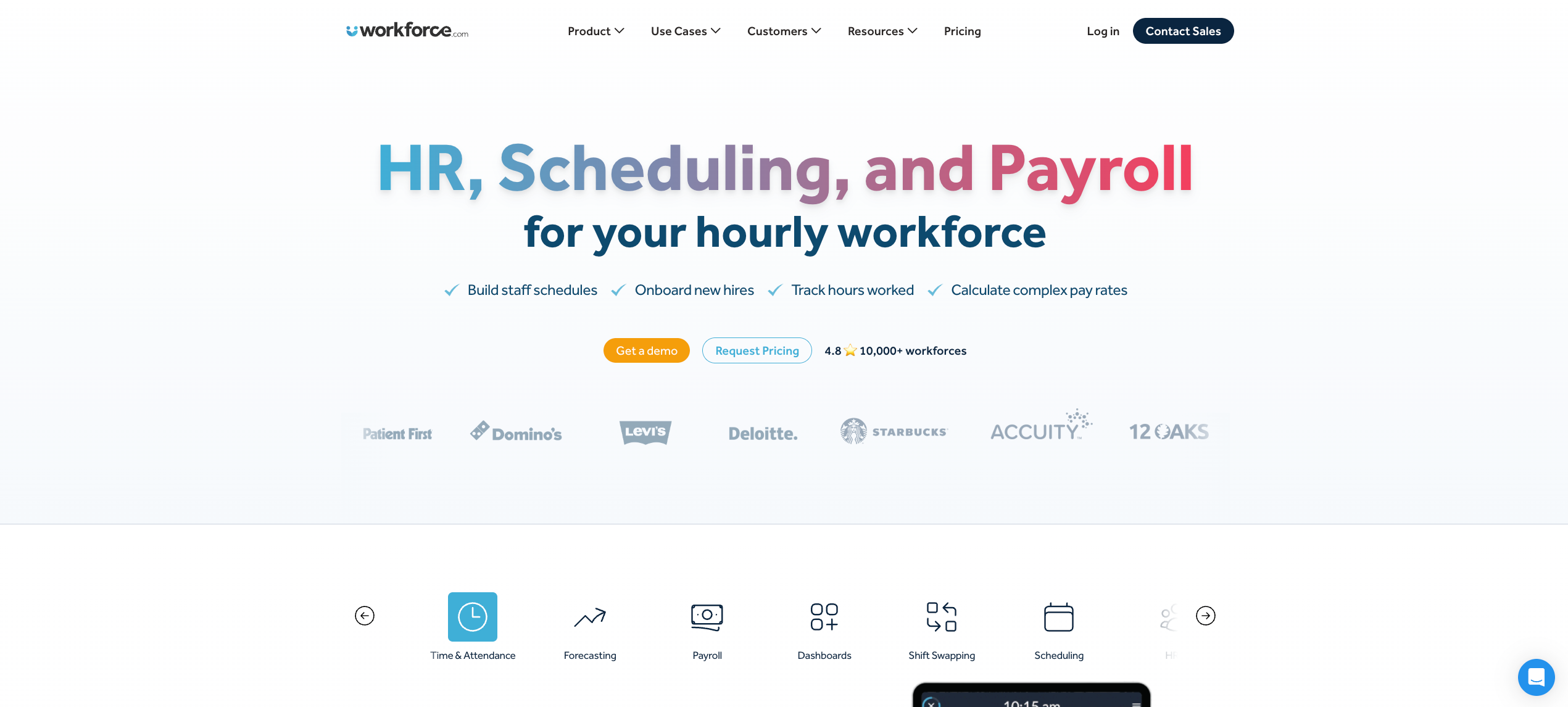
Built for: Hourly operations where scheduling, time tracking, and payroll must work as one system
Workforce.com takes a specific architectural position: scheduling data, time tracking, and payroll should never exist in separate systems. That integration-first design is its primary differentiator and the reason it performs well for direct-hire hourly operations in retail, hospitality, and healthcare.
Where it leads:
- Scheduling and payroll connected natively, so clocked hours flow directly into wage calculations with no manual export
- AI-driven demand forecasting using POS data, sales history, weather, and event calendars to predict staffing needs up to four weeks out
- Automated overtime flagging in real time during scheduling, before shifts are published
- Fair Workweek compliance enforcement built into the scheduling workflow
- An attendance points system that tracks callout patterns and surfaces chronic reliability issues
Excels at:
- Scheduling-to-payroll native connection that eliminates the manual data transfer step where most payroll systems errors originate for hourly operations
- Labor forecasting using sales, weather, and demand data to generate schedules up to four weeks out, with real-time cost control visibility during employee scheduling
- Manage overtime proactively with automated flags during schedule building before shifts are published, not after payroll runs
Falls short:
- Contingent workforce management is limited; operations mixing agency staff and direct hires need workarounds that reduce the operational efficiency the platform otherwise delivers
- Remote workers and remote workforce management capabilities are narrower than enterprise-grade platforms built for distributed teams
- Benefits administration and employee onboarding are not native workforce software capabilities
Deputy
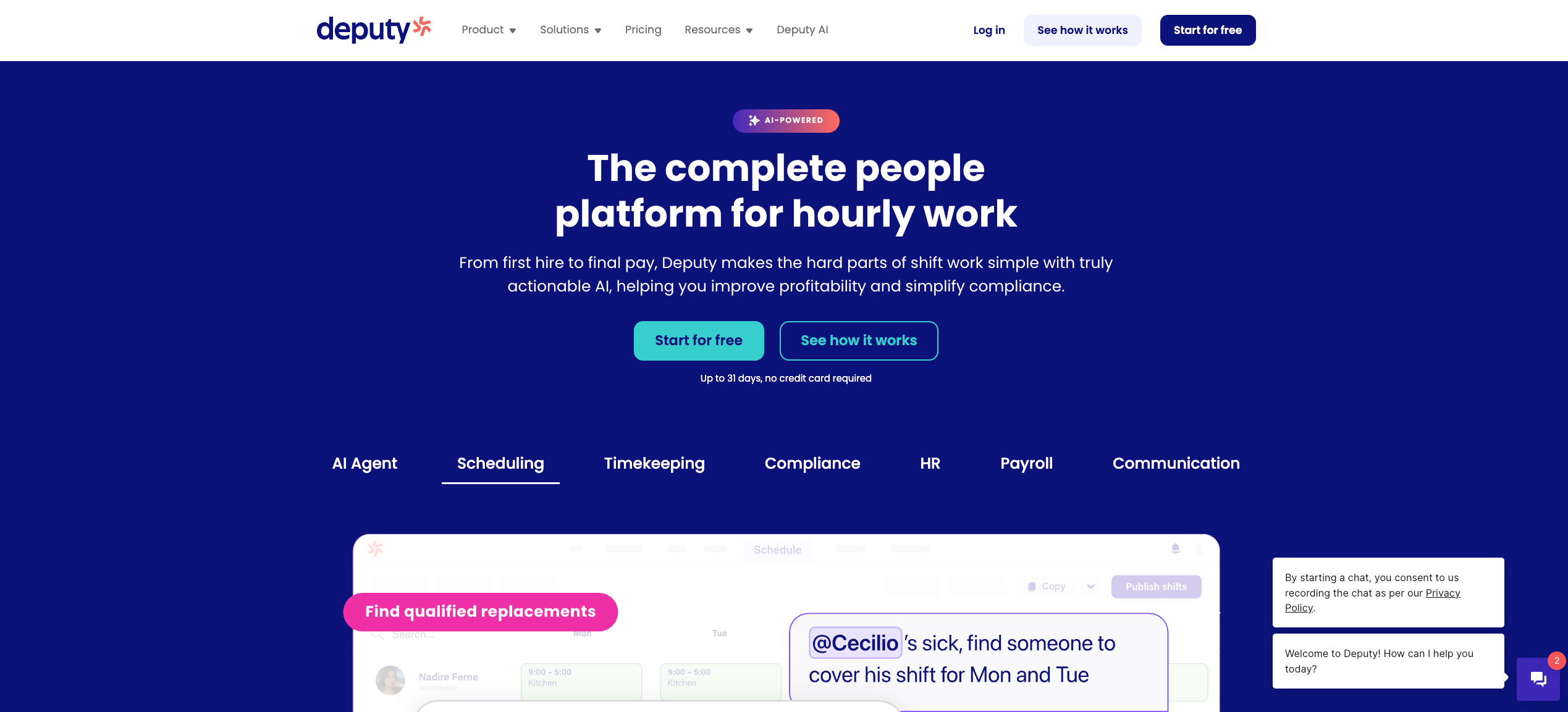
Built for: Multi-location shift businesses needing fast AI-assisted scheduling and compliance
Deputy is one of the most widely adopted shift scheduling platforms globally, serving more than 375,000 workplaces across more than 100 countries. Its strength is deploying fast in multi-location environments and reducing the scheduling workload for managers who need to move quickly.
Where it leads:
- AI-assisted scheduling that factors availability, qualifications, and labor law compliance simultaneously
- Demand forecasting using historical sales, weather, and foot traffic to predict staffing needs
- GPS-verified mobile clock-in with facial recognition via kiosk for high-traffic sites
- Automated fatigue and Fair Workweek compliance monitoring
- Real-time labor cost visibility during schedule building with budget alerts
Excels at:
- Mobile workforce management with GPS clock-in, facial recognition via kiosk, and real-time attendance tracking across multi-location shift-based operations
- Fast deployment with minimal training requirements, enabling organizations to reduce scheduling conflicts and improve workforce productivity quickly
- Compliance management for Fair Workweek and fatigue rules built directly into the employee scheduling workflow for maintaining productivity under labor regulations
Falls short:
- Payroll systems integration relies on third-party connectors for several major providers, introducing reconciliation risk at high volume
- Contingent workforce and vendor management are not supported, limiting the platform for operations managing mixed workforces
- Absence management tools are less robust than purpose-built HR platforms with full leave management suites
Rippling
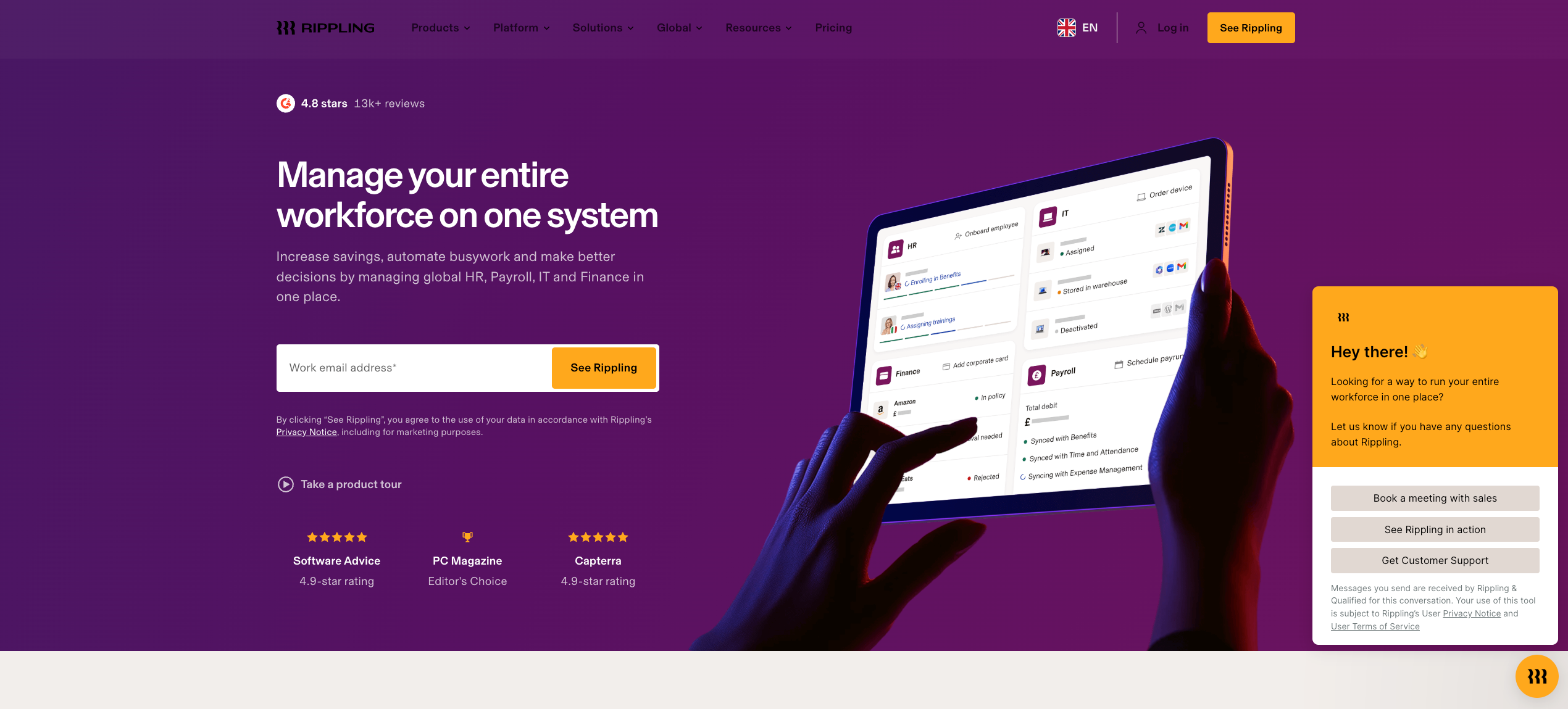
Built for: Tech-forward growing companies managing HR, IT, payroll, and WFM in one ecosystem
Rippling takes a modular approach to workforce management, combining HR, IT, payroll, and scheduling into a single connected ecosystem. It’s the strongest fit for technology-first companies where HR and IT operations intersect frequently and where the workforce is primarily salaried or knowledge-worker rather than shift-based.
Where it leads:
- 600-plus native integrations covering HR, IT, payroll, accounting, and productivity tools
- Global EOR services and cross-border payroll compliance for international operations
- Automated workflow triggers based on workforce events, onboarding, offboarding, and status changes
- Device and software provisioning connected to employee workforce status
- Modular pricing so companies pay for what they actually use
Excels at:
- Unified workforce management system combining HR, IT, payroll, and scheduling for tech-forward companies, with 600-plus integrations enabling seamless integration across the entire operational tech stack
- Remote workforce management and remote employees across geographies, with global EOR services and cross-border compliance built natively into the platform
- Employee onboarding connected to device provisioning and workforce management tools in one automated workflow, reducing administrative burden for hr processes significantly
Falls short:
- Employee scheduling and labor scheduling for high-volume shift operations are not purpose-built; demand-based forecasting and GPS-verified attendance tools are not core capabilities
- Mobile workforce management for frontline workers clocking in across multiple sites is functional, but lacks the depth purpose-built workforce software delivers
- Workforce management WFM for contingent staff and agile workforce management in event-based or staffing environments is outside the platform’s scope
Connecteam
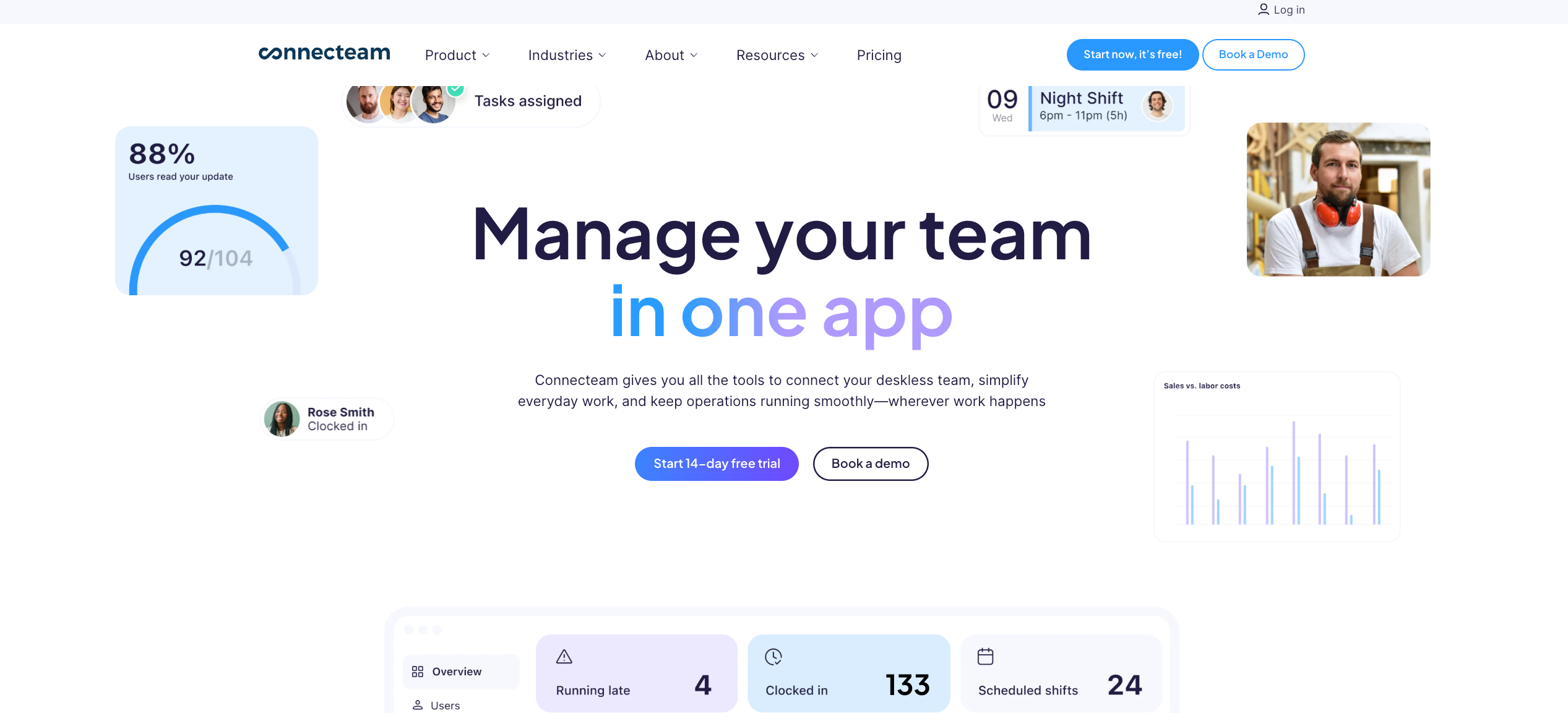
Built for: Deskless and field-based teams needing mobile-first WFM with communication and task tools
Connecteam is built for teams that don’t sit at a desk. Its mobile-first design covers scheduling, GPS time tracking, task management, team communication, training, and onboarding in a single app, making it a unified operations tool for field-based and frontline teams.
Where it leads:
- GPS clock-in with geofencing and auto clock-out when workers leave job sites
- AI auto-scheduling that fills shifts based on availability, qualifications, and fairness distribution
- In-app team messaging, announcements, and task checklists attached directly to shifts
- Digital forms and onboarding tools accessible from the mobile app
- Flat-fee pricing for the first 30 users, with per-user rates beyond that
Excels at:
- Mobile workforce management for deskless and field-based teams, with GPS employee time tracking, employee scheduling, and team communication in a single app that drives high adoption on mobile devices
- Employee self service for frontline workers who need to access schedules, submit time off requests, and communicate with managers without desktop access
- Employee onboarding and training modules accessible directly from the mobile app, reducing the administrative burden of onboarding distributed teams
Falls short:
- Native payroll processing is unavailable, and payroll systems integration options are more limited than dedicated workforce management WFM platforms
- Labor forecasting and demand-based scheduling are not strengths, limiting the platform’s cost control capabilities for high-volume operations
- Compliance management across multiple jurisdictions and compliance risks monitoring for complex labor regulations are not available
When I Work
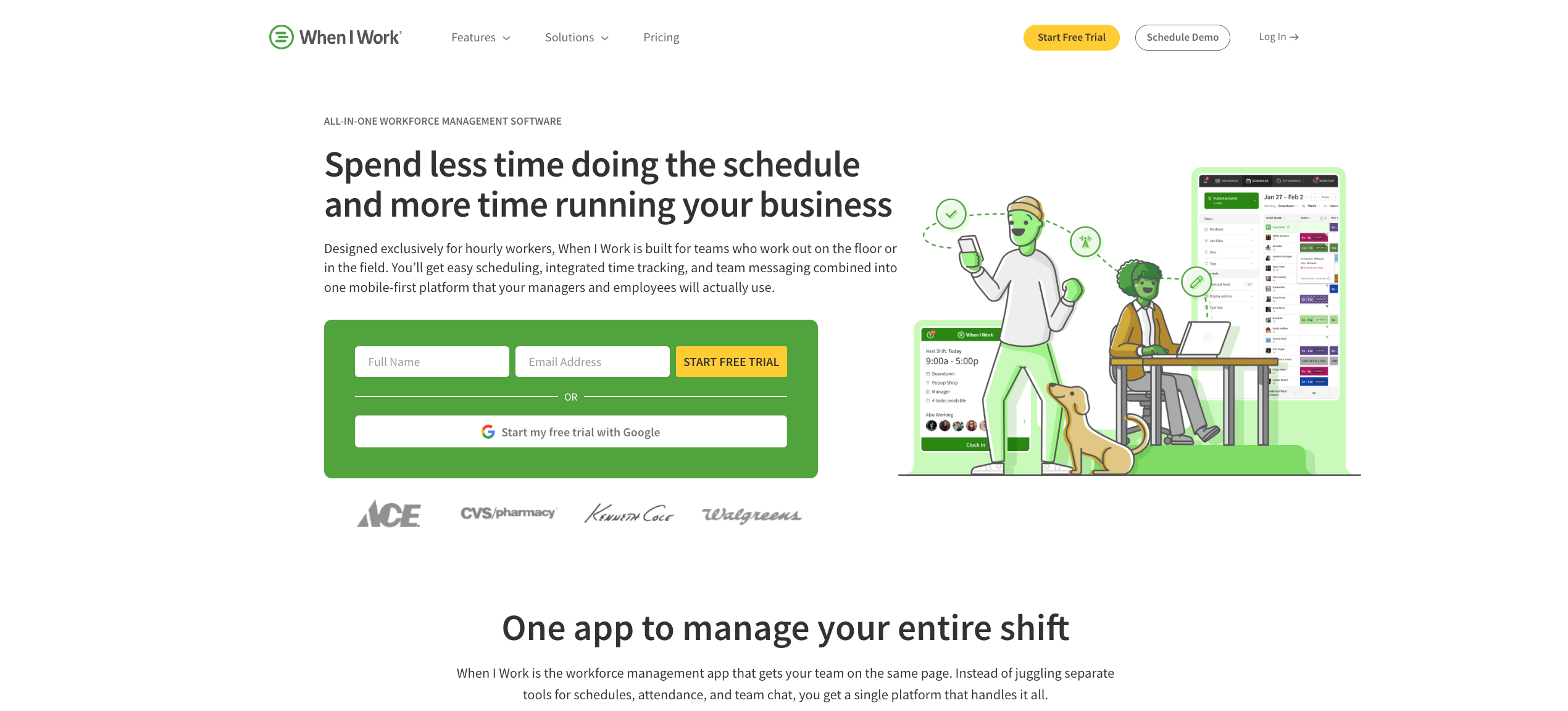
Built for: Small to mid-sized hourly teams prioritizing scheduling simplicity and mobile adoption
When I Work is designed to make scheduling fast, reliable, and frictionless enough that managers and workers actually use it consistently. It’s not trying to deliver enterprise forecasting depth. It’s trying to eliminate the scheduling chaos that plagues small hourly operations.
Where it leads:
- Clean, intuitive scheduling interface with auto-scheduling, templates, and shift-swap tools
- Strong mobile adoption rates among hourly workers who use it without training
- Multi-location management with site-specific permissions and filtered schedule views
- Integrations with QuickBooks, Gusto, ADP, Square, Paychex, and Xero
- Labor cost projections visible in real time while building schedules
Excels at:
- Employee scheduling simplicity with auto-scheduling, shift swaps, and flexible scheduling tools that managers deploy in hours with minimal training
- Mobile devices adoption among hourly workers, with a clean app experience that workers use consistently without friction, reducing scheduling conflicts through better communication
- Workforce productivity gains for small teams transitioning off spreadsheets or text-message scheduling, with labor cost visibility during schedule building
Falls short:
- Live GPS attendance tracking is absent, limiting real-time visibility for operations tracking employee attendance across distributed or mobile sites
- Labor forecasting, compliance management, and workforce planning for complex operations are outside the platform’s scope
- Workforce management WFM capabilities ceiling becomes apparent as operations scale beyond mid-size, adding locations, or requiring contingent workforce support
Homebase
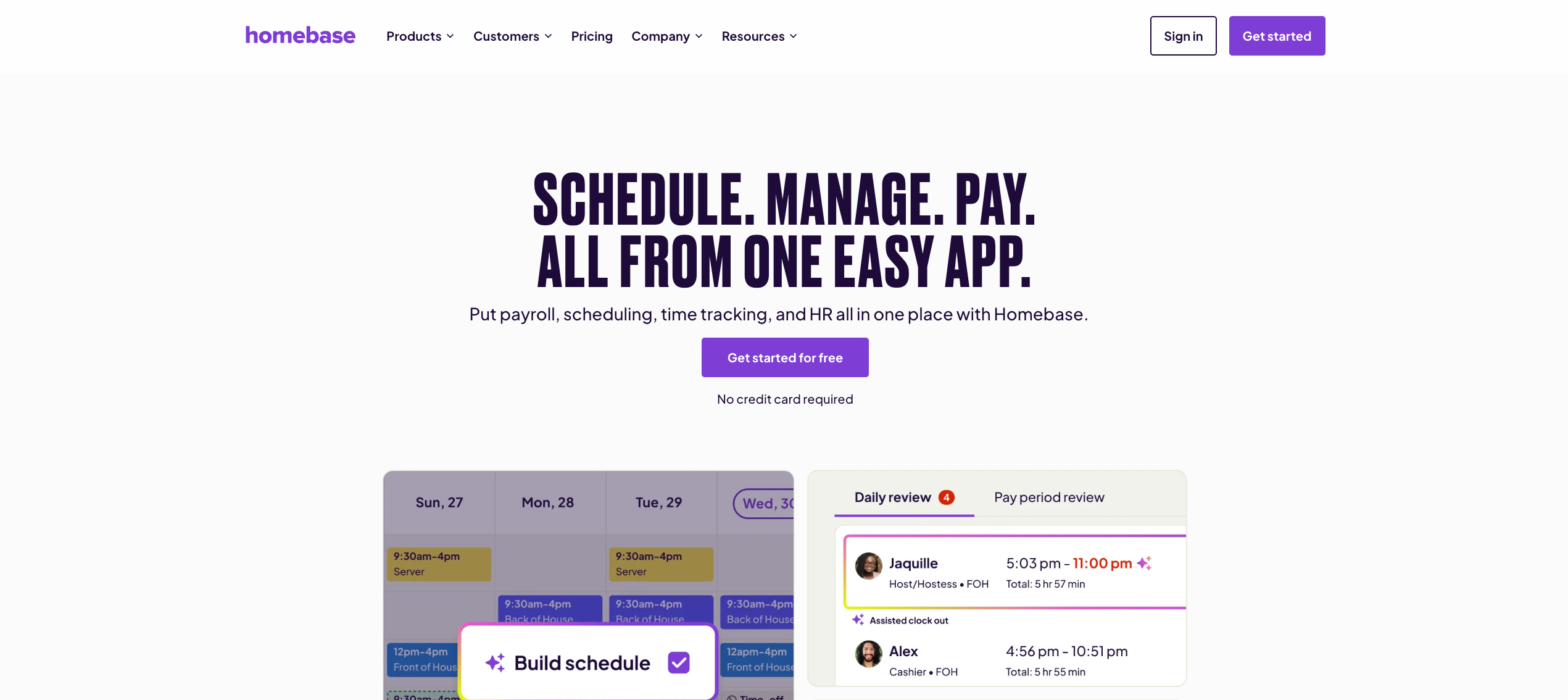
Built for: Small hourly businesses in retail, restaurants, and service seeking accessible WFM
Homebase is the most accessible workforce management platform for small hourly teams, with a generous free plan and a design philosophy built around reducing the “manager tax” rather than delivering enterprise-grade optimization.
Where it leads:
- Free plan for teams under 10 at a single location covering scheduling, time tracking, and basic HR tools
- AI scheduling suggestions based on availability and labor demand forecasts
- PTO management with configurable accrual policies tied directly to scheduling
- Early wage access for hourly employees
- Hiring and onboarding tools available on higher-tier plans
Excels at:
- Accessible mobile workforce management for small hourly teams, with a generous free plan covering employee scheduling, employee time tracking, and basic absence management in one platform
- Employee self-service tools for shift swaps, leave management, and scheduling transparency that improve employee satisfaction without requiring IT support to configure
- Reduce costs for lean operations through a combination of free-tier scheduling tools, auto-scheduling suggestions, and early wage access that improve retention
Falls short:
- Per-location pricing escalates quickly for multi-location operators, and payroll management remains an add-on at every plan level
- Advanced analytics capabilities, labor forecasting, and compliance management for complex regulatory environments are not available
- Enterprise workforce management software buyers and operations managing contingent staff or an agile workforce will find the platform’s scope too narrow for their business requirements
For a look at how these platforms compare on specific use cases like automated scheduling and labor cost control, those guides go deeper on the operational impact.
Feature-by-Feature Breakdown
Different platforms prioritize different capabilities. This breakdown maps which platforms deliver strongly across the workforce management WFM capabilities that matter most for shift-based, hourly, and enterprise operations.
| Capability | Nowsta | UKG Pro | Dayforce | ADP | Workforce.com | Deputy | Rippling | Connecteam | When I Work | Homebase |
|---|---|---|---|---|---|---|---|---|---|---|
| AI Employee Scheduling | ✅ Advanced | ✅ Advanced | ✅ AI-assisted | ⚠️ Basic | ✅ Advanced | ✅ AI-assisted | ⚠️ Basic | ✅ AI-assisted | ⚠️ Basic | ⚠️ Basic |
| Labor Forecasting | ✅ Native | ✅ Advanced | ✅ Demand-based | ⚠️ Basic | ✅ Advanced | ✅ Sales-based | ❌ Limited | ❌ Limited | ⚠️ Basic | ⚠️ Basic |
| GPS Attendance Tracking | ✅ Geofencing | ✅ Multiple | ✅ Mobile + badge | ✅ Geofencing | ✅ Geofencing | ✅ GPS + facial | ⚠️ Basic | ✅ GPS + geofencing | ⚠️ Location restrict | ✅ Geofencing |
| Absence Management | ✅ Automated | ✅ Advanced | ✅ Advanced | ✅ Advanced | ✅ Automated | ✅ Automated | ✅ Full | ✅ Included | ✅ Basic | ✅ Basic |
| Leave Management | ✅ Integrated | ✅ Advanced | ✅ Advanced | ✅ Advanced | ✅ Integrated | ✅ Integrated | ✅ Full | ✅ Included | ✅ Basic | ✅ Accrual-based |
| Native Payroll Integration | ✅ Direct sync | ✅ Native | ✅ Continuous | ✅ Native | ✅ Native | ⚠️ Modular | ⚠️ Via integration | ⚠️ Limited | ⚠️ Via integration | ⚠️ Add-on |
| Compliance Management | ✅ Automated | ✅ Multi-jurisdiction | ✅ Global | ✅ Multi-state | ✅ Fair Workweek | ✅ Fair Workweek | ⚠️ Global EOR | ⚠️ Basic | ⚠️ Basic | ⚠️ Alerts only |
| Contingent Workforce | ✅ Full vendor mgmt | ⚠️ Partial | ⚠️ Partial | ❌ Limited | ❌ Limited | ❌ Limited | ❌ Limited | ❌ Limited | ❌ Limited | ❌ Limited |
| Employee Self Service | ✅ Mobile-first | ✅ Full portal | ✅ Full portal | ✅ Full portal | ✅ Mobile app | ✅ Mobile app | ✅ Full portal | ✅ Mobile-first | ✅ Mobile app | ✅ Mobile app |
| Mobile Workforce Management | ✅ Full | ✅ Full | ✅ Full | ✅ Full | ✅ Full | ✅ Mobile-first | ✅ Full | ✅ Mobile-first | ✅ Full | ✅ Full |
| Employee Onboarding | ✅ Built-in | ✅ Full HCM | ✅ Full HCM | ✅ Full HCM | ⚠️ Basic | ⚠️ Basic | ✅ Full | ✅ Included | ❌ Limited | ⚠️ Basic |
| Analytics Capabilities | ✅ Real-time | ✅ 150+ reports | ✅ 300+ reports | ✅ Dashboards | ✅ Live dashboards | ✅ Labor insights | ✅ Workforce analytics | ⚠️ Basic | ⚠️ Basic | ⚠️ Basic |
| Benefits Administration | ❌ Not included | ✅ Full | ✅ Full | ✅ Full | ❌ Not included | ❌ Not included | ✅ Full | ❌ Not included | ❌ Not included | ❌ Not included |
| Remote Workforce Management | ⚠️ Limited | ✅ Multi-location | ✅ Global | ✅ Global | ⚠️ Direct-hire | ⚠️ Multi-location | ✅ Global + remote | ✅ Field teams | ⚠️ Basic | ⚠️ Basic |
| Implementation Speed | ✅ Fast | ⚠️ Months | ⚠️ 6-12 months | ⚠️ Moderate | ⚠️ Moderate | ✅ Fast | ✅ Moderate | ✅ Fast | ✅ Very fast | ✅ Very fast |
Key: ✅ Strong native capability | ⚠️ Partial or requires add-on | ❌ Not supported
A few key features worth calling out:
- Contingent workforce management is the sharpest gap in this entire workforce management software comparison. Only Nowsta supports it natively across the full vendor management lifecycle
- Benefits administration is exclusively available in full HCM suites: UKG, Dayforce, ADP, and Rippling. Purpose-built WFM platforms like Nowsta, Workforce.com, Deputy, and Connecteam are not designed to replace the HR department for salaried employee benefits
- Native payroll integration is a genuine differentiator. Nowsta, UKG, Dayforce, ADP, and Workforce.com connect scheduling to payroll natively. Everything else involves a third-party connector or export step that introduces reconciliation risk
- Implementation speed correlates inversely with HCM complexity. The fastest to deploy platforms (Nowsta, Deputy, When I Work, Homebase, Connecteam) are the ones built for operational WFM rather than strategic HCM
How to Make the Final Call
68% of organizations regret at least one software purchase in the last 18 months, and 90% have replaced a tool in the past two years. The patterns behind those regrets are consistent: buyers evaluated on feature count rather than operational fit, underestimated implementation complexity, or chose a platform their team wouldn’t actually adopt.
Here’s how to avoid joining that statistic.
Define Your Non-Negotiable Requirements First
Before evaluating any workforce management solution, write down the three capabilities that, if a platform doesn’t deliver them natively, immediately disqualify it. For most shift-based operations, that list looks like:
- GPS-verified attendance tracking connected natively to payroll systems without manual export
- AI-powered employee scheduling with demand forecasting built in, not as an add-on
- Compliance management that enforces break rules and overtime automatically during scheduling
For enterprise workforce management software buyers, the list might instead be:
- Multi-jurisdiction compliance configuration at the location level
- Native benefits administration and talent management in the same system
- Advanced analytics capabilities connecting workforce data to financial planning
Every platform that doesn’t clear your three requirements moves off the list before you evaluate pricing, demos, or integrations. This discipline alone eliminates most of the regret-purchase patterns.
Map the Total Cost of Ownership, Not Just the Sticker Price
Per-user pricing that looks affordable at 50 employees can become a significant operational cost at 300. Per-location pricing that seems reasonable at two sites scales unexpectedly at ten. Payroll software add-ons, compliance module upgrades, and integration fees often don’t appear in the initial quote.
Model your 12-month and 24-month total cost across three scenarios:
- Current headcount and locations
- Your expected growth trajectory
- A faster-than-expected expansion scenario
Also, model what your current manual processes are actually costing in manager hours. Nowsta’s cost savings calculator is a useful baseline for operations that haven’t quantified that number. The ROI comparison changes significantly when you factor in the cost of what you’re replacing, not just the cost of what you’re buying.
Run a Real Pilot With Your Actual Workers
Every platform performs in a controlled demo. The only test that predicts whether a workforce management system will work in your operation is a pilot with real managers and real frontline workers under real conditions.
During any evaluation period, test specifically:
- Clock-in adoption rate among workers on mobile devices after one week without active prompting
- Whether absence management and leave management workflows trigger automatically when a callout is recorded
- How employee self-service functions work from the worker’s perspective, not the manager’s
- Whether scheduling conflicts are flagged before the schedule publishes or surfaced as corrections after the fact
- How payroll data flows into your existing payroll systems during the pilot period
For operations tracking attendance across multiple sites, test the GPS accuracy in your actual locations. Indoor and remote locations with inconsistent signal reveal limitations that GPS demos in offices never show.
Evaluate Support Quality as a Feature
A capable workforce management WFM platform with poor implementation support will underperform a simpler one with excellent support every time. The platforms that enable organizations to realize their investment quickly are the ones with dedicated implementation resources, fast support response times, and customer success managers who understand your industry.
Before committing, ask:
- What is your average implementation timeline for operations of our size and industry?
- Do we get a dedicated customer success manager post-implementation?
- What is your average response time for operational support issues?
- Can you provide a reference customer in our industry with a similar headcount and location complexity?
Nowsta maintains a 97% customer satisfaction rate and a 5-minute average support response time, because for shift-based operations, issues need resolution before the next shift starts, not the next business day.
Trust the Pilot Over the Demo
The best workforce management solution for your operation is the one your managers actually use, and your workers actually adopt. A platform with a 9/10 feature score and a 5/10 adoption rate delivers worse operational efficiency than a platform with a 7/10 feature score and 9/10 adoption.
For a deeper look at how the right workforce management system delivers measurable results in practice, see how Nowsta’s customers have transformed their operations across catering, events, hospitality, and staffing industries. The before-and-after numbers are the clearest picture of what this software decision actually delivers.
Stop Comparing Features. Start With Nowsta.
No workforce management software comparison tells the whole story without context. The right platform isn’t the one with the most checkmarks. It’s the one that solves your specific workforce problem without requiring you to work around its limitations every single day.
Key takeaways:
- Match your workforce type to the right platform category before evaluating a single feature
- Purpose-built WFM platforms outperform generic HCM suites for shift-based and contingent workforces
- Contingent workforce management is the sharpest gap across every platform except Nowsta
- Native payroll integration eliminates the reconciliation risk that third-party connectors introduce
- 68% of organizations regret their last software purchase; pilot under real conditions before committing
- Implementation speed, support quality, and worker adoption matter as much as the feature list
For hourly, shift-based, and contingent workforces, Nowsta is the only platform in this comparison with full native support across AI scheduling, GPS attendance, payroll integration, compliance automation, and contingent workforce management in one purpose-built system. Schedule a demo and see what the right fit actually looks like for your operation.
FAQs
What Are the 5 Key Workforce Management Tools?
The five core workforce management tools that help operations effectively manage their workforce are: employee scheduling software, time and attendance tracking, labor forecasting, compliance management, and payroll integration.
Together, they form the operational backbone of any workforce management system. Platforms like Nowsta combine all five in one place for shift-based teams. Enterprise HCM suites like UKG and Dayforce extend these with human resources and talent management layers.
What Does a Workforce Management Tool Do?
A workforce management tool helps organizations effectively manage labor from schedule to paycheck. It automates routine tasks like shift building, attendance tracking, and timesheet approval, giving managers mobile access to real-time data while reducing administrative burden across human resources and operations teams. The goal is to improve operational efficiency, maximize productivity, and control labor costs without adding headcount to the management layer.
What Is WFM Software?
WFM software, short for workforce management WFM software, is a platform that connects employee scheduling, time and attendance, labor forecasting, compliance management, and payroll into one operational system.
It enables organizations across retail, hospitality, healthcare, and professional services to align staffing levels with actual demand, reduce labor optimization gaps, and make data-driven decisions about workforce costs in real time.
How Much Does WFM Software Cost?
WFM software pricing varies significantly by platform and workforce type. Basic scheduling tools start at around $2 to $4 per user per month. Mid-tier platforms with labor optimization, compliance, and mobile access typically run $5 to $12 per user. E
nterprise workforce management software like UKG and Dayforce uses custom quote-based pricing that scales with headcount and modules. The more useful number is ROI: use Nowsta’s cost savings calculator to model what manual processes are currently costing your operation before comparing sticker prices.
What Is WFM Software Used For?
WFM software is used to plan, execute, and optimize every stage of the workforce operations cycle. In practice, that means building demand-based schedules, tracking employee attendance, enforcing labor regulations automatically, integrating with payroll systems, and giving human resources teams real-time visibility into labor costs and coverage.
For shift-based operations in hospitality, catering, and professional services, it replaces disconnected tools and manual processes with one system that keeps scheduling, compliance, and payroll aligned.
What Is the Most Used HR Software?
The most widely used HR software platforms globally are Workday, ADP Workforce Now, UKG Pro, Rippling, and BambooHR, each serving different segments of the human resources market. For enterprise HCM, Workday and ADP dominate. For small to mid-market, BambooHR and Rippling are strong.
For shift-based operations where the priority is to improve operational efficiency and maximize productivity across hourly workforces, purpose-built workforce management WFM platforms like Nowsta outperform general HR software by a significant margin on the capabilities that actually matter for frontline operations.