Most workforce management software is built for everyone. That’s exactly the problem.
Generic platforms weren’t designed around the reality of hourly work: last-minute callouts, shift swaps, fluctuating headcount, and payroll that can’t afford a single miscalculation. According to the American Payroll Association, manual timecard processing carries an error rate of 1 to 8% of total payroll, and that’s before you factor in no-shows or overtime miscalculations. The right software doesn’t just digitize the old process. It replaces it entirely.
Here’s what this guide covers:
- What separates true hourly WFM software from generic HR tools
- The must-have features for shift-based operations
- The best workforce management software for hourly employees, ranked and reviewed
- How to evaluate a platform before you commit
- What great looks like in practice, with real customer results
One platform worth knowing before we get into the list: Nowsta is purpose-built for hourly and shift-based teams, combining AI-powered scheduling, time tracking, payroll integration, and compliance into one place. It’s not trying to be everything for everyone. It’s built for this kind of work.
TL;DR: Quick Comparison of Best Workforce Management Software
| Platform | Best For | AI Scheduling | Time & Attendance | Payroll Integration | Compliance Automation | Contingent Workforce | Employee Self-Service |
|---|---|---|---|---|---|---|---|
| Nowsta | Hourly, shift-based, and contingent workforces | ✅ Advanced | ✅ GPS + geofencing | ✅ Native | ✅ Automated | ✅ Full vendor mgmt | ✅ Mobile-first |
| Deputy | Small-to-mid shift businesses needing compliance | ✅ AI-assisted | ✅ GPS + facial recognition | ⚠️ Via integration | ✅ Automated | ❌ Limited | ✅ Mobile app |
| When I Work | Small hourly teams with straightforward scheduling | ⚠️ Basic | ✅ GPS geofencing | ⚠️ Via integration | ⚠️ Partial | ❌ Limited | ✅ Mobile app |
| Homebase | Single-location small businesses in retail and restaurants | ⚠️ Basic | ✅ GPS geofencing | ⚠️ Add-on | ⚠️ Partial | ❌ Limited | ✅ Mobile app |
| Connecteam | Deskless and field-based frontline teams | ✅ AI-assisted | ✅ GPS + geofencing | ⚠️ Via integration | ⚠️ Partial | ❌ Limited | ✅ Mobile-first |
| UKG Ready | Mid-to-large enterprises with complex labor rules | ✅ Advanced | ✅ Multiple options | ✅ Native | ✅ Automated | ⚠️ Partial | ✅ Full portal |
| Workforce.com | Hourly businesses needing scheduling-to-payroll continuity | ✅ Advanced | ✅ GPS + geofencing | ✅ Native | ✅ Automated | ❌ Limited | ✅ Mobile app |
| ADP Workforce Now | Mid-sized companies needing enterprise-grade payroll | ⚠️ Basic | ✅ Multiple options | ✅ Native | ✅ Automated | ❌ Limited | ✅ Full portal |
| Paycor | Multi-industry businesses needing unified HR and WFM | ⚠️ Basic | ✅ Mobile + biometric | ✅ Native | ✅ Automated | ❌ Limited | ✅ Mobile app |
HR Tools vs. Hourly WFM Software
General HR software is built around the salaried employee lifecycle, including onboarding, performance reviews, benefits enrollment, and annual compliance. That’s fine if your workforce sits at a desk from 9 to 5. But hourly teams don’t work that way.
Your staffing levels shift daily. Your no-shows cost real money in real time. And your payroll isn’t just a monthly run; it’s a moving target tied directly to clocked hours, overtime rules, and last-minute schedule changes.
That’s a fundamentally different problem, and it needs a fundamentally different tool.
The Core Difference
Generic HR platforms manage people records. True hourly WFM software manages people in motion, in real time, across shifts, locations, and compliance requirements that change by the hour.
A general HR tool tracks that an employee exists. A purpose-built WFM platform tracks that they showed up, on time, at the right location, within their legal hour limit, and got paid correctly for every minute they worked.
Where Generic Tools Fall Short
Here’s where the gap gets expensive for operations teams running hourly workforces:
- Scheduling is an afterthought. Most HR platforms offer basic shift calendars, not AI-powered scheduling that accounts for availability, certifications, demand forecasting, and labor law simultaneously.
- No real-time visibility. Generic tools show you what was scheduled. They rarely show you what’s happening right now, who clocked in late, who’s approaching overtime, or which shift is critically understaffed.
- Payroll errors compound fast. Manual timecard processing carries an error rate of 1 to 8% of total payroll, and that number climbs when scheduling and payroll live in separate systems that don’t communicate cleanly.
- Compliance is manual. Break rules, daily hour limits, overtime thresholds, and predictive scheduling laws aren’t automatically enforced in generic platforms. Someone has to track them. That someone is usually already buried.
- No contingent workforce support. If you use staffing agencies or mix full-time and contingent staff in the same operation, most HR tools have no framework for managing that complexity.
Side-by-Side: What Each Tool Actually Does
| Capability | Generic HR Software | Hourly WFM Software |
|---|---|---|
| Employee records | ✅ Strong | ✅ Included |
| Shift scheduling | ⚠️ Basic | ✅ AI-powered, demand-aware |
| Real-time attendance | ❌ Limited | ✅ GPS-verified, live alerts |
| Overtime monitoring | ⚠️ Manual | ✅ Automated alerts and controls |
| Labor cost forecasting | ❌ Rarely included | ✅ Built-in |
| Contingent workforce mgmt | ❌ Not supported | ✅ Full vendor/agency management |
| Payroll integration | ⚠️ Varies | ✅ Direct, automated sync |
| Mobile clock-in (GPS) | ❌ Uncommon | ✅ Standard |
| Compliance enforcement | ⚠️ Manual rules | ✅ Automated, real-time |
The Real Cost of Using the Wrong Tool
Choosing a generic HR platform for an hourly workforce isn’t just inconvenient. It creates tangible operational drag:
- Managers spend hours cross-referencing schedules, timesheets, and payroll in separate systems
- Overtime sneaks up because no one flagged it before the shift ended
- No-shows go unaddressed because there’s no automated alert or fill workflow
- Compliance violations accumulate quietly until they become legal exposure
The right software removes all of that friction by design, not by workaround.
Platforms built specifically for shift-based operations, like Nowsta, connect scheduling, time tracking, attendance, compliance, and payroll in a single interface. There’s no cross-referencing between systems because there’s only one system. Managers using Nowsta reduce scheduling time by up to 80% and save up to 12 hours a week on planning and approvals.
Customer Spotlight
Continental Services was managing scheduling, time tracking, and payroll across disconnected tools before switching to Nowsta. After consolidating onto one platform, they saved over 500 hours per year and cut payroll processing time by 90%.
Read the full story
For a deeper look at how workforce management software actually works under the hood, that’s a worthwhile read before you start evaluating platforms.
The Best WFM Software for Hourly Employees, Ranked
Not every platform on this list will be the right fit for your operation. Some are better for small teams. Some shine at compliance. Some are enterprise-grade. We’ve ranked these specifically for hourly, shift-based teams, so the context for each pick matters as much as the features.
1. Nowsta
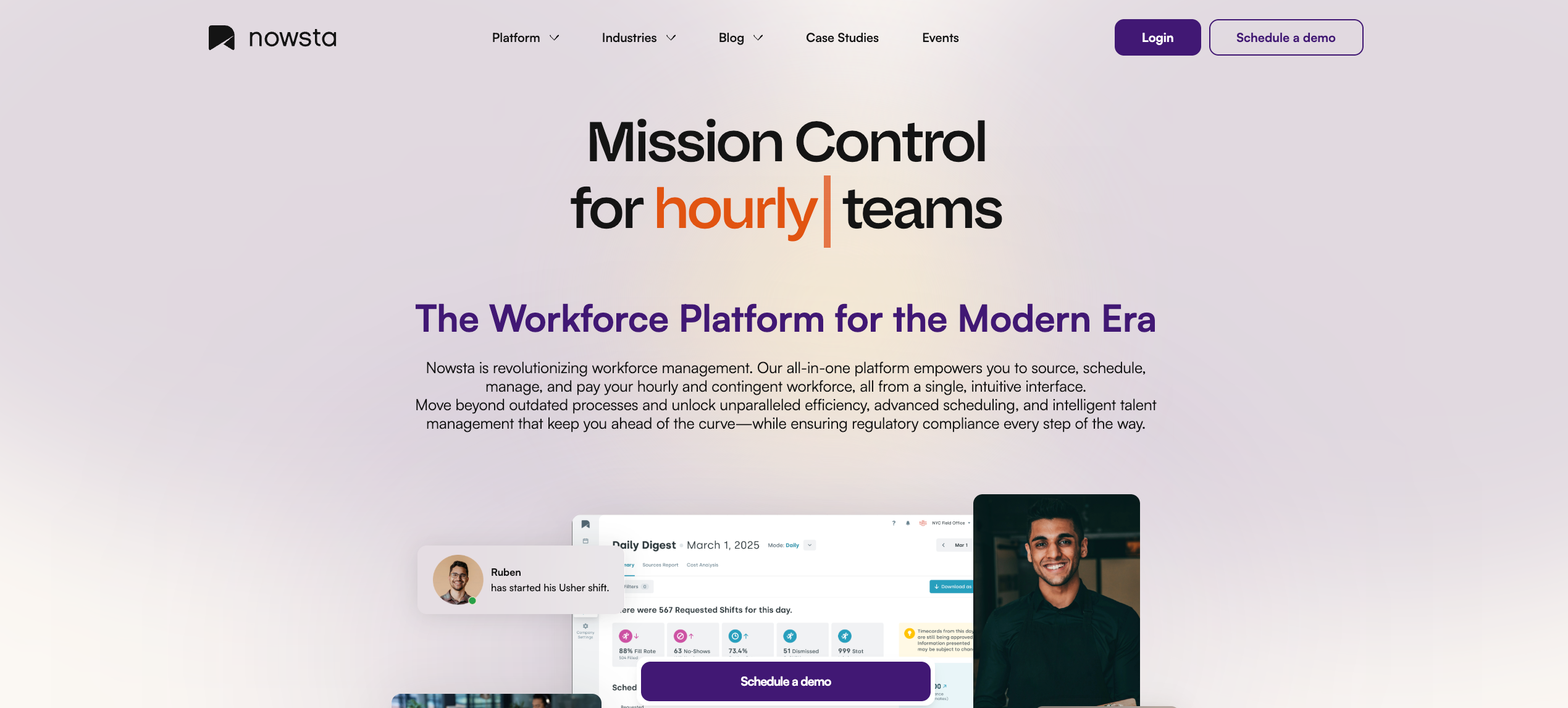
Best for: Hourly, shift-based, and contingent workforce management across catering, events, hospitality, QSR, and staffing
Nowsta is purpose-built for one type of operation: teams that run on shifts. Not office workers. Not salaried employees. Hourly, contingent, and shift-based teams that need their scheduling, time tracking, compliance, and payroll to work together, in real time, from a single interface. That’s a narrower focus than most platforms on this list, and that’s exactly the point.
What it offers:
- AI-powered shift scheduling that builds optimized schedules in minutes, not hours, using demand forecasting, reusable templates, and skill-based rules. Teams cut scheduling time by up to 80% and save an average of 8 hours per week on planning and approvals
- GPS-verified time and attendance with geofencing to prevent buddy punching and time theft, and automated alerts for late arrivals, no-shows, and overtime thresholds before they become problems
- Seamless payroll integration that syncs clocked hours directly into your existing payroll and accounting systems, cutting payroll processing time by 90%
- Talent intelligence and sourcing to rank candidates by skill, availability, and past performance, so you’re always putting the right person in the right shift
- Vendor and contingent workforce management with a curated agency marketplace, automated invoicing, and a private talent pool of proven performers
- Mobile-first employee experience with real-time shift reminders, schedule access, shift swaps, and instant pay access through Nowsta Instant Pay
- Automated compliance monitoring that enforces break rules, overtime limits, and labor law requirements without anyone having to manually track them
- Customizable notifications that keep teams engaged. Teams using customized notification settings see 35% higher engagement rates
- Real-time budget alerts so managers know immediately when an event is tracking over budget, before it’s too late to course-correct
The result: a 15% reduction in labor costs, a 28% drop in no-shows, and operational visibility that most platforms can’t match for shift-based teams.
Customer Spotlight
Footers Catering was manually managing complex event schedules before switching to Nowsta. The result? They now schedule staff 66% faster, and their managers spend that recovered time on operations, not spreadsheets.
Read the full story
See how Nowsta works for your industry
2. Deputy
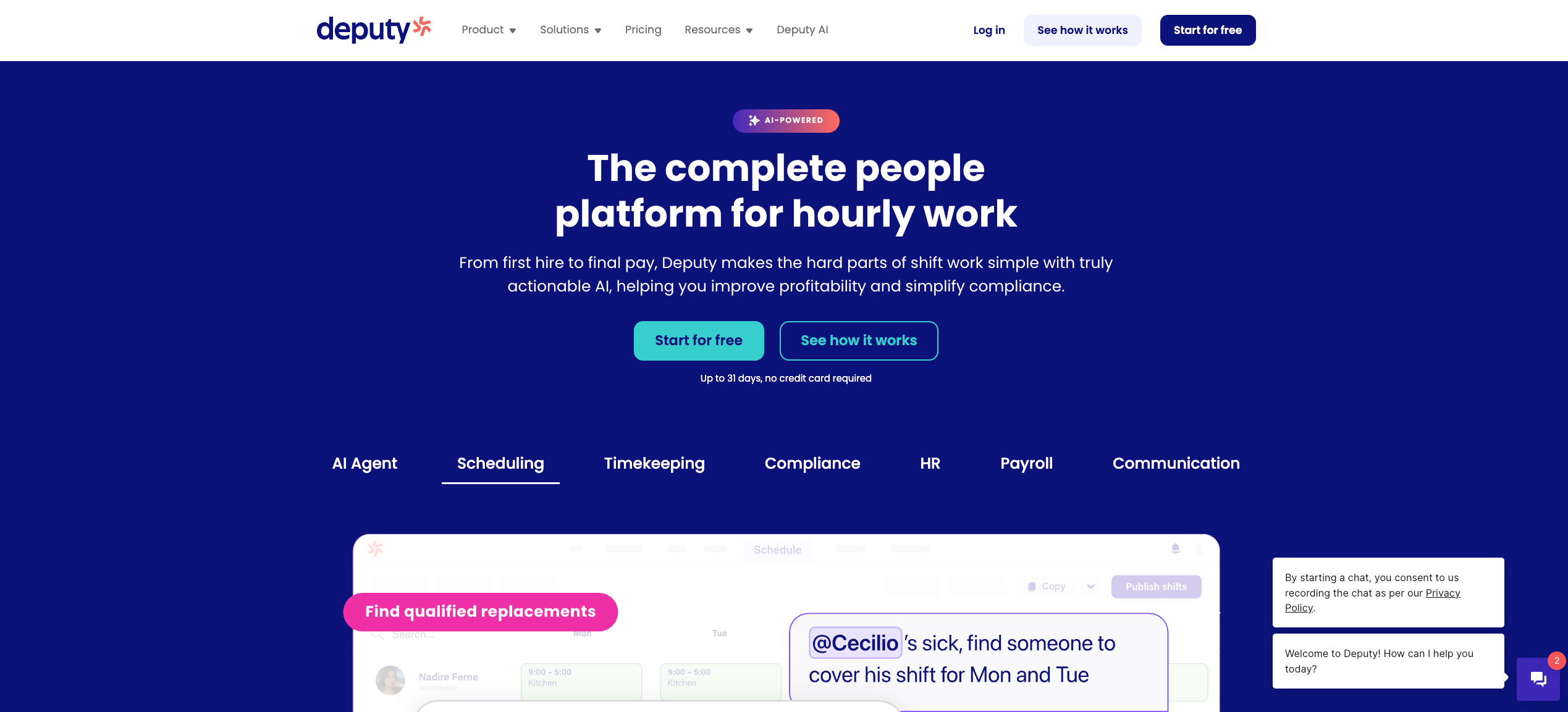
Best for: Small to mid-sized shift-based businesses needing solid scheduling and compliance tools
Deputy serves over 1.5 million workers and 375,000 workplaces across more than 100 countries, making it one of the most widely adopted scheduling platforms for hourly teams. It handles employee scheduling, time tracking, labor compliance, and team communication with a clean, mobile-friendly interface that’s easy for both managers and employees to pick up quickly.
What it offers:
- AI-assisted drag-and-drop shift scheduling with templates and availability management
- GPS-verified mobile clock-in and facial recognition via kiosk
- Labor forecasting that adjusts schedules based on historical sales, demand trends, and weather
- Automated compliance safeguards for breaks, overtime, and fatigue rules
- Payroll integrations with major providers, including ADP and QuickBooks
- Employee newsfeed, shift notes, and push notifications for team communication
Considerations:
Deputy works well for scheduling-first operations. However, some users note that Deputy doesn’t sync with every payroll provider like Paycom, requiring extra steps to align hours and pay. Its HR functionality is also more limited, and operations running contingent workforces or requiring advanced vendor management will find it falls short. Managing complex schedules or historical data from mobile devices can also create friction, particularly for non-iOS users.
For operations that need scheduling, payroll, compliance, and contingent workforce management in one place, Nowsta handles all of it natively, without the extra steps or third-party workarounds.
3. When I Work
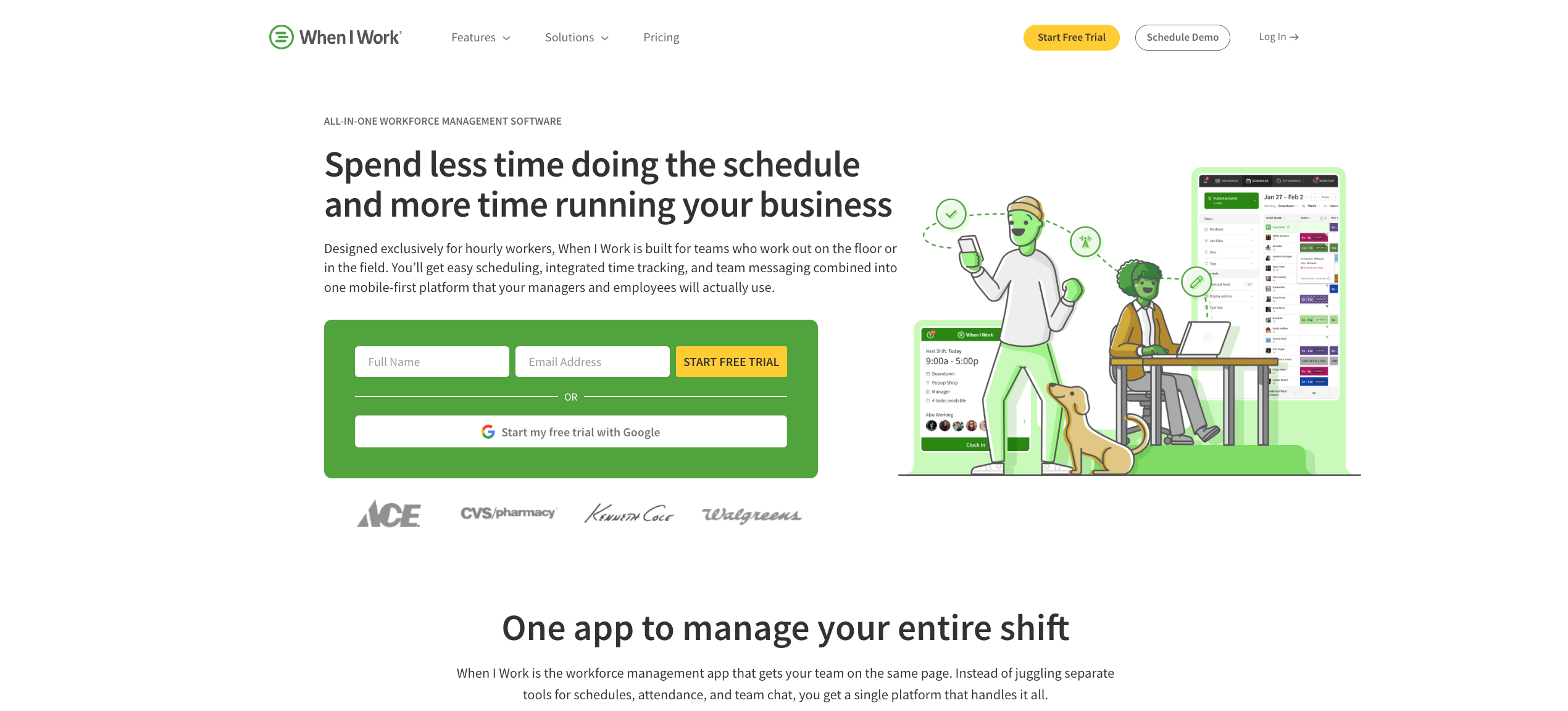
Best for: Small businesses with straightforward shift scheduling needs
When I Work is a lean, easy-to-use scheduling and time tracking tool built for shift-based workplaces. It keeps things simple, which is its biggest strength and its biggest limitation.
What it offers:
- One-click scheduling, shift swaps, shift confirmations, labor forecasting, team messaging, and payroll processing with geofencing for accurate time tracking
- Mobile clock-in with location restrictions and overtime alerts
- Integrations with QuickBooks, Gusto, ADP, Square, Paychex, Xero, and more
- Labor cost projections visible while building schedules
Considerations:
When I Work doesn’t offer live location tracking, which limits visibility for operations where workers move between sites. Multi-location businesses face a higher price point for the same core features, and the platform lacks advanced HR tools, contingent workforce support, or demand-based AI scheduling. Some workflow quirks, like having to create shift task lists in a separate module before assigning them to shifts, add unnecessary steps for managers building complex schedules.
Nowsta’s AI-powered scheduling handles demand forecasting, multi-location management, and contingent worker integration in a single workflow, without the workarounds.
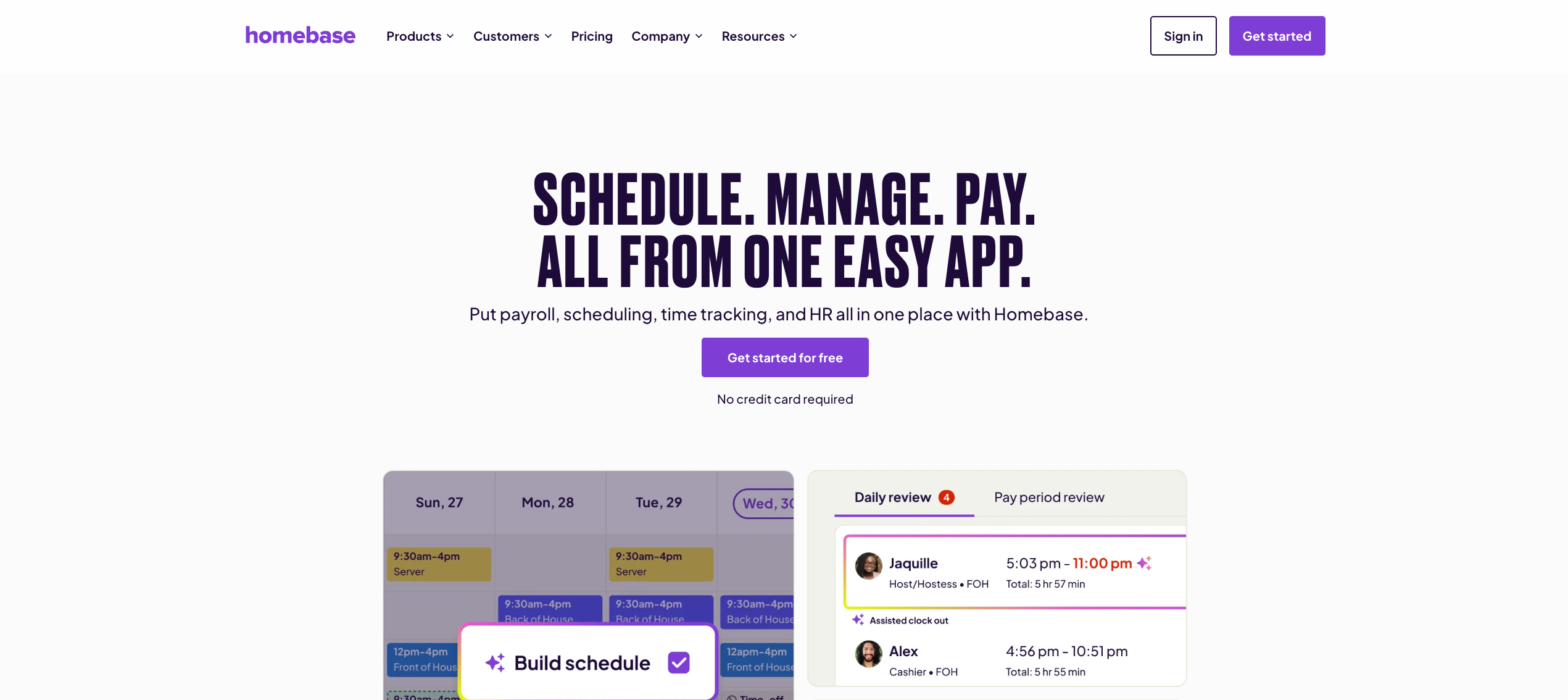
4. Homebase
Best for: Single-location small businesses in retail, restaurants, and service
Homebase is one of the most accessible workforce management tools for small hourly teams. It covers the basics well and offers a generous free plan for teams under 10 employees at a single location.
What it offers:
- Scheduling with auto-scheduling, templates, and shift trade tools
- GPS and geofencing clock-in with automatic digital timesheet creation
- One of the more capable paid time-off management modules, with lump-sum and hourly accruals and tenure-based accrual policies
- Built-in labor law alerts and compliance support
- Hiring, onboarding, and basic HR tools on higher-tier plans
- Early wage access for employees
Considerations:
Homebase charges per location, which means costs can escalate quickly for multi-location businesses. Payroll is also an add-on, even on the most expensive plans, which complicates the “all-in-one” value proposition. For operations managing contingent staff, vendors, or complex shift structures across multiple sites, Homebase starts to feel small.
Nowsta is built for exactly that complexity: multi-location operations, contingent workforce management, and payroll integration all in one platform, without per-location billing surprises.
5. Connecteam
Best for: Deskless and field-based teams needing mobile-first communication and task management
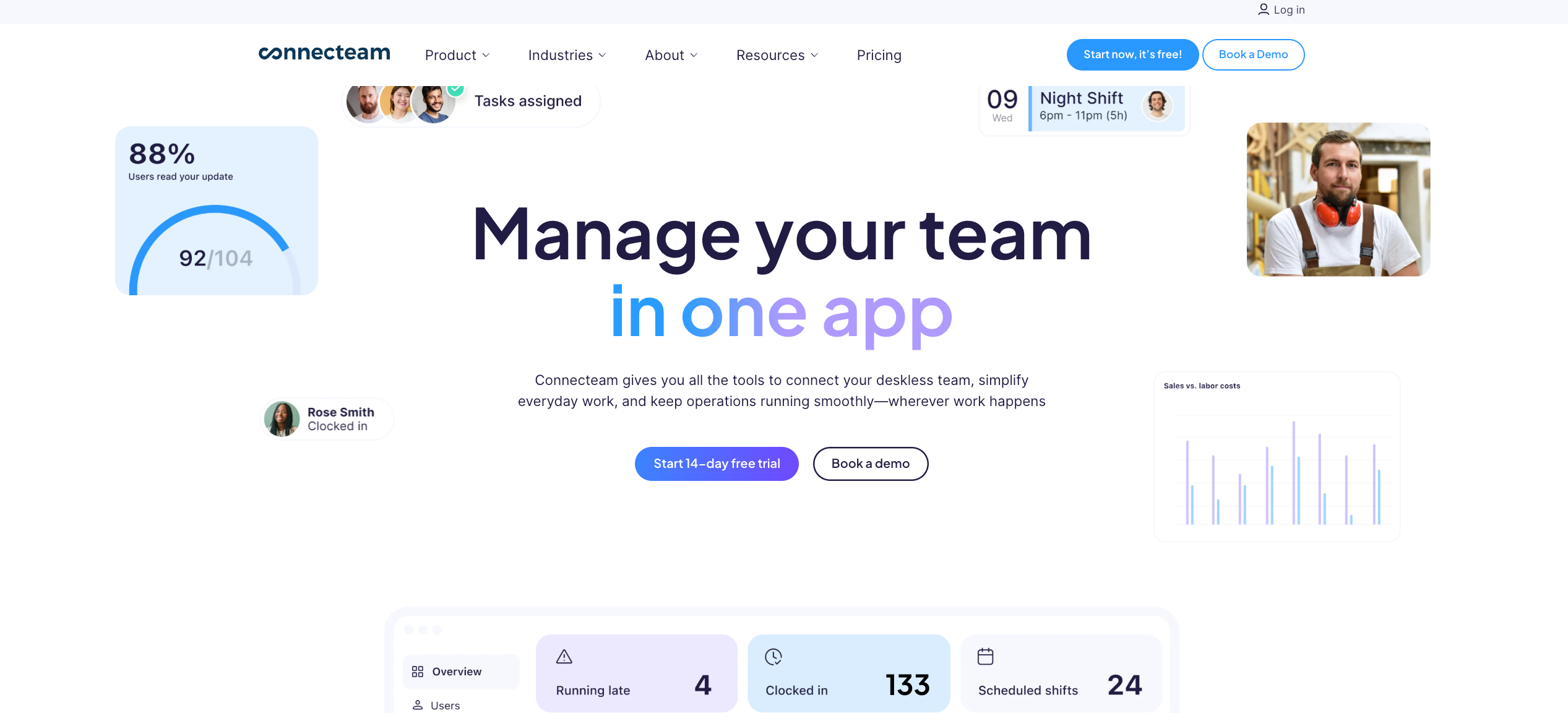
Connecteam is a broad mobile platform for frontline and deskless teams. It combines scheduling, time tracking, task management, training, surveys, and internal communication in one app, making it a Swiss Army knife for field operations.
What it offers:
- GPS-verified mobile clock-in with drag-and-drop scheduling, recurring shifts, and instant push notifications for schedule changes
- In-app chat, group announcements, and direct messaging
- Digital forms, checklists, and task assignments tied directly to shifts
- Training modules and employee onboarding tools within the app
- Time tracking with auto clock-out and geofencing
Considerations:
Feature overload is a real concern. Organizations that need primarily scheduling or communication can find the full suite overwhelming and unnecessarily expensive. Per-hub pricing increases quickly as teams add functionality. For operations that need clean, fast scheduling tied directly to payroll and compliance, the added modules create more admin, not less. Connecteam also lacks native payroll processing, advanced labor forecasting, and vendor/contingent workforce management.
Nowsta keeps it focused: scheduling, time tracking, payroll, and compliance work together cleanly, without the feature sprawl.
6. UKG Ready
Best for: Mid-to-large enterprises with complex labor rules and multi-industry compliance needs
UKG (Ultimate Kronos Group) is an enterprise-grade workforce management platform with deep roots in compliance-heavy industries like healthcare, retail, and manufacturing. UKG Ready is its mid-market offering, combining HR, payroll, time tracking, and scheduling into one platform.
What it offers:
- Advanced scheduling with compliance enforcement for break rules, overtime, and shift minimums
- Real-time payroll alerts that flag unusual hours or pay anomalies before payroll runs
- Over 150 prebuilt reports with extensive customization options
- Full HR suite including talent management, performance, and benefits administration
- Mobile access for crew leads and managers to approve time and manage schedules remotely
Considerations:
UKG’s power comes with real tradeoffs. Features can feel cluttered and overwhelming. One user noted that “because UKG Pro contains so many things, it can be overwhelming or confusing to a regular user”, and setup takes significant time and resources. The platform can feel heavy and requires time to maintain, and the interface doesn’t always feel as modern as newer tools. For mid-sized shift-based operations that don’t need enterprise HCM complexity, it’s often more than necessary.
Nowsta gives shift-based operations the scheduling precision and compliance automation they actually need, without the enterprise overhead and implementation complexity.
7. Workforce.com
Best for: Hourly businesses that want scheduling and payroll tightly connected
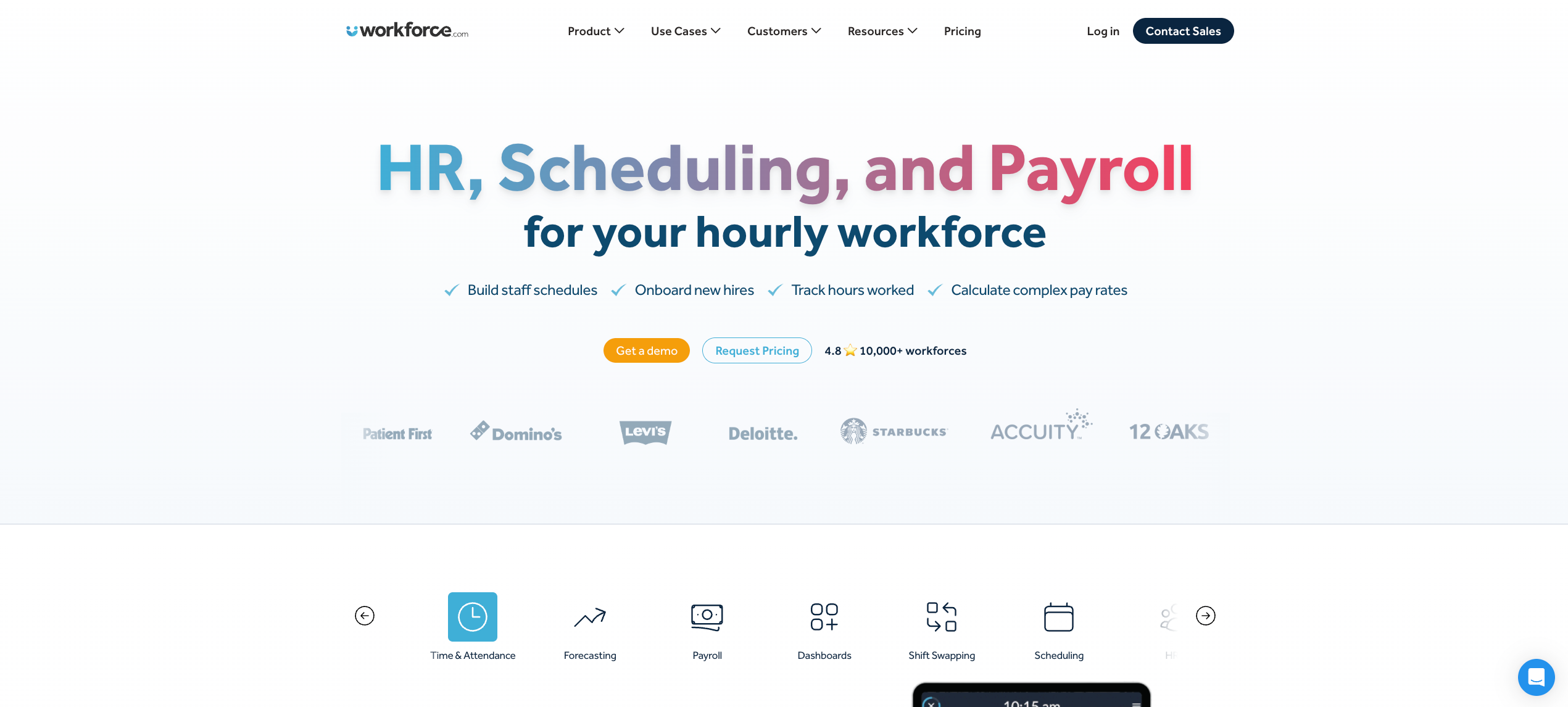
Workforce.com is one of the few platforms that connects scheduling and payroll in a single system rather than bolting them together through integrations. Timesheet data flows directly into payroll, and wage-and-hour automation applies overtime rules and pay rate changes on the timesheet before payroll runs.
What it offers:
- Labor forecasting using historical sales data, foot traffic, and weather patterns to generate demand-based schedules up to four weeks out
- GPS clock-in with geofencing and Fair Workweek compliance enforcement
- An attendance points system that tracks patterns when employees clock in late, no-show, or call out
- Integrations with ADP, Gusto, QuickBooks, Paychex, Oracle, Workday, and more
Considerations:
Workforce.com works well for businesses where the primary need is scheduling-to-payroll continuity. However, it has limited support for contingent workforce management, staffing agency coordination, and vendor management. For operations that also need to manage a flex pool of agency workers, build a private talent pool, or track vendor invoicing, the platform leaves gaps.
That’s precisely where Nowsta steps in: connecting scheduling, payroll, and your entire contingent workforce ecosystem in one place.
8. ADP Workforce Now
Best for: Mid-sized companies that need enterprise-grade payroll with basic WFM capabilities
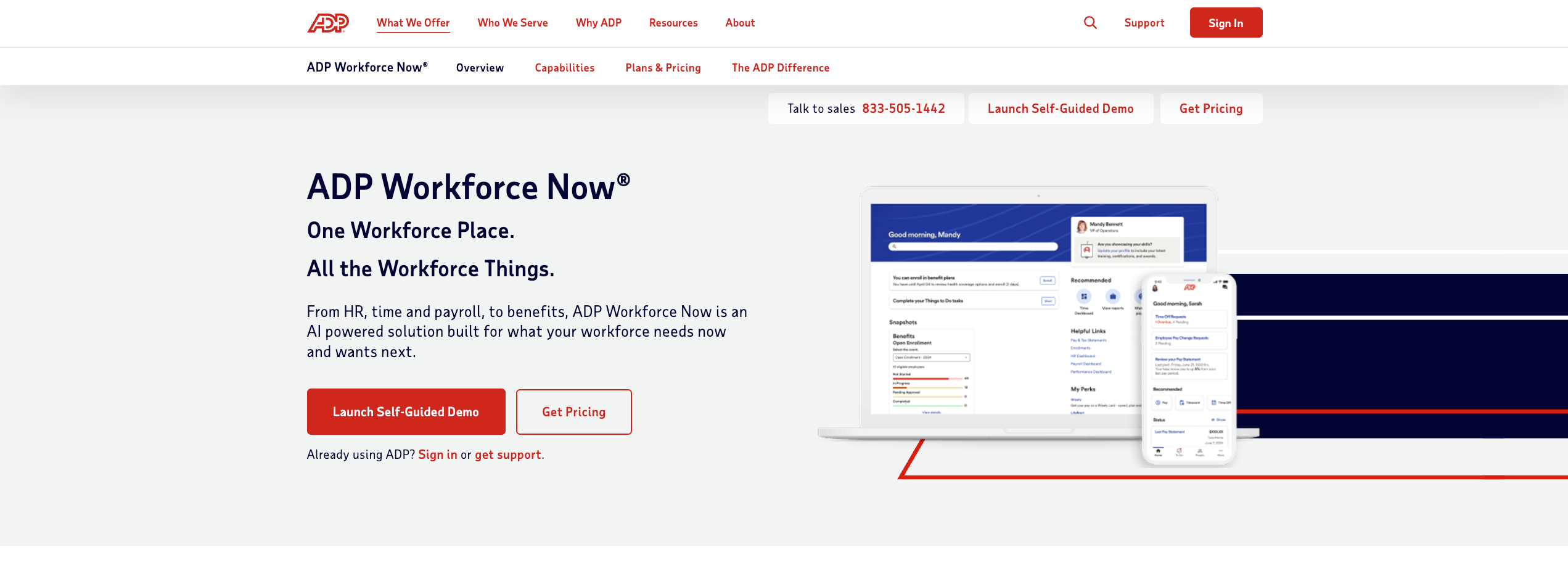
ADP Workforce Now is one of the most recognized names in HR and payroll software. It’s a comprehensive HCM platform designed for companies with 50 to 999 employees that need payroll, benefits, talent management, and basic workforce management under one roof.
What it offers:
- Skill-based and demand-aware scheduling where managers create schedules matching employee skills, certifications, and availability, with employees able to swap shifts or share availability
- Automated tax filing and compliance across relevant jurisdictions with regulatory monitoring
- Workforce analytics dashboards for labor costs, headcount, and turnover
- Over 700 integrations and open API access
- Mobile app for clock-in, schedule viewing, time-off requests, and manager approvals
Considerations:
ADP Workforce Now is payroll-first, and that shows. Pricing is quote-based and often unclear, and many useful features are locked behind premium tiers or add-ons. Smaller businesses may find ADP overly complex or expensive.
For operations that need advanced hourly scheduling, real-time shift management, or contingent workforce tools, ADP’s WFM capabilities are supplementary at best. Many operations teams actually pair ADP’s payroll with a dedicated WFM layer, like Nowsta, for the scheduling, attendance, and labor intelligence that ADP doesn’t handle well on its own.
9. Paycor
Best for: Multi-industry businesses needing unified HR, payroll, and workforce management
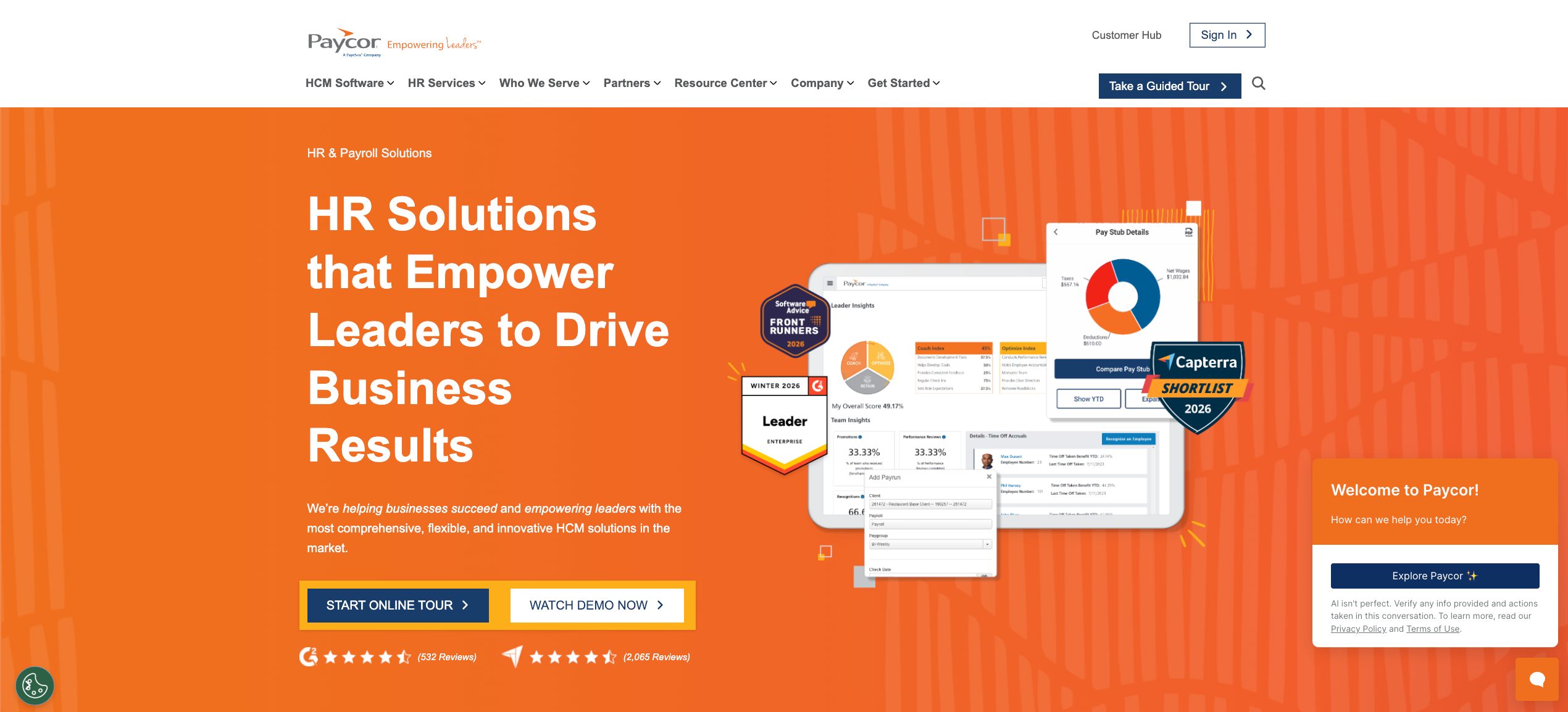
Paycor is a unified HCM platform covering workforce management, payroll, HR, benefits, talent management, and analytics. It serves manufacturing, healthcare, restaurants, and professional services with industry-specific compliance configurations.
What it offers:
- Integration of workforce management with payroll, HR, benefits, talent management, and HR analytics in a single platform, eliminating data silos
- Mobile app for field workers, remote employees, and shift-based hourly workers to clock in, view schedules, and request time off
- Compliance functionality with automated alerts, configurable rules, and regular regulatory updates built directly into the platform
- Real-time labor cost visibility during scheduling with overtime and compliance flags
- 400+ native integrations
Considerations:
Paycor is broad by design, but that breadth can work against shift-focused operations. Its scheduling tools are not purpose-built for high-volume hourly environments the way dedicated WFM platforms are.
Advanced features like AI demand forecasting, talent pool management, and contingent workforce coordination are not core strengths. For operations managing agency workers, event-based staffing, or large contingent headcount, the platform requires significant workarounds.
Nowsta fills that gap directly, with AI-powered labor forecasting, a curated vendor marketplace, and real-time workforce intelligence built specifically for shift-based environments.
Must-Have Features for Shift-Based Operations
A lot of employee scheduling software markets itself as built for hourly teams. Most of it isn’t. The real test is whether a platform handles the specific conditions of shift work: variable staffing, real-time attendance gaps, compliance exposure on every single punch, and payroll that can’t afford ambiguity.
Here are the features that actually move the needle.
AI-Powered Scheduling
Basic scheduling is a calendar. What shift-based operations actually need is a scheduling engine that accounts for employee availability, certifications, labor regulations, demand patterns, and budget thresholds simultaneously.
Manual scheduling at any meaningful scale is a trap. Every hour a manager spends building next week’s roster is an hour they’re not on the floor. Platforms that automate the scheduling process reduce that time by up to 80% and allow smarter resource allocation across departments and locations.
What to look for:
- Demand forecasting tied to historical data, seasonal trends, and real-time signals
- Reusable templates with skill-based shift rules
- Auto-broadcast of open shifts to best-fit staff
- Conflict detection that flags scheduling conflicts, rest-period violations, and certification gaps before the schedule publishes
Time and Attendance Tracking
Time and attendance tracking is the backbone of accurate payroll for hourly teams. If you can’t trust your time data, nothing downstream works correctly.
GPS-verified clock-in, geofencing to enforce location, and automated alerts for late arrivals or no-shows are the baseline. Beyond that, look for systems that flag overtime before it happens, not after the shift ends. The hidden cost of no-shows alone can devastate a tight labor budget if there’s no automated response workflow.
What to look for:
- GPS-enabled mobile clock-in with geofencing
- Automated alerts for attendance exceptions
- Real-time visibility into who is clocked in, where, and how long
- Overtime threshold warnings in real time
- Tamper-proof employee attendance records that feed directly into payroll
Payroll Integration
Tracking employee work hours accurately is half the job. Getting those hours cleanly into your payroll system is the other half. Disconnected payroll systems are where errors live, and in hourly operations, errors compound fast.
The standard to aim for: clocked hours flow directly into payroll with zero manual export, zero re-entry, and automated calculation of overtime, premiums, and role-based pay rates.
What to look for:
- Native integration with your existing payroll systems (not just an export file)
- Automated wage calculations, including overtime and differentials
- Payroll compliance built into the time data, not bolted on afterward
- Seamless integration between scheduling, attendance, and payroll in one data flow
Compliance Automation
Labor regulations for hourly workers are more complex than most people expect. Break rules, daily hour limits, predictive scheduling laws, minor labor protections, and multi-jurisdiction wage requirements all create compliance risks that generic tools leave exposed.
Compliance management needs to be automated, not manual. If a manager has to remember to check break rules before publishing a schedule, the system has already failed.
What to look for:
- Automatic break rule enforcement during scheduling
- Real-time overtime alerts and hard stops
- Audit-ready records for every shift, punch, and approval
- Regulatory compliance updates that reflect changing labor laws without manual configuration
Employee Self-Service
Employee self-service reduces inbound scheduling requests to HR by 40 to 60% in hospitality and retail operations, according to multiple operator studies. Give workers the ability to view their schedules, claim open shifts, swap shifts, request time off, and check pay information from a mobile app.
This isn’t just an efficiency play. It’s an employee satisfaction driver. Workers who have transparency and control over their schedules are more engaged, and more likely to show up.
What to look for:
- Mobile-first schedule access and shift notifications
- Self-service shift swaps and open-shift claims
- Leave management with manager approval workflows
- Instant pay access or early wage options
- Customized push notifications (teams with tailored notifications see 35% higher engagement)
Labor Cost Visibility
Every shift carries a cost. The problem is that most managers don’t see that cost until after payroll runs. Real-time labor cost control means seeing budget impact while building the schedule, not after the damage is done.
What to look for:
- Real-time cost-per-shift visibility while scheduling
- Budget alerts when events or departments track over the target
- Overtime trend reporting and forecasting
- Labor-as-percentage-of-revenue dashboards
Contingent Workforce and Vendor Management
If your operation blends full-time staff with agency workers, this feature isn’t optional. Managing two workforces in separate systems creates billing errors, compliance gaps, and scheduling chaos.
What to look for:
- Unified scheduling for direct hires and contingent staff
- Agency vendor performance tracking
- Automated invoicing and invoice reconciliation
- A private talent pool of rated, verified workers
Feature Checklist at a Glance
| Feature | Why It Matters for Hourly Teams |
|---|---|
| AI-powered scheduling | Eliminates manual scheduling, minimizes scheduling conflicts |
| GPS time and attendance | Accurate pay data, prevents time theft |
| Payroll integration | No manual entry, fewer payroll errors |
| Compliance automation | Enforces labor regulations automatically |
| Employee self-service | Reduces admin burden, improves engagement |
| Real-time labor cost visibility | Budget control before problems occur |
| Contingent workforce management | Unified control over full-time and agency staff |
| Mobile-first platform | Essential for deskless and remote workers |
How to Evaluate a Platform Before You Commit
Demos look good. Every platform will show you a clean interface and a smooth scheduling workflow. What you actually need to know is whether it holds up under the real conditions of your operation, your team size, your industry, and your compliance environment.
Here’s how to evaluate without buyer’s remorse.
Start With Your Actual Pain Points
Before you look at a single feature list, write down the three things that cost your managers the most time right now. Is it building schedules from scratch every week? Chasing down no-shows? Reconciling timesheets for payroll? Tracking overtime before it explodes?
The best employee scheduling software for your operation is the one that solves your specific friction, not the one with the longest feature list. A platform that handles everything poorly isn’t a comprehensive solution. It’s just expensive noise.
Pro tip:Rate your current workflow across five areas, scheduling efficiency, time and attendance accuracy, payroll accuracy, compliance exposure, and employee communication. Then evaluate each platform against those five areas specifically, not against a generic checklist.
Evaluate the Full Workflow, Not Just the Features
Features don’t operate in isolation. The real question is whether the scheduling process connects cleanly to time tracking, which connects cleanly to payroll, which connects cleanly to compliance reporting.
Ask every vendor these questions directly:
- How does scheduling data flow into payroll? Is it native or through a third-party integration?
- How does the platform handle overtime alerts? Before or after the shift?
- How does attendance tracking tie back to employee data for compliance audits?
- Can managers see real-time budget impact while building schedules?
- What happens when an employee doesn’t show up? Is there an automated fill workflow?
If any of those questions get a vague answer, that’s a gap in the workflow.
Understand Pricing Before It Surprises You
Per-user pricing models can look affordable at a small scale and become significant as your team grows. Some platforms charge per user, others per location, and some bundle features behind premium tiers that you don’t discover until you’re already onboarded.
Model your total cost of ownership across 12 to 24 months, not just the entry-level plan. Include:
- Base subscription fee
- Per user or per location costs at your actual team size
- Add-on costs for payroll, compliance, or HR modules
- Implementation and onboarding fees
- Cost of any integrations with your existing systems
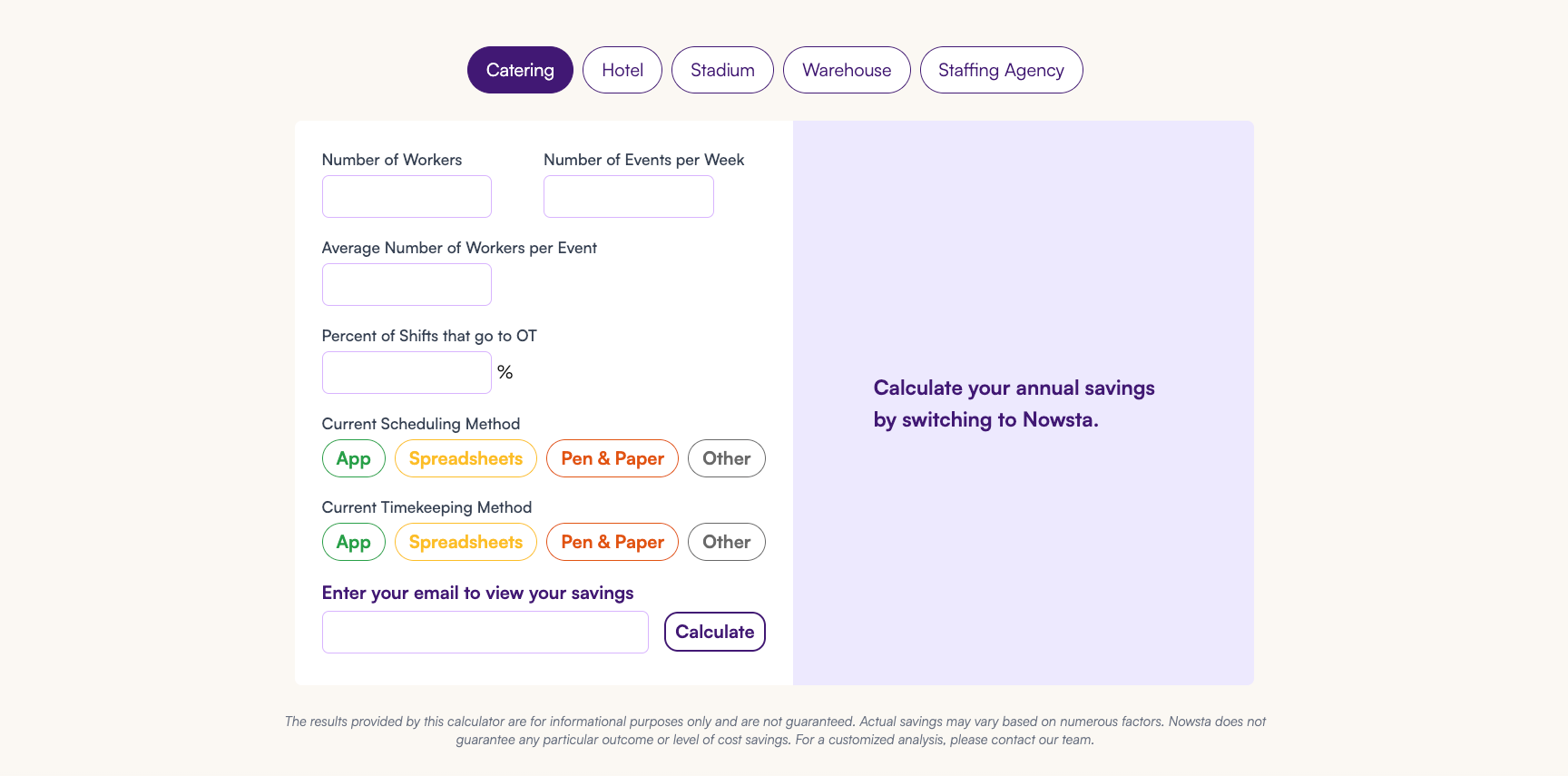
Also worth calculating: how much does your operation currently spend in manager hours on manual scheduling, payroll reconciliation, and compliance tracking? That’s your baseline ROI comparison. Nowsta’s cost savings calculator is a useful starting point.
Run a Real Pilot, Not a Polished Demo
Most platforms offer a free trial. Use it properly. Don’t just test the manager interface. Have actual shift workers clock in from their phones. Test a shift swap. Publish a schedule change and verify that the notification goes out correctly. Try to trigger an overtime alert. Run a timesheet export into your payroll system.
If something breaks or feels clunky during a 14-day trial, it will break or feel clunky at 2 AM on event night. That’s the standard.
Key things to test during a pilot:
- Clock-in accuracy across different devices, including Android
- GPS verification in the actual locations your workers use
- Shift notification delivery time
- Payroll export or sync accuracy
- How compliance rules behave when you build a schedule that violates them
- Employee self-service workflows from the worker’s perspective
Check Scalability and Industry Fit
Diverse workforce management needs vary significantly by industry. A catering company managing 50 to 300 event workers per week has different requirements than a warehouse operation running three fixed shifts or a QSR with high turnover and minor labor laws.
Ask whether the platform has management capabilities built for your specific context. Look for industry-specific case studies, not just generic testimonials. Platforms that serve your exact industry have already solved problems you haven’t encountered yet.
For a breakdown of how scheduling software compares to full workforce orchestration platforms, that’s worth reading before you finalize your shortlist.
Evaluate Support and Implementation
Even the best platform fails with poor implementation. Ask about:
- Average onboarding timeline for teams of your size
- Dedicated implementation support vs. self-service setup
- Ongoing customer success access
- Average response time for support tickets
Operational efficiency depends as much on how well you’re set up as on the platform’s features. Nowsta’s 97% customer satisfaction rate and 5-minute average support response time reflect that post-sale support is part of the product, not an afterthought.
What Great Looks Like in Practice
Features and frameworks are useful. But the clearest picture of what good workforce management actually delivers comes from operations that have lived through the before and after. These aren’t hypothetical outcomes. They’re real results from real shift-based teams.
500+ Hours Saved Per Year
Continental Services, a large-scale hospitality and food service operation, was managing scheduling, time tracking, and payroll across disconnected tools. Every pay cycle meant hours of manual reconciliation. Every schedule change meant chasing confirmations. Workforce management processes that should have taken minutes were taking days.
After consolidating onto Nowsta, their administrative burden dropped dramatically. Payroll processing time fell by 90%, and the operation recovered over 500 staff hours per year, time that went back into operations and guest experience.
“Having scheduling, time tracking, and payroll under one system has been a game changer for Continental.” — Hannah Bailey, Staffing Strategist, Continental Services
Read the full story
300+ Hours Saved Per Year, Eliminated Payroll Pain
One World Catering was wrestling with a payroll process that their General Manager described as painful by design. Manual tracking, fragmented communication, and no real-time visibility into who was confirmed for a shift made every event a logistical gamble.
Switching to a platform that connected shift planning directly to time tracking and payroll changed the operational baseline entirely. Their team now operates with clarity at every stage of the shift lifecycle, from scheduling through paycheck.
“People understand what they have to do now. Nowsta is exactly what we needed.” — Lynn Schwartzberg, General Manager, One World Catering
Read the full story
66% Faster Scheduling
Footers Catering runs high-volume events that require precise staffing across multiple roles. Their previous scheduling workflow was manual, time-consuming, and left managers with almost no bandwidth for anything else.
After switching, their scheduling speed improved by 66%. The same schedules that used to take the better part of a morning now get done in a fraction of the time, giving their team back hours for higher-value work.
“When I first saw Nowsta, I thought, ‘Wow, this is lightyears ahead of what we’re doing now.'” — Sam Totten, Head of Operations, Footers
Read the full story
6 Hours Saved Per Week
Simply Fresh Events was spending six hours per week on workforce management tasks that should have been automated. Scheduling, communications, payroll prep, and follow-ups all ran through manual channels that created employee data errors and consumed manager time that had nowhere better to go.
After switching, those six hours came back every single week. More than 300 hours recovered per year, from a single operational change.
“Payroll day used to be an absolute pain in the neck for me before Nowsta.” — Math Pelan, President and Founder, Simply Fresh Events
Read the full story
Nationwide Scale Without Chaos
OTH Company needed to staff large-scale events across the country, with hundreds of workers, multiple vendors, and complex shift structures across different markets. Their previous tools couldn’t keep up with the coordination demands of operating at that scale. Workforce productivity suffered every time they tried to expand.
With a platform built for contingent workforce management, vendor coordination, and high-volume scheduling, they scaled nationwide without losing operational control.
The Pattern Behind Every Result
Every one of these results shares the same root cause: disconnected tools, spreadsheet-based workflows, and hr processes that required manual intervention at every step. The moment those organizations moved to a platform where scheduling, attendance, compliance, and payroll operated as a single connected system, the math changed.
Data-driven decisions became possible because there was finally clean, real-time data to make decisions with. Managers stopped firefighting and started managing. And the operations that used to run despite their tools started running because of them.
That’s what a real workforce management strategy looks like in practice. Not just software. A system that changes how work actually gets done.
Your Hourly Workforce Deserves Better Than Nowsta’s Competition
The right workforce management software doesn’t just reduce paperwork. It changes what your operation is capable of. Every section of this guide points to the same truth: hourly teams run better when scheduling, time tracking, compliance, and payroll work as one system.
Key takeaways:
- Generic HR tools aren’t built for shift-based realities
- AI-powered scheduling cuts manager time by up to 80%
- GPS-verified time and attendance eliminates payroll guesswork
- Automated compliance keeps labor regulations from becoming legal exposure
- Employee self-service drives engagement and reduces no-shows by 28%
- Real customer results prove the ROI is real, not theoretical
If your operation runs on hourly labor, Nowsta was built for exactly this. One platform connecting scheduling, attendance, payroll, and contingent workforce management, purpose-built for shift-based teams. Schedule a demo and see what your operation looks like when the tools finally match the work.
FAQs
What Are the Best Workforce Management Tools for Hourly Teams?
The best workforce management tools for hourly teams depend on your staffing needs, industry, and scale. For shift-based operations, Nowsta leads with AI-powered scheduling, GPS attendance tracking, compliance management, and payroll integration in one platform. Deputy, Homebase, and Workforce.com serve different workforce profiles, but none match Nowsta’s focus on hourly and contingent operations.
How Much Does WFM Software Cost Per Employee?
Most scheduling tools start at $2 to $6 per user per month for basic scheduling. Platforms with time tracking, compliance, and payroll integration run $6 to $12 per user. Enterprise platforms like UKG use custom pricing well beyond that. The smarter question: how much are manual scheduling, payroll errors, and unplanned overtime currently costing you? Use Nowsta’s cost savings calculator to find out.
Is Workday Built for Workforce Management?
Workday is an enterprise HCM platform built around human resources, talent management, and financial planning, primarily for salaried workers. Its scheduling and attendance tracking fall short for hourly operations. Most shift-based businesses use Workday for employee database management and pair it with a dedicated WFM platform for actual labor operations. See our full Workday alternatives breakdown.
What Are the Top 5 HRIS Systems in 2026?
The five most widely adopted HRIS platforms for human resources and people operations are:
–Workday: Enterprise HCM with strong performance management and financial planning
–ADP Workforce Now: Payroll-first platform with solid compliance management for mid-sized businesses
–UKG Pro: Full HCM suite with a built-in learning management system and advanced scheduling
–Rippling: Modular platform combining HR, IT, payroll, and employee engagement tools
–BambooHR: Clean, intuitive HRIS built around boosting productivity through better HR processes
These platforms manage employee records and HR workflows well. For shift-based operations, pair them with a dedicated WFM layer to handle scheduling, attendance, and labor cost control.
What Are the 4 Pillars of a WFM Strategy?
A strong workforce management strategy for hourly teams rests on four core pillars:
–Forecasting and shift planning: Predicting staffing needs with data-driven decision making before gaps appear
–Time and attendance tracking: Capturing every hour accurately to eliminate payroll errors and support employee productivity
–Compliance and cost control: Automatically enforcing labor regulations and monitoring overtime in real time
–Employee experience: Giving workers task management features, self-service tools, and schedule transparency to streamline operations and sustain engagement
When these four pillars connect in one platform, operations shift from reactive firefighting to proactive control. That’s the move from basic scheduling to workforce intelligence.