Most teams switching off Dayforce aren’t doing it because the platform is broken. They’re doing it because it’s too much for what they actually need, or not enough for how they actually operate. That breadth comes with a steep learning curve, long implementation timelines, and features you’re paying for but never touching.
If you run a shift-based operation or manage hourly workers, you’re in the right place. This article breaks down the best Dayforce alternatives for workforce management, ranked and reviewed so you can make a confident call.
Here’s what we’ll cover:
- What makes Dayforce fall short for certain teams
- The top alternatives ranked and reviewed
- How each platform handles scheduling, time tracking, and compliance
- Which tools work best for shift-based and hourly workforces
- A purpose-built option most comparison lists never mention
One platform that rarely shows up on these lists but should: Nowsta. It’s built specifically for hourly and contingent workforce operations, handling everything from scheduling to payroll in one place. More on that as we go.
TL;DR: Quick Comparison of Dayforce Alternatives
| Platform | Best For | Scheduling Depth | Time Tracking | Compliance Tools | Contingent Workforce | Mobile Access | Implementation Speed |
|---|---|---|---|---|---|---|---|
| Nowsta | Hourly, shift-based, and contingent teams | AI-powered, purpose-built | GPS-verified, geofenced | Automated, real-time alerts | Native vendor management | Mobile-first | Fast |
| UKG Pro | Large enterprises with complex WFM needs | Advanced, demand-based | Multi-method, biometric | Multi-state, union rules | Limited | Strong | Slow |
| Workday HCM | Global enterprises linking HR to finance | Moderate, heavy config | Web and mobile | 190+ countries | Limited | Moderate | Slow |
| ADP Workforce Now | Payroll-first mid-to-large organizations | Basic to moderate | Web, mobile, time clocks | Strong payroll compliance | Limited | Moderate | Moderate |
| Rippling | HR, IT, and finance unified for growing teams | Basic | Web and mobile | Payroll and HR focused | Limited | Moderate | Moderate |
| SAP SuccessFactors | Global enterprises on SAP ERP | Moderate | Web, mobile, device | 100+ country localizations | Limited | Moderate | Slow |
| Paycor | SMBs needing unified HR and payroll | Basic to moderate | Mobile, web, time clocks | Multi-state payroll | Limited | Strong | Moderate |
| Paycom | Mid-market employee self-service | Basic | Mobile and web | Payroll-focused | Limited | Strong | Moderate |
| BambooHR | Small teams wanting simple HR | Minimal | Web and mobile | Basic HR compliance | None | Moderate | Fast |
Where Dayforce Falls Short
Dayforce is a legitimate platform. For large enterprises managing global payroll across multiple countries and thousands of salaried employees, it does the job. But “works for some” doesn’t mean “works for everyone,” and the gap shows up fast for certain types of teams.
Here’s what real users keep flagging.
It’s Built Like an Enterprise, Not an Operation
Dayforce works best for companies between 350 and 10,000 employees, and the product reflects that. If you run a leaner operation, a catering company, an event staffing agency, or a multi-location hospitality group, you’re paying for depth you don’t need and missing speed you do.
For small businesses, Dayforce’s broad feature set and higher price point may be overkill. That’s not an opinion. It’s a pattern that shows up repeatedly in the reviews.
The Learning Curve Is Steep
Users note that the system is not user-friendly at all, takes too much time to navigate, and reporting isn’t intuitive unless you have an IT background.
Because the system is so large, it’s complex to configure, and it can take a while to learn your way around. For managers who just need to build a schedule and approve timesheets before an event, that’s a real problem.
Implementation Takes Months
Typical Dayforce implementations take around 4 to 6 months. For an enterprise rolling out across 50 locations, that timeline might be acceptable. For a growing shift-based operation that needed the system running yesterday, it isn’t.
On top of that, rather than adapting to each company’s existing workflows, Dayforce often requires businesses to adjust their processes to align with the platform’s framework. You’re not just buying software. You’re restructuring how you work.
Customer Support Is a Known Weak Spot
A majority of users mentioned experiencing long response times when they reached out for assistance. One reviewer on G2 put it bluntly: small configuration changes require back-end support, which slows down updates teams need to make quickly.
Individual support has declined over time, with many customers noting there is little to no personal contact between Dayforce and the customer. That’s a tough pill to swallow when something breaks mid-payroll.
Reporting Is Harder Than It Should Be
Limited customization in some modules restricts tailored workflows and reports. And when you do try to build custom reports, it is complex and may require technical skills.
For operations teams that need quick labor cost snapshots before a shift or real-time overtime visibility, the reporting experience creates more friction than it removes.
The Scheduling Module Has Real Gaps
If your whole operation runs on shifts, this one stings. The scheduling module struggles with complex shift patterns and often requires manual corrections. For teams managing dozens of part-time staff across multiple locations or events, manual corrections aren’t a minor inconvenience. They’re a liability.
Here’s a quick summary of where Dayforce struggles most:
| Pain Point | What Users Say |
|---|---|
| Learning curve | Steep, especially for non-technical users |
| Implementation | 4 to 6 months, with rigid setup requirements |
| Custom reporting | Complex to build, requires technical skills |
| Customer support | Slow response times, limited personal contact |
| Shift scheduling | Struggles with complex patterns, needs manual fixes |
| Team size fit | Best for 350 to 10,000 employees; overkill below that |
This doesn’t mean Dayforce is a bad product. It means it’s the wrong product for a big slice of the market. If your team runs on shifts, manages hourly or contingent staff, and needs a system that moves as fast as you do, you’re better served by something purpose-built for that reality.
The Top Dayforce Alternatives, Ranked and Reviewed
There’s no shortage of workforce management platforms out there. But the right one depends entirely on how your team operates. Here’s an honest breakdown of the top alternatives, starting with the one built closest to the ground level of shift-based work.
1. Nowsta
Best for: Hourly, shift-based, and contingent workforce operations
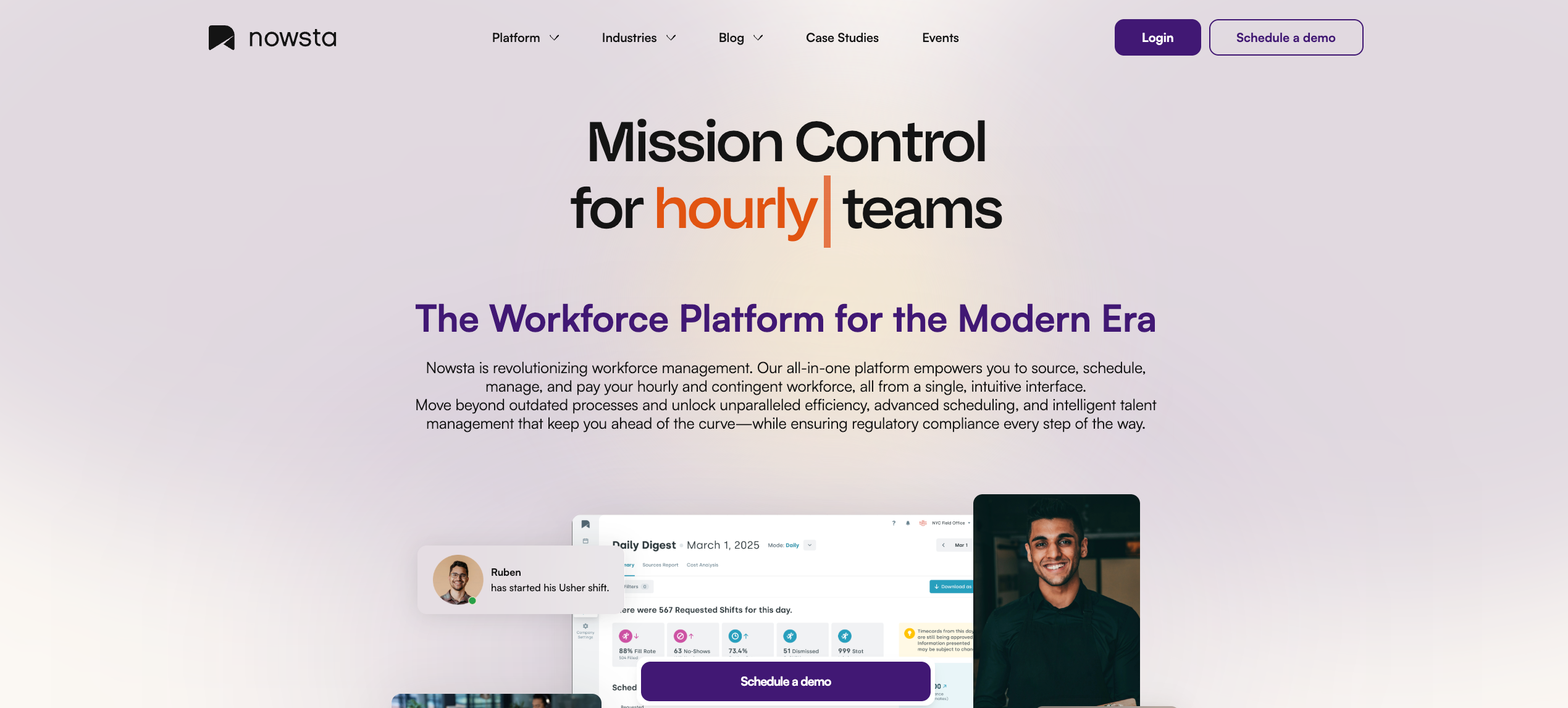
Nowsta is a workforce management platform purpose-built for teams that run on shifts. It was designed from the ground up for industries like catering, hospitality, events, healthcare, warehousing, and higher education, where managing hourly and contingent workers isn’t a side function. It’s the entire operation.
Most HCM platforms treat shift scheduling as one module among many. Nowsta treats it as the core.
What Nowsta offers:
- AI-powered scheduling that builds optimized schedules in minutes, not hours. Teams report cutting scheduling time by up to 80% and saving 8+ hours per week
- GPS-verified time and attendance with geofenced clock-in/out, automated alerts for late arrivals, and real-time visibility into who’s actually on shift
- Talent intelligence that ranks workers by skills, certifications, availability, and performance so you always put the right person in the right role
- Seamless payroll and labor integration that connects shift data directly to payroll, cutting processing time by 90% and eliminating manual exports
- Instant Pay access so workers can access earned wages same-day, which directly supports retention and shift coverage
- Mobile-first design where workers can view schedules, clock in, swap shifts, and receive shift reminders all from their phones
- Vendor and contingent workforce management for teams that rely on staffing agencies, with tools to manage spend, performance, and compliance across your entire vendor ecosystem
- Automated compliance monitoring with built-in alerts and reporting to keep every shift legally covered
Case Study: Simply Fresh Events
Simply Fresh was spending hours every week juggling shift coordination manually. After switching to Nowsta, they saved 6 hours a week on scheduling alone.
Read their story →
Teams across catering, venues, hotels, and warehouses trust Nowsta to manage over 1 million shift workers across 4,000+ locations. The platform also cuts no-shows by 28% through customized notifications, with teams that use them seeing 35% higher engagement rates.
If your operation lives and dies by the shift, schedule a demo and see what it looks like when workforce management is actually built for your world.
Read more:How AI Is Changing Labor Forecasting and Scheduling
2. UKG Pro
Best for: Large enterprises with complex scheduling and compliance needs
UKG Pro Workforce Management is the enterprise workforce management platform for organizations with complex workforce needs, helping manage time, attendance, scheduling, compliance, labor visibility, and employee self-service from a modern cloud platform. It was formed from the merger of Ultimate Software and Kronos, two names that dominated workforce management for decades.
UKG Pro is a strong fit for large enterprises, healthcare organizations, retail businesses with seasonal staffing, and manufacturing environments that need a range of roles and compensation structures.
What UKG Pro offers:
- AI-driven scheduling with demand forecasting and compliance-aware shift optimization
- Comprehensive time and attendance with multiple clock-in options, including mobile, badge, and biometric
- Payroll integration with multi-jurisdiction and union pay rule support
- Advanced workforce analytics and customizable dashboards
- Compliance and attestation tools that automate policy checks, approvals, and configurable workflows to help reduce compliance exposure
- Full HCM suite covering recruiting, onboarding, performance, and learning
Considerations:
Some workflows feel slow and unintuitive, especially for new users. Certain configuration changes still require support tickets instead of being self-service, which can delay projects. Small businesses may find UKG Pro overly complex and too expensive for basic needs. Organizations with limited HR teams may also struggle with the time needed to learn and support such a wide-ranging system.
For teams that need enterprise-grade depth but want something faster to operate day-to-day, Nowsta fills that gap cleanly. Schedules build in minutes, GPS-verified clock-ins remove the manual overhead, and the mobile-first setup means your workers are in the system without a learning curve.
3. Workday HCM
Best for: Large global organizations connecting HR strategy to financial outcomes
Workday is built for larger, more complex organizations that want an integrated Human Capital Management platform with payroll, workforce management, talent, analytics, planning, and increasingly AI-driven workflows. It’s one of the most recognized names in enterprise HR, and for good reason.
Workday HCM includes human resource management, workforce planning, recruiting, compensation, benefits, time and attendance, learning, and more.
What Workday HCM offers:
- Unified platform connecting Core HR, payroll, talent, workforce planning, and finance in one architecture
- AI-powered analytics and predictive workforce insights through tools like Workday Illuminate and HiredScore AI
- Global payroll and compliance support across 190+ countries
- Advanced skills mapping, succession planning, and career development tools
- Strong system of record capabilities, ideal for organizations that want one source of truth across regions, entities, and business units
- 600+ pre-built third-party integrations
Considerations:
Reviewers consistently flag a complex user experience that requires many clicks for simple tasks and has a steep learning curve. The mobile app also has usability issues. Implementation timelines are lengthy and resource-heavy, often delaying ROI significantly.
Workday is built for strategic HR at scale. If your priority is shift scheduling, labor cost control, and getting hourly workers in and out of the system fast, Nowsta does that without the enterprise overhead. You get automated compliance monitoring, real-time visibility, and payroll integration without a 6-month implementation runway.
Read more:Scheduling Software vs. Workforce Orchestration Platforms
4. ADP Workforce Now
Best for: Mid-to-large organizations prioritizing payroll reliability and compliance
ADP is one of the most established names in HR and payroll, and Workforce Now is its flagship platform for organizations with 50 or more employees. ADP Workforce Now supports 79% of core HR capabilities out of the box, with a strong partner network covering additional capabilities through integrations.
What ADP Workforce Now offers:
- Comprehensive payroll processing with multi-state tax compliance
- Time and attendance tracking with self-service options for employees
- Benefits administration, recruiting, talent management, and performance tools
- Scalable architecture that grows from basic payroll to a full HCM suite
- ZipRecruiter integration for streamlined job postings
Considerations:
Users note occasional reporting complexity challenges, and some find the platform pricing difficult for smaller businesses. ADP’s payroll heritage is undeniable, but its workforce management capabilities, particularly shift scheduling and contingent labor handling, aren’t its primary strength.
Teams that need more than payroll and basic HR, specifically intelligent scheduling and shift-based operations, find that Nowsta picks up where ADP leaves off. Nowsta eliminates unplanned overtime, cuts labor costs by up to 15%, and connects shift data directly to your payroll system without manual reconciliation.
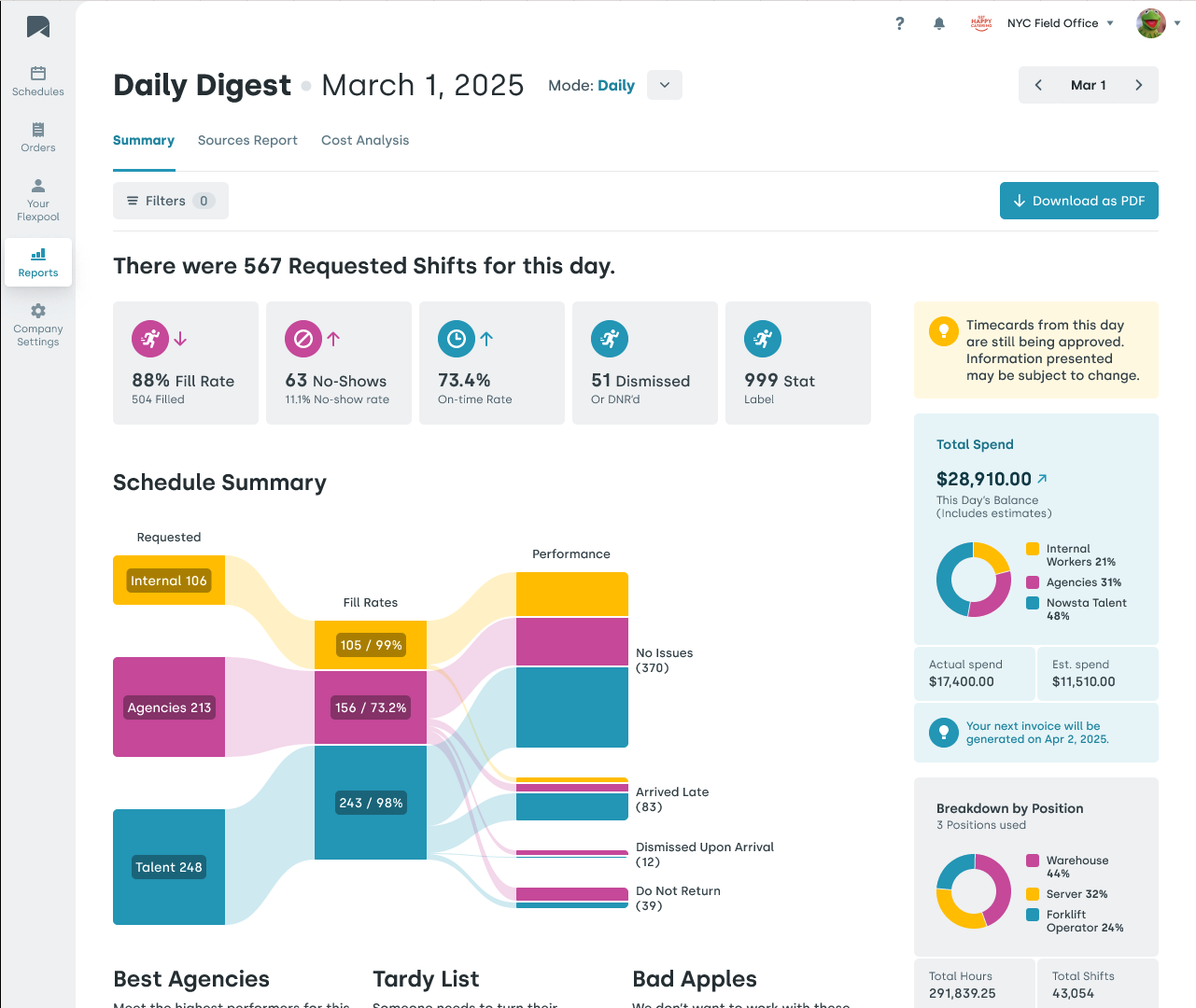
Case Study: Continental Services
Continental Services was drowning in payroll admin before Nowsta. After switching, they saved over 500 hours per year and cut payroll processing time by 90%.
Read their story →
5. Rippling
Best for: Growing companies wanting HR, IT, and finance in one system
Rippling is not a traditional HRIS. Instead of stopping at HR, it connects employee data to payroll, benefits, identity, app provisioning, device management, spend controls, and global workforce operations. It’s one of the most talked-about workforce platforms in 2026 for teams that want a single source of truth across departments.
What Rippling offers:
- Unified HRIS connecting HR, payroll, IT device management, benefits, and finance
- Workflow Studio for no-code automation across HR, IT, and finance processes
- Global payroll and employer-of-record services for international teams
- Performance management, learning, surveys, and headcount planning
- Automated onboarding that triggers payroll enrollment, IT account setup, and benefits selection simultaneously when a new hire is added
Considerations:
Time-tracking tools may not adapt well to irregular or highly variable work schedules. The mobile app also lacks many features available on the desktop version. Short-term or event-based use cases won’t benefit from Rippling’s comprehensive workforce features. It’s also modular pricing with limited upfront transparency.
For teams managing variable shift patterns, event-based staffing, or contingent workers across multiple locations, Rippling’s generalist architecture creates friction. Nowsta handles GPS clock-ins, shift reminders, real-time no-show alerts, and vendor management natively, without stitching together modules.
Read more: Benefits of Workforce Management Software for Enterprises
6. SAP SuccessFactors
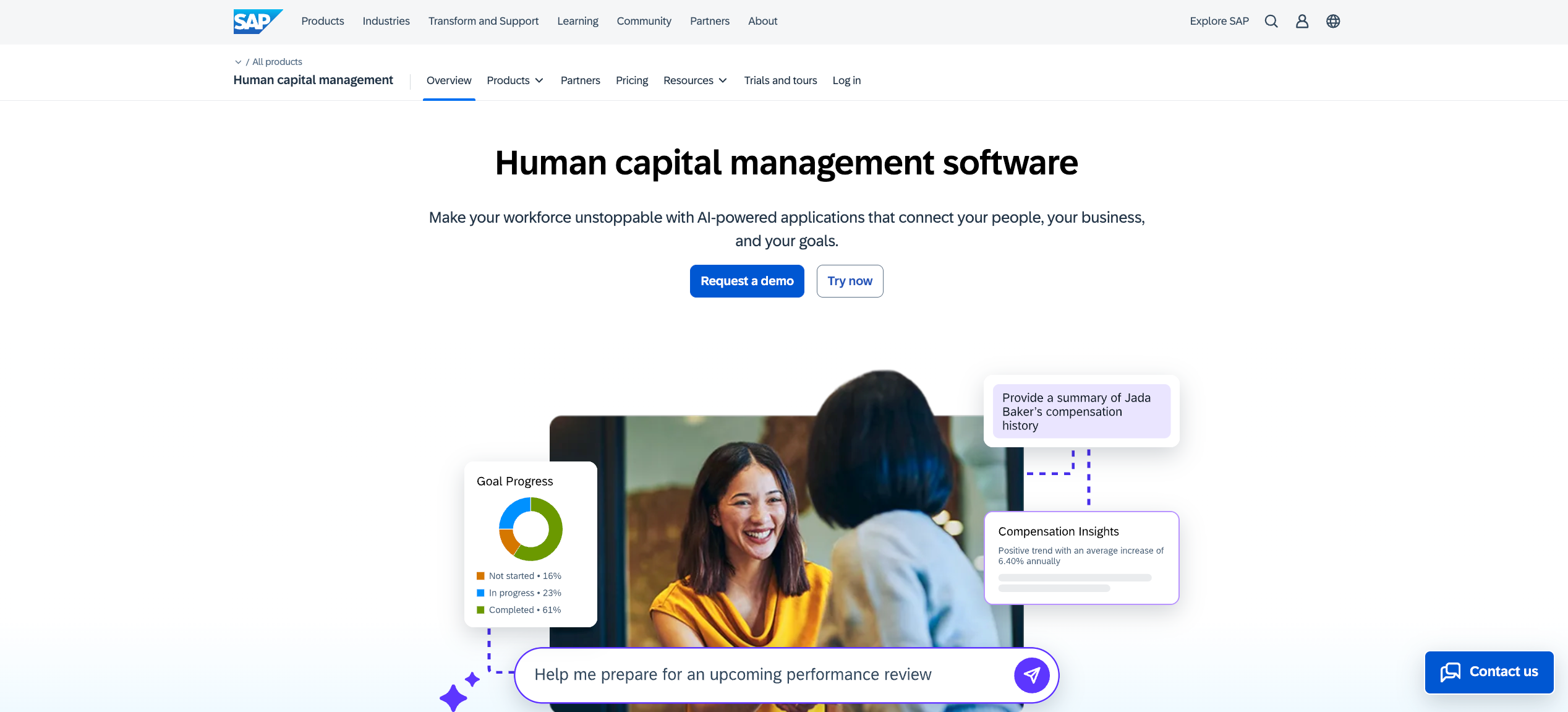
Best for: Large global enterprises with deep SAP ecosystem integration
SAP SuccessFactors is a cloud-based HRIS focused on large organizations, excelling in global HR, learning management, and succession planning with broad customization options and SAP ecosystem integration. It supports 100+ country localizations and is deeply embedded in large enterprise technology stacks.
What SAP SuccessFactors offers:
- Core HR and global payroll across 100+ countries and territories
- AI-powered talent management, including performance, succession, and learning via the Joule AI copilot
- Workforce planning with scenario modeling and predictive analytics
- Deep integration with SAP S/4HANA and the broader SAP ERP ecosystem
- Comprehensive compliance automation with localized regulatory updates
Considerations:
Users flag inconsistent UX as you move between modules, noting some feel “bolted on over the years” rather than natively integrated. It is extremely complex, requires significant implementation investment, and is realistically only cost-effective for large enterprises. SAP SuccessFactors’ scheduling and workforce management functionalities may not be on par with platforms designed specifically for managing time, attendance, and shift-based labor.
If your operation depends on high-volume shift coordination rather than enterprise talent strategy, Nowsta gives you AI-powered scheduling, automated compliance, and talent intelligence built for exactly that, without needing a SAP ecosystem to support it.
7. Paycor
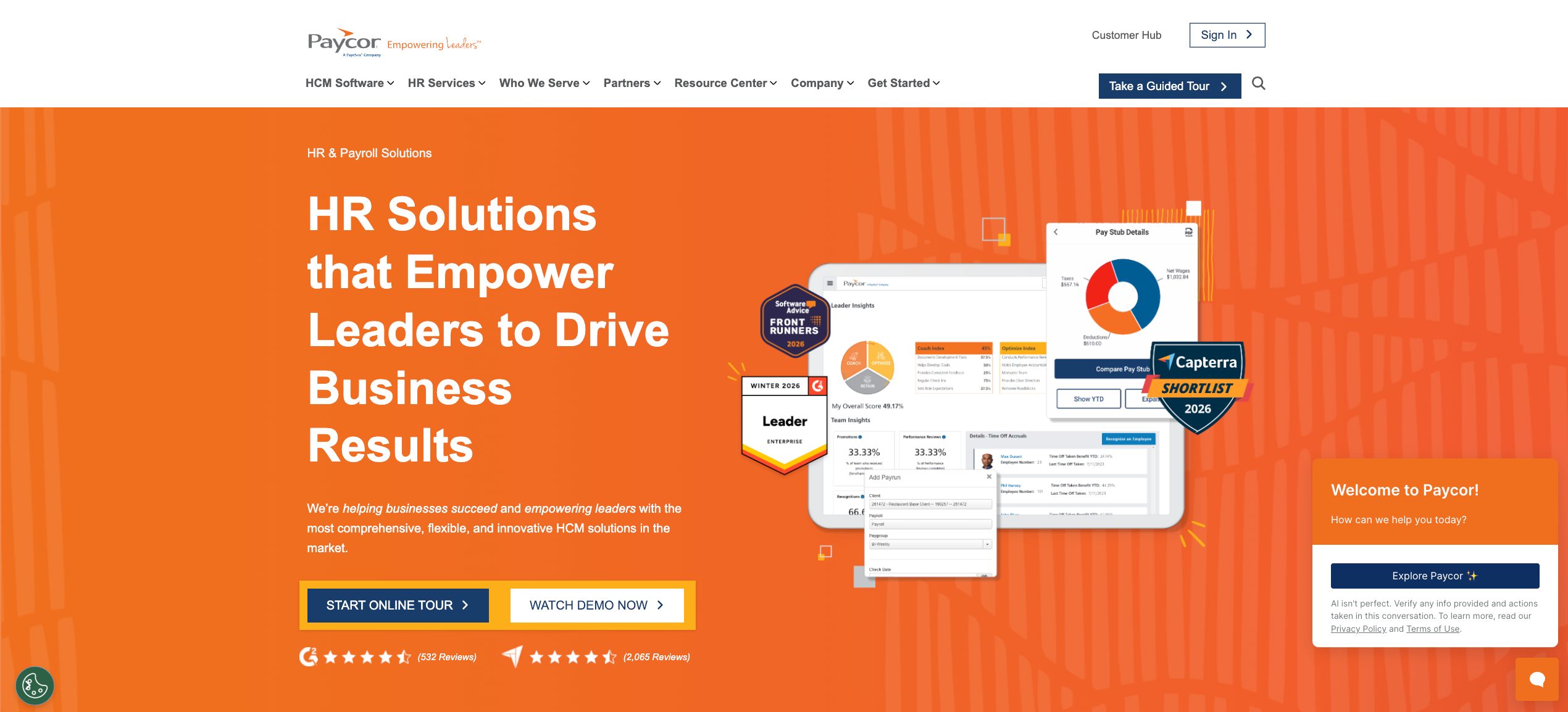
Best for: Small to mid-sized businesses needing unified HR and payroll
Paycor delivers a unified HCM platform primarily serving organizations with 10 to 1,000 employees across healthcare, manufacturing, restaurants, retail, and nonprofits. It has a strong reputation for payroll automation and making talent management accessible without enterprise-level complexity.
What Paycor offers:
- Automated payroll processing with built-in tax compliance across all 50 states
- AI-powered analytics for predicting turnover and identifying leadership performance gaps
- Recruiting, onboarding, learning, and performance management tools
- Mobile app for time tracking, shift management, and employee self-service
- 400+ native integrations with payroll, benefits, and accounting systems
Considerations:
Customization options, especially in reporting, are less flexible compared to some competitors. Users also flag occasional system glitches and inconsistencies when navigating between modules. While it covers time tracking and basic scheduling, teams with complex multi-location shift patterns or contingent labor often find its workforce management depth limited.
Nowsta fills that gap specifically for shift-based and event-driven operations. Where Paycor handles the HR foundation well, Nowsta layers in AI scheduling, vendor management, and GPS-verified attendance in real time.
8. Paycom
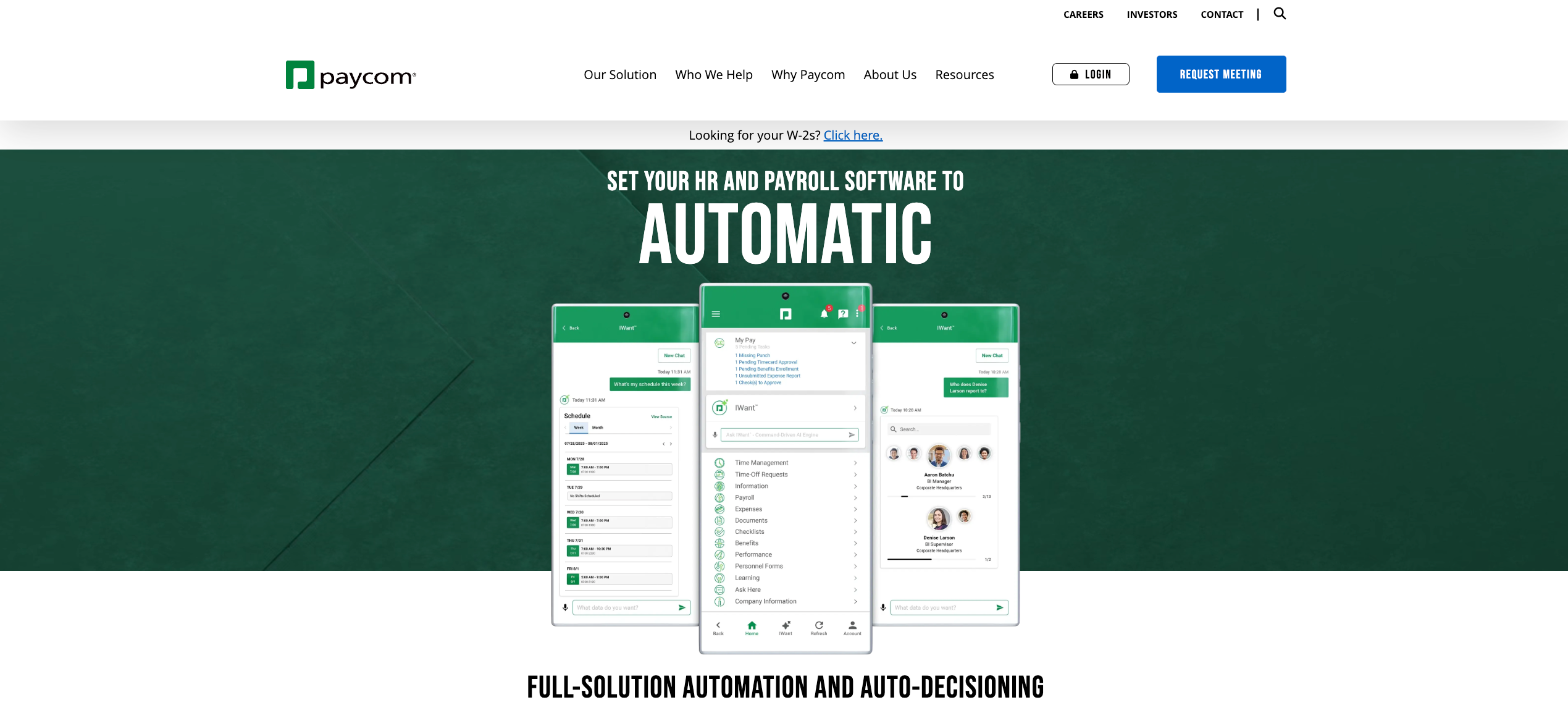
Best for: Mid-sized businesses wanting strong employee self-service and single-database payroll
Paycom is regarded as one of the first fully online payroll providers and offers vital features for talent acquisition, performance management, onboarding, benefits administration, and payroll tax management. Its biggest differentiator is Beti, its employee-driven payroll tool that lets workers verify their own pay before it runs.
What Paycom offers:
- Single-database architecture connecting all HR, payroll, and talent functions
- Beti payroll automation, cutting payroll processing time by up to 90%
- Mobile app with strong employee self-service for time tracking, scheduling, and benefits
- Talent acquisition, learning management, and performance tools
- Real-time HR analytics for headcount, turnover, and payroll data
Considerations:
Paycom’s workforce management capabilities may not be sufficient for businesses with more complex needs. It’s also not always the best fit for enterprise-level organizations seeking high-level reporting functionality. Like Paycor, its scheduling tools work for standard shifts but can fall short for high-volume contingent or event-based staffing operations.
For operations that need shift-level precision, multi-vendor coordination, or real-time labor cost visibility during an event, Nowsta’s vendor management and AI scheduling tools handle what Paycom’s WFM module wasn’t built for.
9. BambooHR
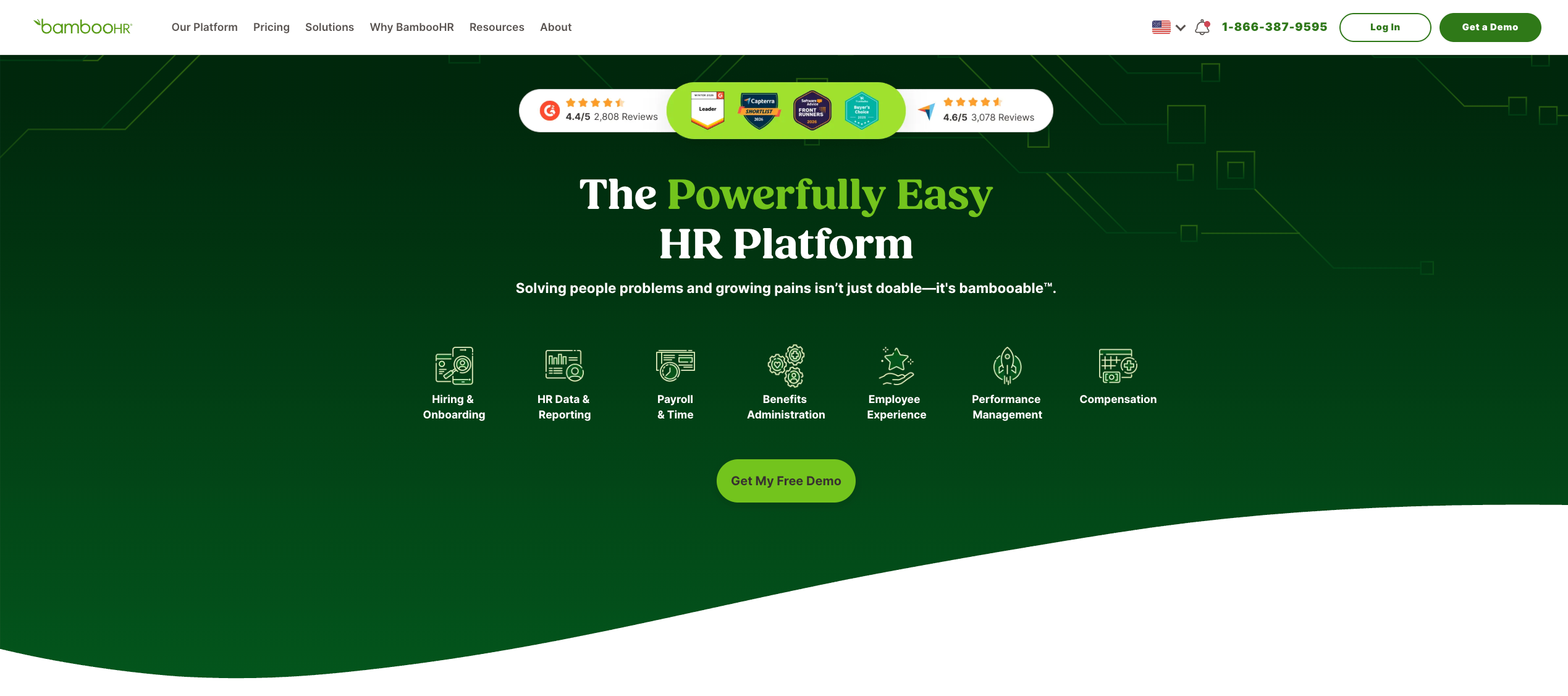
Best for: Small to mid-sized businesses wanting simple, intuitive HR software
BambooHR is ideal for small to mid-sized businesses, offering an intuitive interface, quick setup, and essential HR tools. It’s one of the most user-friendly HRIS platforms on the market and is particularly popular with teams that want modern HR software without enterprise overhead.
What BambooHR offers:
- Centralized employee records, onboarding, and performance management
- Time tracking and PTO management with a clean self-service interface
- Applicant tracking and basic hiring tools
- Employee satisfaction surveys and culture-building features
- Fast setup with minimal IT involvement required
Considerations:
BambooHR is intentionally lean. It doesn’t have modules for time and attendance and employee scheduling, and its payroll is limited in scope. For teams managing variable shifts, contingent workers, or multi-location operations, BambooHR hits its ceiling quickly.
That’s where pairing it with or replacing it with Nowsta makes sense. Nowsta brings in everything BambooHR leaves out: AI scheduling, GPS-verified time tracking, instant pay access, and real-time shift visibility, all from a mobile-first platform your team can actually use on the floor.
How Each Platform Handles Scheduling, Time Tracking, and Compliance
These three functions are where workforce management actually lives or dies. An HR platform can have a hundred features, but if it can’t build a schedule fast, track hours accurately, and flag a compliance issue before it becomes a lawsuit, it’s not doing its job.
Here’s how each platform approaches these three pillars, and where the differences actually matter.
Scheduling: From Manual Builds to AI Automation
Not all scheduling tools are the same. Some platforms attach scheduling as an afterthought module. Others make it the backbone of the product. The distinction shows up the moment you try to build a schedule for 30 workers across three locations on a Friday afternoon.
Platforms with strong scheduling depth:
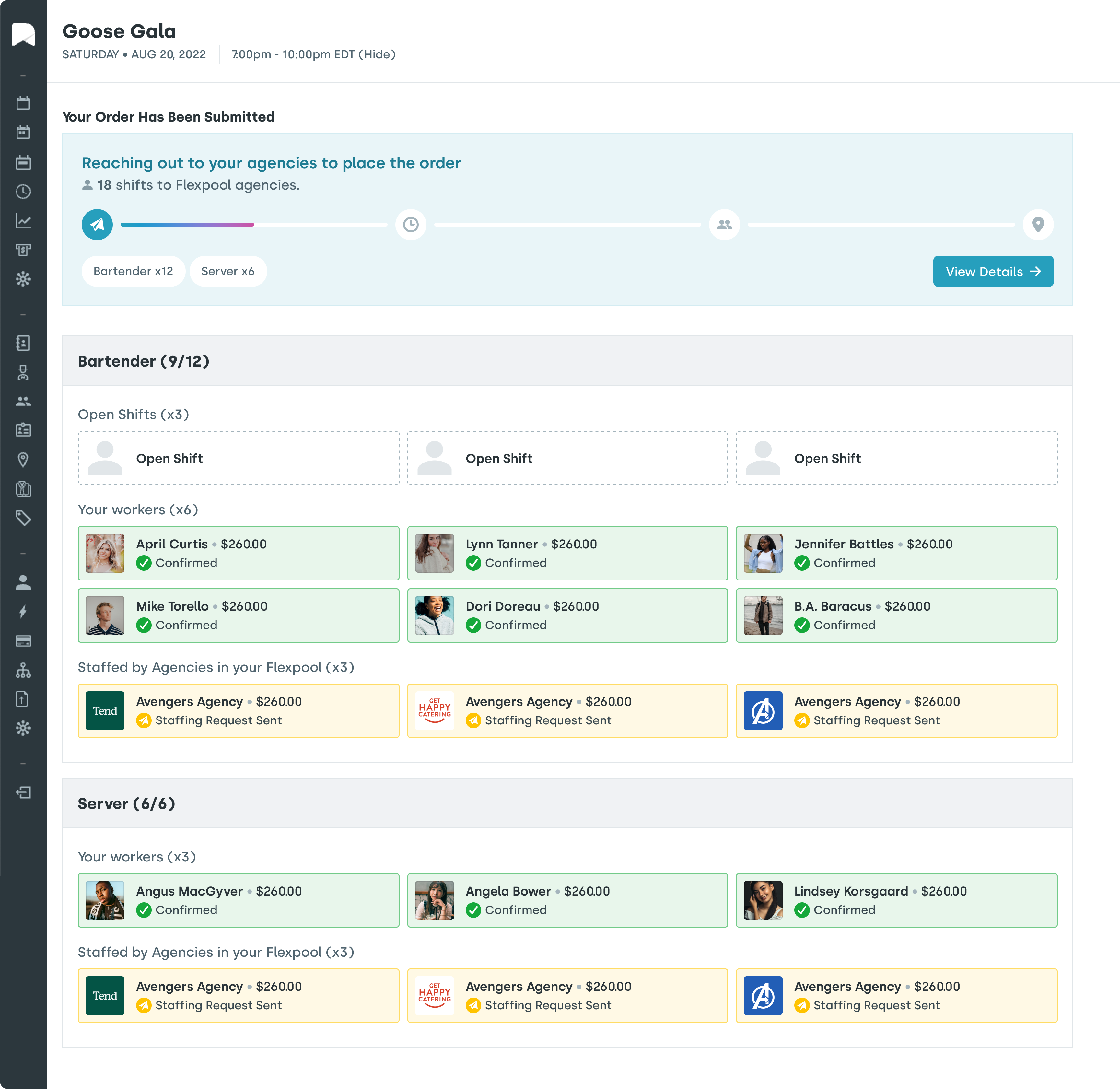
- Nowsta uses AI-powered automation to build optimized schedules in minutes, factoring in worker availability, skills, certifications, labor budgets, and compliance rules simultaneously. Teams reduce scheduling time by 80% and can broadcast open shifts directly to qualified workers through the mobile app. Real-time alerts fire the moment a no-show occurs, giving managers time to react instead of scrambling.
- UKG Pro offers intelligent scheduling with demand forecasting and machine learning that reduces understaffing. It handles complex pay rules and union agreements natively, which makes it strong for large manufacturing or healthcare environments.
- Workday HCM covers scheduling, but its configuration is heavier and better suited for salaried workforces. It requires more setup to work well for shift-based teams.
- ADP Workforce Now and Paycor both offer scheduling tools, but users consistently flag them as functional rather than sophisticated. They work for standard shift patterns but struggle with variable or high-volume environments.
- BambooHR and Rippling cover basic scheduling, but both are better known for their HR and IT functions than for shift management depth.
Read more:What Is Workforce Scheduling?
Time Tracking: Accuracy Is the Whole Game
Inaccurate time tracking creates a chain reaction: wrong hours lead to wrong pay, wrong pay leads to compliance exposure, and compliance exposure leads to legal and financial liability. The goal of any good managementsystem isn’t just to record hours. It’s to make accurate records automatically.
Here’s how each platform compares:
| Platform | Time Tracking Method | GPS Verification | Real-Time Visibility | Payroll Integration |
|---|---|---|---|---|
| Nowsta | Mobile, GPS-geofenced clock-in/out | Yes | Yes | Seamless, native |
| UKG Pro | Mobile, badge, biometric, kiosk | Yes | Yes | Native |
| Workday HCM | Mobile, web | Limited | Yes | Native |
| ADP Workforce Now | Web, mobile, time clocks | Limited | Moderate | Native |
| Rippling | Web, mobile | No | Yes | Native |
| Paycor | Mobile, web, time clocks | Yes | Yes | Native |
| Paycom | Mobile, web | Limited | Yes | Native |
| SAP SuccessFactors | Web, mobile, device integration | Limited | Moderate | Via integration |
| BambooHR | Web, mobile | No | Limited | Via integration |
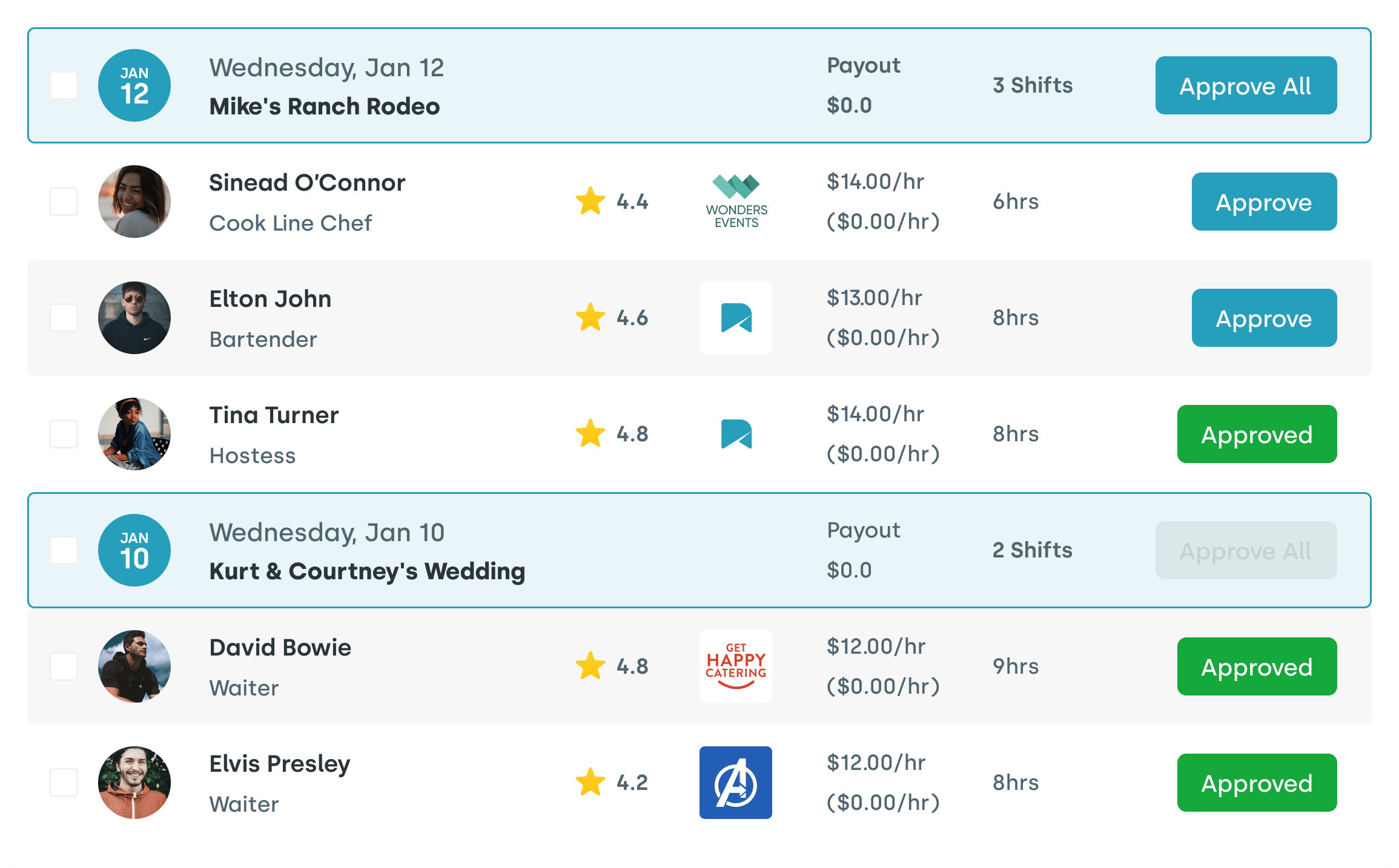
Nowsta’s GPS-verified time tracking with geofencing is a meaningful differentiator for operations with field-based or event-based teams. It prevents time theft, flags late arrivals automatically, and feeds directly into payroll without manual exports. For hospitality, catering, and warehousing teams, that accuracy gap is the difference between clean payroll and constant corrections.
Compliance: Baked In vs. Bolted On
Compliance risks in workforce management fall into two categories: the ones you see coming and the ones you don’t. Overtime violations, missed break requirements, misclassified workers, and state-specific pay rules all carry real penalties. A workforce management system creates a defensible system of record. Strong documentation turns hourly time data into audit-ready evidence, protecting teams during investigations or pay disputes.
Here’s where each platform stands on compliance:
- Nowsta automates compliance monitoring with built-in alerts for overtime thresholds, scheduling conflicts, and labor law triggers. Every shift, clock-in, and timesheet approval is logged automatically, giving operations teams a clean audit trail with zero manual effort.
- UKG Pro is one of the strongest platforms for compliance in complex environments, handling multi-state rules, union agreements, and predictive scheduling regulations natively.
- Workday HCM supports compliance across 190+ countries, making it a natural fit for global enterprises with complex tax regulations and labor law requirements. Its compliance support and automated workflows address regulatory requirements, helping organizations adapt as rules change.
- ADP Workforce Now has a long track record in payroll compliance, particularly for tax filings and multi-jurisdiction payroll. It’s less specialized when it comes to shift-level scheduling compliance.
- SAP SuccessFactors provides robust global compliance through automated rules engines, but its scheduling compliance tools aren’t purpose-built for hourly operations.
- Rippling, Paycor, and Paycom all include compliance monitoring, but primarily for payroll and HR records rather than real-time shift-level enforcement.
- BambooHR handles basic leave management and employee records compliance, but has limited depth for labor law enforcement in shift environments.
The core takeaway: most HR management software platforms offer compliance as a layer on top of HR operations. Nowsta embeds it directly into the scheduling and time tracking workflow, so you’re not checking compliance after the fact. You’re preventing violations before they happen.
Read more:Nowsta Solves Compliance Challenges for Contingent Workforce Management
Which Tools Work Best for Shift-Based and Hourly Workforces
This is the question most comparison articles sidestep. They rank platforms by feature breadth and leave it at that. But the entire employee lifecycle for an hourly worker looks completely different from a salaried employee’s, and most human capital management HCM platforms are built around the latter.
An hourly worker doesn’t need career pathing or succession planning as their day-one priority. They need to know when they’re working, how to clock in, and when they’re getting paid. A manager running an event staffing operation doesn’t need deep financialplanning integration. They need to fill 40 shifts by Friday, track who showed up, and close payroll cleanly.
The Shift-Based Workforce Reality
Managing hourly and contingent workers comes with a specific set of pressures that enterprise-grade hr processes tools aren’t designed to absorb:
- High turnover means constant onboarding cycles and worker pool management
- Variable demand means schedules change week to week, not quarter to quarter
- No-shows cost real money in real time, not just on a report
- Multi-location or multi-vendor operations add coordination layers that generic HR platforms can’t handle natively
- Compliance exposure is higher because labor laws specifically target hourly and non-exempt workers
Most HR and payroll systems aren’t designed to handle the complexities of managing an hourly workforce. It often means being forced to use a variety of tools with multiple logins, constant cross-referencing between systems, and tedious data re-entry.
That’s the problem. Here’s how each platform stacks up for teams that live this reality every day:
Best Fit by Workforce Type
- Nowsta: Built for this, specifically: Every feature in Nowsta was built with the hourly and contingent workforce in mind. AI scheduling that accounts for skills and availability. GPS-verified clock-ins that prevent buddy punching. Instant Pay so workers get paid without waiting. Talent intelligence that ranks contingent workers by past performance. And a mobile-first design that meets workers where they are, on their phones, not a desktop portal. For catering companies, event staffing agencies, hotels, warehouses, and universities, this is the tool that was actually designed for their world.
- UKG Pro: Strong but heavy: UKG Pro handles shift-based operations well, particularly in healthcare, manufacturing, and retail. It’s one of the few enterprise platforms with genuine scheduling depth for hourly workers. The tradeoff is complexity, cost, and implementation time. It’s built for organizations that have a dedicated HR team to manage the system. For a 200-person catering operation, that’s a lot of overhead.
- ADP Workforce Now: Payroll-first, scheduling second: ADP is reliable for payroll solutions and compliance, but scheduling is not its core strength. Teams that need to fill dozens of shifts quickly and track contingent workers across vendors will find it underwhelming. It works better as a payroll platform for operations that use a separate scheduling tool alongside it.
- Workday HCM: Built for salaried workforces: Workday’s scheduling tools require heavy configuration to work well for hourly environments. It’s better suited for organizations where workforce planning is a strategic HR function, not an operational daily task. For shift-based operations, the effort-to-value ratio doesn’t hold up.
- Rippling: Useful for tech-forward teams, not the floor: Rippling is a strong all-in-one solution for companies that want HR, IT, and finance unified. But its time-tracking tools don’t adapt well to irregular schedules, and its mobile app doesn’t match what you’d expect from a tool managing workers on their feet all day. Time-tracking tools may not adapt well to irregular or highly variable work schedules, and the mobile app lacks many features available on the desktop version.
- Paycor and Paycom: Mid-market solid, not shift-specialized: Both platforms serve mid-sized companies well for general HR and payroll operations. They cover basic scheduling and time tracking, but neither was built specifically for the dynamics of shift-based, contingent, or event-driven workforce management. For teams where scheduling is a core daily operation, they’ll hit ceilings quickly.
- BambooHR and SAP SuccessFactors: Wrong tool for the job: BambooHR is excellent for medium-sized businesses managing a relatively stable, salaried or semi-salaried workforce. It’s not a shift management platform. SAP SuccessFactors is built for global enterprise HR strategy. Neither is the right fit for operations where a manager needs to fill 25 shifts by 6 PM.
The Purpose-Built Option Most Lists Never Mention
Most comparison articles on Dayforce alternatives are built around a single axis: enterprise HR software. They compare Workday vs. UKG Pro vs. SAP SuccessFactors and call it a day. What they miss entirely is the segment of the market where Dayforce actually loses the most customers: shift–basedoperations that don’t need an enterprise HCM suite.
If your team runs on hourly workers, contingent staff, staffing agency relationships, or event-driven scheduling, you’re not looking for a platform that manages the entire employee lifecycle from hiring to retirement. You’re looking for something that executes every shift, cleanly, compliantly, and with visibility you can actually use in real time.
That’s not what most HRplatform options on these lists were built to do. And that gap is exactly where Nowsta was designed to operate.
What Makes Nowsta Different
Most integrated hr platforms start with the full employee record and add scheduling as a module. Nowsta starts with the shift and builds everything outward from there. The keyfeatures that set it apart aren’t just functionally different. They’re philosophically different:
- Scheduling that actually scales: Build and fill complex schedules in minutes, not hours. AI automation handles the heavy lifting while managers stay in control. No more text chains. No more spreadsheet exports. Teams using Nowsta cut scheduling time by 80% and save up to 8 hours per week.
- Talent intelligence for the contingent workforce: Most HR function tools track employees. Nowsta tracks performance. Workers are ranked by skills, certifications, attendance history, and reliability, so you’re always putting your best people in the right roles.
- Vendor management built in: For teams that rely on staffing agencies, Nowsta’s vendor management platform gives you a single system to manage agency spend, performance, compliance, and invoicing across your entire vendor ecosystem. That’s an all-in-one solution most HCM platforms can’t touch.
- Real-time labor cost visibility: Budget alerts fire when an event is tracking over cost. Managers can see labor spend in real time and adjust before it becomes a problem. That’s not just operational efficiency. That’sdata-drivendecisions with teeth.
- Mobile access that workers actually use: Workers can view schedules, accessschedules, claim open shifts, clock in with GPS verification, and receive shift reminders all from their phones. Teams using customized notifications see 35% higher engagement rates and 28% fewer no-shows.
- Compliance without the complexity: Automated compliance monitoring, built-in audit trails, and labor law alerts mean your HRoperations team isn’t chasing compliance documentation after every shift.
Who Nowsta Is Built For
Nowsta works across catering, hotels and hospitality, event professionals, warehousing, higher education, and home healthcare. Any operation where the shift is the unit of work and the worker is hourly or contingent.
It’s also the platform that removes multiple disconnected tools from the picture entirely. Scheduling, time tracking, payroll integration, talent intelligence, vendor management, and compliance monitoring all live in a singlesystem. That’s not just convenient. It’s the difference between reacting to workforce problems and preventing them.
Case Study: OTH Company
OTH Company scaled a nationwide event staffing operation using Nowsta, bringing order to a complex, high-volume workforce across multiple markets.
Read their story →
Most platforms on this list were built for HR departments managing salaried employees in offices. Nowsta was built for the people managing 50 workers across a venue on a Saturday night. That distinction matters more than any feature comparison table.
If you’re managing hourly or contingent workers and want to see what workforce management looks like when it’s actually designed for your operation, schedule a demo and find out.
Read more:From Scheduling to Workforce Intelligence
Your Workforce Deserves Better Than Dayforce
Switching platforms is a big decision. But staying on the wrong one is bigger. Whether you need stronger scheduling depth, faster implementation, better mobile access, or a tool that actually understands hourly and contingent work, the right alternative exists for your operation.
Key takeaways from this guide:
- Dayforce works well for mid-to-large enterprises but struggles with complex shift patterns, steep learning curves, and slow support
- UKG Pro and Workday are powerful but come with significant implementation overhead and cost
- ADP, Paycor, and Paycom cover payroll and HR well, but aren’t purpose-built for shift-based operations
- Rippling and BambooHR serve specific use cases but fall short for high-volume hourly workforce management
- Most comparison lists miss the platforms built specifically for shift-based, hourly, and contingent workforces
If your team runs on shifts, Nowsta is the platform most lists never mention but probably should. It was built from the ground up for exactly the kind of workforce management your operation demands, with AI scheduling, GPS time tracking, vendor management, and real-time labor visibility all in one place. Schedule a demo and see the difference a purpose-built platform makes.
Frequently Asked Questions
Who is Dayforce’s biggest competitor?
UKG Pro is Dayforce’s biggest competitor. Both platforms offer enterprise-grade benefits management, managing payroll, performance reviews, and compliance tools. UKG Pro edges ahead for shift-heavy industries with stronger AI scheduling, while Dayforce holds an advantage in real-time global payroll processing.
Who are the top WFM competitors?
The top WFM competitors in 2026 include UKG Pro, Workday HCM, ADP Workforce Now, Rippling, Paycor, SAP SuccessFactors, and Nowsta. Each platform targets a different use case. Pricing varies significantly across all of them, from mid-market solutions with customizable workflows to full enterprise suites with AI-driven insights and document storage. Nowsta stands out as the purpose-built option for hourly and shift-based teams.
What is the best WFM software?
It depends on your operation. For enterprise HR with compensation management and performance reviews, Workday or UKG Pro lead. For teams that need to streamline scheduling, reduce administrative burdens, and support an agile workforce, Nowsta is the strongest fit. It automates hr processes, delivers AI-powered insights on labor costs, and uses real-time analytics to help teams maximize productivity and hit their business goals.
What is the difference between Dayforce and Workforce?
Dayforce is a full HCM suite covering the entire employee lifecycle, including HR, benefits management, and compensation management. It’s built to reduce administrative burdens across broad hr functions. Workforce management platforms focus on operational execution: time management, shift scheduling, employee engagement, and employee experience at the shift level.
Dayforce handles strategic HR. A purpose-built WFM tool like Nowsta handles daily operations with less overhead, better customizable workflows, and stronger support for frontline soft skills and business goals.